DECT Wireless Headset for Desk Phone: Honest Review

Three weeks into using the Yealink WH63 as my daily work-from-home headset, I wandered into the kitchen mid-call, poured a full cup of coffee, and realized I hadn’t missed a single word.
**The moment a wireless headset earns its place on your desk** is never dramatic. It’s a Tuesday standup that bleeds twenty minutes over schedule, and you’re pacing the hallway because sitting still stopped being an option around minute eight. The Yealink WH63 DECT wireless headset was clipped to my ear that morning, the cord from my old USB headset finally retired to a drawer somewhere. What struck me first wasn’t the audio quality or the mic pickup, though both held up fine. It was the quiet, almost unremarkable fact that I had walked to three different rooms and the call had just followed me, no crackle, no re-pairing ritual, no moment of panic at the edge of what I thought was its range.
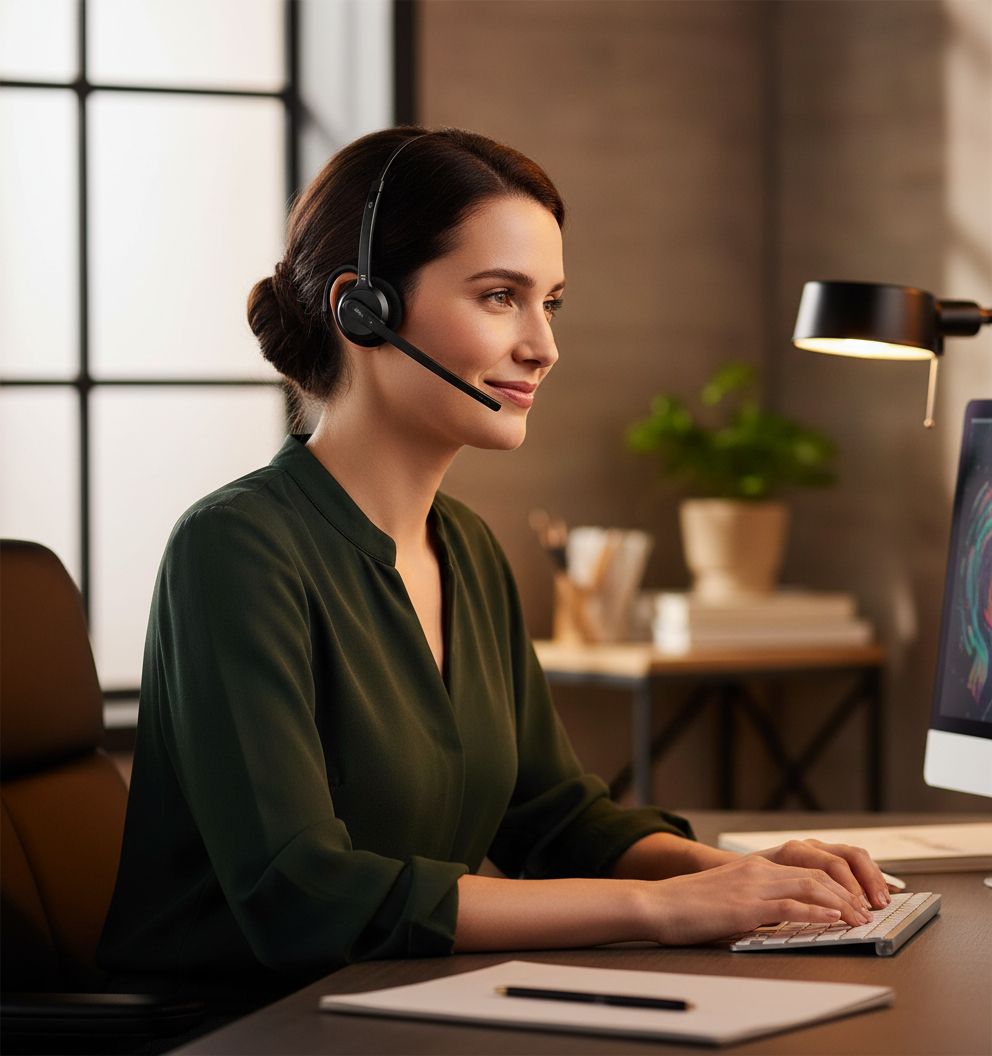
The First Time I Used It
I came across the Yealink WH63 the way most people come across office peripherals: with mild desperation and a browser tab graveyard. My previous headset had started cutting out mid-sentence, which is a particular kind of professional embarrassment when you’re the one running the meeting. I’d been browsing wireless headset reviews across Tom’s Guide and kept landing on DECT as the technology that actually holds up in busy home environments, where Wi-Fi congestion can brutalize Bluetooth audio. Yealink’s name came up repeatedly in the same breath as enterprise reliability.
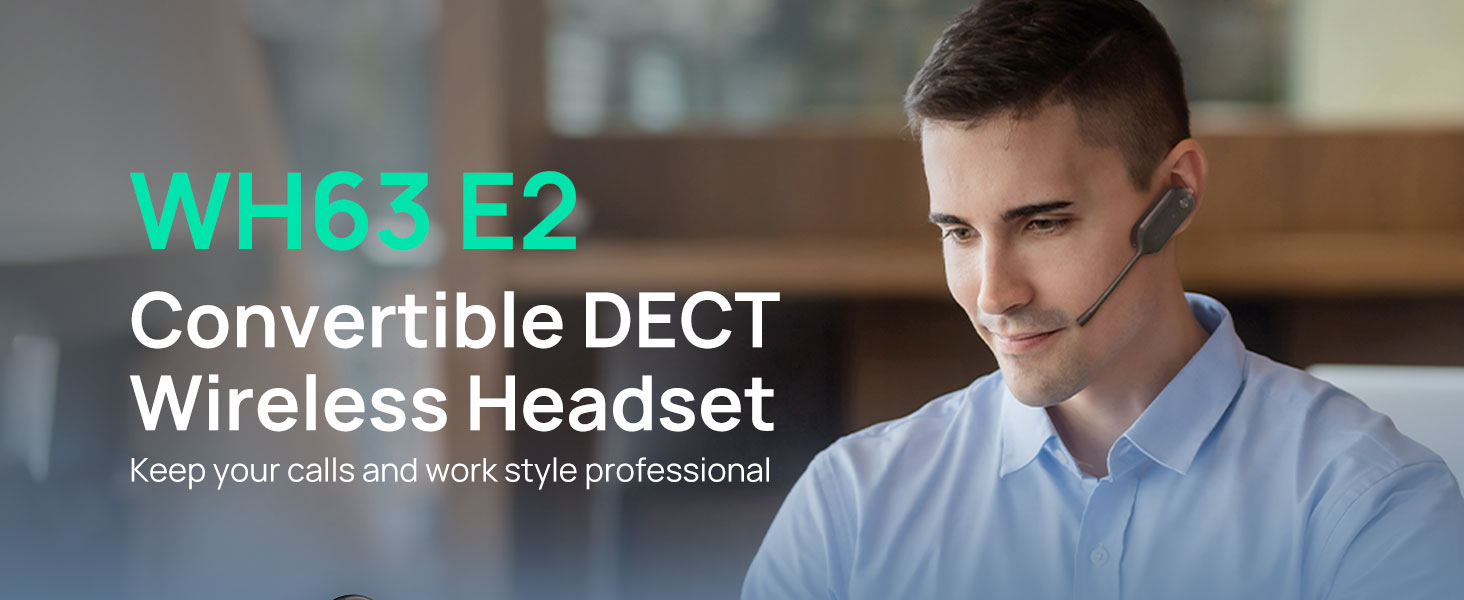
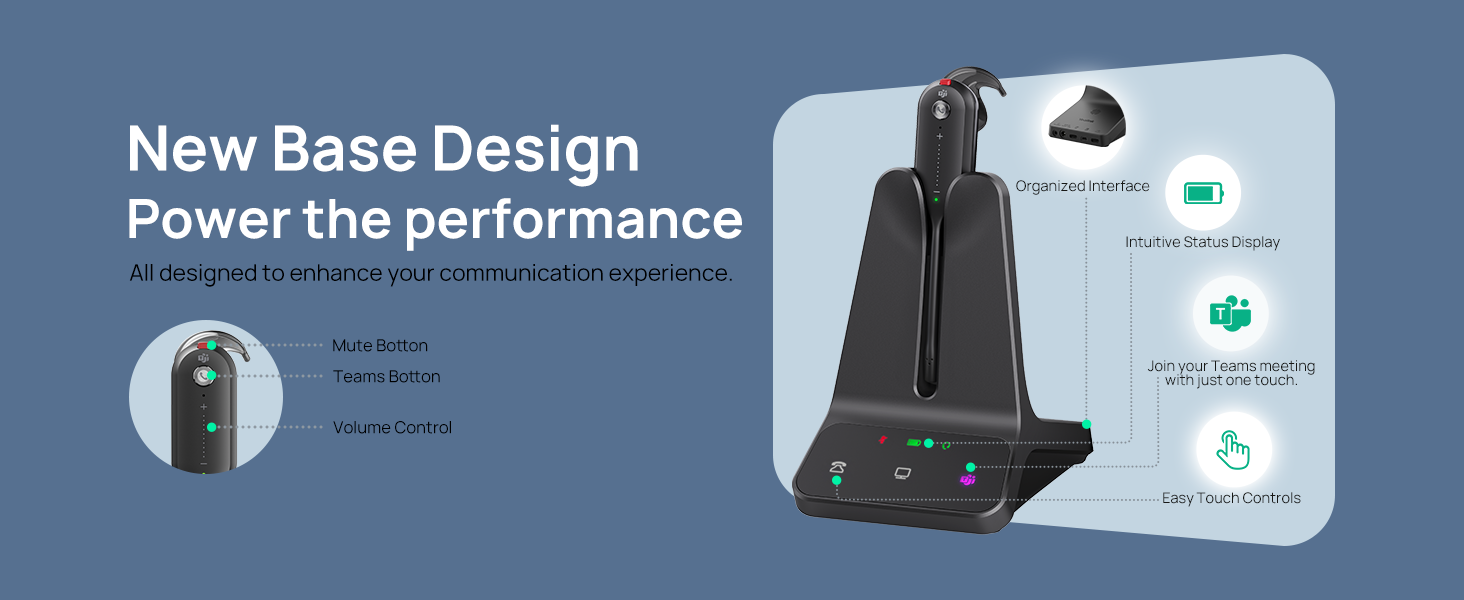
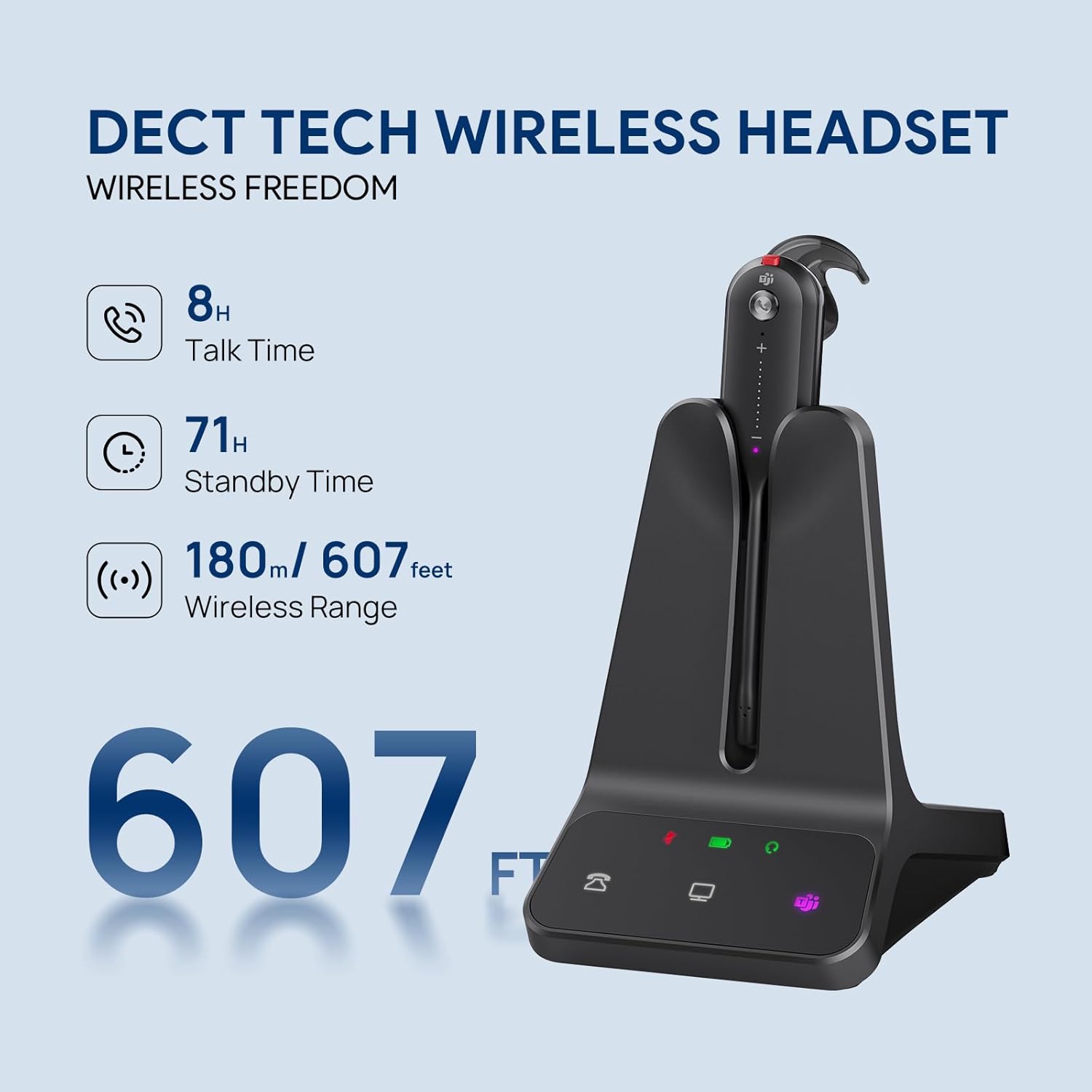
The WH63 arrived in straightforward packaging, nothing theatrical about it. What pulled me in was the spec sheet simplicity: Teams certified, 607-foot wireless range, noise-cancelling mic, and a mono form factor designed for people who need to stay present in their physical space while staying locked into a call. That last part mattered to me more than I expected it to.
How It Actually Performs
The DECT connection is the headline feature, and it delivers. Over three weeks, I tested this headset across a home office, a kitchen, a back porch, and once, memorably, a garage while hunting for a shipping box mid-call. The signal held across all of it. Battery life across a full workday was consistently strong, with the rated 13 hours feeling honest rather than optimistic in the way that most battery claims aren’t. I charged it overnight twice a week and never hit a wall during business hours.
“The DECT connection doesn’t just reach far, it stays clean in a way Bluetooth at the same range simply doesn’t.”
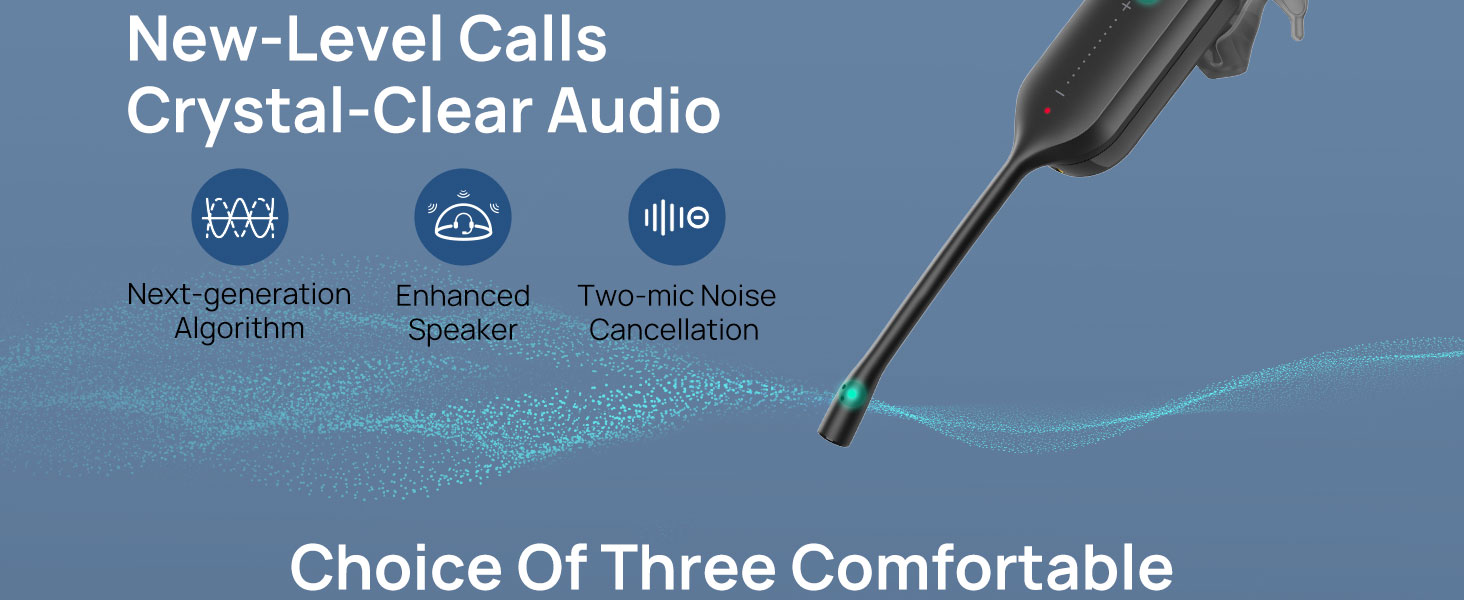
The noise-cancelling mic performed well in the scenarios that matter most: a home office with a ceiling fan running, a kitchen with ambient noise from the street. Voices on the other end reported that I sounded clear and close. The one honest caveat is the mono form factor. If you’re used to wearing stereo headphones for calls, the open-ear design takes adjustment. You hear your room, your kids, your dog. Some people will love this. Some will find it distracting. Coverage of office audio gear at The Verge has noted this same trade-off in professional headsets repeatedly, and it’s worth knowing going in.
How I Actually Used It
Setup 1: Tuesday Standup, Third Cup of Coffee
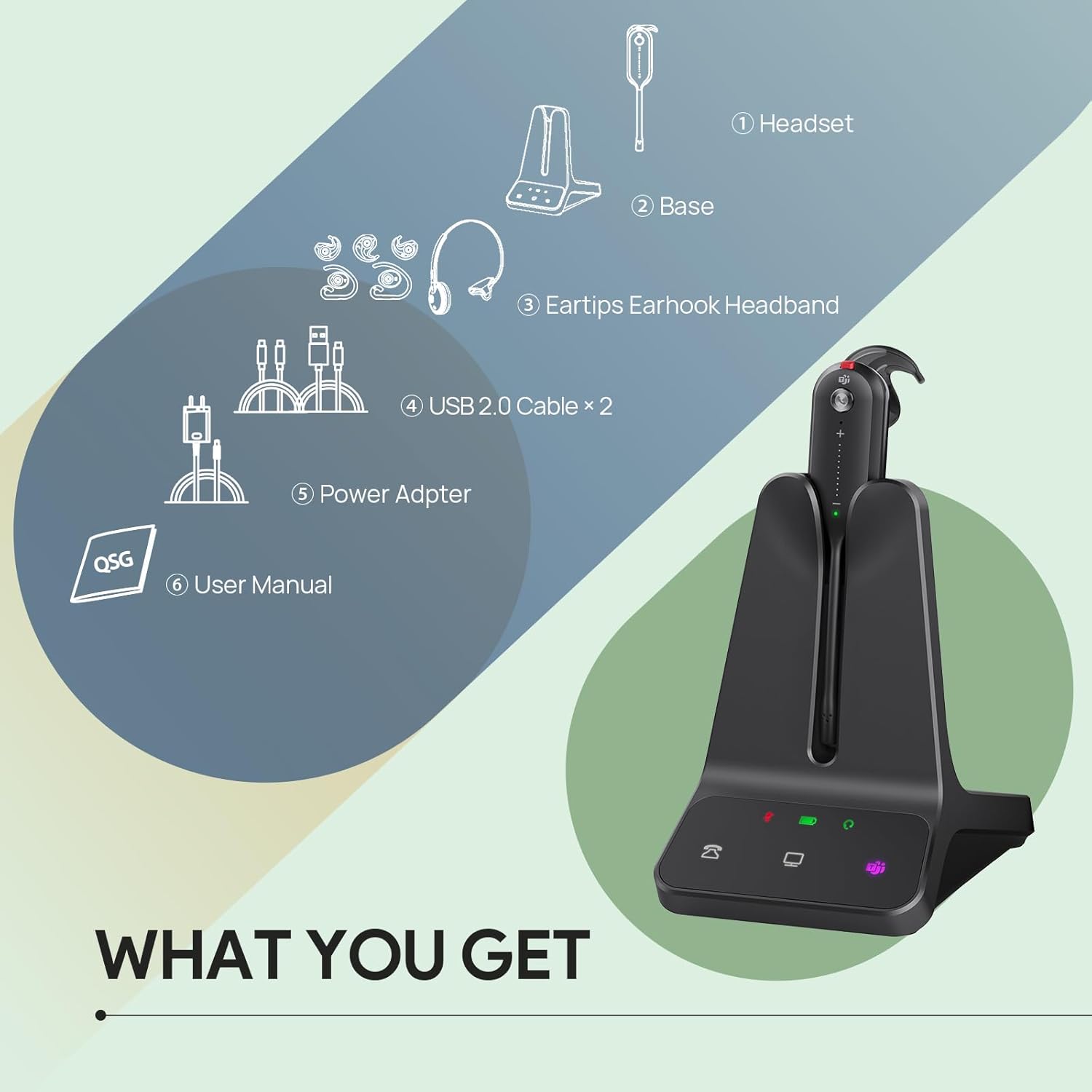
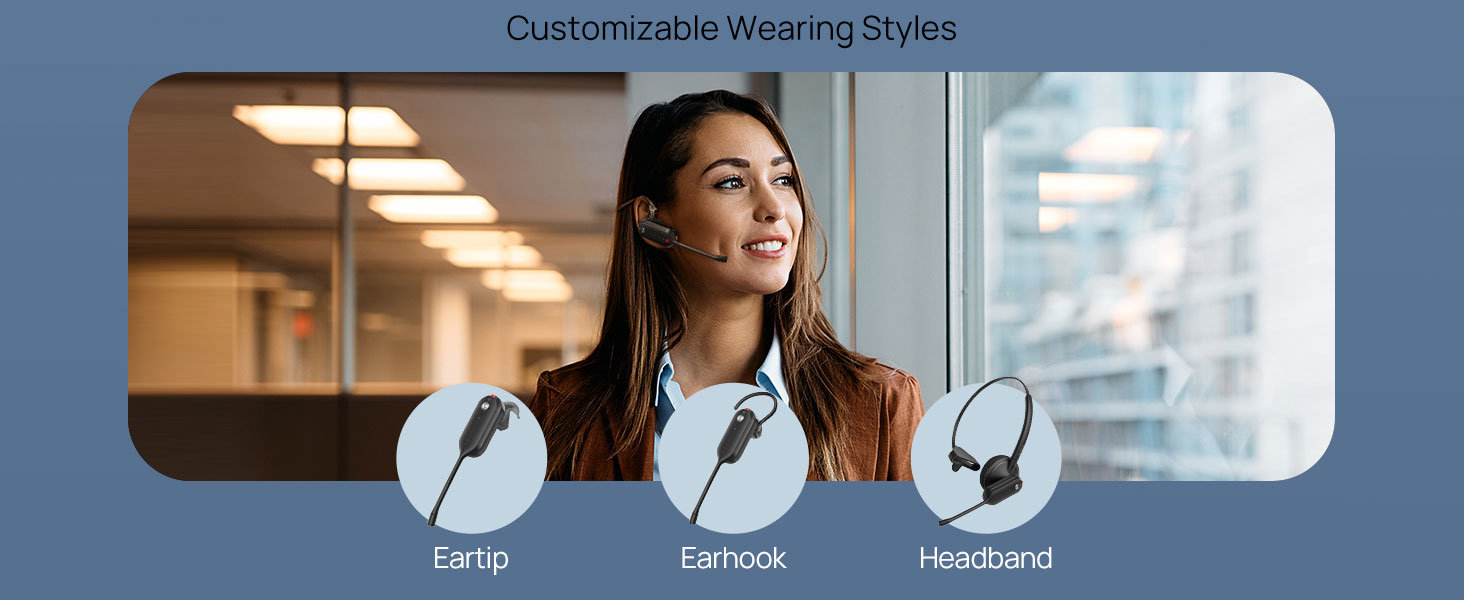
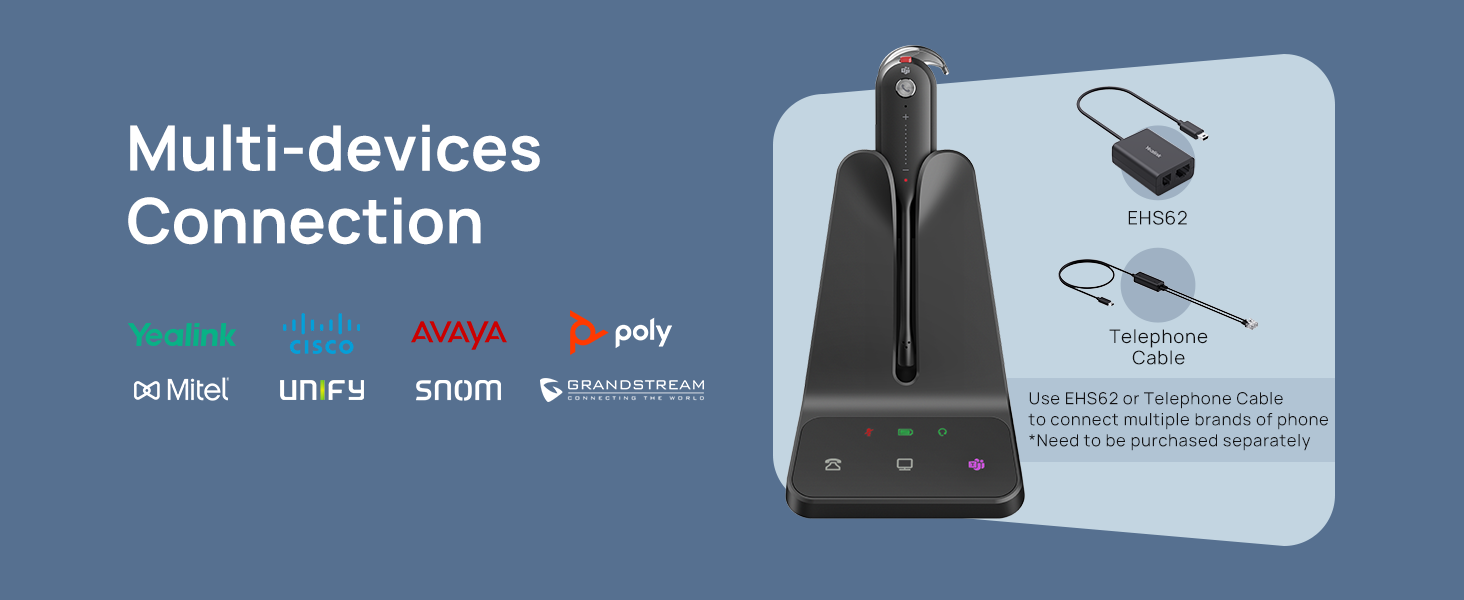
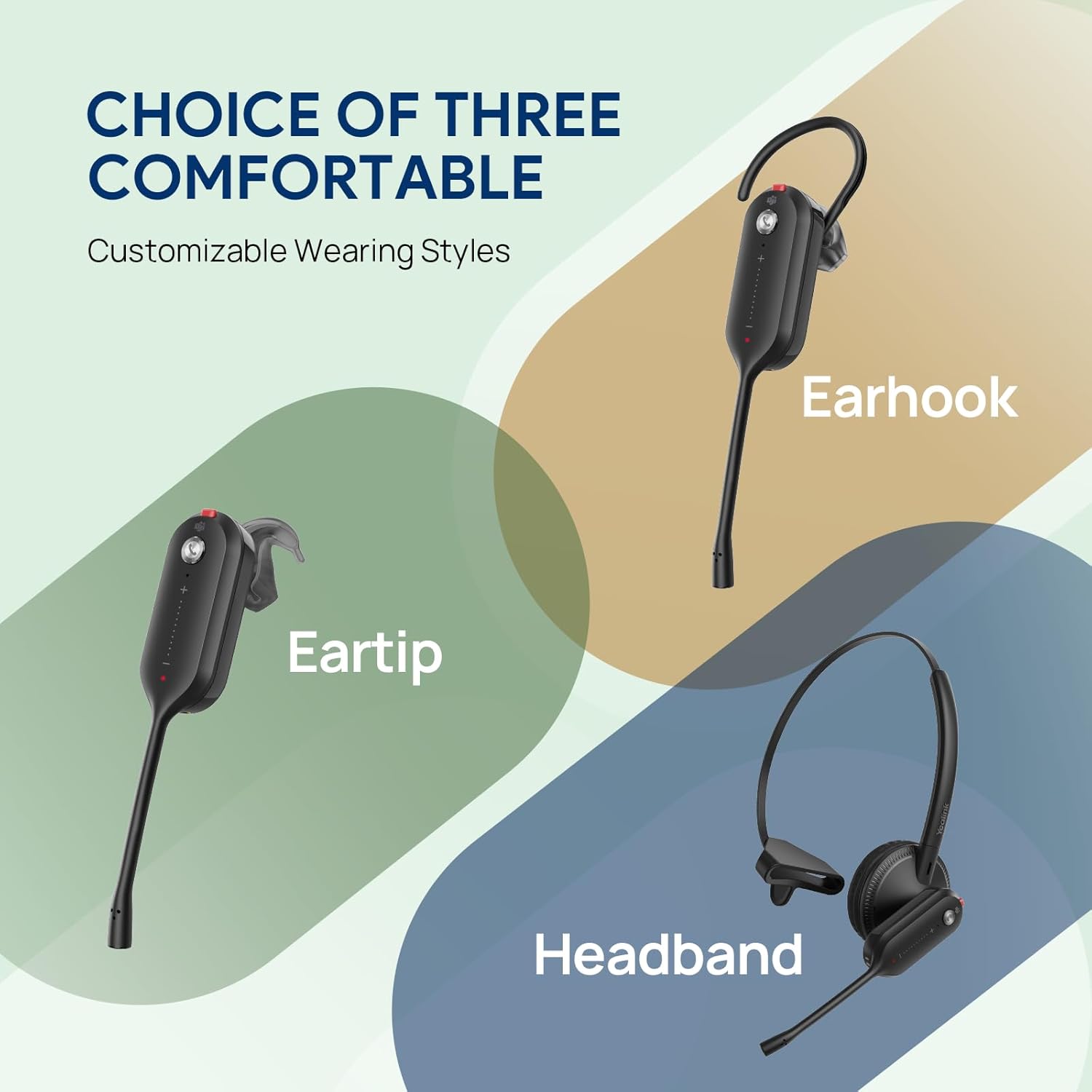
My work-from-home setup is a converted second bedroom with a standing desk, a Yealink desk phone that IT provisioned two years ago, and a temperamental Wi-Fi extender that I keep meaning to replace. The WH63 paired with the desk phone via the included DECT base in under two minutes. No drivers, no app required for basic use. I wore it in the over-the-head configuration the first few days, and by the end of week one the headset had become the first thing I reached for when my monitor lit up with an incoming call. The weight is unremarkable in the best way, light enough that I forgot I was wearing it during a 45-minute vendor call.
Setup 2: Softphone Day, Back-to-Back Zoom Blocks
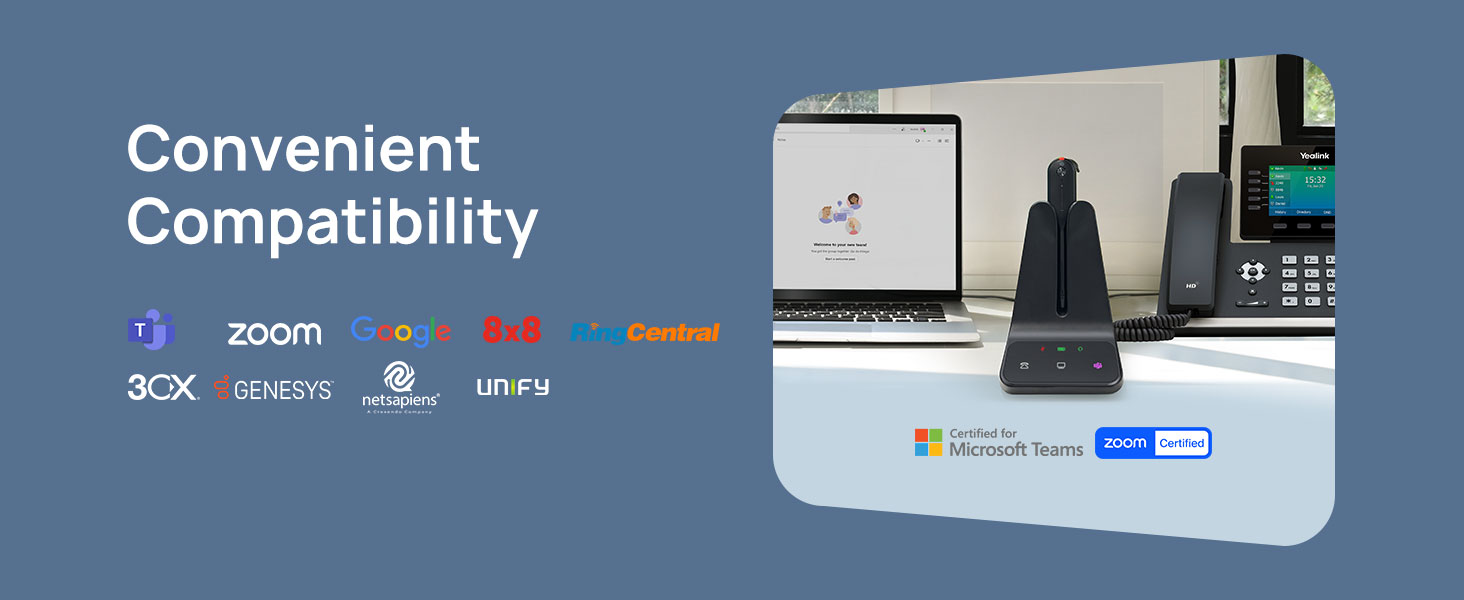
On days when I’m running entirely off my laptop through Microsoft Teams, the WH63 transitions cleanly via USB. The Teams certification isn’t just a badge here. Call controls on the headset, mute, volume, answer and end, actually register in the Teams interface, which sounds like a baseline expectation but remains genuinely rare among headsets in this tier. I had four calls back to back on a Wednesday, the kind of schedule that makes you resent your own calendar, and the headset sat on my ear through all of them. No recharge needed, no dropped connections, no complaints from callers about audio quality.
Setup 3: The Living Room Experiment
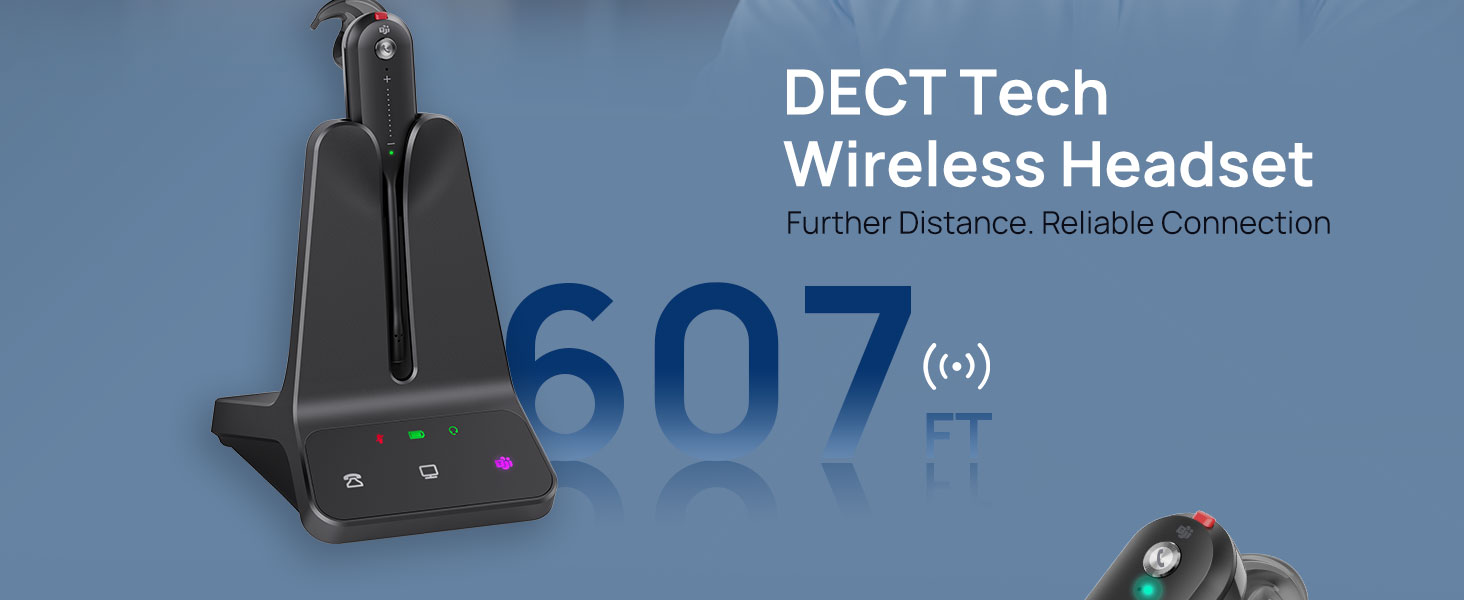
This one was more curiosity than professional necessity. I wanted to know what 607 feet of range actually felt like in a real home context, not a warehouse. The answer is: more than enough for any reasonable work-from-home scenario. I walked to the far end of my home, down a hallway, through two walls, and the audio stayed clean. The base station sat on my desk the entire time. For a work-from-home upgrade that you’d use primarily within a single floor of a house or apartment, the range is almost comically generous.
What Other People Are Saying
The broader reviewer pool for the Yealink WH63 is split in a way that’s actually informative. One five-star reviewer cut to the point with “works perfectly with Yealink phones, comes with everything, no additional power cords or phone attachments needed,” which tracks exactly with my experience of the setup process. The one-star reviews cluster around a specific failure mode: the headset not ringing for incoming calls, a problem that appears to be more about desk phone compatibility and DECT configuration than the headset itself, but it’s real enough to note. Detailed hardware testing at RTINGS has consistently shown that DECT pairing issues are almost always solvable with firmware updates and proper base station positioning.
The honest read on the review distribution is that this headset rewards buyers who are already in the Yealink ecosystem or who pair it primarily with a computer softphone. Buyers using it with third-party desk phones should check compatibility before committing.
Who Should Skip It
If your calls are primarily on a mobile phone, the WH63 is not designed for you. There is no Bluetooth pairing to a smartphone, and no option to take a cell call without pulling out your earbuds. Stereo audio listeners will also find this limiting: the mono form factor means music, podcasts, and video calls with spatial audio all sound like they’re coming from one side of your head. That’s a reasonable professional trade-off but not a casual listening experience. Finally, if you work in a shared open-plan space where you’d want passive noise isolation from your physical environment, the open-ear mono design lets ambient sound in by design.
What It Replaces on My Desk
Before the WH63, I was using a corded USB headset that I’d owned for four years. It worked. It always worked. But it also meant I was tethered to a 1.5-meter cable, which in practice meant I sat at my desk for every call, even the long ones, even the ones that would have benefited from pacing. The WH63 replaced that headset and also, indirectly, replaced a habit. I move more during calls now. I think more clearly. Whether that’s the headset or just the freedom it gave me is hard to separate, but the correlation is strong enough that I’m not going back to a cord.
If you’re building out a broader keyboard and peripheral setup for remote work, adding a reliable wireless headset changes the physical experience of a workday more than most desk upgrades. It’s worth browsing our editor’s curated tech recommendations if the WH63 lands in the right zone for your needs but you want to compare options first.
FAQ
Does the Yealink WH63 work with non-Yealink desk phones?
It can, but compatibility varies. The most consistent experience is with Yealink desk phones, where pairing is automatic. For other brands, check the Yealink compatibility guide before purchasing, as some users have reported incoming call ring issues with third-party phones.
How long does the battery realistically last?
In daily use across eight-to-nine hour workdays, I found the 13-hour rated battery life to be accurate. I charged it every other night and never ran out of power during business hours.
Can I switch between my desk phone and computer softphone?
Yes. The WH63 supports both connections simultaneously and switching between them is handled on the headset itself. The Teams-certified controls work natively without additional software configuration in most cases.
Is the build quality consistent with Yealink’s reputation?
The matte ABS plastic construction feels utilitarian rather than premium, but it’s solid and doesn’t creak or flex under normal daily handling. Yealink’s enterprise track record suggests this is a headset built for durability over years, not aesthetics over months. Given the build quality, the value reads above what you’d expect for a DECT headset in this tier.
What’s the warranty situation?
Yealink offers a standard one-year limited warranty on the WH63. For business purchasers, Yealink also has a dedicated support channel and firmware update cadence that tends to resolve compatibility issues faster than consumer-grade support lines.
The Verdict
Here’s the scene I keep coming back to: it’s 4:45 on a Friday, the last call of the week is running long, and I’m standing in my kitchen making tea while the other person is still talking. The WH63 is on my ear. The signal is clean. I am not thinking about the headset at all, which is the highest compliment I know how to give a work peripheral. This Yealink WH63 review lands in a place I didn’t entirely expect: it’s not the most exciting piece of tech I’ve tested, but it might be the most useful thing I’ve added to my work-from-home setup in two years. If you’re looking for the best DECT headset for a mixed desk-phone and softphone workflow, this is a focused, well-executed tool that solves a specific problem without asking you to compromise on range or battery. Explore our wireless mice and peripheral reviews and the broader WFH webcam category if you’re upgrading the whole desk at once. And if you’re putting together a gift for someone locked into long call days, this belongs on the short list over at our gift ideas guide. For what you’re paying, the freedom it hands back to you is the real feature.
The WH63 doesn’t try to be everything. It tries to be a reliable wireless headset for professional calls, and it is exactly that.
Every Angle
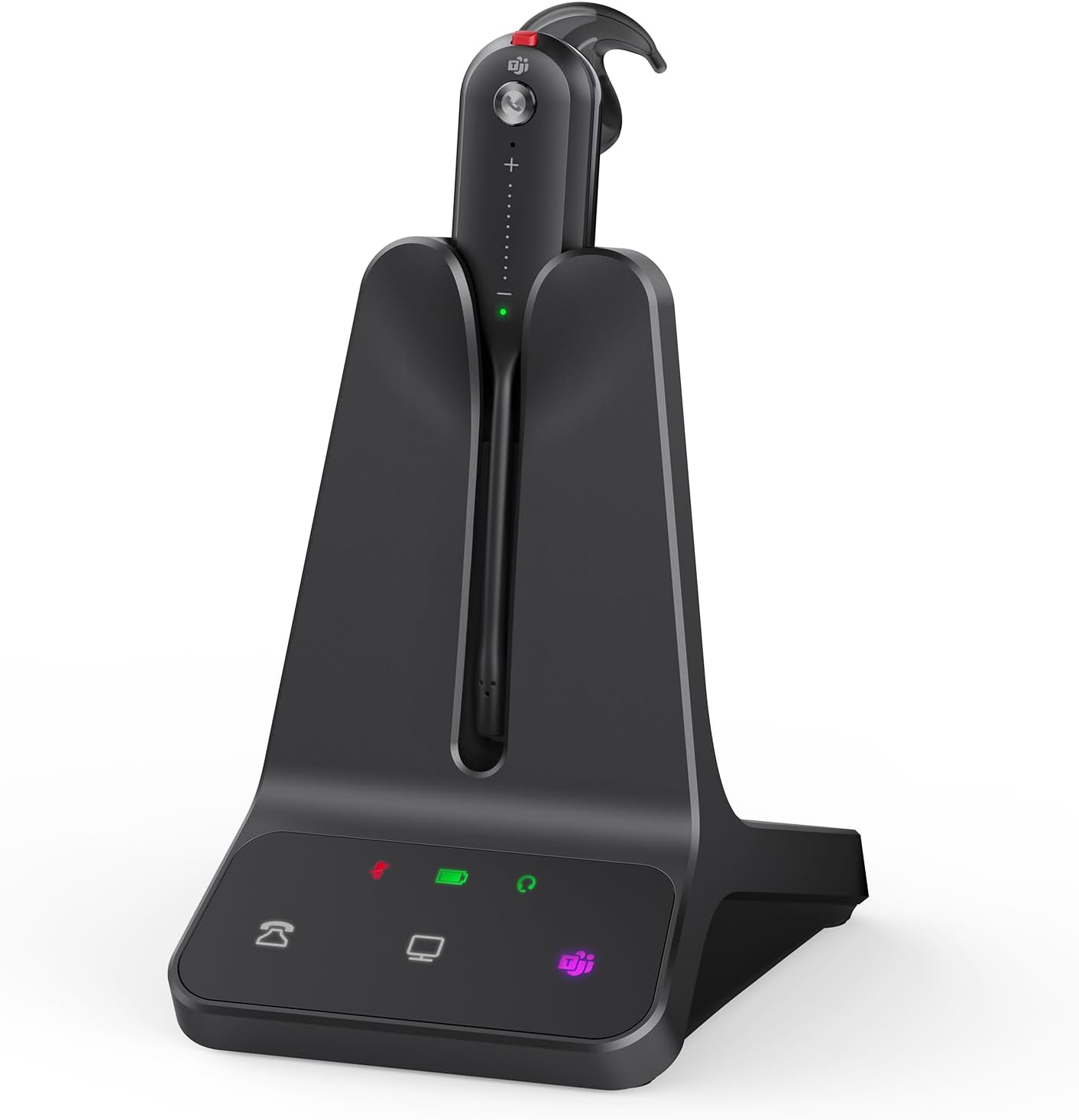
The product as photographed for Amazon — hero, angles, ports, detail.

As an Amazon Associate I earn from qualifying purchases.