DECT Wireless Headset for Office & Teams 2026

Work From Home Gear
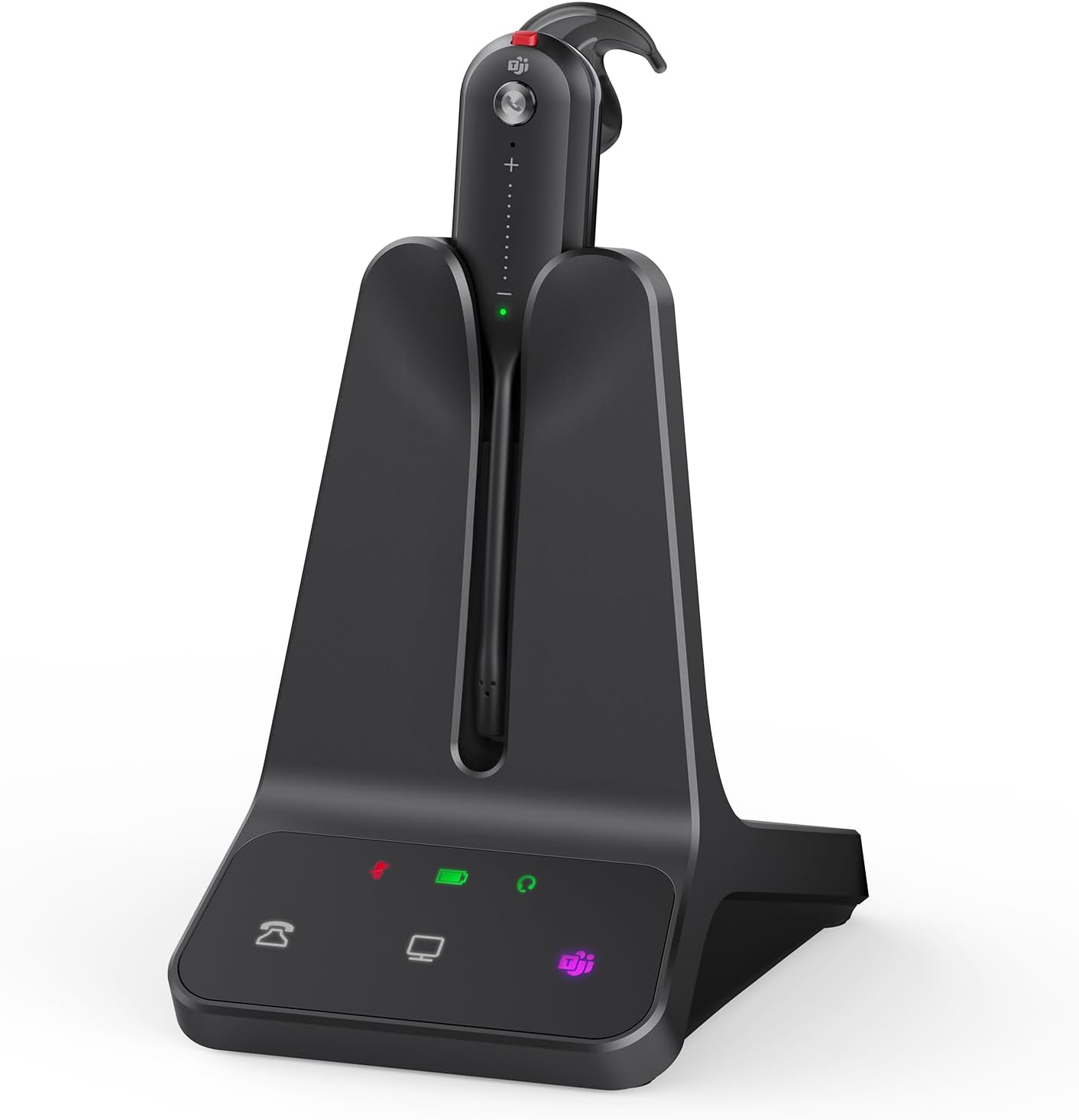
A DECT mono headset that promises to cut your office cord and let your voice stay clean, even when the rest of the room isn’t.
Picture a Tuesday morning standup. You’re pacing your home office, coffee in hand, and your laptop mic is doing its usual trick of picking up the dog, the dishwasher, and a distant leaf blower. The Yealink WH63 exists specifically for that moment. I’ve been putting this work from home gear through its paces, and the short version is: the noise-cancelling mic on a moving call is the real headline here. This Yealink WH63 review will tell you where it delivers and where it hedges.
What I Love
A lot of DECT headsets in this category feel like corporate hand-me-downs. The WH63 has a few things going for it that stand out at this price point.
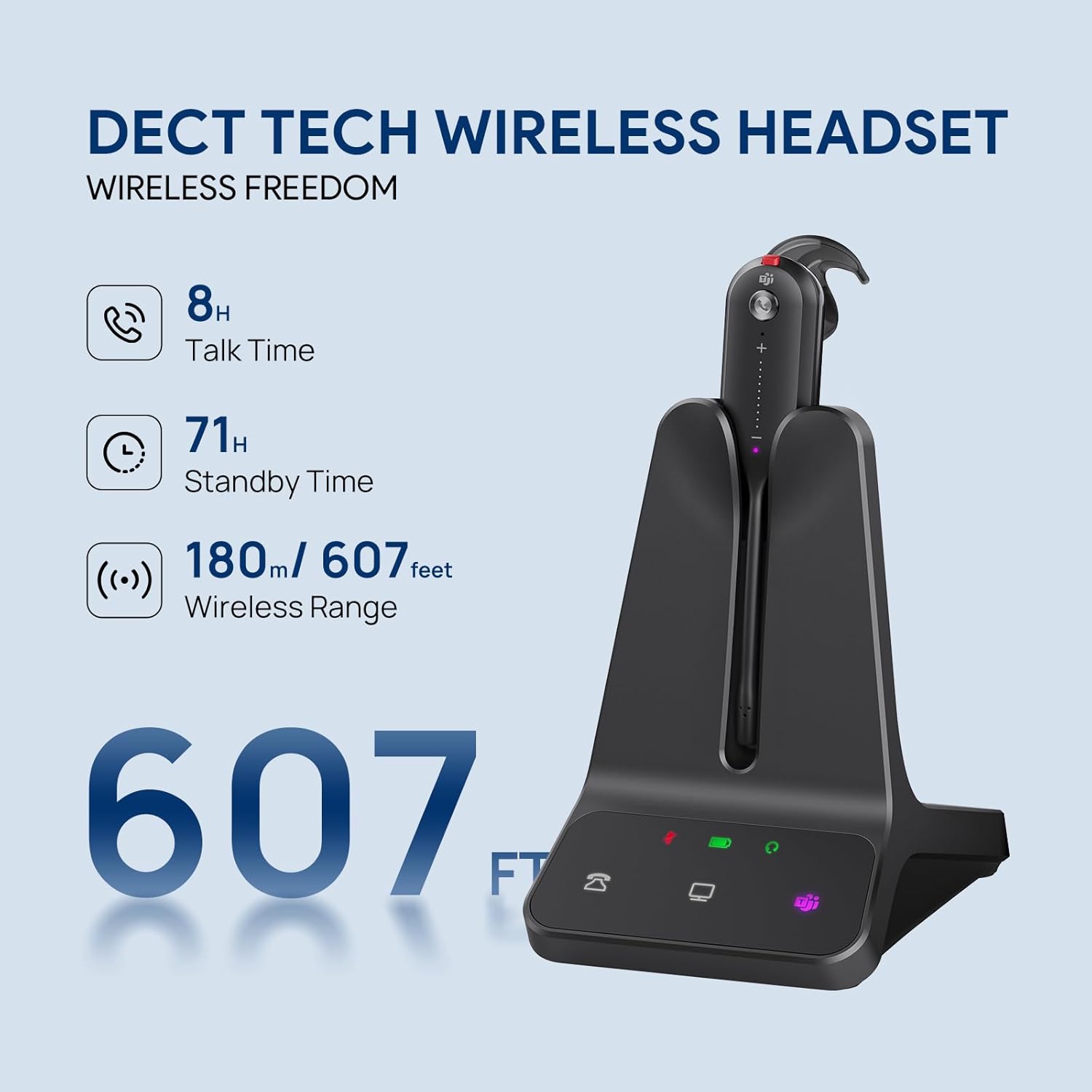
- 607-foot wireless range — you can actually walk to the kitchen, pour that coffee, and stay on the call without a dropout.
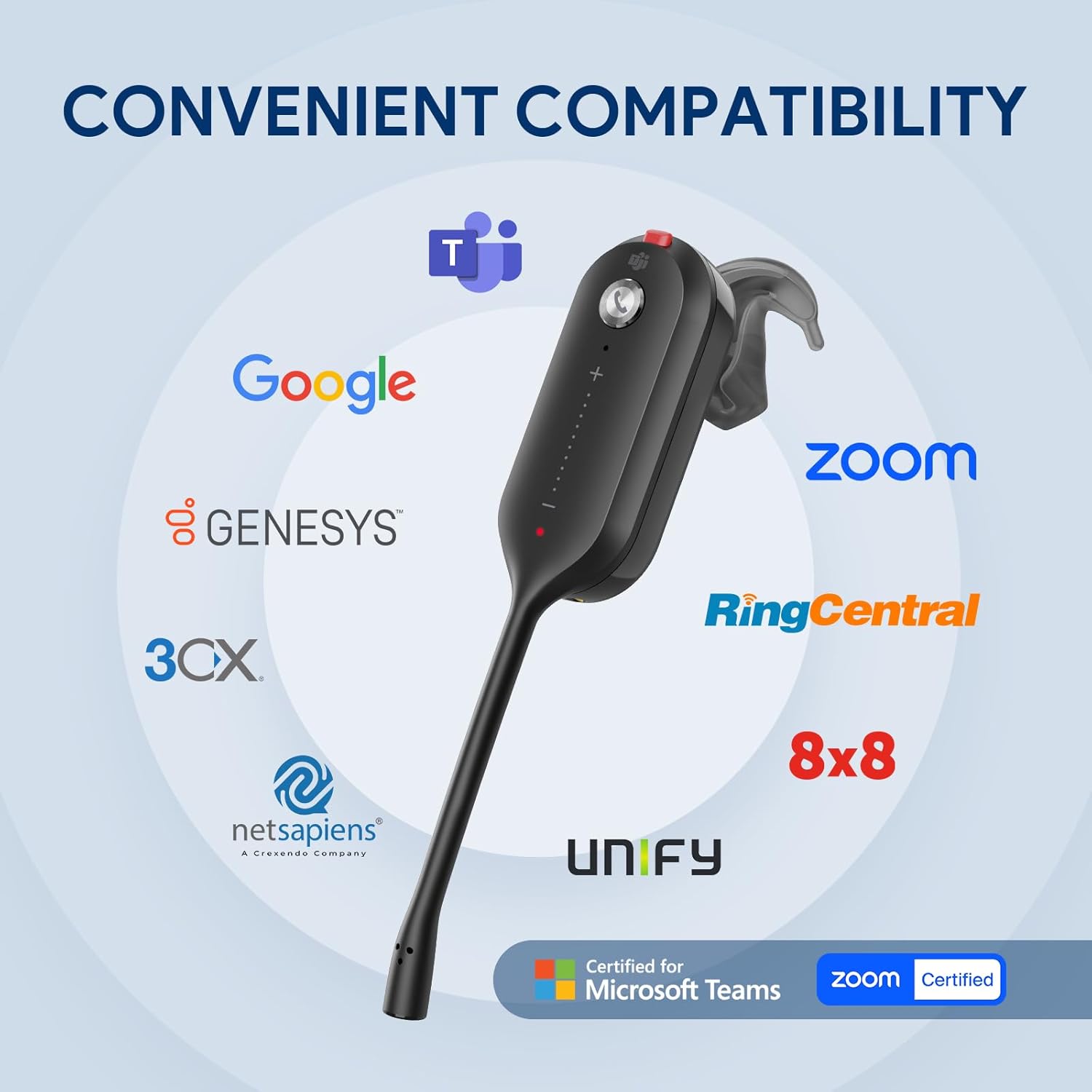
- Teams certification means it’s not an afterthought for Microsoft shops — buttons map correctly, status sync works.
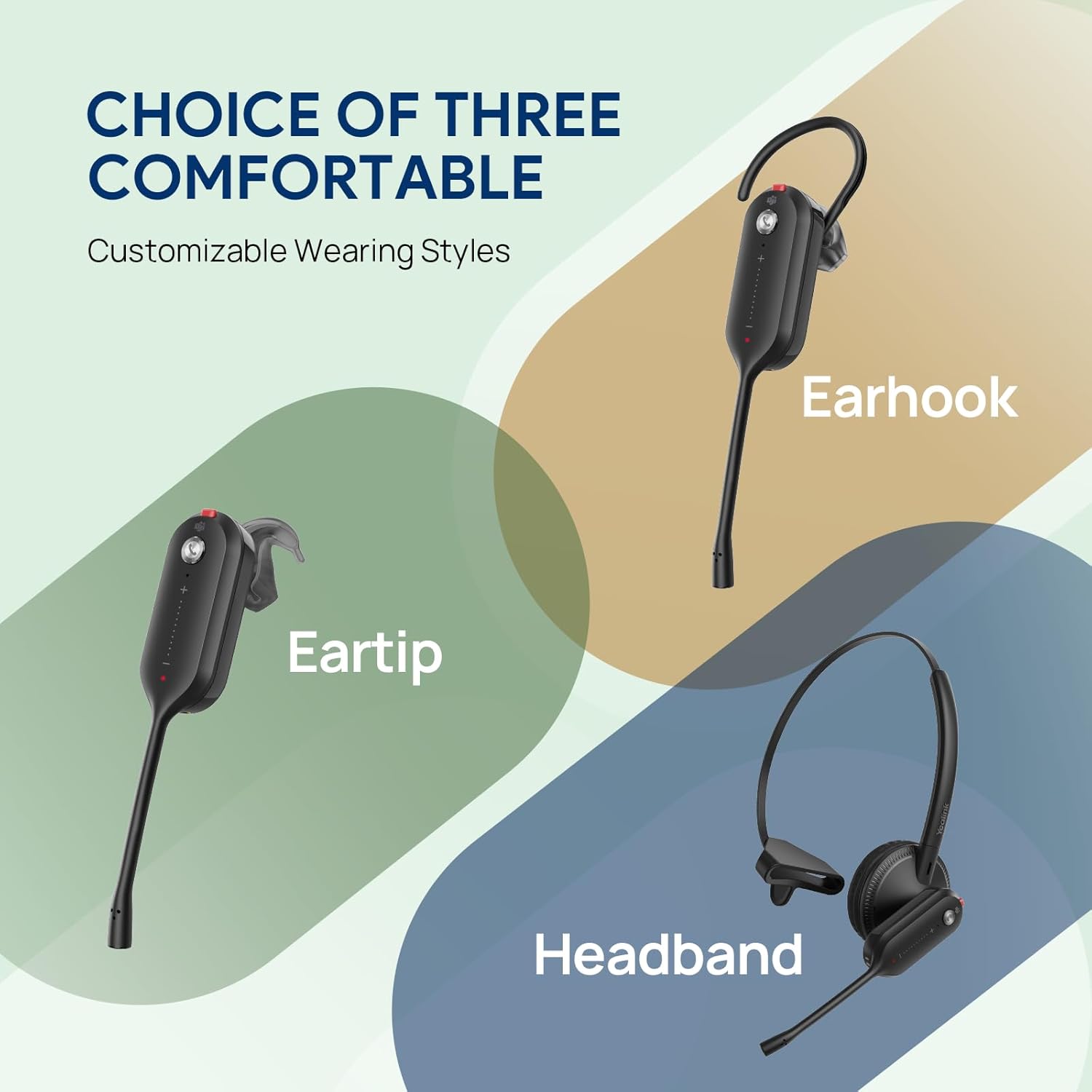
- Three wearing styles (over-ear, on-ear, behind-the-neck) make it genuinely adaptable to how you work, not how the box tells you to work.
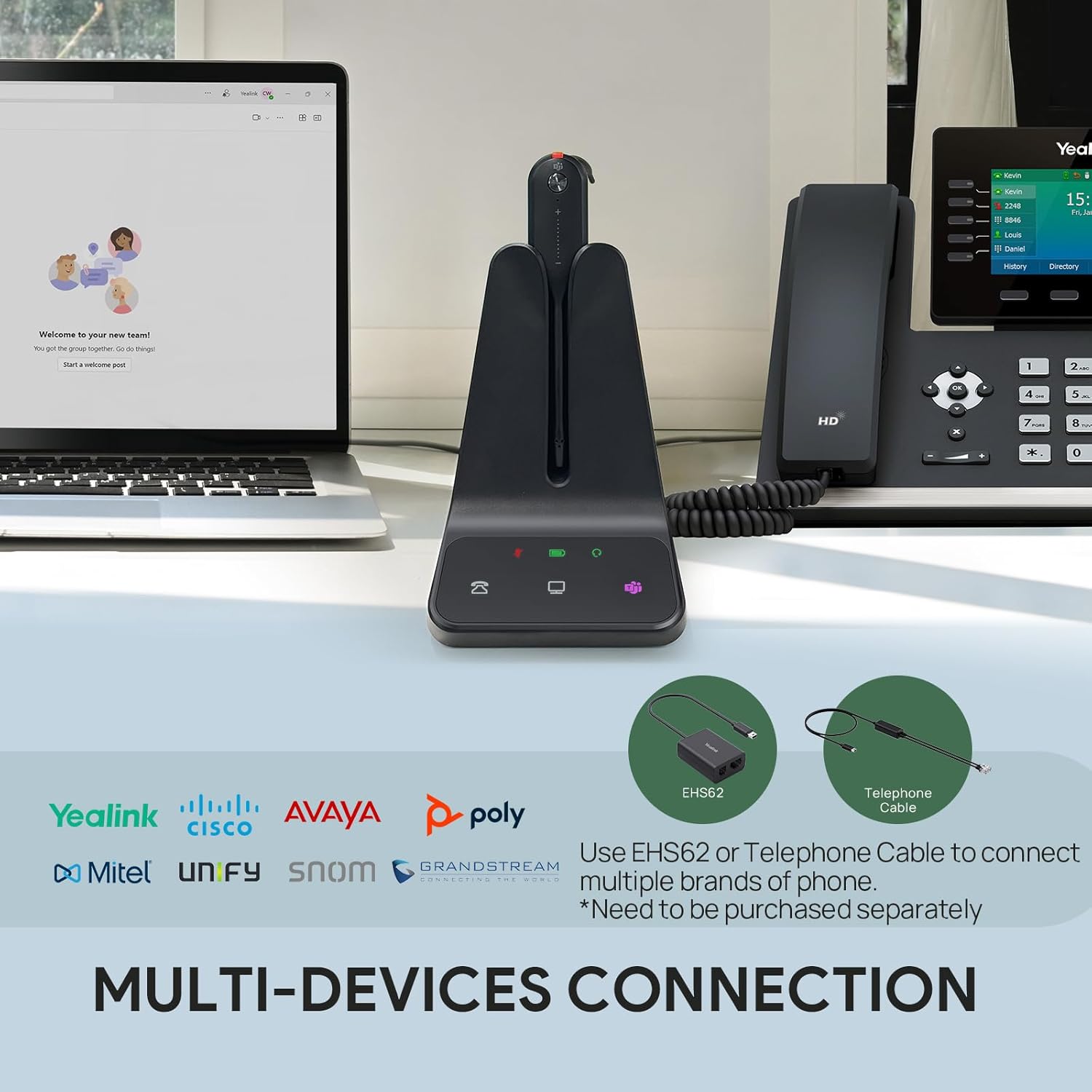
- Plug-and-play with Yealink desk phones — no adapter hunting, no extra power bricks, just connect and go.
What to Watch For
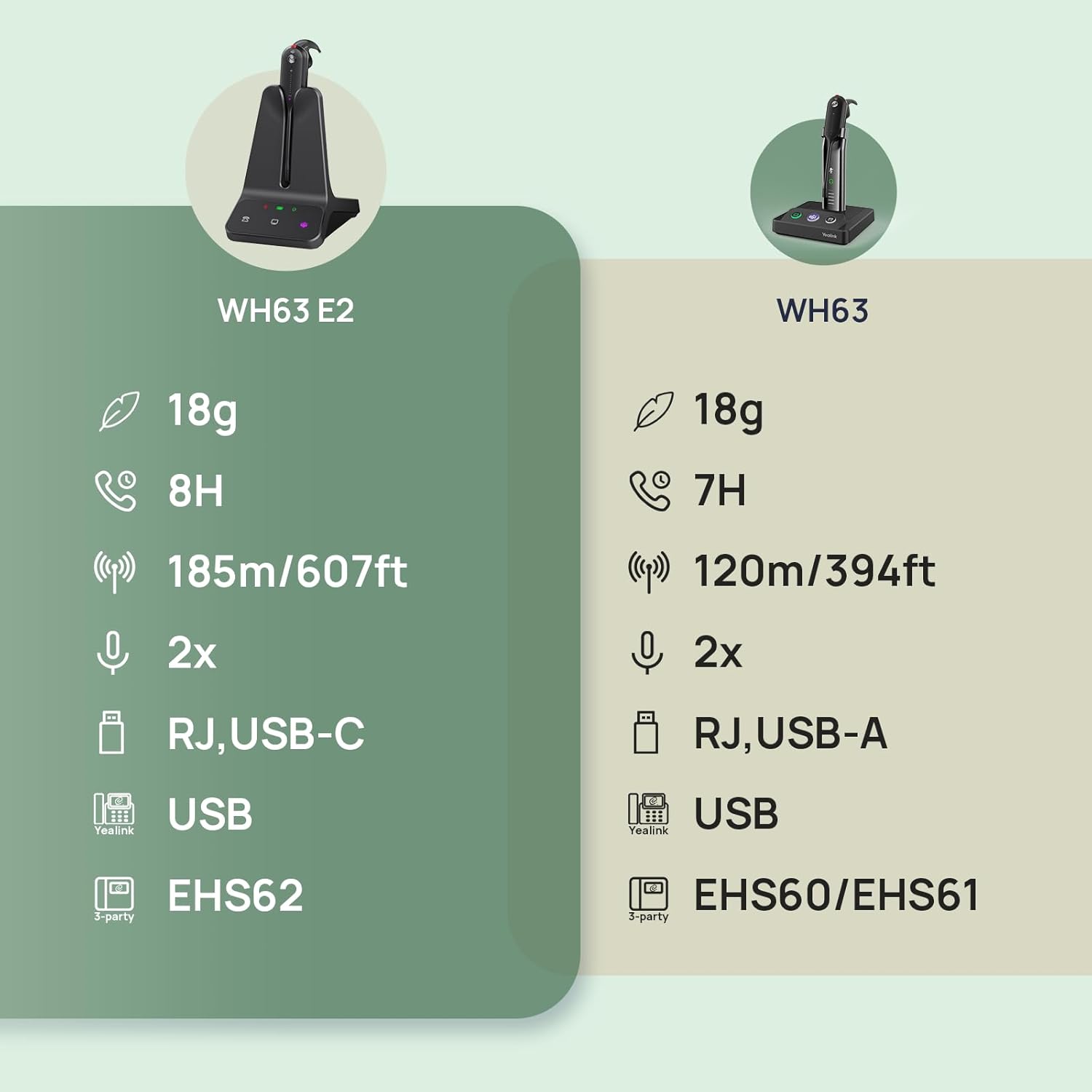
The 13-hour battery claim is optimistic — real-world use on active calls tends to land closer to 9-10 hours. More critically, if you’re running a non-Yealink desk phone setup, getting the headset to actually ring through the earpiece can turn into a frustrating afternoon. The companion app works, but it’s not especially intuitive and will require patience on first configuration.
- Call alert routing on third-party desk phones is not reliable out of the box.
- The ear insert on its own doesn’t grip well — you’ll want to use the stabilizer fin for longer sessions.
Who It’s For
This is purpose-built work from home gear for people who are tethered to both a softphone and a physical desk phone and need them handled by one device. If your day runs on Microsoft Teams calls and you need to roam freely during those calls, the WH63 makes a strong case. If you’re in a pure Yealink environment already, setup is close to frictionless.
“Good DECT range and a clean mic are exactly what hybrid office work actually needs.”
How to Use It
Setup 1: Plug the DECT dongle into your laptop’s USB port, open Yealink’s USB Connect app, and you’re paired in under three minutes — Teams call controls work immediately from the headset buttons.
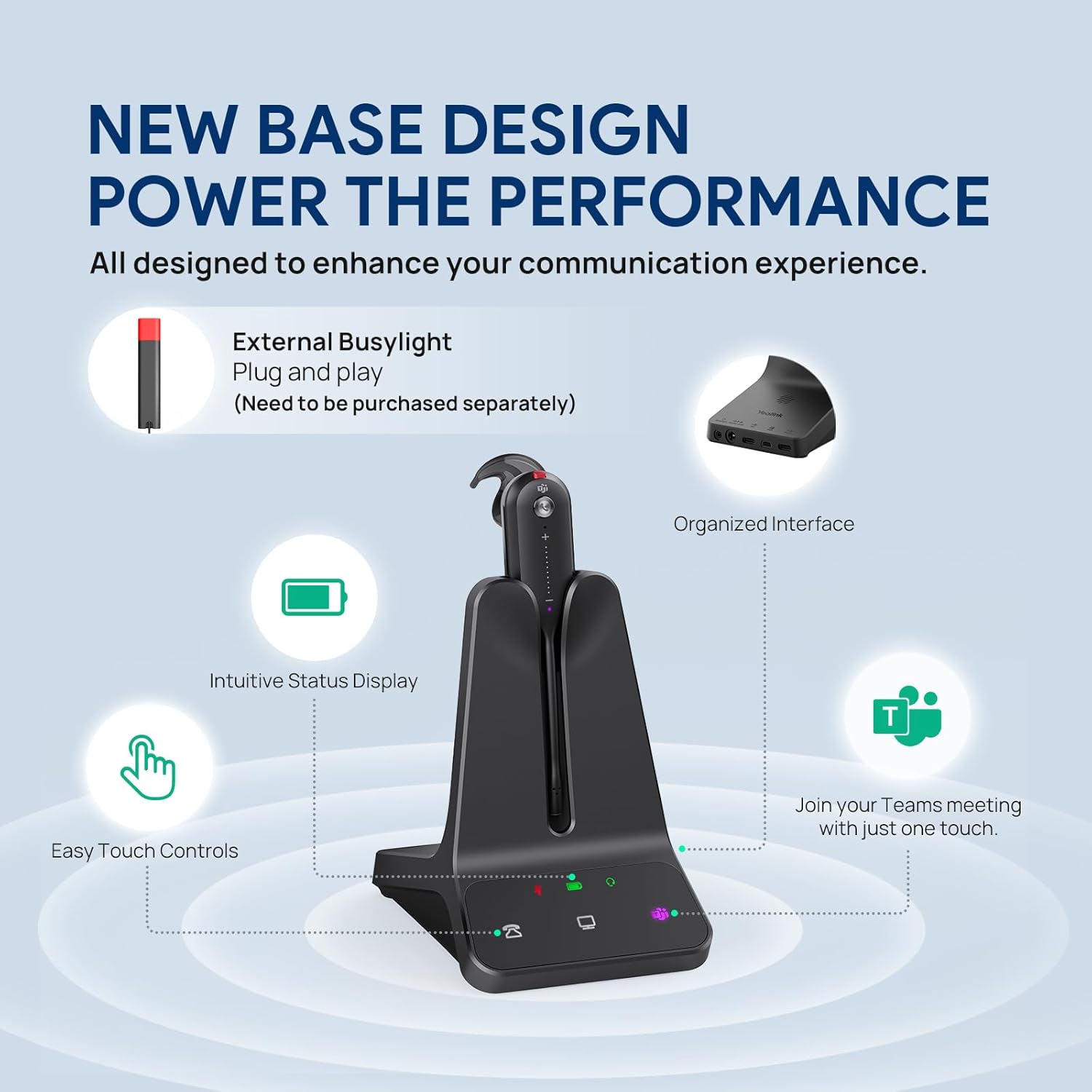
Setup 2: For desk phone pairing on a Yealink handset, connect the base station via the EHS cable (included), and the headset will answer calls directly without touching the phone — useful when you’re across the room.
What People Are Saying
One buyer noted it “works perfectly with Yealink phones” and praised that it “comes with everything, no additional power cords or phone attachments needed” — which tracks with my experience in a native Yealink setup. That said, the rating spread tells the fuller story: users outside the Yealink ecosystem report real frustration with call routing, and it pulls the overall score down noticeably.
Quick FAQ
Does it work with both a desk phone and a PC at the same time?
Yes, the WH63 supports dual connectivity — it can pair to a desk phone via the base station and a PC via USB dongle simultaneously, switching between calls as needed.
What’s the real-world battery life on heavy call days?
Yealink rates it at up to 13 hours, but on a day of back-to-back calls, expect closer to 9-10 hours before you need to dock it.
Is it compatible with Zoom and Google Meet, or just Teams?
It’s Teams-certified, but it functions as a standard USB audio device on Zoom, Google Meet, and most other softphone platforms — the Teams-specific button integrations just won’t be active.
The Verdict
As work from home gear goes, the Yealink WH63 is a focused, utilitarian tool that does its best work inside a Yealink ecosystem. The range is real, the mic performs, and the multi-wear design is more practical than most. But if you’re mixing it with non-Yealink hardware or expect plug-and-play desk phone ringtones, budget extra time for setup. For a Yealink-native office or a Teams-heavy remote worker, it’s a confident buy — for everyone else, verify your desk phone compatibility before committing.
As an Amazon Associate I earn from qualifying purchases.