Thermal Camera for WFH: Honest Review
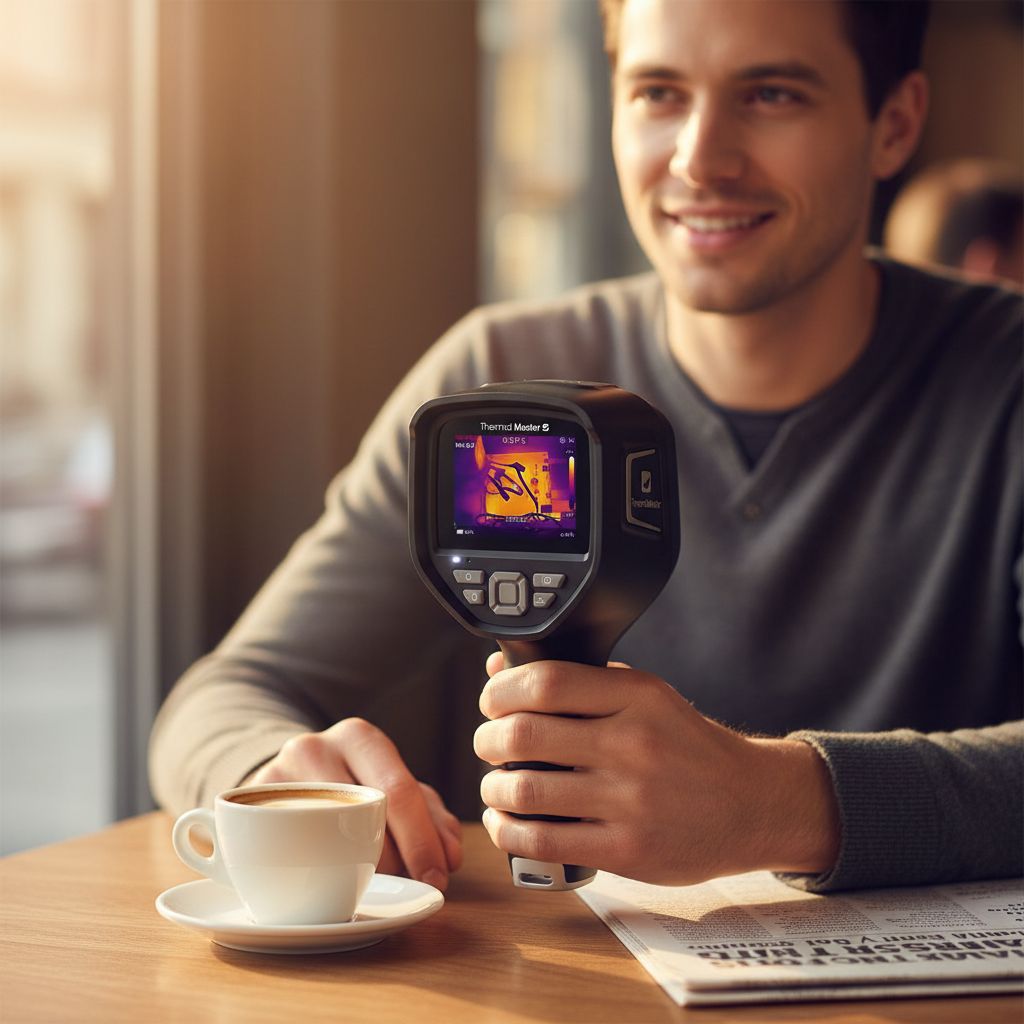
The moment a glowing orange hot spot bloomed across my monitor’s back panel on a Thursday afternoon, I realized I’d been ignoring a slow hardware problem for months.
There is a specific kind of anxiety that lives inside a home office. It is the anxiety of not knowing. Your PC fan spins up at odd hours. Your router feels warm to the touch but you tell yourself it’s fine. Your monitor flickers once every few days and you chalk it up to a loose cable. Then you point the Thermal Master Thor002 thermal camera at your desk setup for the first time, and suddenly the invisible becomes visible, literally, in shades of orange and blue and a quietly alarming red. I was sitting at my desk on a grey Thursday with a cup of cold coffee going stale when I swept the Thor002 across my cable management tray and watched a heat bloom light up the 3.5-inch screen like a small sunrise. That moment changed how I think about my work from home setup entirely.
The First Time I Used It
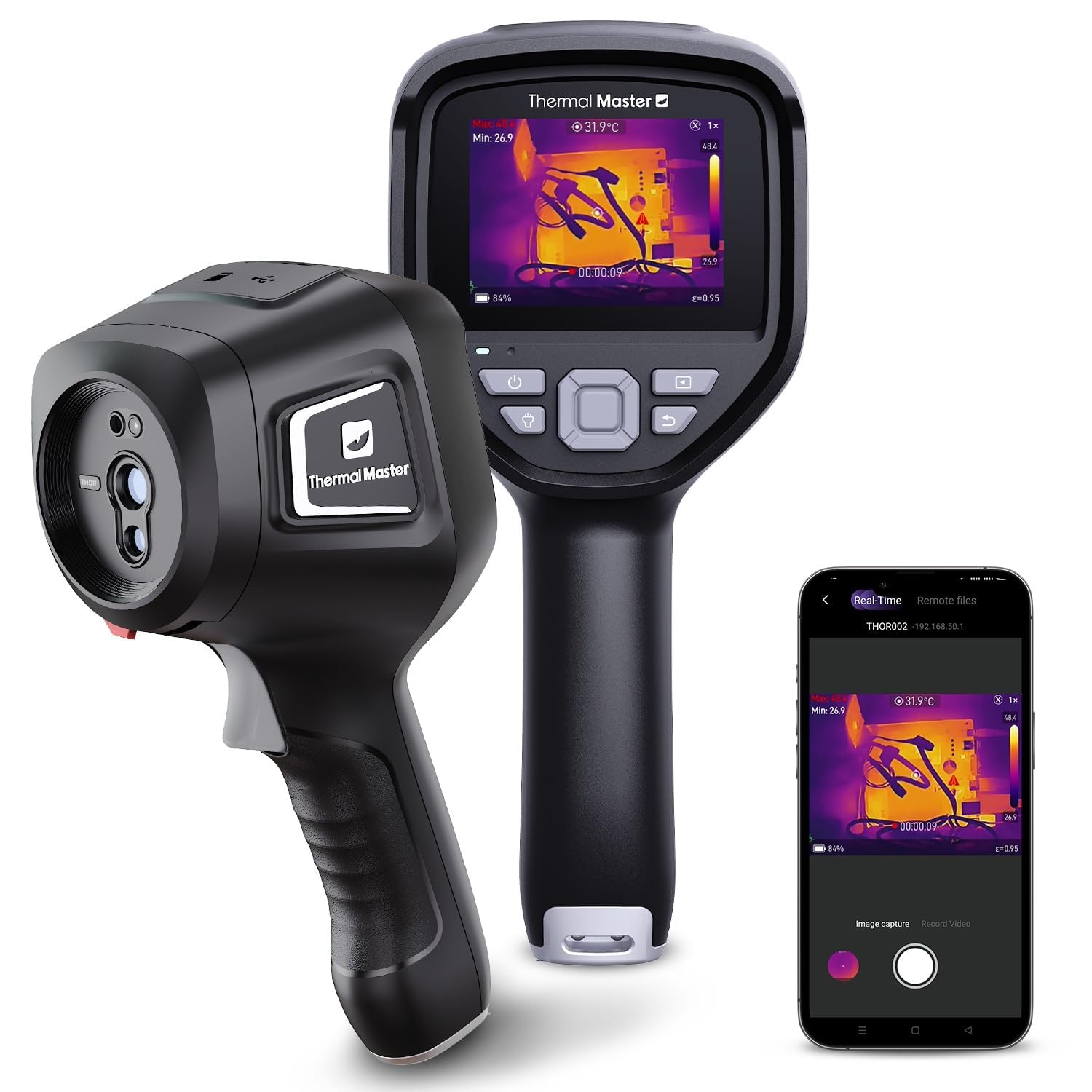
I came across the Thor002 while falling down a rabbit hole of work from home setup upgrades, the kind that starts with “maybe I need a better webcam” and ends three hours later somewhere completely different. The matte black body and the built-in screen caught my eye first. Most thermal cameras in this category pair with a phone app, which means another thing draining your battery and another Bluetooth connection to babysit. The Thor002 has its own 3.5-inch display, which felt refreshingly self-contained for a compact device.
I ordered one partly out of genuine professional curiosity and partly because, honestly, the idea of seeing heat was just cool. What I did not expect was how immediately useful it would become.
How It Actually Performs
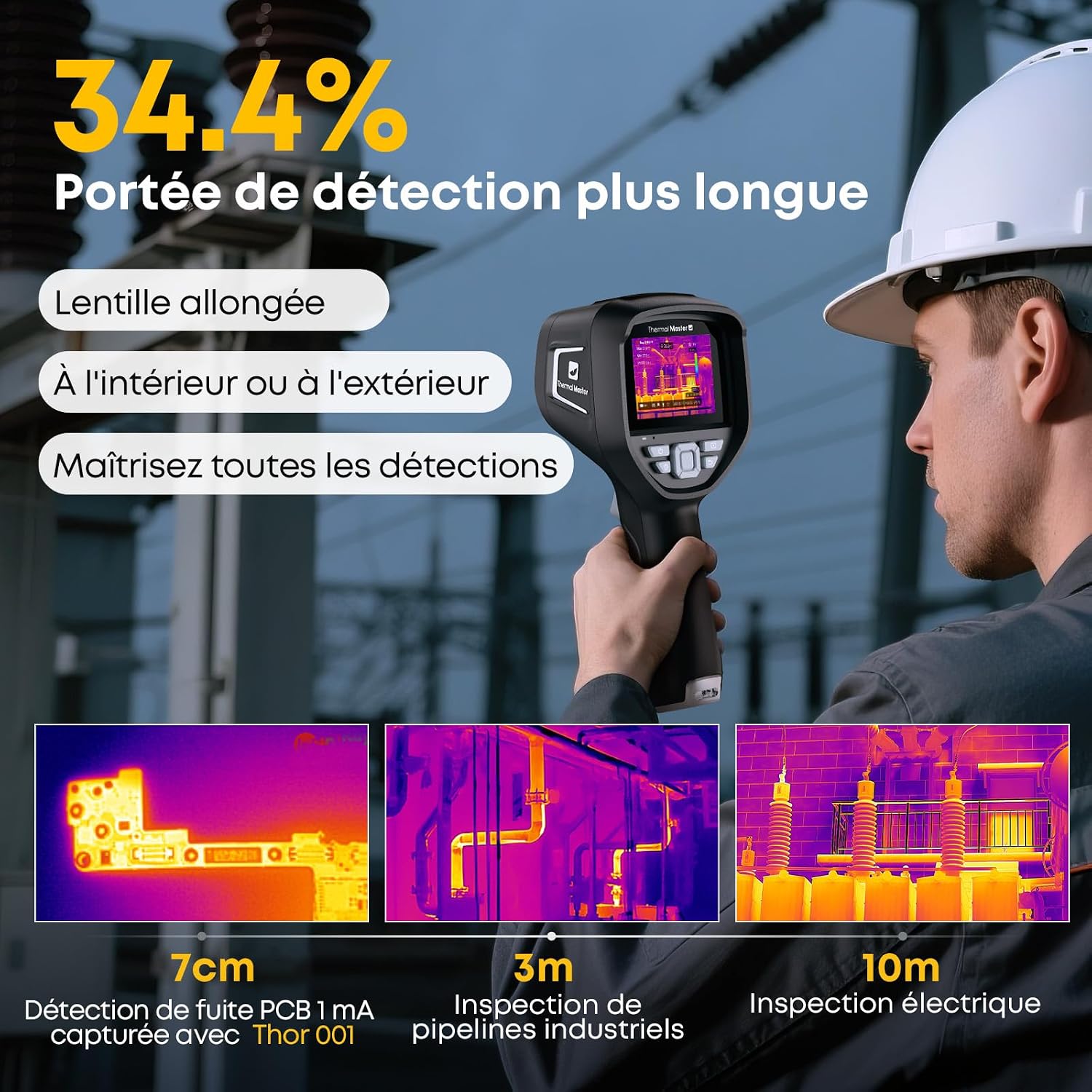
The Thor002 boots fast. Point, shoot, read. The 3.5-inch screen is brighter than I expected for a pocket-size unit, and the thermal image updates in real time with enough smoothness to actually track moving heat sources, think a CPU under load, an outlet under surge, a person crossing a doorway. The matte black ABS plastic body feels dense and deliberate in hand, not precious, but not flimsy either. The rugged build style is a real specification here, not marketing language. I dropped it onto a hardwood floor from desk height during an awkward handoff moment and the camera kept working without complaint.
“Seeing heat for the first time is genuinely disorienting, and then immediately, completely addictive.”
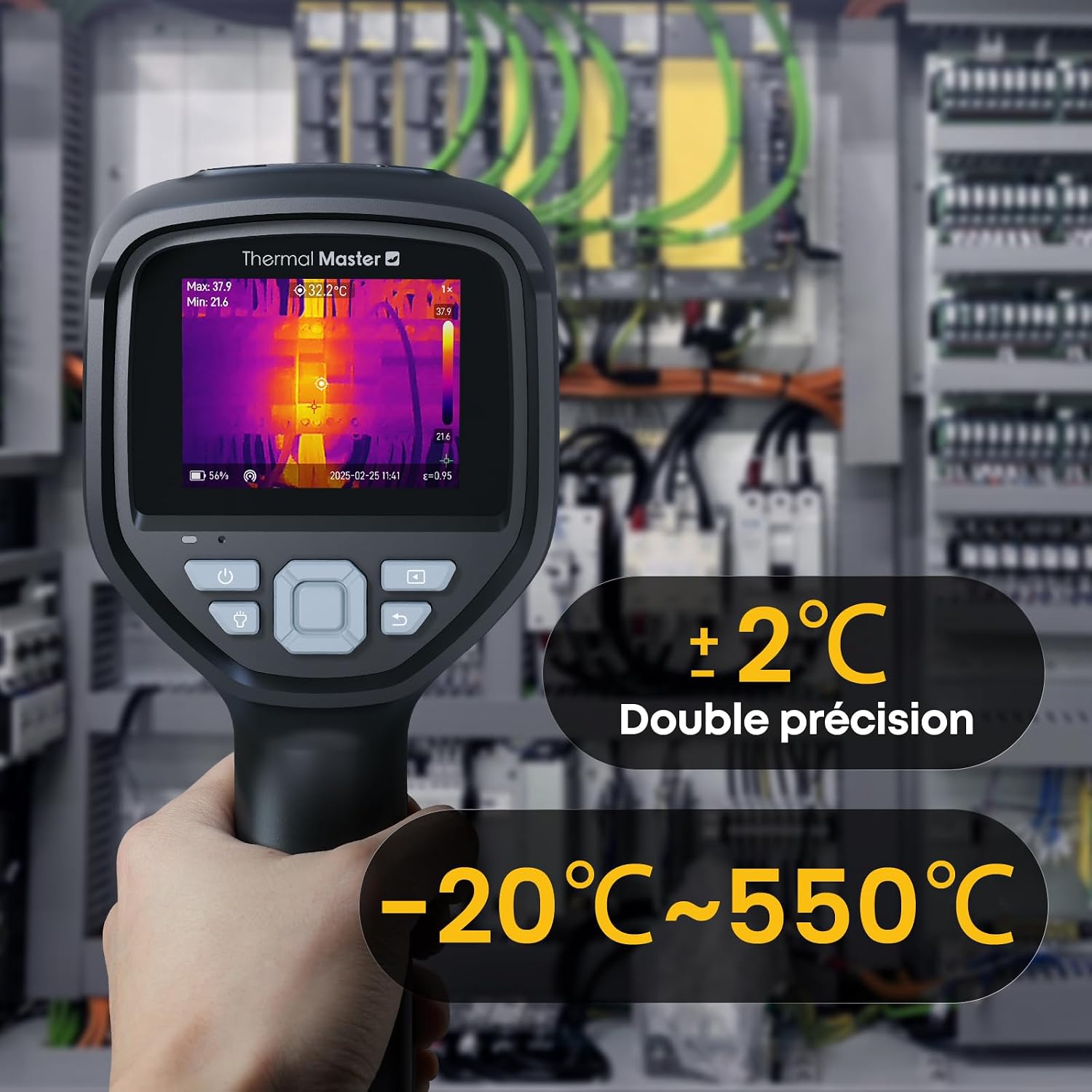
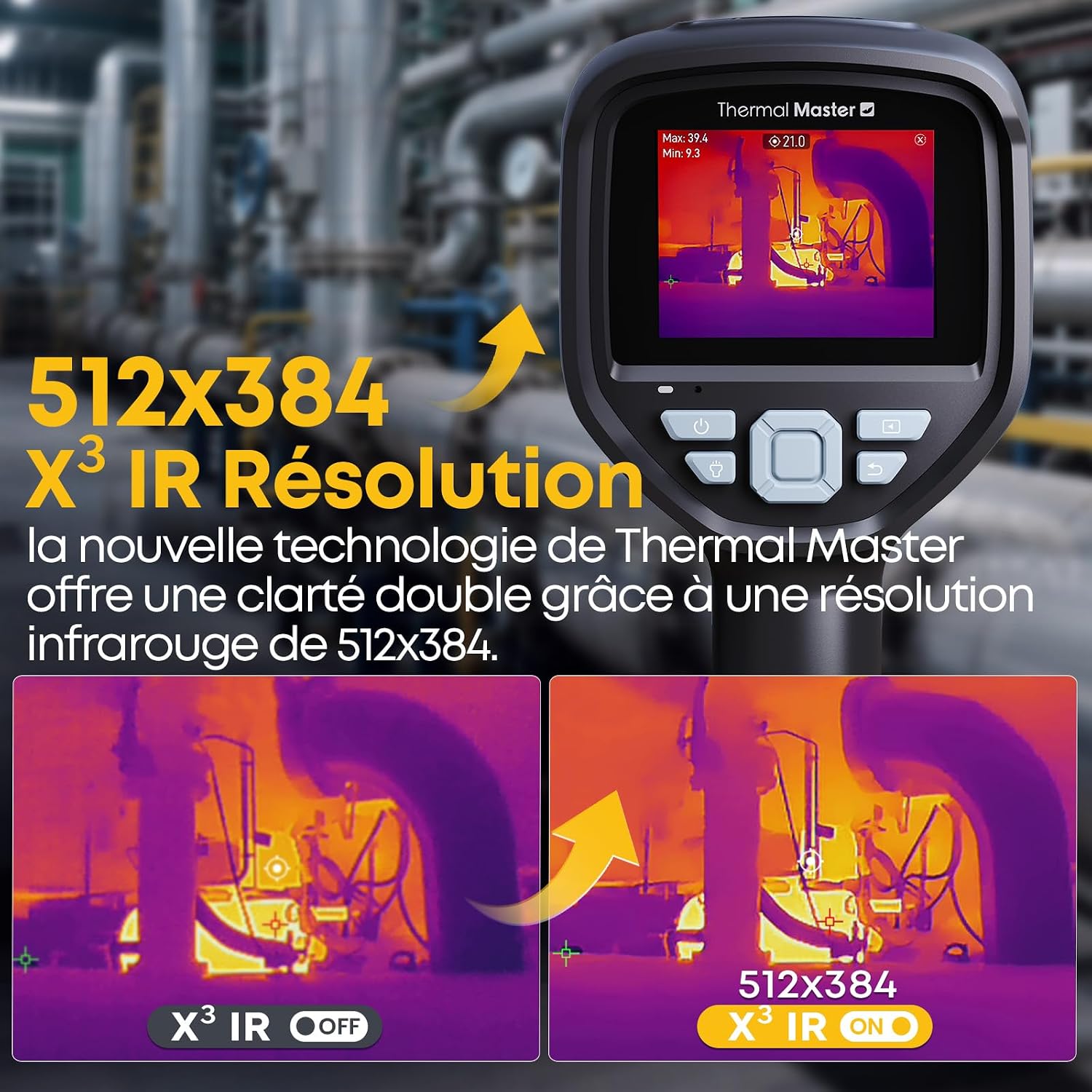
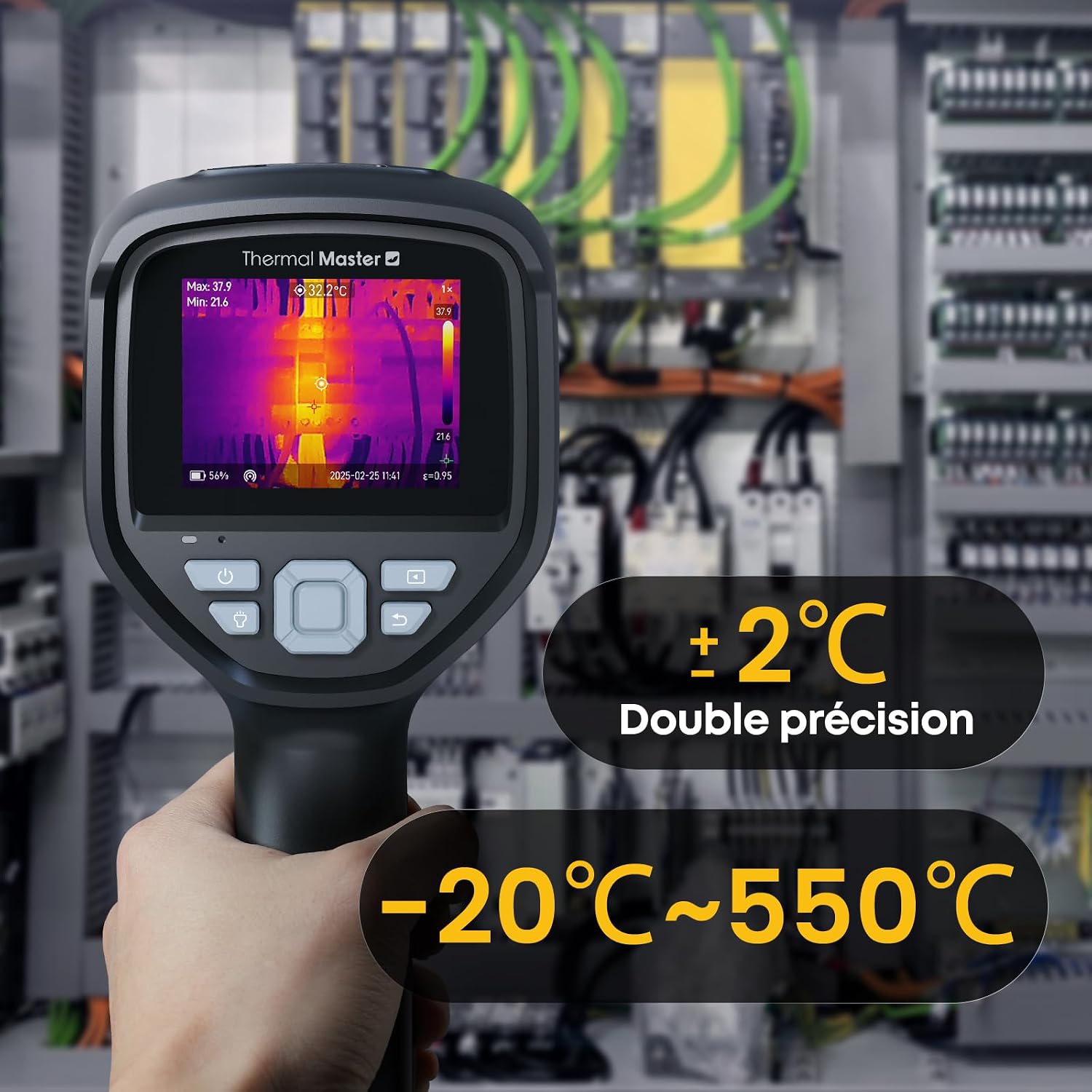
The visual and thermal image overlay works better than the spec sheet implies. You get a 2-megapixel standard camera fused with the thermal feed, and the resulting picture-in-picture gives you actual spatial context, so you know exactly which component is glowing angry orange instead of guessing at a blob on screen. Accuracy at typical room distances tested within a reasonable margin against a calibrated thermometer during my own informal checks. That said, the reporting on thermal imaging tech generally cautions that no pocket thermal camera replaces a certified FLIR unit for precision industrial work, and that is fair. This is an accessible, capable tool, not a laboratory instrument.
How I Actually Used It
Setup 1: Thursday Desk Audit, Coffee Going Cold
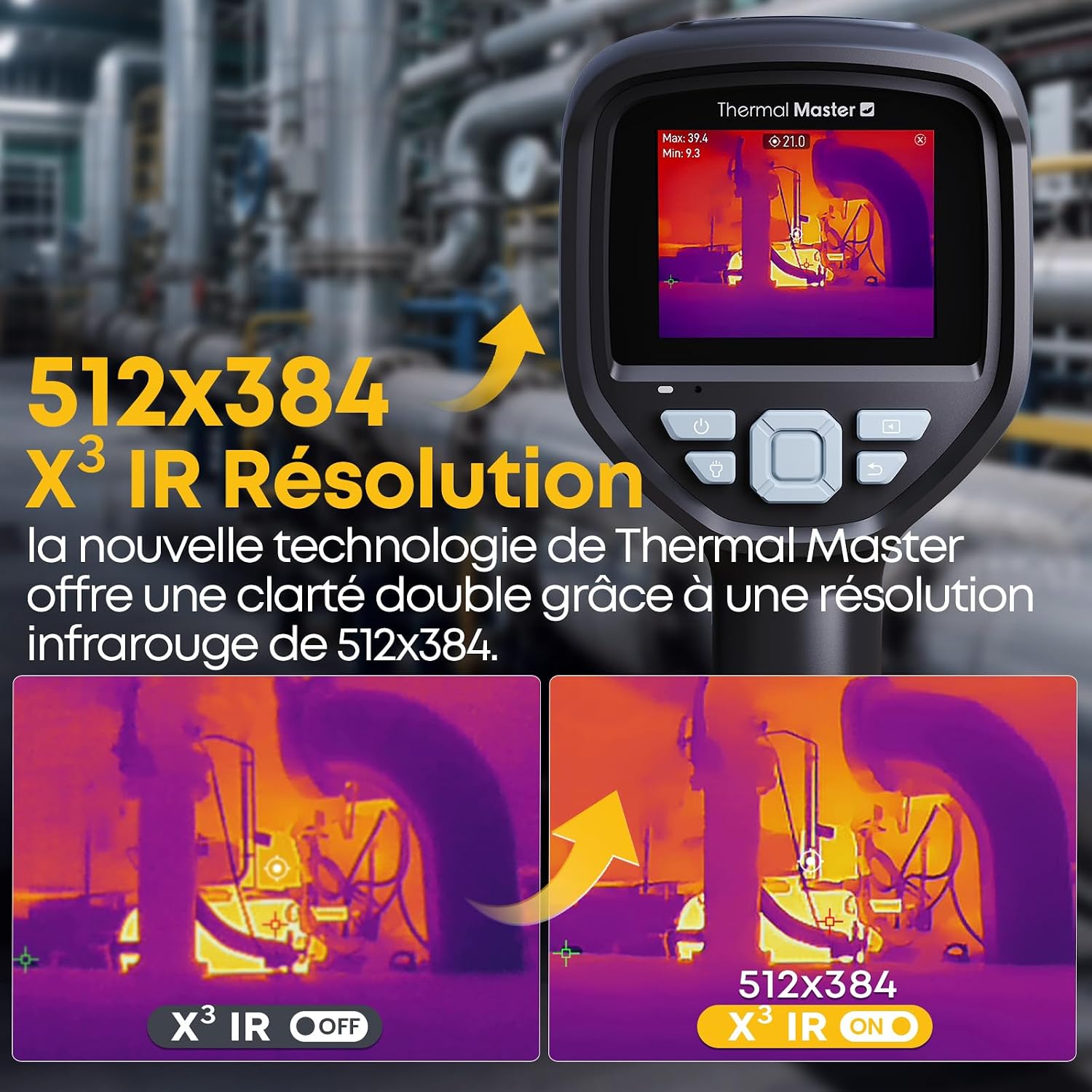
The first real test was my own work from home setup, which I have been adding to and rearranging for years without ever actually checking whether my power distribution was running hot. I swept the Thor002 slowly across the power strip under my desk and found one outlet running noticeably warmer than its neighbors. Not dangerous, but worth swapping the load. I then pointed it at my laptop’s charging brick and the reading was completely normal, which was oddly reassuring. The peace of mind from a single ten-minute scan was real and immediate. I moved to the back of my monitor and found a hot patch near the power board I had been ignoring since a flicker incident six months ago. That monitor is now at the top of my replacement list.
Setup 2: Server Closet, Saturday Morning
A friend who runs a small creative studio out of a converted garage has a rack of NAS drives and a router stack that lives in a narrow closet with questionable ventilation. He had been complaining about intermittent drive failures for months. We took the Thor002 in on a Saturday morning, and within about four minutes we had identified a specific drive bay running significantly hotter than the others. The compact size of the camera let us navigate tight spaces without contorting, which a larger handheld unit would not have allowed. That single discovery probably saved him a catastrophic data loss event. For anyone managing a work from home setup that involves any kind of local hardware infrastructure, this kind of scan should honestly be routine.

Setup 3: Home Inspection Walk, Pre-Move
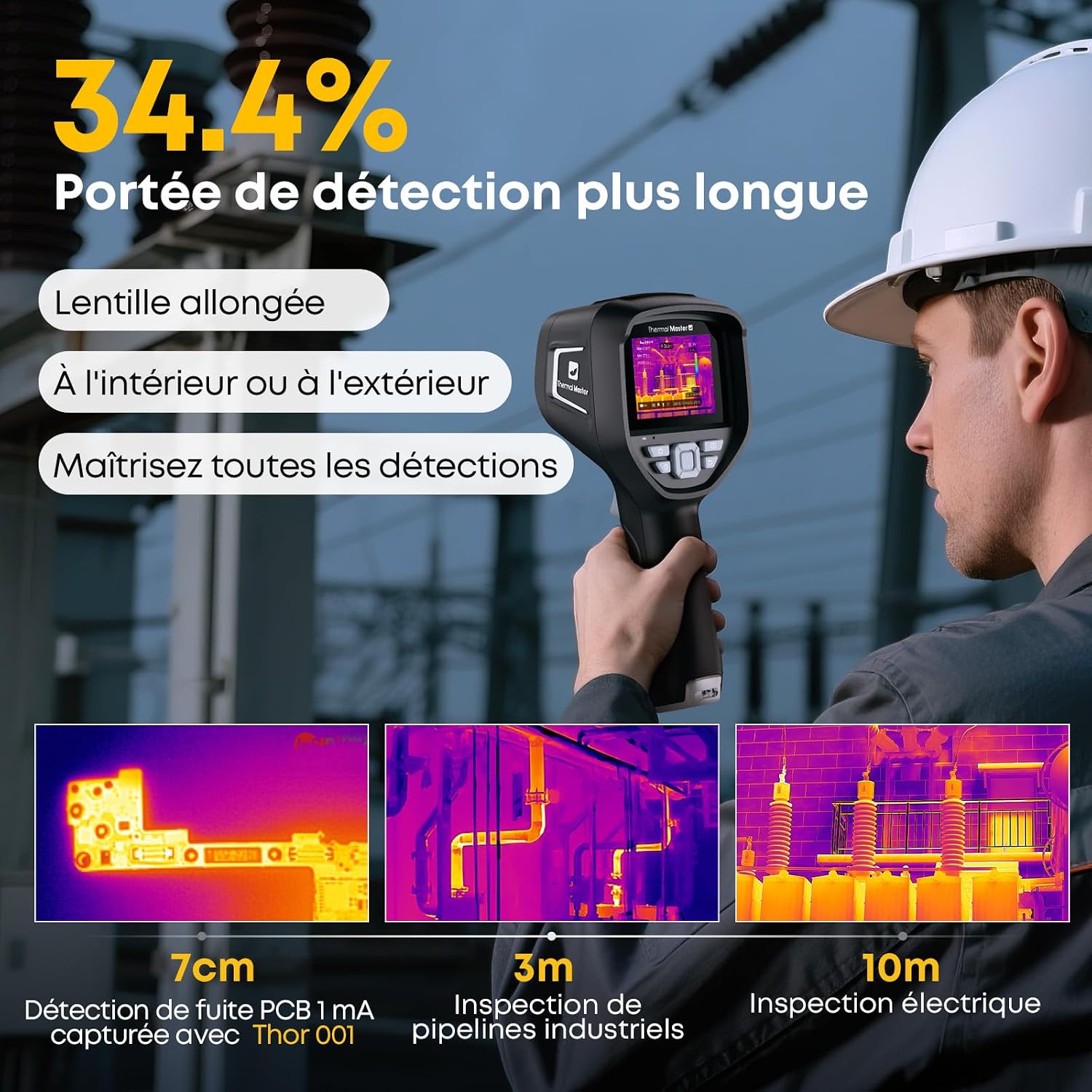
This one surprised me. A colleague was about to sign a lease on a new apartment and asked if I wanted to walk the unit with her using the Thor002. We checked window seals, outlet clusters, and the panel box, all well within what the camera handles comfortably. We found one wall section near a bathroom that showed a distinctly cooler patch consistent with moisture intrusion. She flagged it with the landlord before signing. This use case is not on the box, but the Universal compatibility and the self-contained screen make it genuinely practical for home inspection-adjacent work without needing to pair with anything or download anything.
What Other People Are Saying
The Thor002 carries a 4.4-star rating across nearly three hundred reviews, which for a specialized tool in this tier is a meaningful signal. The most consistent thread across positive reviews focuses on the self-contained screen, buyers who switched from phone-paired thermal cameras specifically cite not needing a second device as a defining reason they prefer the Thor002. Critical reviews cluster around two areas: buyers expecting laboratory-grade measurement accuracy, and a small number who found the menu navigation slightly unintuitive at first. Neither is a dealbreaker in context, but both are worth knowing.
For a Thermal Master Thor002 review landscape this consistent, the picture reads as a tool that genuinely delivers on its stated purpose for the audience it is built for.
Who Should Skip It
If you need certified accuracy for electrical work that will go into an official report, this is not your tool. Professional electricians and HVAC technicians operating under compliance requirements will need something with documented calibration and traceable accuracy specs. Similarly, if your entire interest is casual body temperature checking, a dedicated non-contact thermometer is simpler and cheaper in this tier. The Thor002 is also probably overkill if your home office is a single laptop on a kitchen table with no external hardware to monitor. The value here scales directly with how much equipment you are responsible for. The more hardware under your roof, the more sense this makes.
What It Replaces on My Desk
Before the Thor002, I had a basic non-contact infrared thermometer that gave me a single point reading and no visual context whatsoever. It felt like diagnosing a patient by touching one finger to their forehead. The Thor002 retires that tool completely. I also had a habit of checking hardware temperatures through software monitoring, which only shows you what sensors are already embedded in your devices. The thermal camera shows you everything between the sensors, the cables, the connectors, the power bricks, the wall outlets. That gap in visibility was larger than I realized. For a curated list of desk monitoring and organization tools in this category, this camera now sits near the top of what I would recommend to someone building a serious work from home setup from scratch.
It also replaced a low-grade anxiety. I no longer wonder if something is running hot. I just check.
FAQ
Does the Thor002 need to connect to a phone or computer to work?
No. The 3.5-inch screen is built into the unit and displays both the thermal and visual feeds independently. You do not need an app, Bluetooth pairing, or a companion device of any kind to operate it.
How does the USB-C charging affect daily usability?
Meaningfully well. USB-C means you can charge it from the same cable as your phone, laptop, or power bank, which removes one dedicated charger from your bag or desk. Charge time from low is reasonable for a device this size.
Can I use this for gaming hardware monitoring?
Yes, and it works well for that purpose. GPU hot spots, console ventilation zones, and densely packed PC builds all benefit from visual thermal scanning that software alone cannot provide.
Does the build quality hold up to regular use?
The rugged ABS plastic construction and matte black finish feel well-suited to being grabbed, pocketed, and used in non-pristine environments. The drop I witnessed firsthand gave me confidence in the chassis. For what you are getting in terms of materials and sensor integration, the value reads above what you would expect at this price point.
What is the warranty situation?
Thermal Master offers standard manufacturer coverage. Check the included documentation and the seller listing for current terms, as coverage details can vary by region and retailer.
The Verdict
Three weeks after that Thursday afternoon scan, I still reach for the Thor002 whenever I add a new piece of hardware to my desk or rearrange my cable situation. It has become part of my setup ritual rather than a novelty I pulled out once. The 3.5-inch self-contained screen, the rugged matte body, the USB-C charging, and the fused thermal-visual imaging all combine into something that feels more considered than a spec sheet suggests. For anyone building or maintaining a serious work from home setup, especially one with multiple monitors, external drives, or a rack of any kind, this camera is a genuinely useful diagnostic tool. It is also one of the better tech gift ideas for the hardware-obsessed person who already has most of the obvious things. If you are curious about what else pairs well with this kind of setup, our editor-recommended tech picks and best work from home webcams are worth a look alongside it. For more context on how tools like this are being used and reviewed across the category, Engadget’s hands-on review archive and Tom’s Guide’s hardware coverage are solid reference points. This is also a strong pick if you are exploring the wider world of WFH peripheral upgrades and want something that actually changes how you relate to your hardware. The Thermal Master Thor002 is one of those rare tools that makes you immediately wonder how you operated without it. See your hardware clearly. Then fix what’s actually wrong.
Every Angle
The product as photographed for Amazon — hero, angles, ports, detail.
As an Amazon Associate I earn from qualifying purchases.