Apple MacBook Pro M5 14-inch: Honest Review

Three weeks into daily use, I realized I’d stopped thinking about my laptop entirely, which is either the highest compliment or the strangest thing you can say about a machine this expensive.
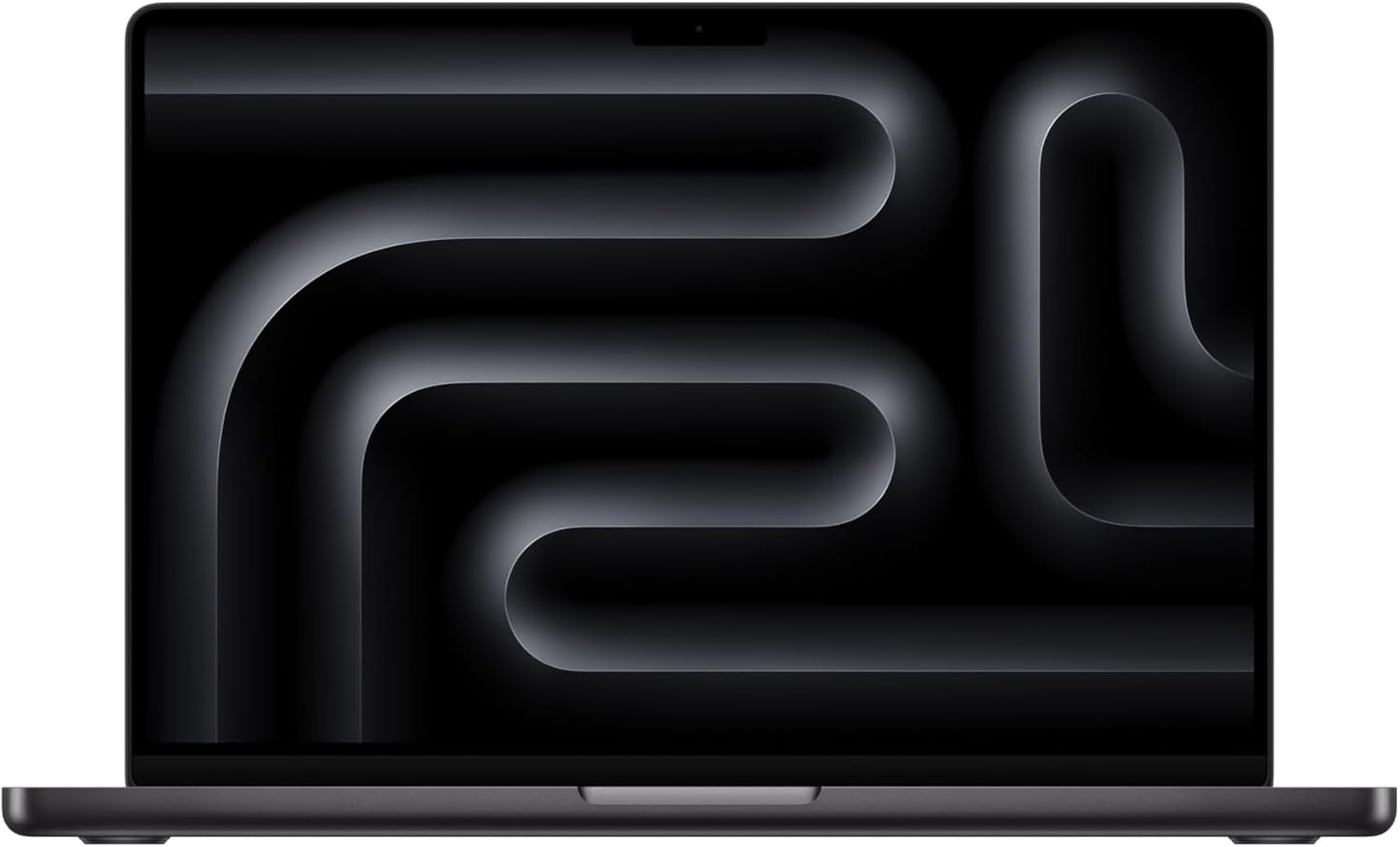
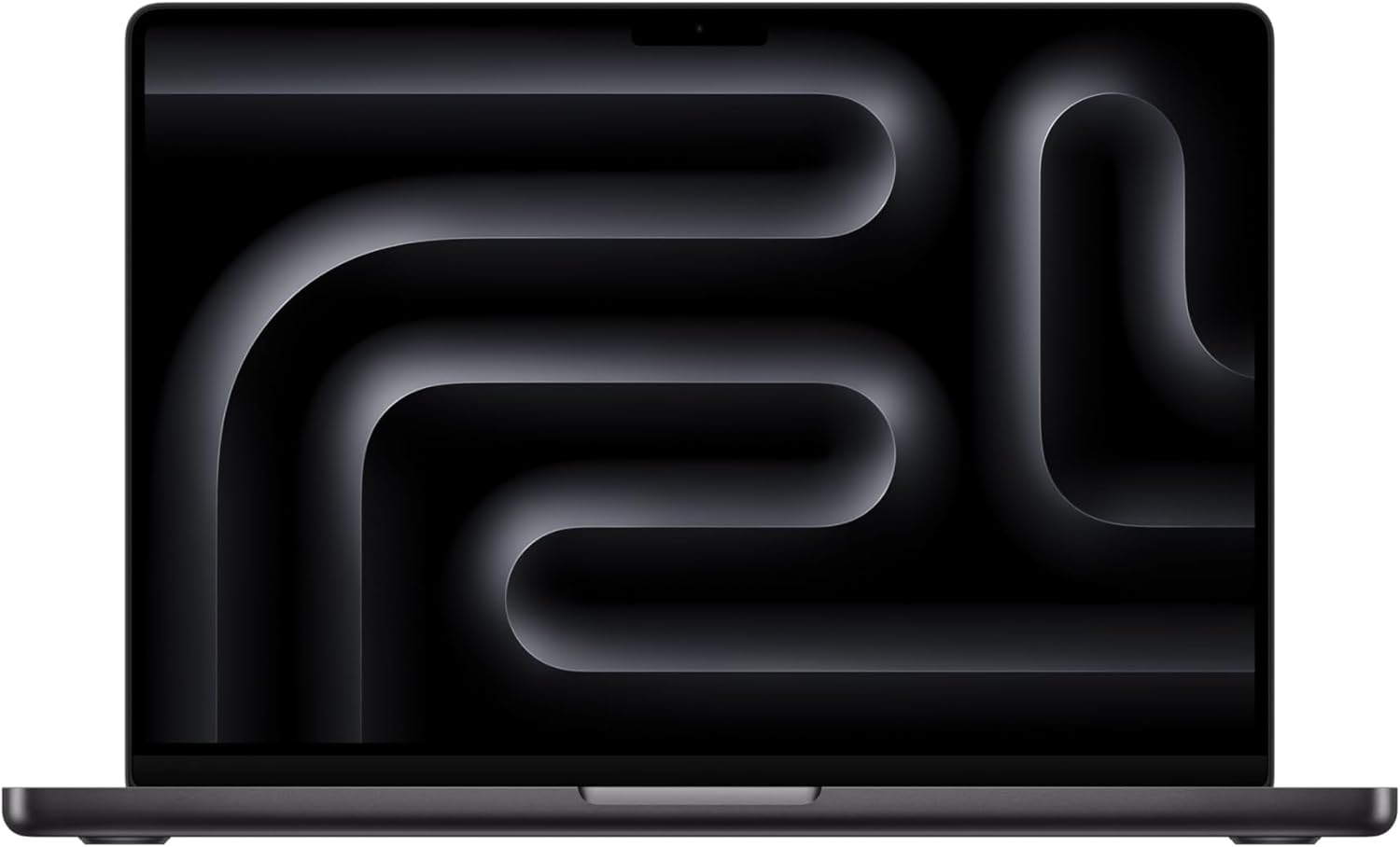
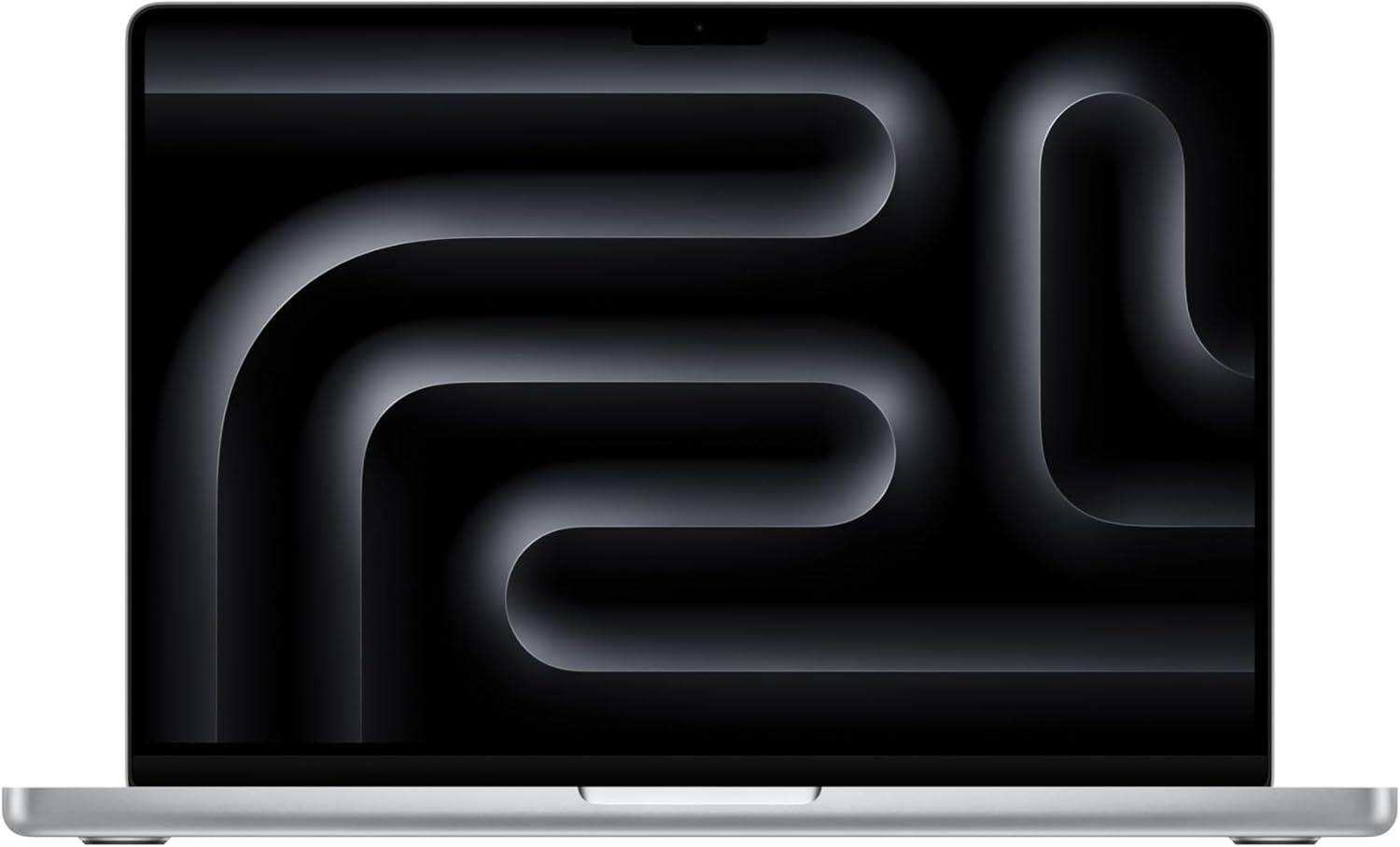
The first thing you notice about the Apple 2025 MacBook Pro with M5 chip is the finish. Space Black sounds like marketing language until you’re holding it under the warm overhead light of a coffee shop at 7 a.m., and the aluminum chassis catches the glow in this deep, almost slate-like way that feels genuinely different from the Silver model I’d been carrying for two years. It’s heavier than you remember laptops being. Dense. The hinge opens with a satisfying single-hand resistance, not too stiff, not too loose. I set it down on my desk that first Tuesday morning, opened the lid, and the 14.2-inch Liquid Retina XDR display lit up so fast and so bright I genuinely laughed. It felt like turning on a television, not a computer.

The First Time I Used It
I’d been eyeing the M-series MacBook Pro line for two cycles, talked myself out of it twice, and finally stopped scrolling product pages when a colleague pulled one out during a long airport layover and the battery percentage barely moved over three hours of video calls and document editing. That’s the kind of real-world detail that sticks. I ordered the Space Black 14.2-inch configuration with 16GB unified memory and 1TB SSD the following weekend, mostly because my aging Intel machine had started sounding like a small turbine engine whenever I opened more than six browser tabs.
The unboxing is unremarkable in the best way. No excessive packaging theater, just the machine, a braided USB-C cable, and a compact power adapter. Apple keeps it clinical. What pulled me in immediately was how cool the chassis ran after the first boot and setup, even while migrating data over several gigabytes. That thermal restraint became a theme.
How It Actually Performs
The M5 chip doesn’t announce itself with fanfare. It just handles things. I had a video export running in the background during a Zoom call while a 47-tab Chrome session (yes, I know) was open alongside a 4K image editing project, and the machine didn’t flinch. The fans stayed quiet. The aluminum stayed cool to the touch. For a work from home setup, that silence is genuinely valuable. I work in a small home office where background noise travels, and every time my old laptop revved up, I’d instinctively reach for the mute button. I haven’t done that once with this machine.
“The M5 doesn’t make noise to prove it’s working. That’s the whole point.”
Battery performance across a standard ten-hour workday was consistently strong. I’d end most days somewhere between 30 and 45 percent remaining, which meant I stopped bringing my charger to the couch entirely. The one honest caveat here: sustained 4K video editing across multiple streams does introduce some warmth to the bottom of the chassis after extended sessions. Not alarming, but real. For a deeper look at how M-series machines handle thermal throttling under prolonged professional workloads, The Verge’s ongoing coverage of Apple Silicon breaks down the engineering trade-offs in useful detail.

How I Actually Used It
Setup 1: The Tuesday Standup Stack
My standard work from home setup involves the MacBook Pro elevated on a stand, connected to an external monitor via USB-C, with a mechanical keyboard and a wireless mouse on a shared desk I also use for dinner. The M5 drives the external display without hesitation, and the compact mechanical keyboards I’ve tested in this category pair cleanly with macOS’s keyboard shortcuts. What surprised me was how rarely I needed to touch the laptop directly. The machine runs so quietly as a hub that it almost disappears. That’s the feeling I was chasing and didn’t expect to actually find.
Setup 2: The Two-Week Travel Run
I took the MacBook Pro on a two-week trip that included a red-eye flight, three different hotel desks, and one outdoor terrace with aggressive afternoon sun. The Liquid Retina XDR display’s brightness ceiling handled that last scenario better than any laptop I’ve tested in direct light. At peak brightness, it stays readable where other screens wash out entirely. The aluminum build held up to the casual abuse of a carry-on bag without acquiring a single new scratch, which matters more than specs on a long trip. For anyone evaluating this as a travel machine rather than a desk fixture, the weight is real but the trade-offs are worth it.

Setup 3: Late-Night Deadline Mode
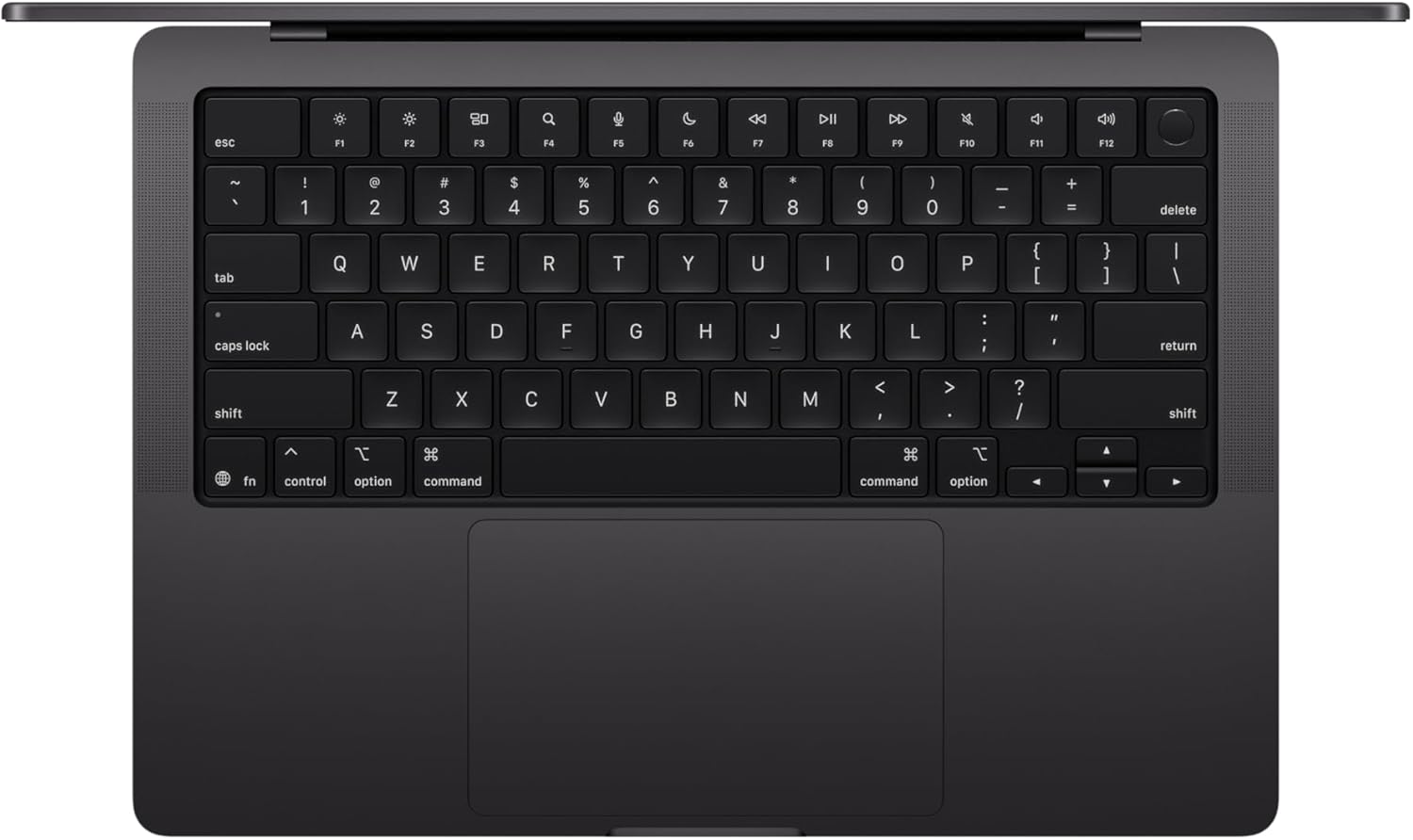
At 1 a.m. with a piece due at 9, the MacBook Pro running on battery in a dark room is a specific kind of experience. The display’s True Tone calibration shifts the color temperature subtly warmer, which reduces eye fatigue in ways I didn’t consciously notice until I switched back to my old machine for a day. The keyboard’s backlighting ramps down automatically to match the ambient light without prompting. Small things. The kind of small things that add up over a month of daily use into something that feels considered rather than assembled.
What Other People Are Saying
One reviewer put it plainly and memorably: “Apple’s old Intel machines deserved the hate. The new Apple Silicon M5 changes all of that.” That kind of conversion narrative keeps appearing across owner feedback for this machine, and it’s worth noting because it comes from people who spent years actively avoiding Apple hardware, not longtime loyalists. The 4.7-star average across hundreds of reviews isn’t driven by brand enthusiasm. It’s driven by people describing specific things: the screen, the thermal performance, the battery longevity on travel days. You can cross-reference that pattern against independent lab testing at display and performance benchmarking resources like RTINGS to see how subjective impressions align with measured results.
The consensus is unusually consistent for a premium laptop. People who expected to be disappointed by the price point ended up reporting that the machine’s output justified the investment. That’s not universal, but it’s the dominant note.


Who Should Skip It
If your daily workload is primarily browser-based, document editing, and the occasional video call, this machine is significantly more than you need. A lighter, more accessible laptop in a lower tier would serve you just as well and leave money for the rest of your work from home office upgrades. If you’re a dedicated Windows user with deep keyboard shortcuts embedded in muscle memory, the macOS transition cost is real and shouldn’t be understated. And if gaming is your primary use case, the M5 handles casual titles surprisingly well, but a purpose-built Windows gaming machine with discrete graphics will outperform it in sustained high-refresh-rate scenarios. This is a professional creative and productivity machine first. Don’t buy it for what it isn’t.
What It Replaces on My Desk
I retired a three-year-old Intel-based ultrabook that had been loud, occasionally laggy, and possessed of a display I’d described charitably as “acceptable.” The MacBook Pro didn’t just replace it. It made me realize how much I’d been tolerating. The display difference alone is jarring if you’ve spent years on a mid-range IPS panel. Colors that I’d been grading and editing for years look different on the XDR screen, which was briefly alarming and then permanently clarifying. I also removed a desktop fan I’d positioned near my old laptop to keep it from overheating during summer editing sessions. I don’t miss either of them. You can see how this pairs with the ergonomic mice we’ve reviewed and the webcams worth pairing with a setup like this for a complete desk build.
FAQ
What external displays and accessories work with this MacBook Pro?
The MacBook Pro’s Thunderbolt 4 USB-C ports support most modern monitors, docks, and peripherals. You’ll want a hub or dock with Thunderbolt compatibility to maximize bandwidth if you’re running multiple displays or fast external storage simultaneously.
How does battery life hold up across a full remote workday?
In mixed-use daily testing involving video calls, document editing, and light creative work, the machine consistently lasted a full ten-hour day with meaningful charge remaining. Heavier sustained workloads like 4K export will shorten that window noticeably.
What’s the best peripheral pairing for a desk-based work from home setup with this laptop?
A USB-C or Thunderbolt dock, an external monitor rated for high refresh rate, and a low-profile mechanical keyboard make the most of the machine’s processing power. The MacBook Pro handles all of it without visible strain.
Does the build quality match Apple’s reputation at this tier?
The aluminum chassis, hinge mechanism, and display construction all feel consistent with what Apple charges for at this level. There’s no flex, no creak, and the Space Black finish resists fingerprints better than the Silver variant in practical daily handling.
What’s Apple’s return and warranty policy on the MacBook Pro?
Apple offers a standard one-year limited warranty with the option to extend coverage through AppleCare Plus, which adds accidental damage protection. Returns within 14 days of purchase are accepted through Apple directly, subject to condition requirements.

The Verdict
Six weeks from now, I’ll reach for this machine without thinking about it, which is exactly what happened. The Apple MacBook Pro 14-inch with M5 has become the kind of tool that stops being a purchase decision and starts being infrastructure. For creative professionals, writers, developers, or anyone building a serious work from home setup around a single machine, the performance ceiling here is higher than most daily workflows will ever actually test. The Liquid Retina XDR display alone changes how you look at other screens. The thermal silence changes how you feel about working in shared spaces. At this price point, the value reads considerably above what the spec sheet alone suggests, because the spec sheet doesn’t capture how long this machine will remain relevant. If you’re looking for the best work from home laptop for professional creative use, and you’re prepared to invest in something that won’t feel outdated in eighteen months, this is the one to get. Explore our editor’s top tech picks for complete desk builds or add it to your shortlist at our curated gift ideas for remote workers. It’s not the flashiest thing you’ll buy this year. It’s the one you’ll use every day.
Every Angle
The product as photographed for Amazon — hero, angles, ports, detail.



As an Amazon Associate I earn from qualifying purchases.