Apple iPad Air 11-inch M4: Honest Review After 2 Weeks

The Apple iPad Air 11-inch (M4) sat on my kitchen counter for a week before I realized I’d stopped reaching for my laptop entirely.
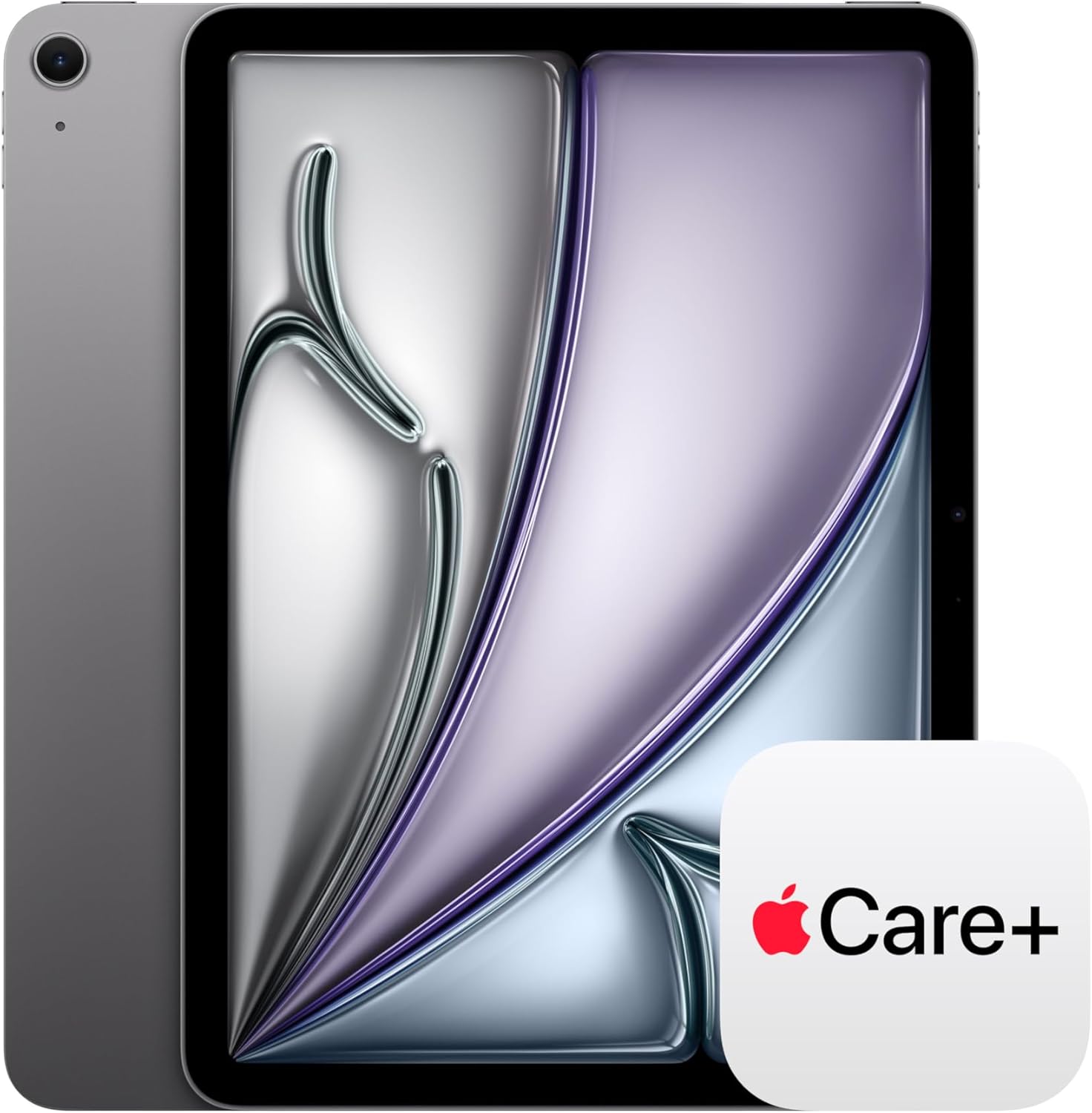
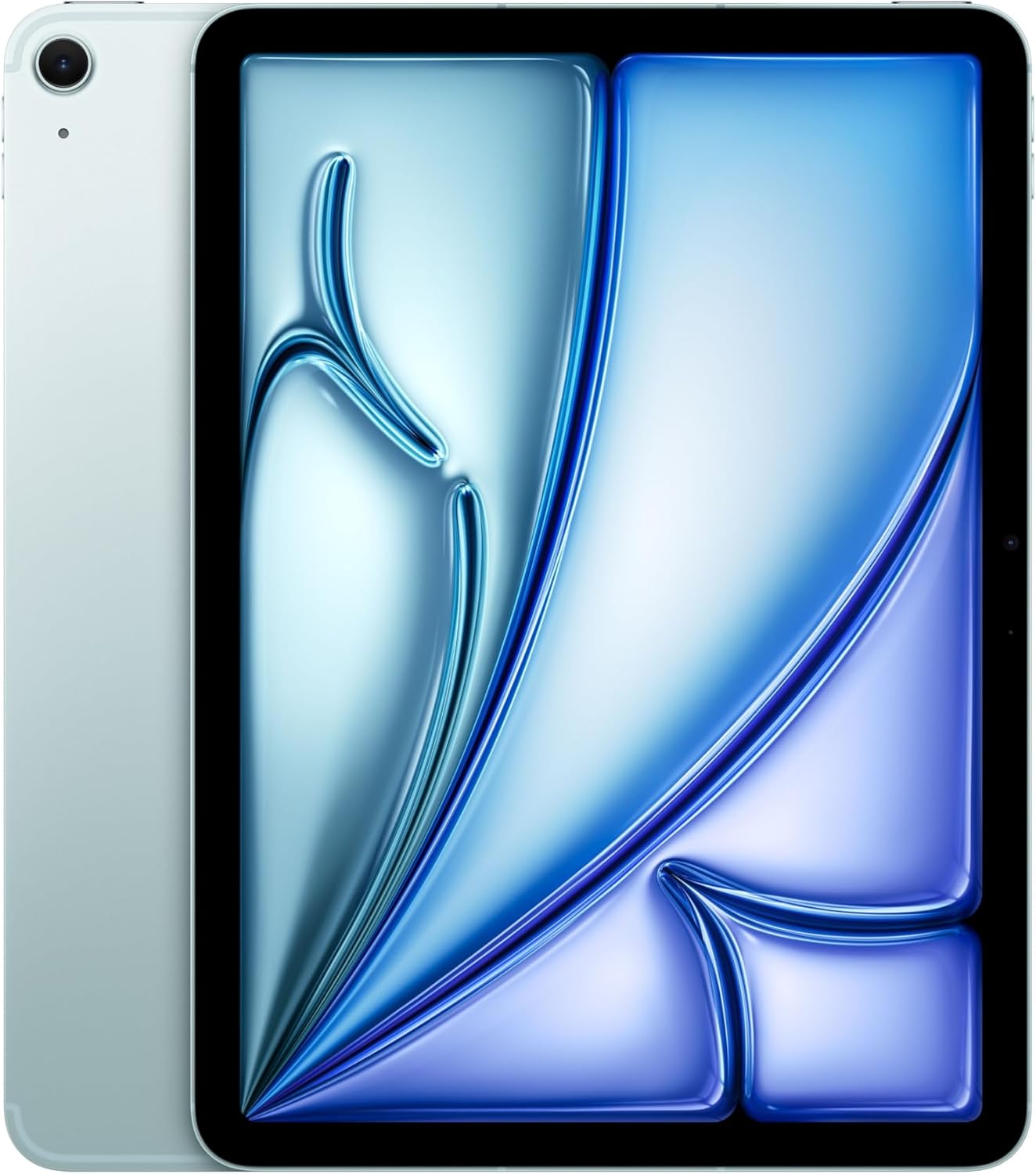
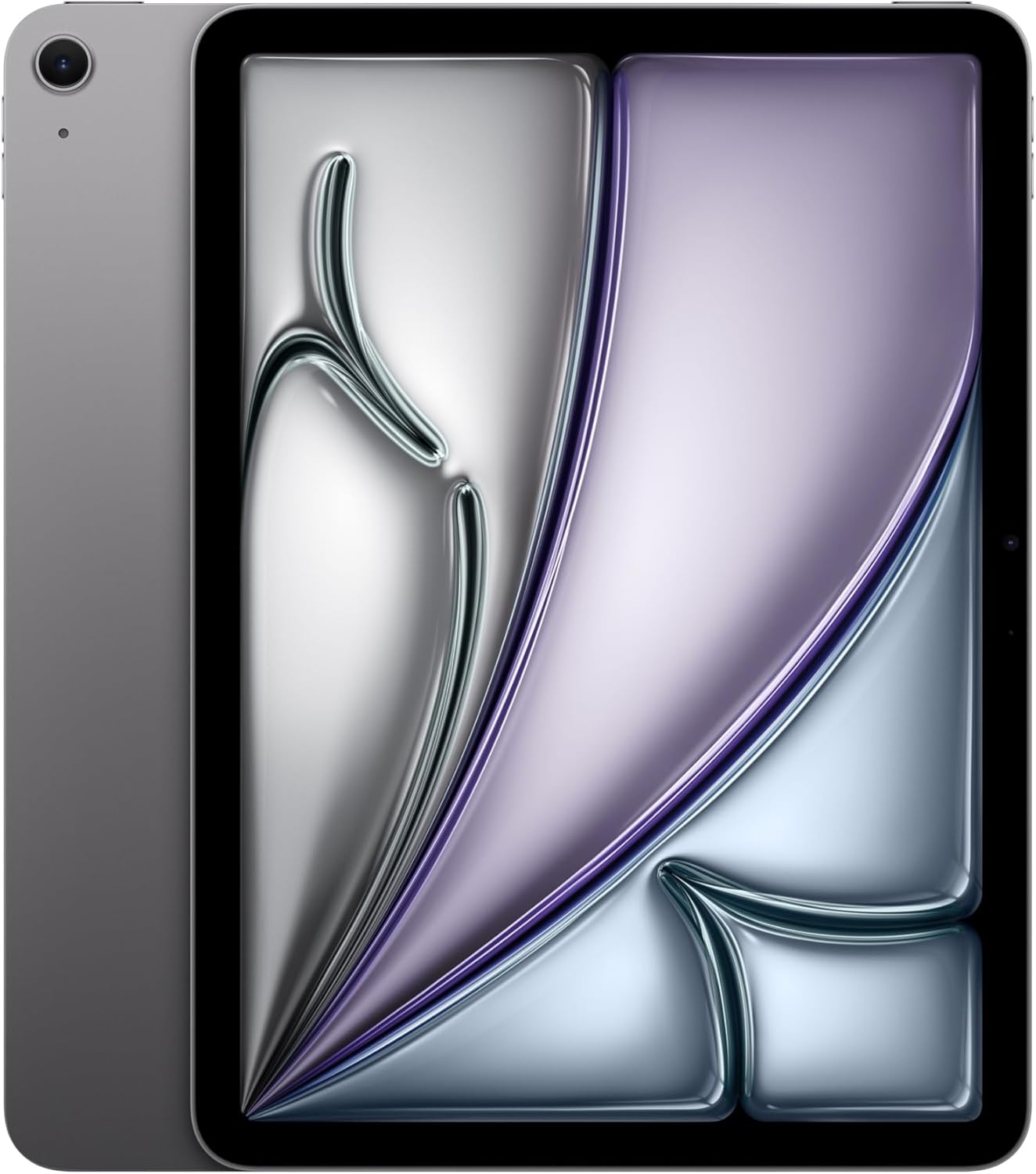
It was a Wednesday morning, coffee going cold on the windowsill, and I was deep into a spreadsheet on my couch with the iPad propped against a throw pillow. The aluminum chassis caught the light in that particular Space Gray way, somewhere between slate and silver, cool to the touch and genuinely thin in a way that still surprises me every time I pick it up. I’d grabbed it to check one email. Ninety minutes later I was still there, having drafted two documents, made a video call, and edited a short clip, all without once feeling like I was fighting the hardware. **That’s the thing about the M4 chip** inside this machine: it doesn’t announce itself. It just quietly makes everything feel easier than it should.

The First Time I Used It
I’d been skeptical going in. The iPad Air has always sat in that awkward middle position in Apple’s lineup, between the no-frills base iPad and the Pro lineup that costs considerably more. When the M4 version appeared, I assumed it would feel like a spec-sheet refresh, numbers up, experience roughly the same. What stopped my scroll was a single detail in the spec sheet: Wi-Fi 7 support via Apple’s N1 chip. That’s not a feature that shows up in this tier of the market very often, and it made me want to actually sit with it.
So I ordered it in Space Gray, set it up on a Friday afternoon, and by Sunday I was already rearranging my work from home setup around it. That doesn’t happen with most tablets.
How It Actually Performs
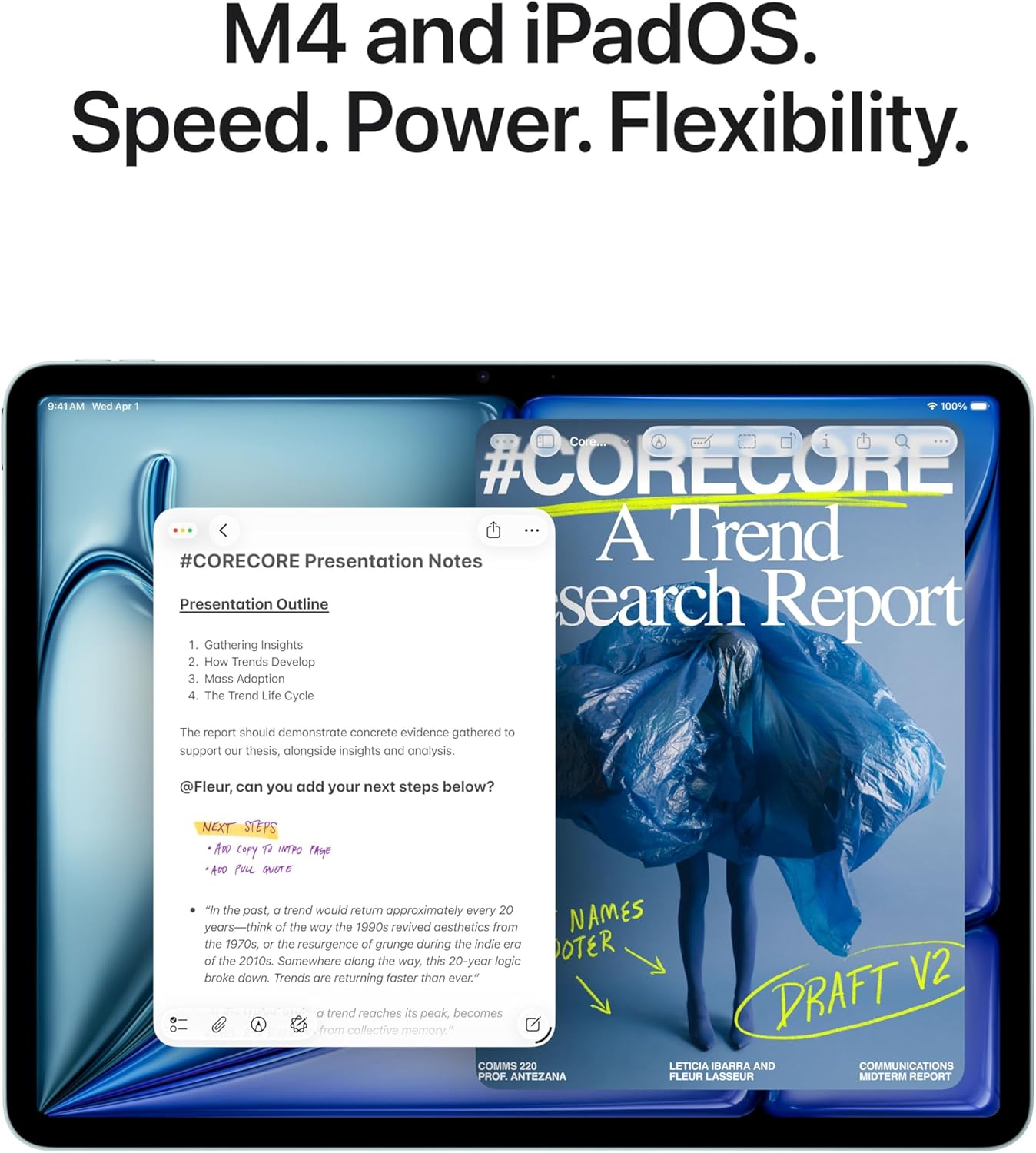
Let me be specific, because “fast” is a word that gets used until it means nothing. The M4 chip handles video editing in CapCut without a lag spike. Jumping between a browser with fifteen tabs, a notes app, and a streaming video in split view produces no stutter that I could detect. The Liquid Retina display at 11 inches is sharp enough that I stopped second-guessing it after about ten minutes, colors rendering with enough accuracy that I’ve comfortably used it for light photo work. Battery life has been, genuinely, all-day, and I’ve stress-tested that claim across some long sessions.
“The M4 iPad Air doesn’t ask you to compromise on performance just because you didn’t buy the Pro.”
That said, I’ll be honest about one friction point: there’s no ProMotion display here, meaning no 120Hz adaptive refresh rate. Coming from devices that have it, scrolling occasionally looks subtly different, though most people using this as part of a work from home setup probably won’t lose sleep over it. It’s a real spec difference, but in daily use it felt minor. The performance benchmarks from independent reviewers bear that out, putting it close enough to the Pro that the gap is largely philosophical.
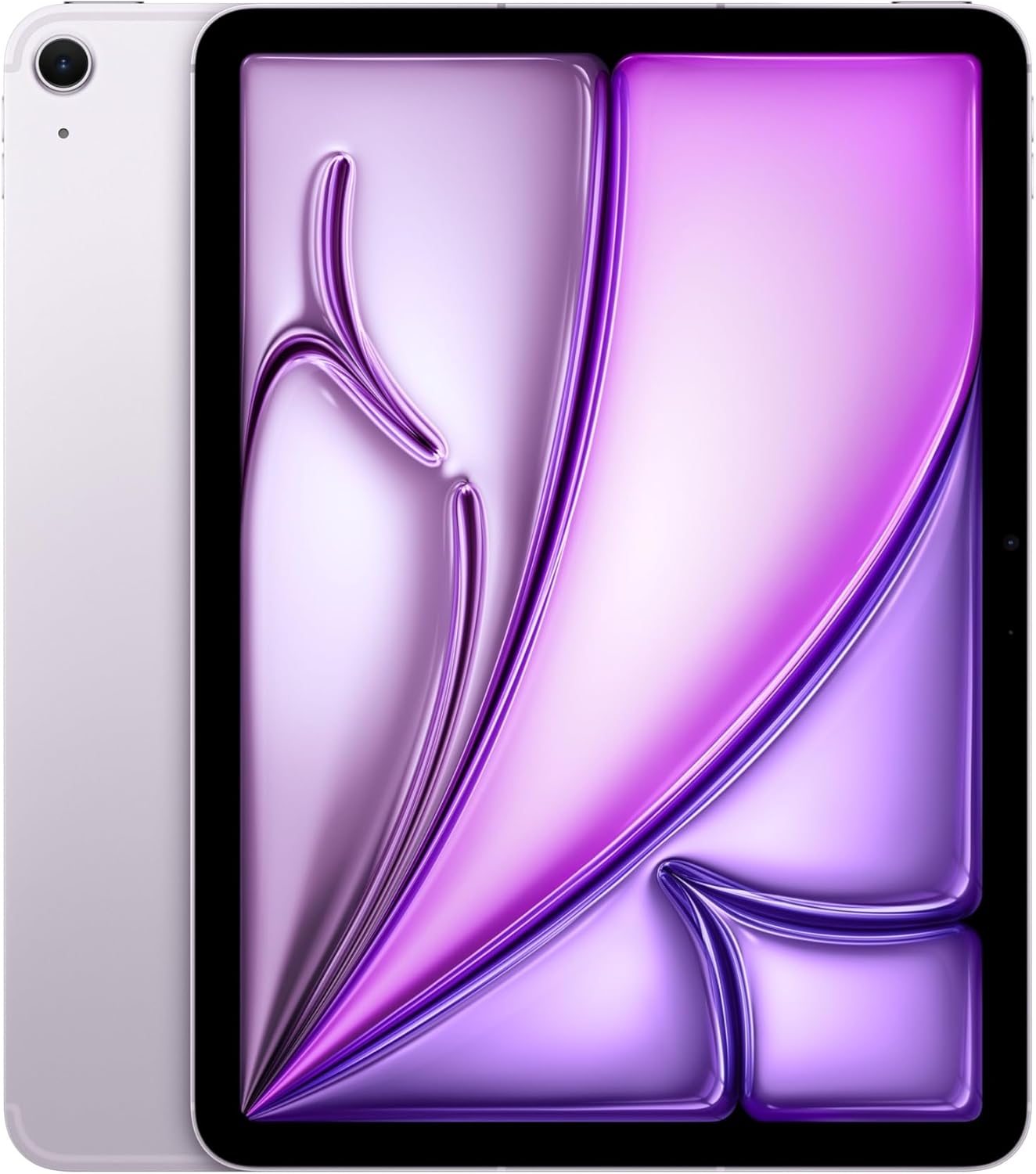
How I Actually Used It
Setup 1: The Work From Home Morning Routine
My desk situation involves a standing desk, a monitor, and a laptop dock that I’ve been incrementally ignoring. For three weeks I moved the iPad Air into the center of my morning workflow: email, calendar review, light document drafts, a video standup at 9 a.m. The 12MP front camera with Center Stage handled the standup call well, framing me automatically as I moved around, which is one of those features I dismissed as gimmicky until I started actually using it. It replaced my laptop for the first two hours of every workday. The Touch ID fingerprint sensor on the top button is fast and consistent, which matters more than I expected when you’re unlocking the device fifteen times in a morning.
Setup 2: Saturday Travel Day, Carry-On Only
I took the Air on a domestic trip specifically to test it as a travel gadget. At this size and weight, it slides into a sleeve in my backpack without any of the “I’ll just bring the laptop instead” second-guessing. On the flight, I edited a video, watched a film, read for an hour, and still had meaningful battery left when the wheels touched down. **USB-C charging** means the same cable I use for everything else, which sounds small until you’re at an airport and it turns out to matter a lot. The phone and mobile category of my life has started orbiting this device in a way I didn’t anticipate.
Setup 3: Late-Night Creative Work
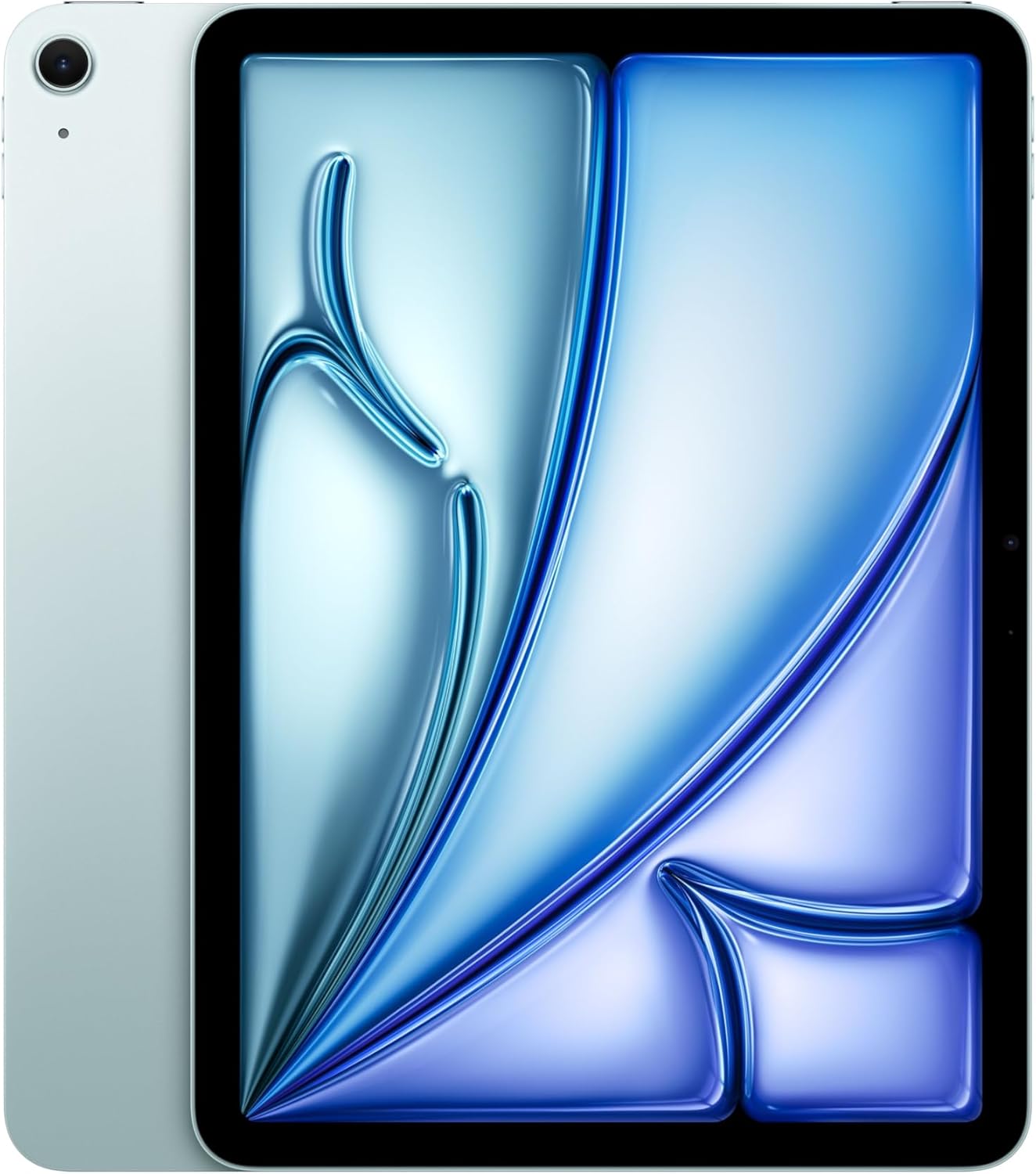
My third use case is less structured: the 10 p.m. to midnight window where I’m doing creative work, writing, making notes, occasionally sketching out ideas. The Air is the right size for this. The 128GB of onboard storage has been more than enough for my working files, though I’ll note it fills faster than you’d think if you’re storing offline video. Propped in portrait mode on my nightstand, it reads like a large book and feels light enough that holding it one-handed for twenty minutes doesn’t become an ergonomic negotiation. For this kind of flexible, unstructured use, it consistently gets out of its own way.
What Other People Are Saying
One buyer put it precisely: they “almost went with the Pro because the Air was gonna feel like a compromise,” and then found it wasn’t. That line captures the consensus better than any aggregate number. Across 229 reviews at a 4.8 rating, the pattern is consistent: people expect to feel like they settled, and then they don’t.
The reviews from creative users, people running karaoke software, editing social media clips, juggling multiple apps, report the same thing: the performance ceiling feels higher than the price point implies. For a device positioned as the accessible entry into Apple’s premium tablet range, that’s not a given. It’s worth noting because it wasn’t always true of previous Air generations. You can find deeper comparative context in display and performance ratings from independent reviewers if you want to validate the consensus with numbers.
Who Should Skip It
If you need a tablet for heavy, sustained professional workloads, think 4K video editing with multicam timelines, running full desktop applications via external display, or anything that benefits from Thunderbolt connectivity, the iPad Air 11-inch won’t be the answer. The absence of ProMotion matters more to you if you’re using an Apple Pencil for illustration at a professional level, where 120Hz responsiveness translates directly to line accuracy. **If you already own a recent iPad Pro**, the M4 Air is unlikely to offer enough new ground to justify switching. And if you’re after the largest possible screen for immersive media consumption, the 11-inch form factor might leave you wanting more real estate. Browse compatible wireless charging accessories and protective cases for this size before committing, because the accessory ecosystem here is robust and worth exploring.
What It Replaces on My Desk
I had an older iPad that had started to feel like it was buffering its way through modern apps, and the Air replaced it with zero ceremony. But the more interesting replacement was the laptop for about sixty percent of my daily tasks. I’ve moved my tablet stand setup to the center of my desk rather than the edge, which is a physical signal of a shifted habit. For a specific type of work from home user, the person who does creative, communicative, and consumption work rather than running demanding local software, this device can genuinely cover the ground a laptop used to occupy. That’s a meaningful lifestyle change, not just a hardware swap.
FAQ
What accessories work with the iPad Air 11-inch (M4)?
The M4 iPad Air supports Apple Pencil Pro and the Magic Keyboard Folio, both of which attach via the magnetic Smart Connector. USB-C hubs, keyboards, and displays connect via the USB-C port.
How is the battery life in real-world use?
Apple’s all-day claim held up across my testing, typically giving me eight to ten hours of mixed-use including video calls, document work, and streaming. Heavy video editing will shorten that window noticeably.
Is the 11-inch size practical for daily carry?
Yes, and notably so. It fits in most standard backpack sleeves and messenger bags without requiring a dedicated laptop compartment, which makes it a genuinely viable travel gadget in a way the 13-inch version is not.
Does the build quality match Apple’s reputation at this level?
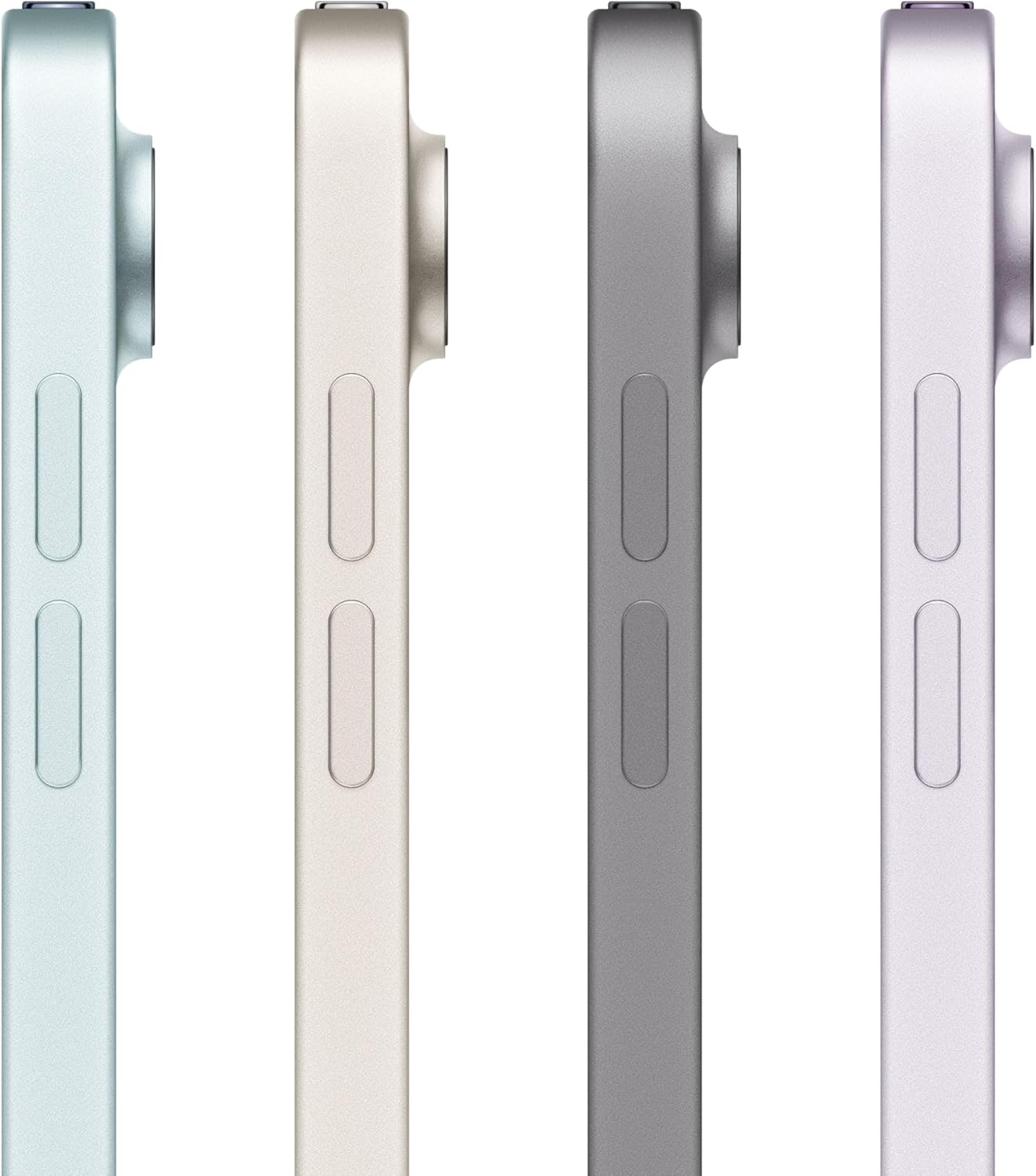
The aluminum chassis feels as considered as anything in Apple’s lineup. There’s no flex, no plastic trim, no sense of a corner cut to reach this price point. The finish holds up to daily bag-and-desk cycling without collecting scratches the way some anodized finishes do.
What’s the return and warranty situation?
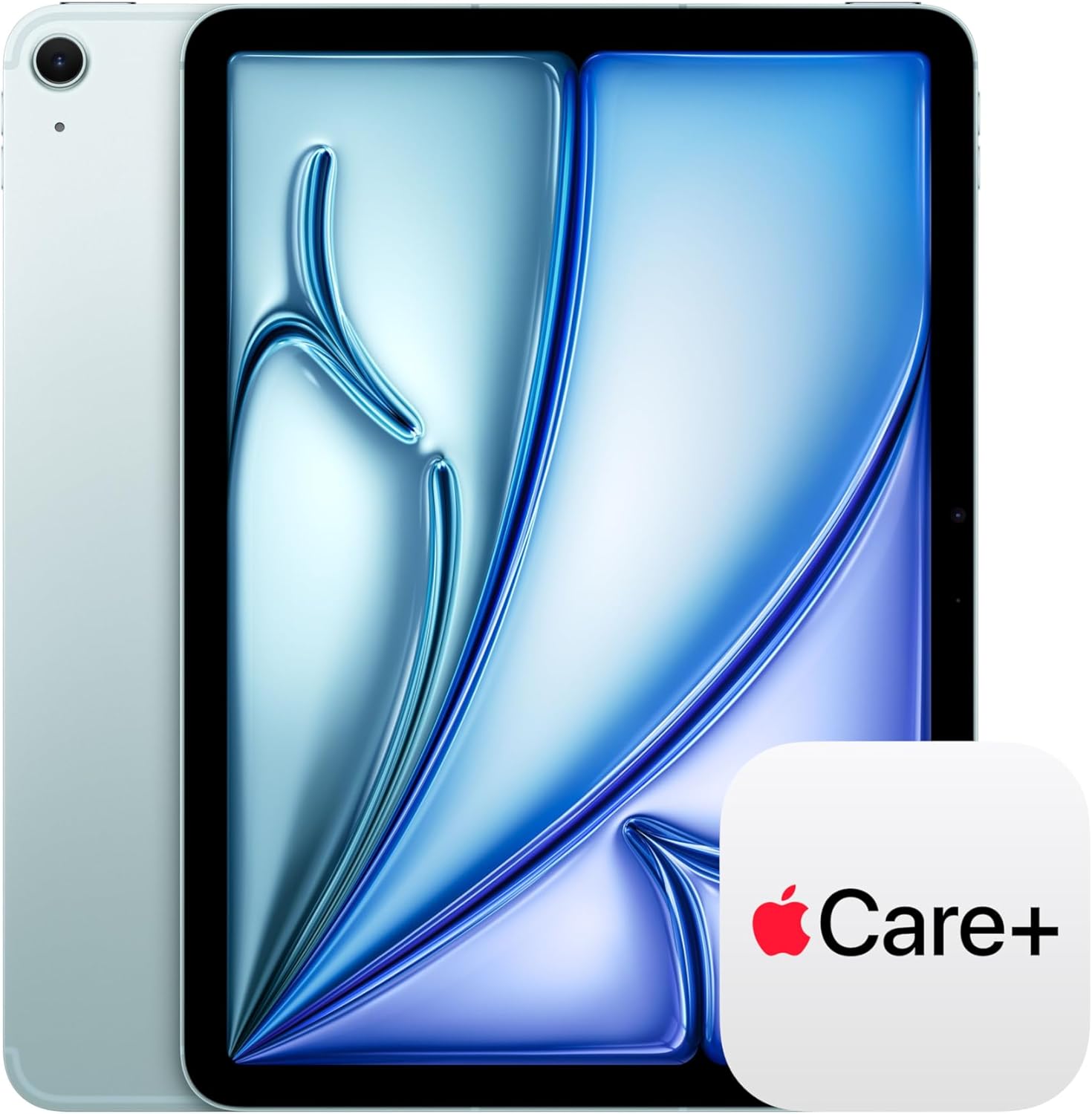
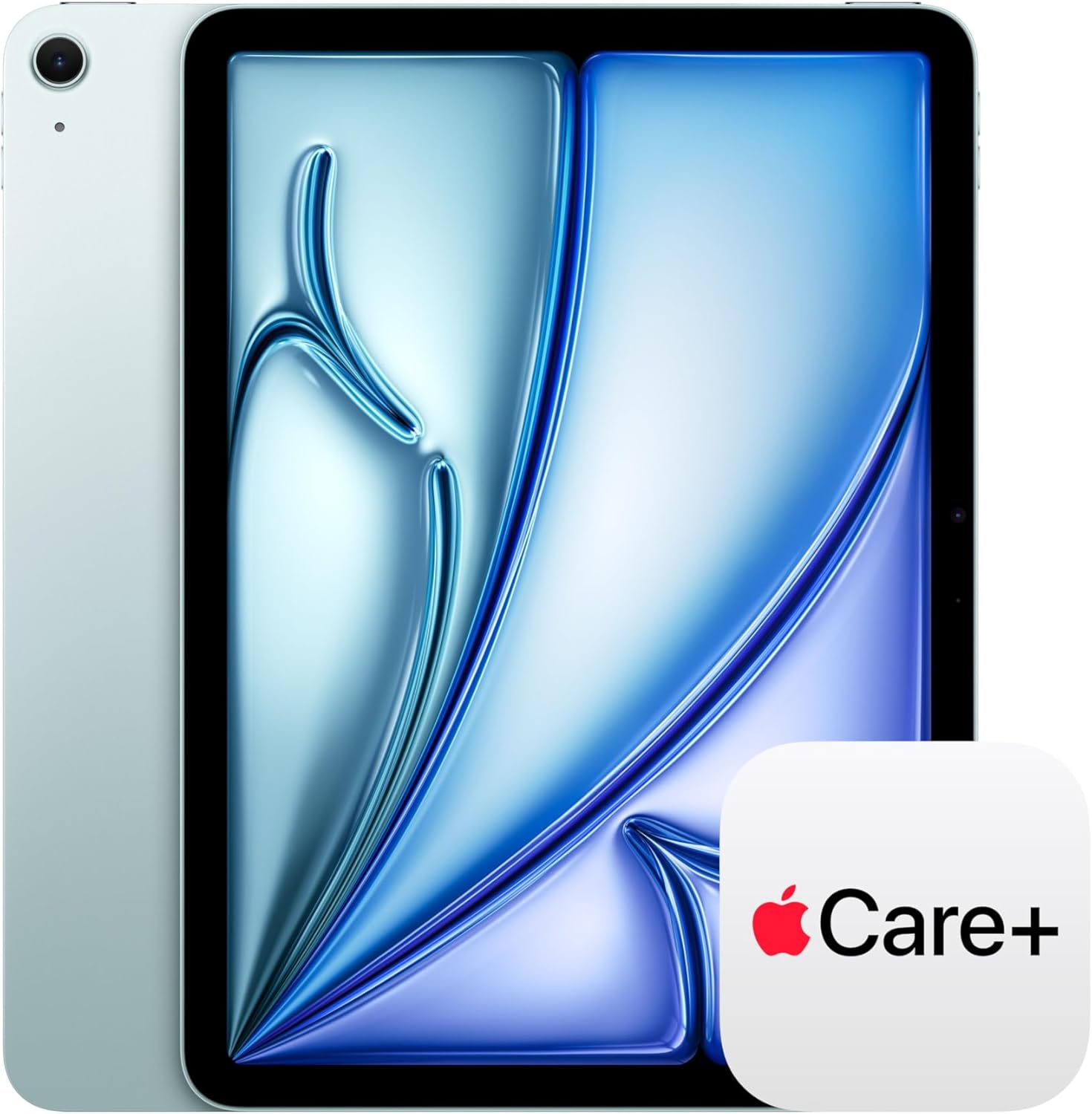
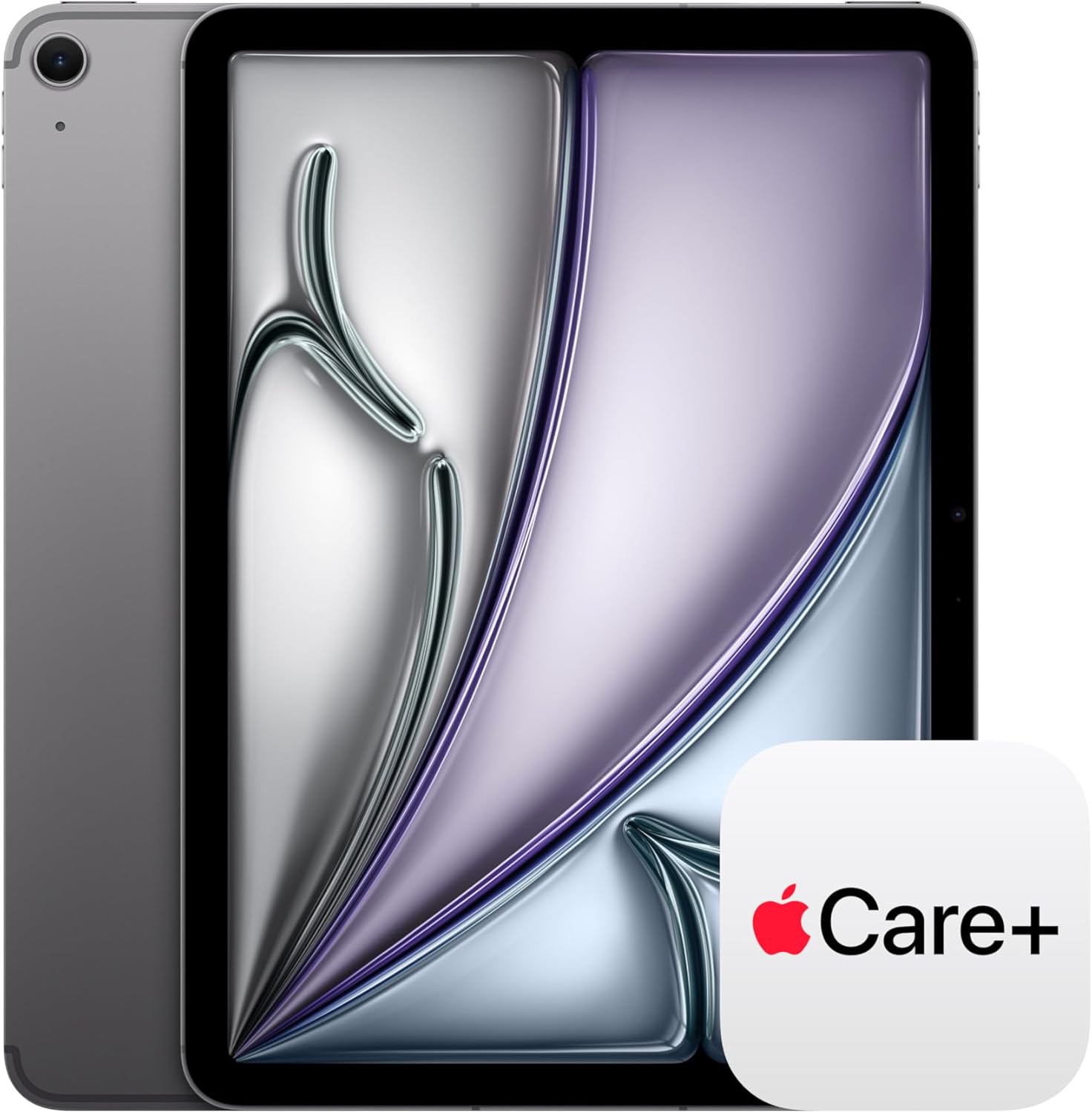
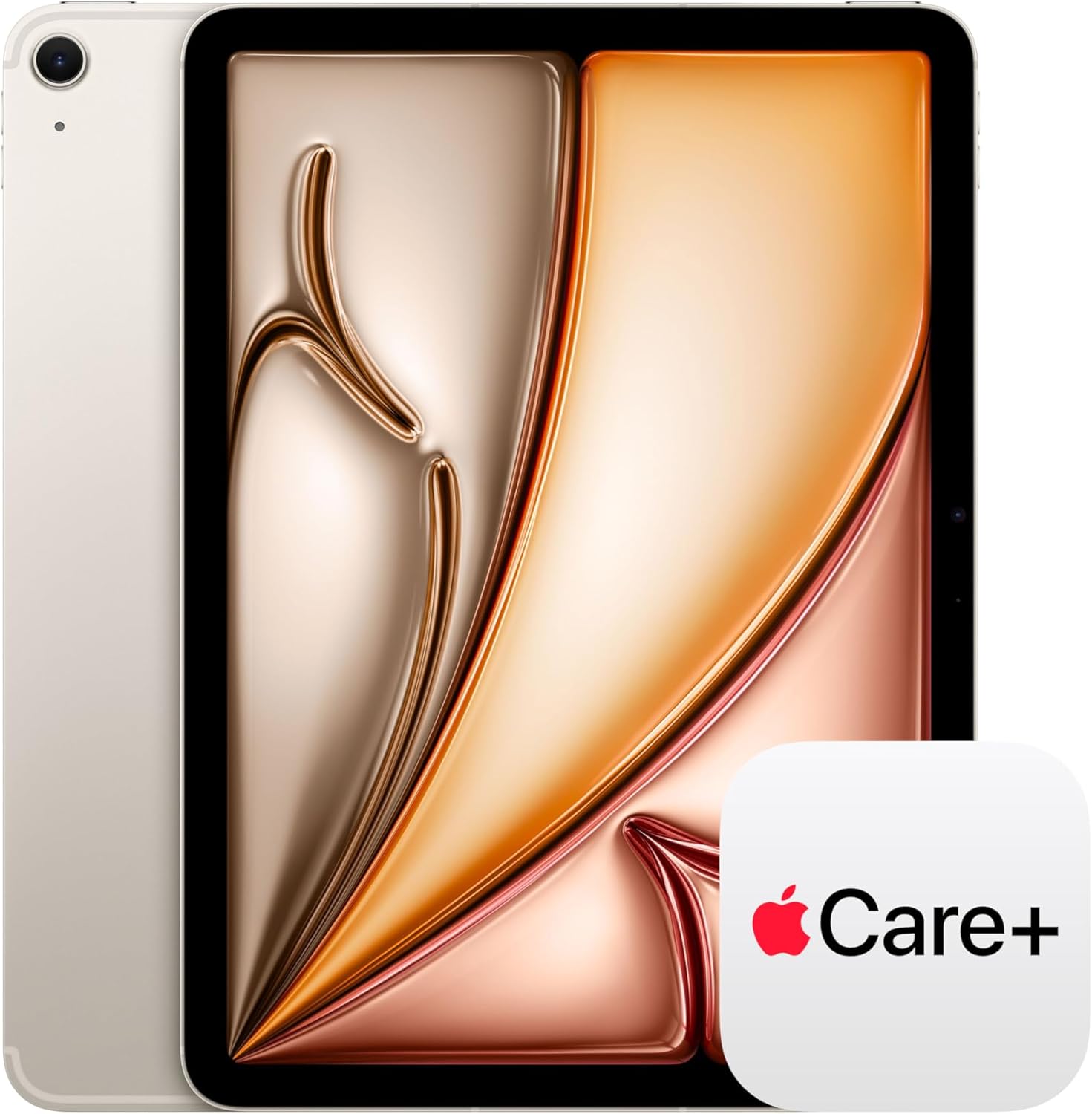
Apple offers a standard one-year limited warranty with the option to extend via AppleCare+. Returns within Apple’s retail window are straightforward, and authorized resellers typically mirror the same policy.
The Verdict
Three weeks in, the Apple iPad Air 11-inch (M4) has quietly reorganized my work from home setup in ways I didn’t plan for. I reach for it first in the morning. I bring it on trips without deliberating. I’ve stopped treating it as a secondary device and started treating it as the primary one, which is a shift I’d have laughed at if you’d told me it was coming. The Liquid Retina display, the Wi-Fi 7 connectivity, and the M4 chip together add up to something that reads well above what you’d expect given the value at this tier. For anyone who’s been sitting on the fence about whether the Air feels like a real device or a polished compromise, the M4 generation answers that question directly. Explore our editor’s top tech picks if you want to see how it fits into a broader setup, and check the best tablet gift ideas if you’re shopping for someone else. This is the best iPad for the widest range of people, and if that sounds simple, it’s because after living with it for a month, the answer actually is. For a more comprehensive look at how reviewers across the field are ranking it, Engadget’s tablet coverage and Wired’s gadget desk both offer solid context. **Buy the M4 iPad Air 11-inch if you want a premium tablet that earns its place every single day.**
Every Angle
The product as photographed for Amazon — hero, angles, ports, detail.

As an Amazon Associate I earn from qualifying purchases.