Apple iMac M4 Desktop for Work From Home 2024

Work From Home Gear Worth Knowing
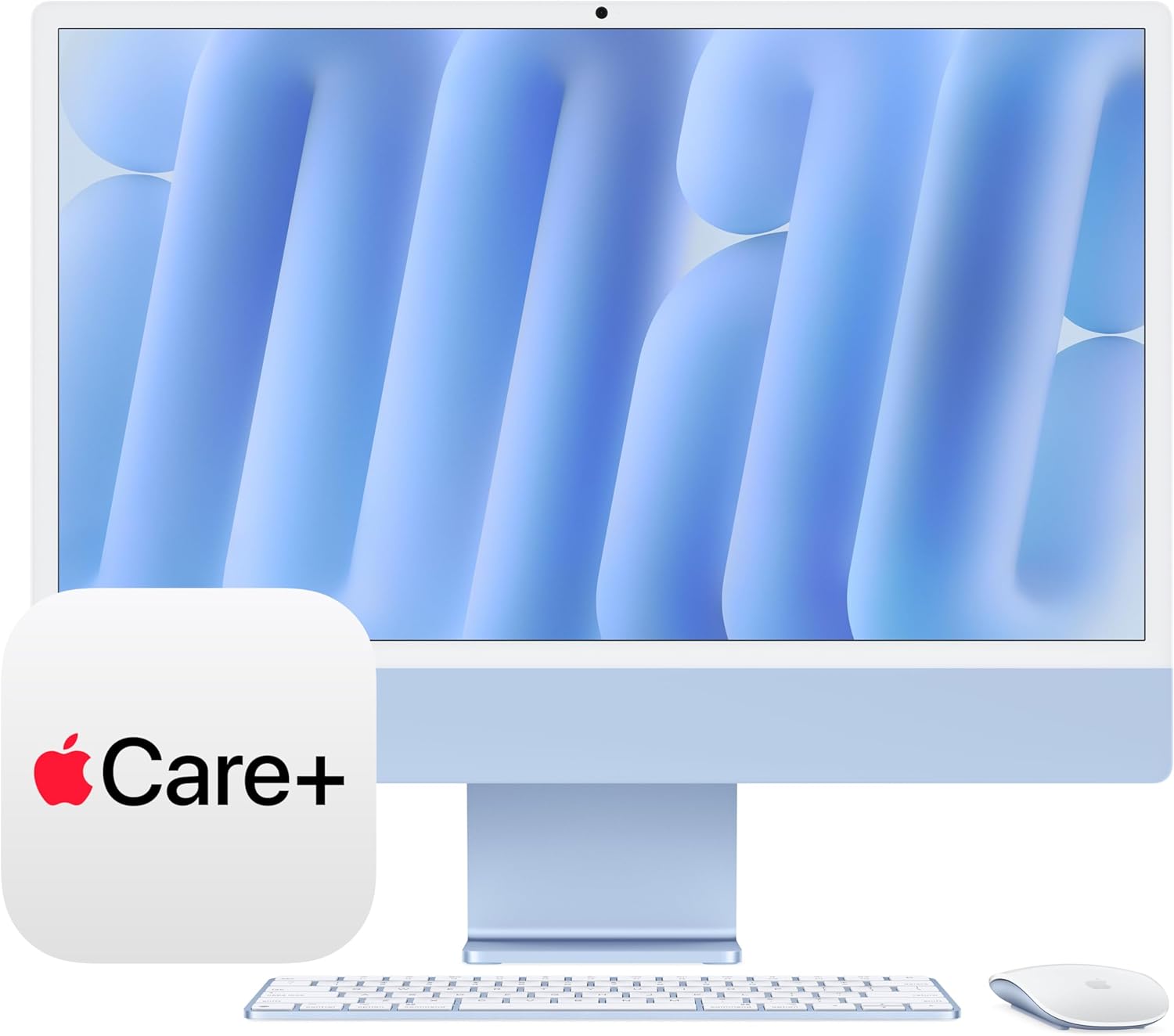
Apple’s 2024 iMac in blue is the all-in-one desktop that makes your home office look like you finally have your life together.
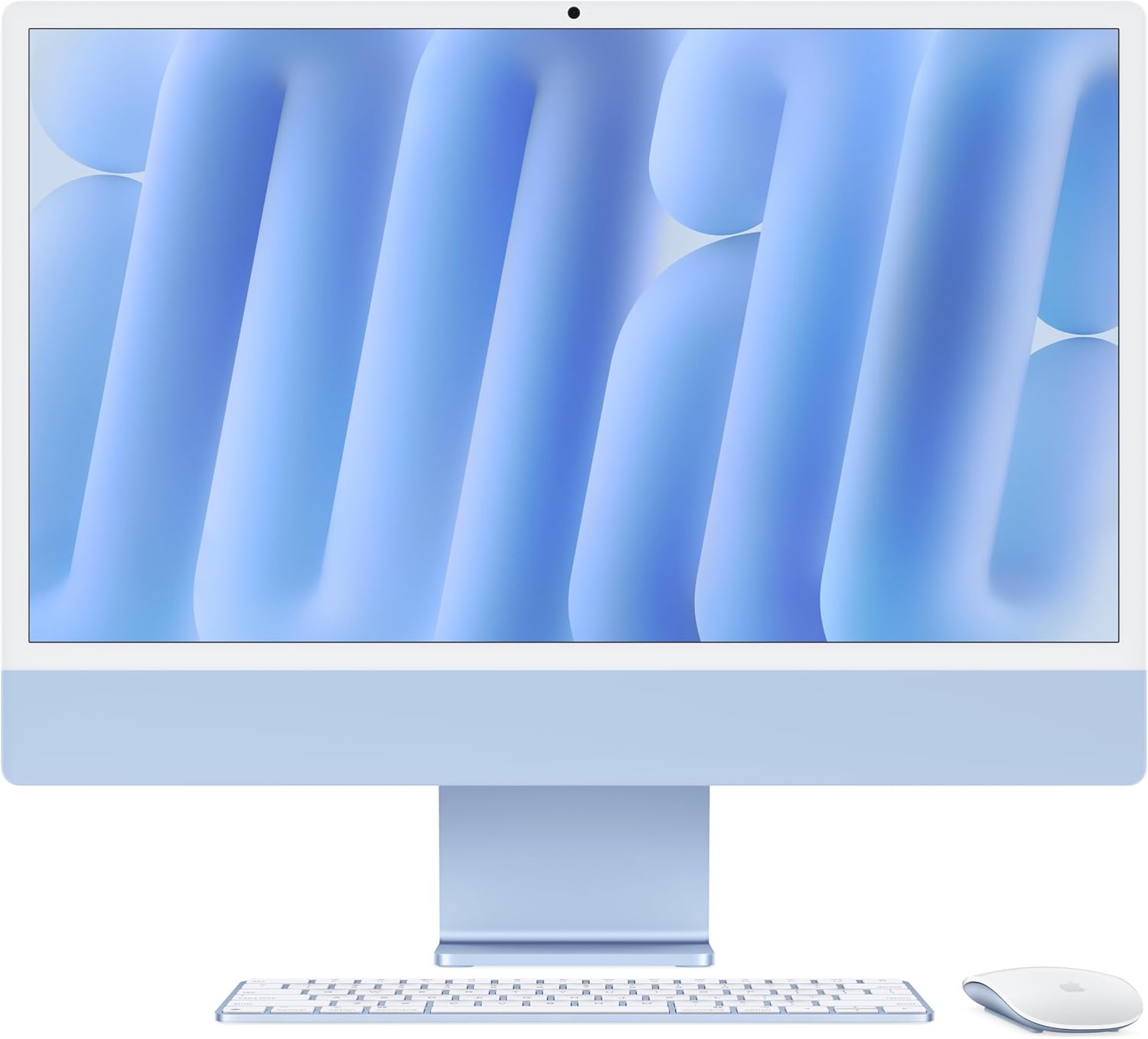
It’s a Tuesday morning. You’ve got four browser tabs open, a video call in three minutes, and a Figma file that would bring most machines to their knees. I dropped the Apple 2024 iMac with the M4 chip into that exact scenario, and the thing didn’t flinch. Not once. That blue aluminum finish catches the light on your desk like a piece of furniture that also happens to be a powerhouse — and honestly, that’s the pitch in one sentence.
What I Love About This Work From Home Gear
After a few weeks of daily use, here’s what actually stands out — beyond the obvious “it’s fast” observation.
- The M4 chip with 8-core CPU and 8-core GPU handles simultaneous 4K video exports, browser tabs, and music playback without so much as a fan spin-up.
- 16GB of unified memory means app switching feels instantaneous, even with Slack, Chrome, and Lightroom all fighting for attention.
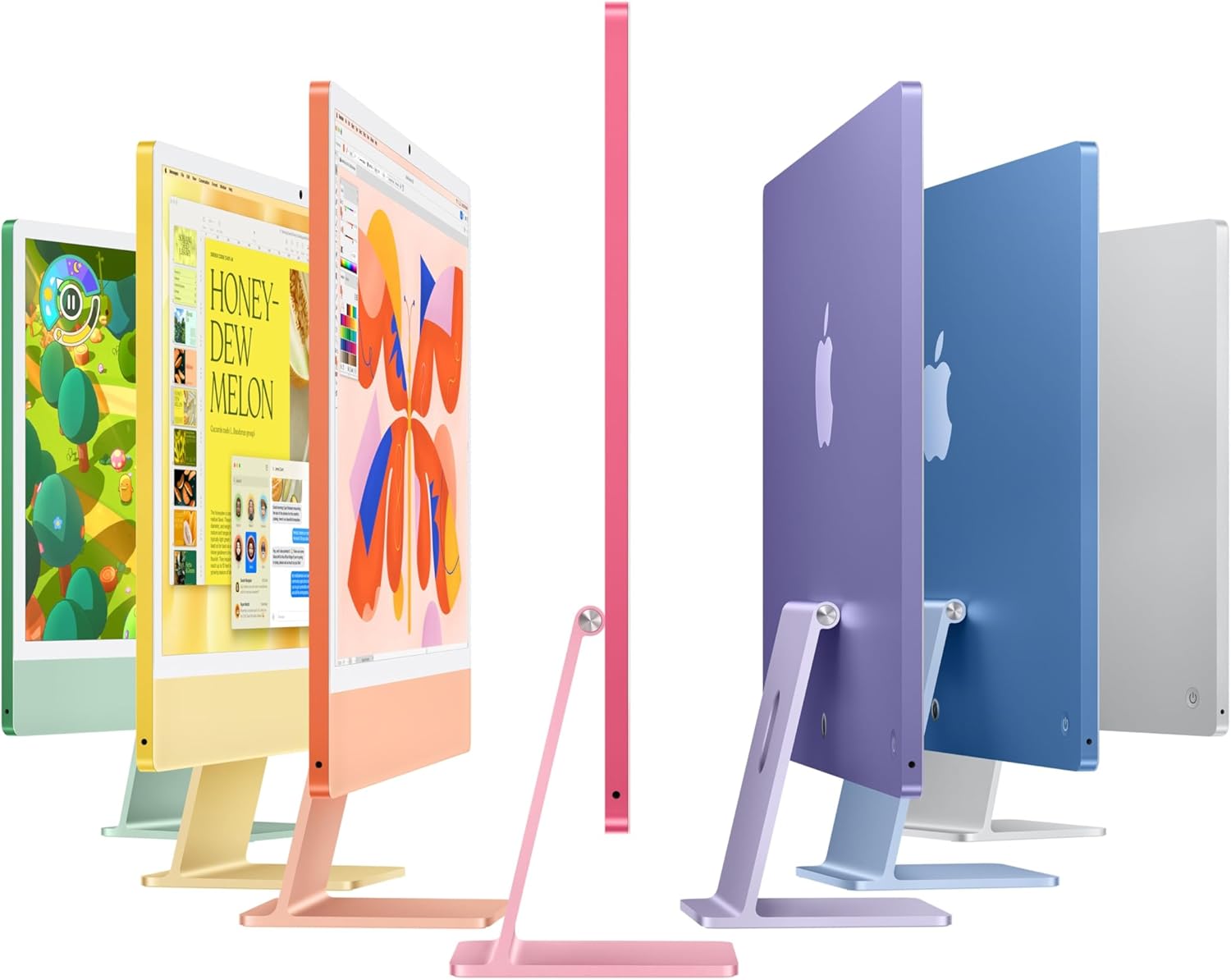
- The blue aluminum chassis is genuinely beautiful on a desk — this is work from home gear that you don’t hide behind a monitor arm.
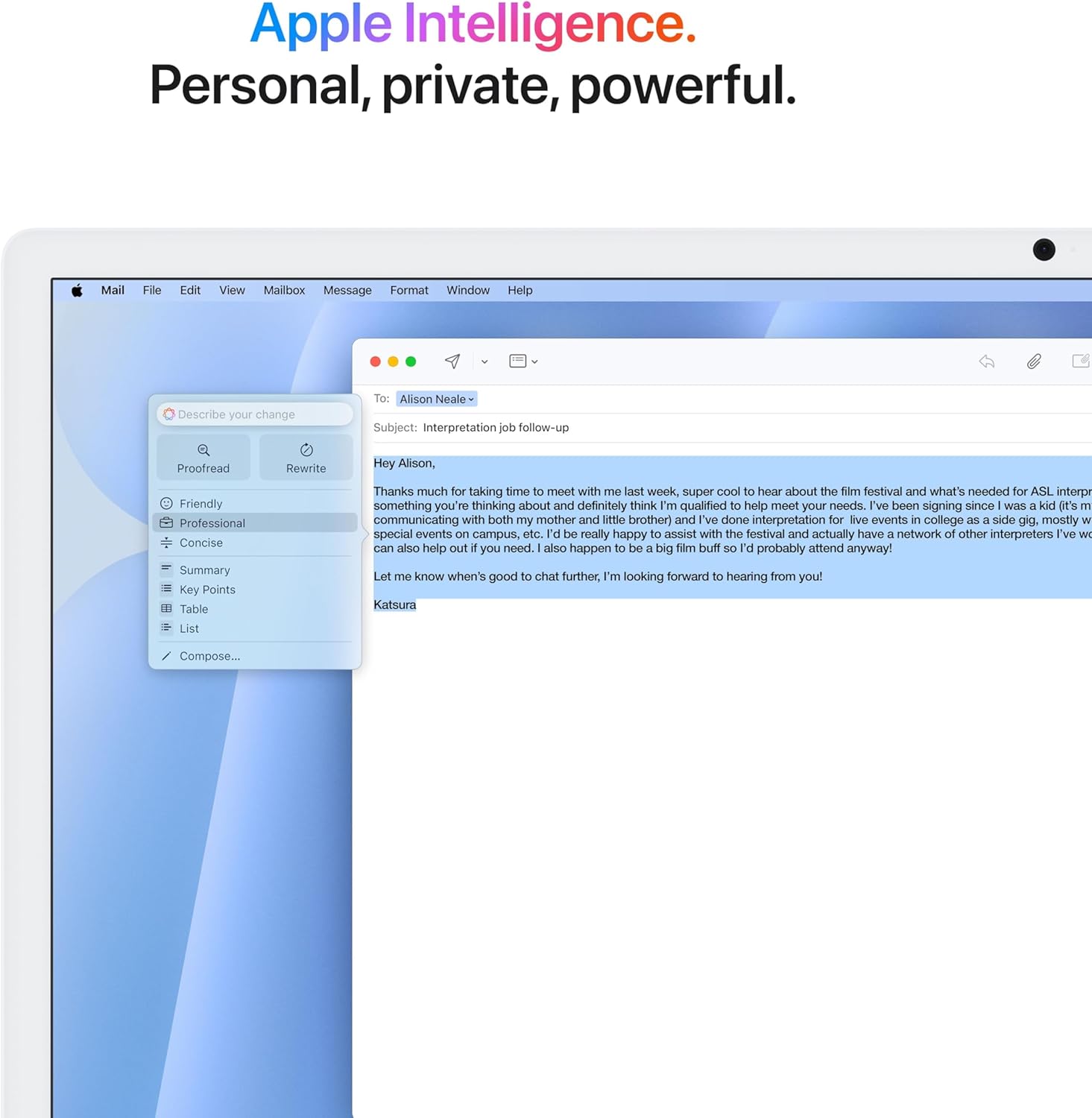
- Apple Intelligence features — smart writing tools, image generation, notification summaries — are baked right into the OS and actually useful in daily work.
- The USB-C connector ecosystem is clean and modern; no adapters required if you’ve already moved your peripherals forward.
What to Watch For
No machine this polished gets a free pass. The 256GB SSD is the honest sticking point here. For light users, it’s workable. For anyone storing large media libraries or running virtual machines, you’ll feel the ceiling quickly. Also, if your workflow is Windows-native — certain enterprise apps, specific gaming titles — the Mac ecosystem will require some adjustment or substitution.
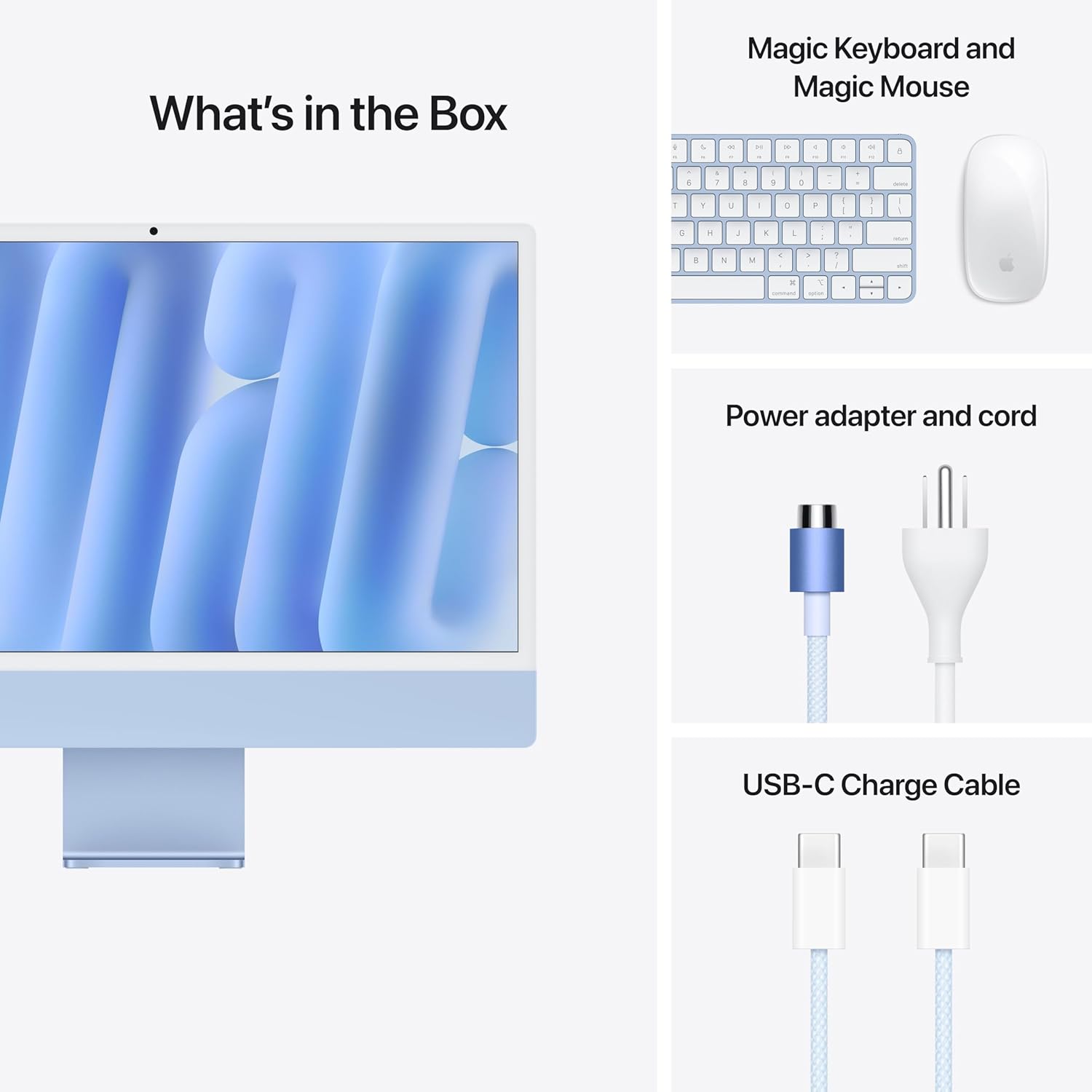
- 256GB base storage fills up faster than you’d expect with creative project files
- USB-C only means dongles if you rely on legacy USB-A devices or SD card slots
Who It’s For
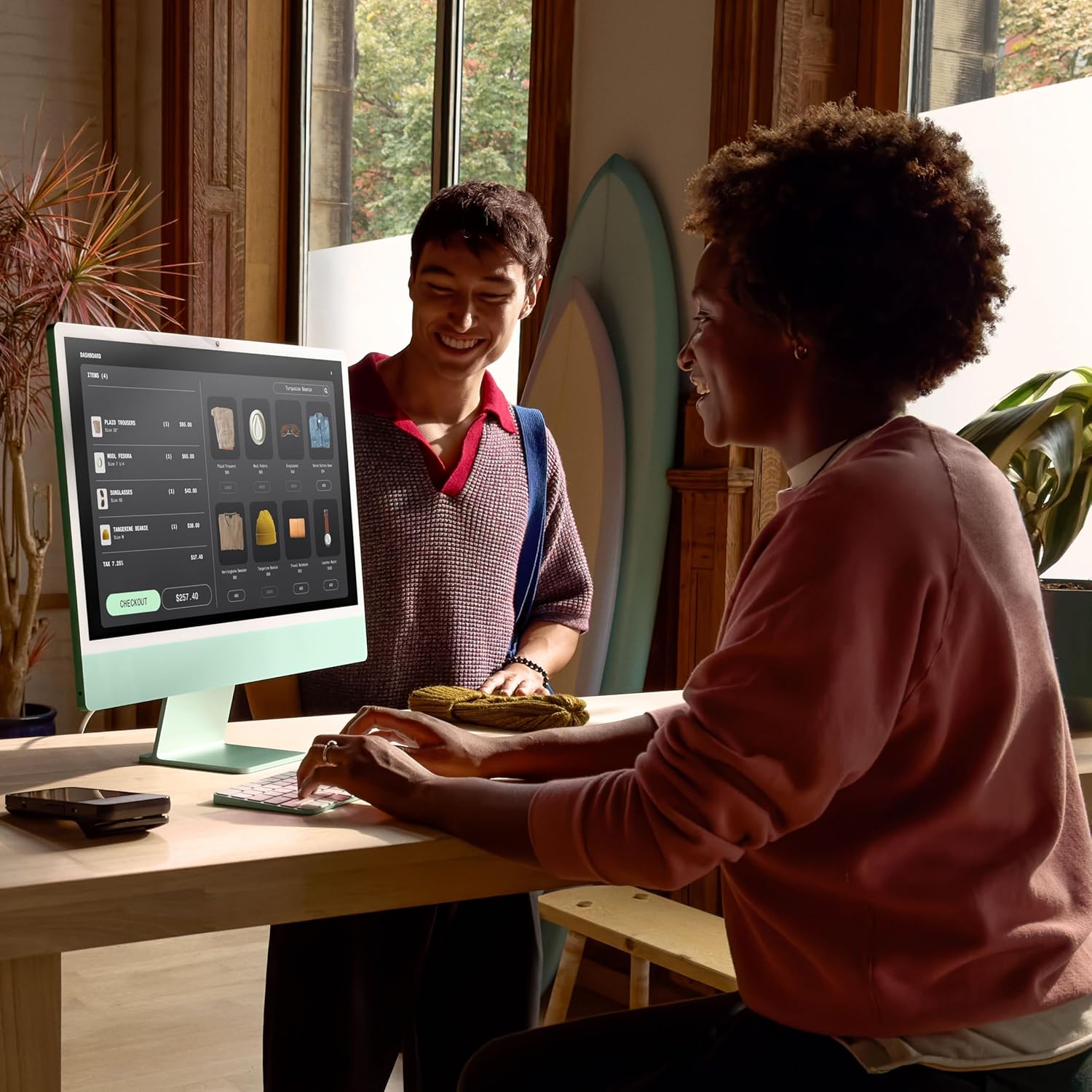
This is premium work from home gear aimed squarely at professionals who spend their days in creative software, video calls, and browser-heavy research workflows. If you’re a freelance designer, content creator, or remote knowledge worker who wants one beautiful, capable machine anchoring your desk, this iMac is the answer. If you need expandable storage or deep PC gaming support, look elsewhere first.
“This is the desk setup that makes every Zoom background conversation start with ‘wait, what computer is that?'”
How to Use It
Setup 1: Plug in via USB-C to your monitor or peripherals, sign into your Apple ID, and let iCloud Migration pull your existing Mac setup across in under an hour — you’ll be productive the same afternoon.
Setup 2: Pair it with an iPad as a secondary display using Sidecar, and your home office dual-screen setup is live without spending another cent on a monitor.
What People Are Saying
One reviewer described the experience as handling “intensive multitasking to graphic-heavy applications without any lag” — which tracks exactly with what I put it through. Across all reviews, the rating is a clean five stars, with multiple buyers calling out speed as the detail that surprised them most.
Quick FAQ
Does the 2024 iMac M4 support external displays?
Yes. It supports up to two external displays via Thunderbolt/USB-C, so you can run a multi-monitor setup if the built-in 24-inch display isn’t enough real estate.
Is AppleCare+ worth including?
For an all-in-one at this price point, yes. This bundled three-year AppleCare+ covers accidental damage and gives you direct access to Apple support — solid peace of mind for a desk-bound machine you’ll use daily.
Can it handle video editing and creative software?
Comfortably. Final Cut Pro, Adobe Premiere, and Lightroom all run smoothly on the M4. For heavy 4K or 3D rendering work, you’ll want to consider upgrading the memory tier when configuring.
The Verdict
This Apple 2024 iMac M4 review comes down to one clear conclusion: it’s exceptional work from home gear for the right buyer. The performance is real, the design is genuinely lovely, and Apple Intelligence adds utility that isn’t just marketing fluff. The storage limitation is the only thing I’d push back on at this level of finish.
If you work from home and want one beautiful, fast, future-proofed machine on your desk — buy it. If storage or Windows compatibility are non-negotiables, configure up or shop around first.
As an Amazon Associate I earn from qualifying purchases.