AI Voice Recorder for WFH: Honest Review
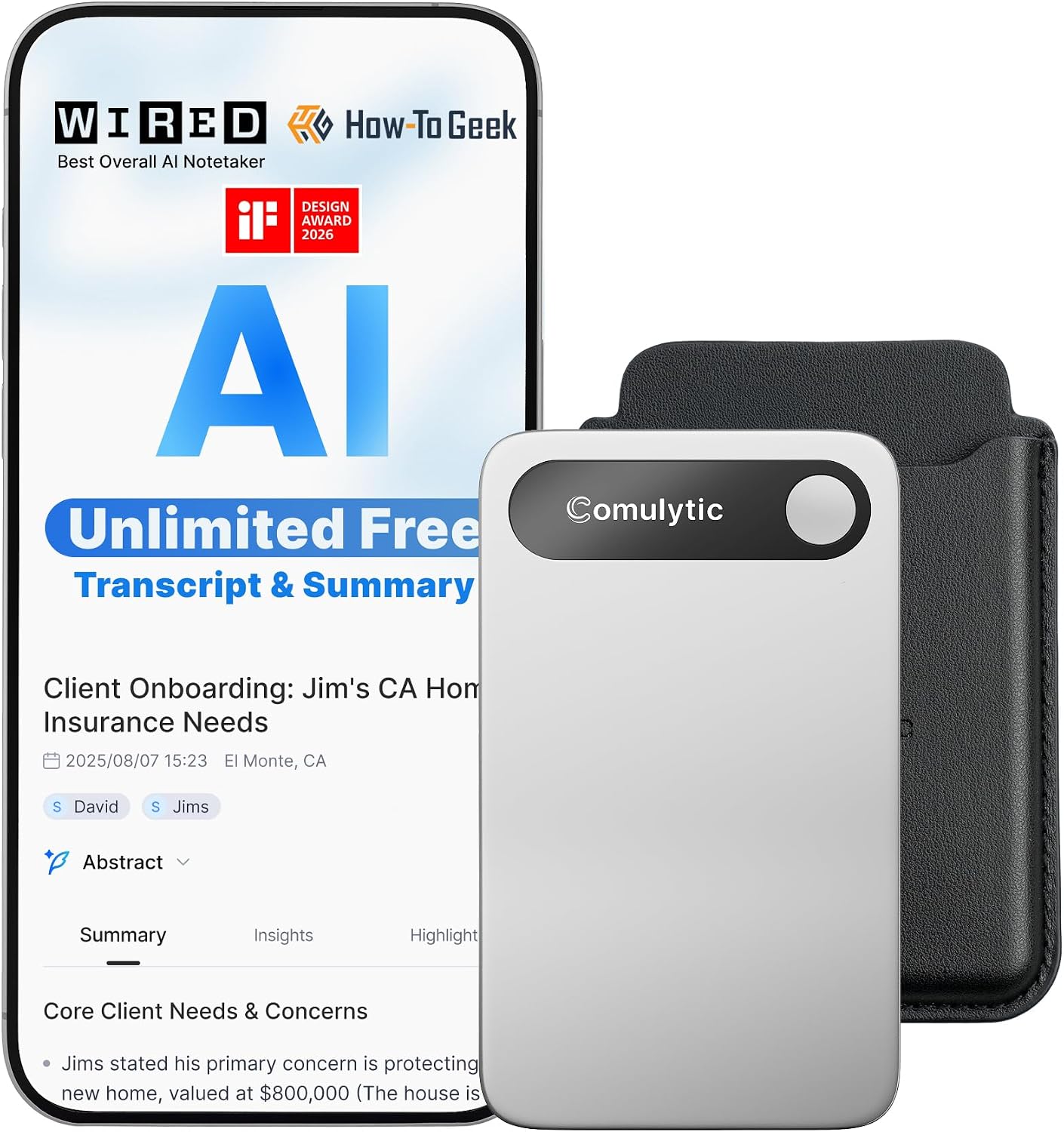
Three weeks of back-to-back Zoom calls, a legal pad full of illegible scribbles, and one small matte-black device that quietly made me wonder why I ever bothered taking notes by hand.
The meeting ends at 10:47 on a Wednesday morning, and before I’ve even closed the laptop lid I’ve already forgotten the three action items my manager rattled off in the final two minutes. My handwriting across the legal pad looks like a seismograph readout. There’s a coffee ring blurring the most important part. I know this feeling well, and I suspect you do too. That morning was the same morning I finally took the Comulytic Note Pro AI Voice Recorder seriously, pulled it off the charging cable, and set it on the desk between my coffee mug and my keyboard. It’s compact enough that I almost forgot it was there. Almost.

The First Time I Used It
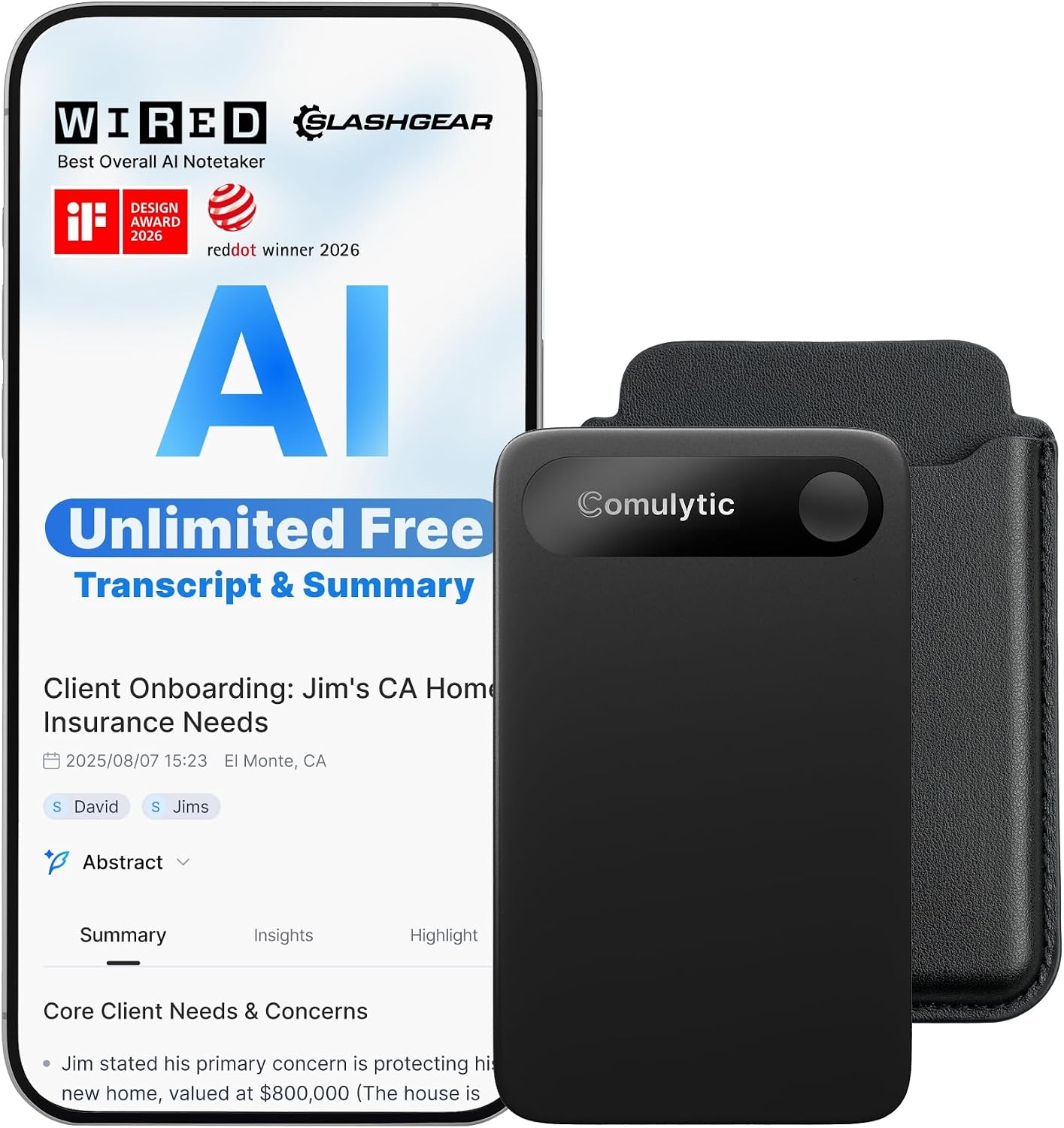
I came across the Comulytic Note Pro while spending an embarrassing amount of time browsing work-from-home desk organizer and accessory picks late on a Sunday. The thumbnail barely registered at first: a small, matte-black rectangle, roughly the size of a thick credit card wallet, with nearly no branding visible. That restraint caught my attention. Most gadgets in this space scream their features at you in silver lettering. This one just sat there.
I read the specs twice, specifically the part about unlimited transcription and automatic summarization, and thought: either this is exactly what my work from home setup has been missing, or it’s vaporware dressed in nice industrial design. I ordered it the same night.
How It Actually Performs
The battery claim of up to 20 hours of continuous recording is, in my experience across three weeks, roughly accurate under normal conditions. I ran it through two full workdays of hybrid meetings, a four-hour workshop session, and a handful of casual voice memos without hitting empty. The matte ABS plastic body feels purposeful rather than premium, light in a reassuring way rather than a cheap way. The USB-C charging port sits flush at the bottom, and the single-button interface takes about 30 seconds to internalize completely.
“The transcription isn’t just fast. It arrives formatted well enough that I’ve sent it directly to colleagues without editing.”
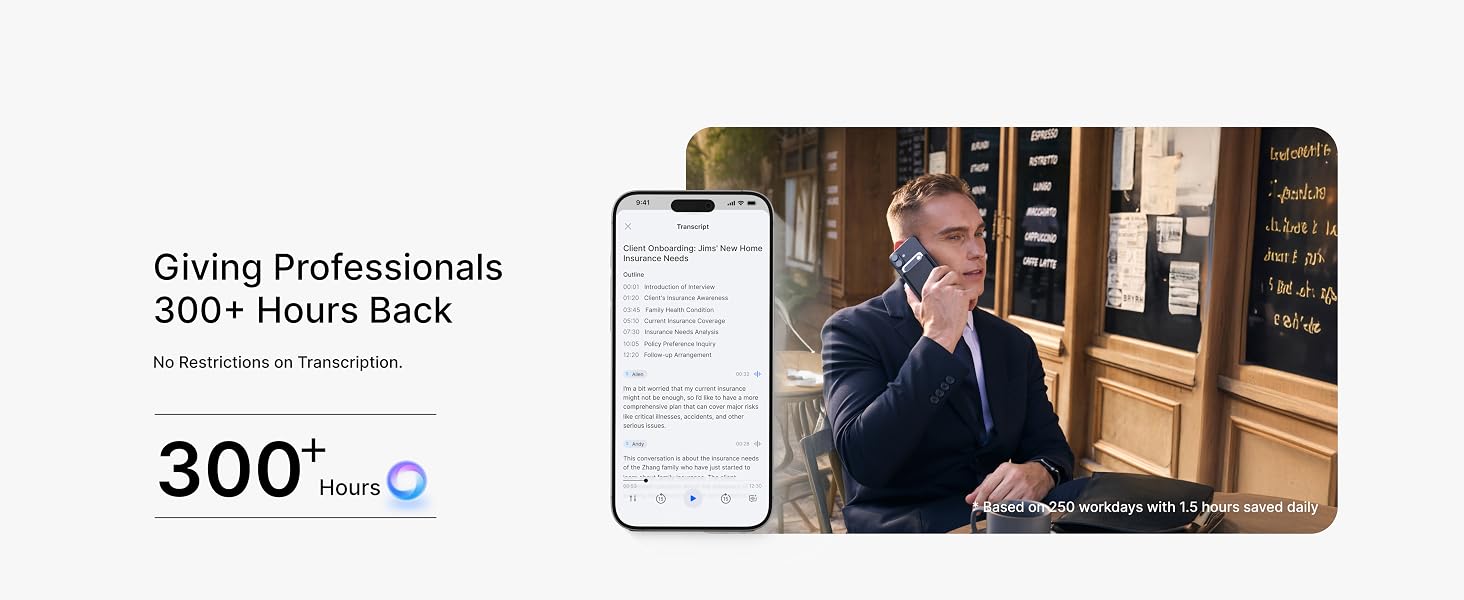
Where the Comulytic Note Pro earns its place in any serious work from home setup is in the AI layer. Transcriptions process quickly through the companion cloud service, and the automatic summaries surface the decisions and action items rather than burying them inside a wall of text. It’s not flawless. In a meeting with three people talking over each other about Q4 targets, the speaker attribution got confused at the edges. But if you’re curious how this compares to the broader landscape of AI audio tools, The Verge’s coverage of voice and AI productivity tech gives useful context for where the category is heading. Honest note: the summary feature occasionally collapses nuance from longer discussions in ways that require a quick scan of the full transcript to catch.
How I Actually Used It
Setup 1: Wednesday Standup, Three Cups of Coffee Deep
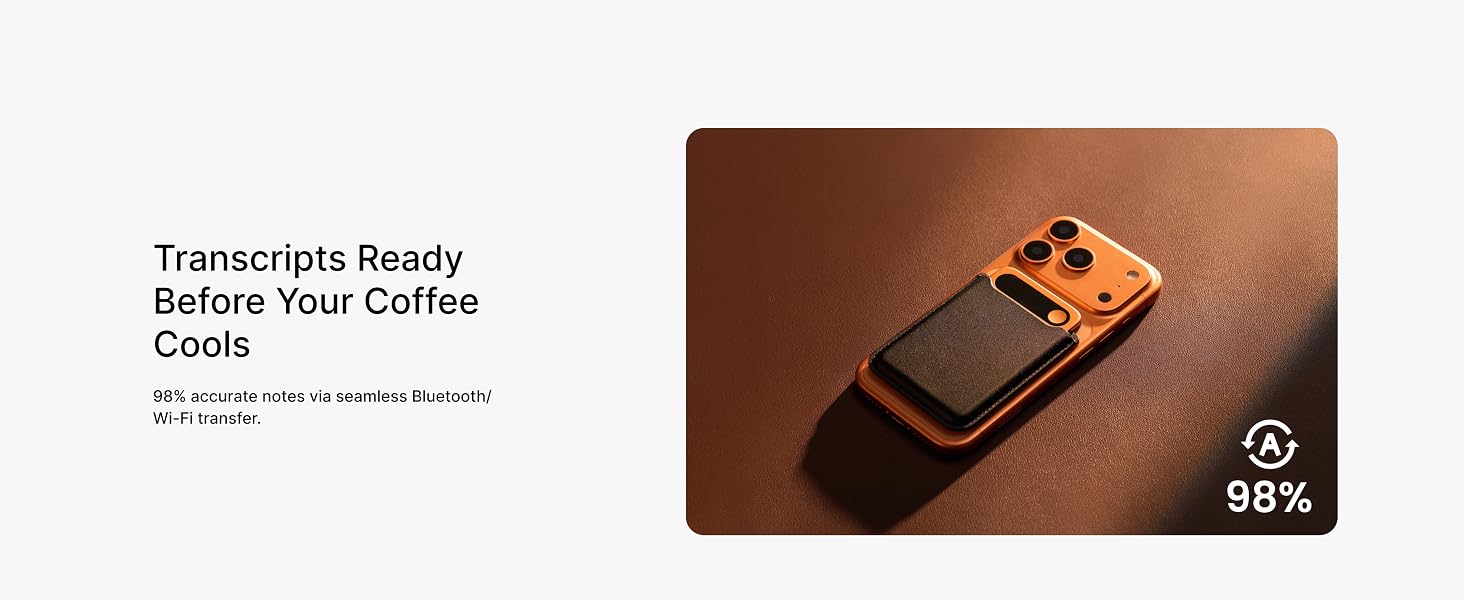
I placed the Note Pro flat on my desk, about 18 inches from my laptop speaker, and let it run during a 45-minute team standup. It sat so quietly that a colleague on video asked if I’d set something down or just moved my phone. The recording quality in a home office environment, with some ambient HVAC noise and the occasional dog bark from somewhere down the hall, was clean. Background noise handling was noticeably better than I expected from a device this small. When the transcript landed in the companion app 11 minutes later, the summary nailed the three blockers we’d discussed and missed nothing critical from the main agenda.
Setup 2: Long Client Call, Pacing the Kitchen
The pocket-size form factor matters more than I initially gave it credit for. I clipped the Note Pro into my shirt pocket during a long client discovery call while I walked laps around the kitchen, the way I always do when I’m thinking hard. It recorded cleanly from that distance and angle without any intervention from me. For a work from home setup where movement is part of the thinking process, not being tethered to a desk microphone is genuinely useful. I’ve done this three times now and the transcripts read just as well as when the device is stationary.

Setup 3: After-Hours Voice Memo Dump
Not every use case is a formal meeting. Some evenings I use the Note Pro the way other people use a voice memo app, capturing half-formed ideas, article outlines, or grocery lists I’d otherwise lose. The automatic summary feature feels slightly over-engineered for “buy oat milk,” but for a ten-minute rambling outline of a piece I’m working on, the AI compression is surprisingly usable. It surfaces the structural ideas and leaves the filler behind. That’s the mode that quietly made this feel like part of my daily workflow rather than a novelty.
What Other People Are Saying
The Note Pro carries a 4.4 rating across over 400 reviews at the time of writing, which for a relatively new device in a category that tends to attract skeptical early adopters is a meaningful signal. The consistent praise across reviews points to the transcription accuracy and the clean summary formatting as the features that convert skeptics. The complaints, where they exist, cluster around the companion app’s onboarding flow and occasional sync delays on slower connections.
For a broader look at how reviewers are currently rating AI audio tools, RTINGS maintains useful benchmark comparisons across audio and recording devices that can help calibrate expectations. The consensus here reads as: it does the core job well, and the edge cases are real but manageable.


Who Should Skip It
If your meetings happen primarily in loud open-plan offices or outdoor environments, the Note Pro’s microphone handling will work harder than it should. It’s optimized for quiet-to-moderate environments, and the transcription accuracy drops measurably when there’s significant competing ambient noise. If you need a device that doubles as a field recorder for journalism or documentary work, this isn’t it. It also won’t suit anyone who prefers to stay fully offline: the best features, the AI transcription and summaries, require cloud connectivity, and without it you have a competent but unexceptional audio recorder. If that dependency bothers you, PCMag’s audio recorder category guides cover offline-first alternatives worth considering.
What It Replaces on My Desk
Until three weeks ago, my meeting documentation system was a hybrid of messy handwritten notes, a voice memo app I never remembered to open in time, and a browser tab of copy-pasted AI-generated summaries from transcription services I used inconsistently. The Note Pro collapsed all three into one object and one app. The legal pad is still on the desk. I still reach for it occasionally out of muscle memory. But I haven’t transcribed anything from it since the device arrived.
If you’re building out a thoughtful work from home productivity setup, the gap this fills is real. And it pairs naturally with the kinds of peripherals, keyboards, webcams, and desk tools that make remote work feel intentional rather than improvised. Speaking of which, if you’re upgrading surrounding gear, our picks for the best webcams for home office video calls and top keyboards for remote work setups are worth browsing alongside this.

FAQ
Does the Comulytic Note Pro work with both iPhone and Android?
Yes. The companion app is available on both iOS and Android, and the device itself is listed as universally compatible. There’s no proprietary ecosystem lock-in.
How accurate is the AI transcription in real meetings?
In clear, single or dual-speaker environments accuracy is high enough that the transcripts are often usable without editing. In crowded or noisy multi-speaker sessions, expect to scan the output and catch a few errors, particularly around proper nouns and technical jargon.
Can I use the Note Pro without an internet connection?
You can record audio offline without any issue. The AI transcription and summary features require an active internet connection to process, so offline-only users will get raw audio files rather than formatted transcripts.
Is the build quality durable enough for daily carry?
The matte ABS plastic body feels solid for its weight class, with no flex or creaking in normal handling. The finish resists fingerprints reasonably well. For a device that lives in a bag pocket or shirt pocket daily, it reads more durable than its light weight suggests, and the minimalist design means fewer moving parts to wear out over time.
What’s the warranty situation?
Comulytic offers standard manufacturer coverage on the Note Pro. As with most consumer electronics in this category, retaining your proof of purchase and registering the device through the companion app is the fastest path to support if you need it.
The Verdict
Three weeks from now, I will still reach for the Comulytic Note Pro at the start of every meeting call. Not because I’ve run out of legal pads, but because the cognitive load of capturing and organizing information in real time is simply lower with it on the desk. For what you’re paying in this tier, the combination of unlimited transcription, automatic summarization, and 20-hour battery life in a pocket-sized matte-black device represents value that reads well above what you’d expect. The Comulytic Note Pro AI Voice Recorder review I wanted to read before buying was one that told me honestly where it struggles, and I’ve tried to write that one here. It struggles with noise. It needs the cloud. It will not replace a professional recording rig. But for the specific problem of knowing what was actually decided in today’s meetings, it solves it better than anything else I’ve tried.
If you’re exploring other tools for a sharper editor-recommended home office tech shortlist, this belongs on it. And if you’re putting together gear as a gift for a remote worker in your life, it’s one of the more considered picks you’ll find in our curated gift ideas for work from home professionals. The Comulytic Note Pro is, for a focused remote worker who lives in meetings, one of the most useful things you can put on a desk.
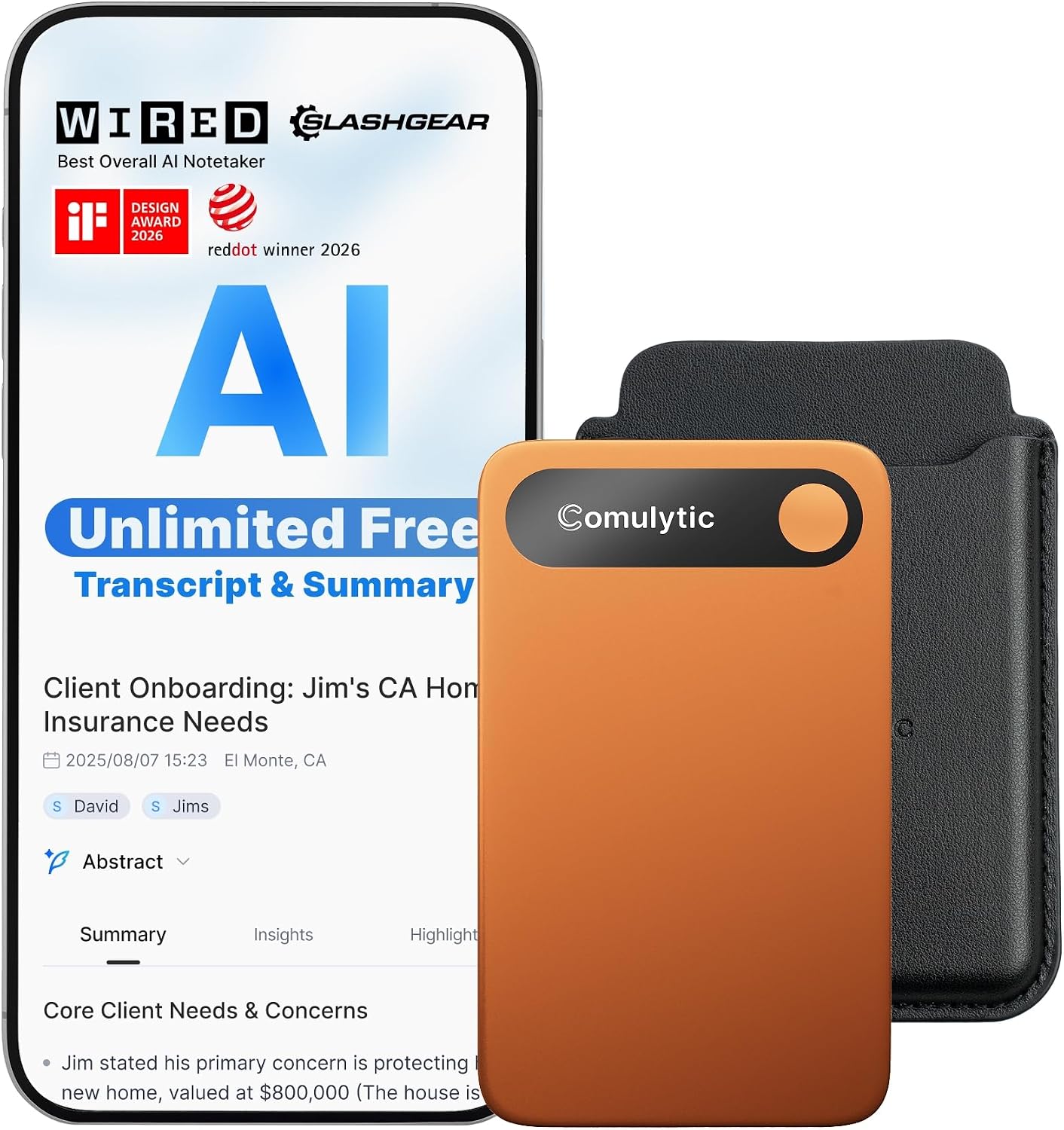
Every Angle
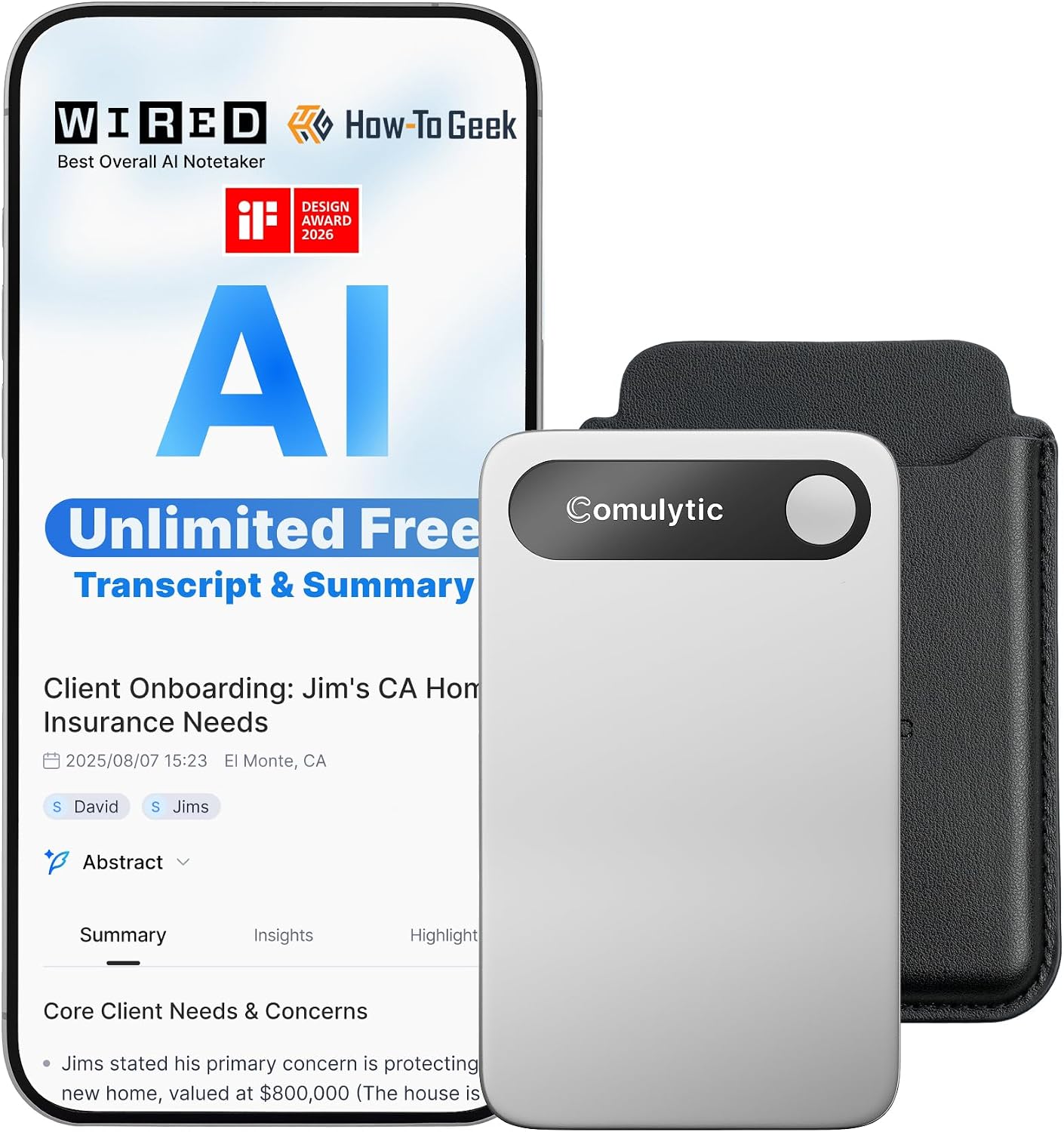
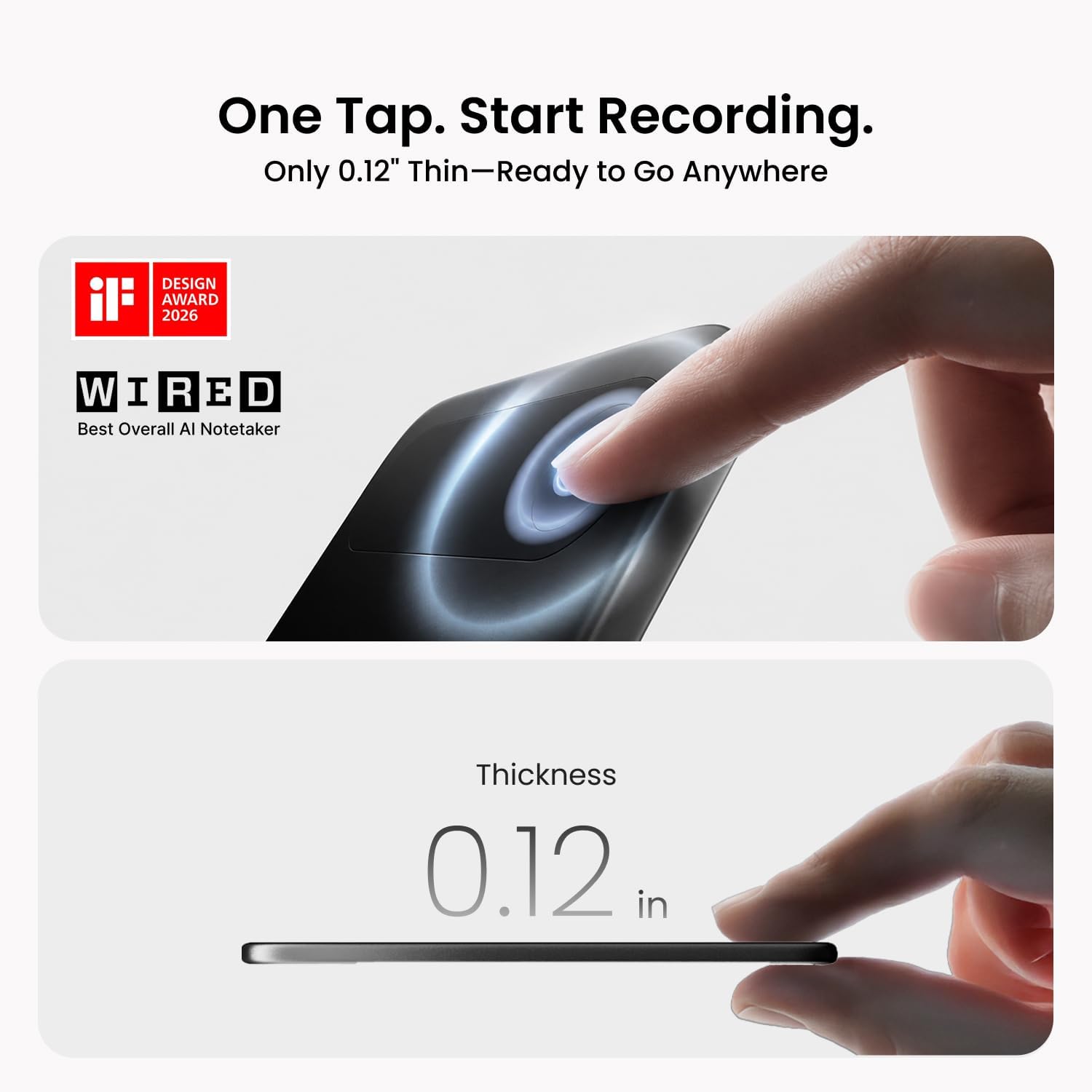
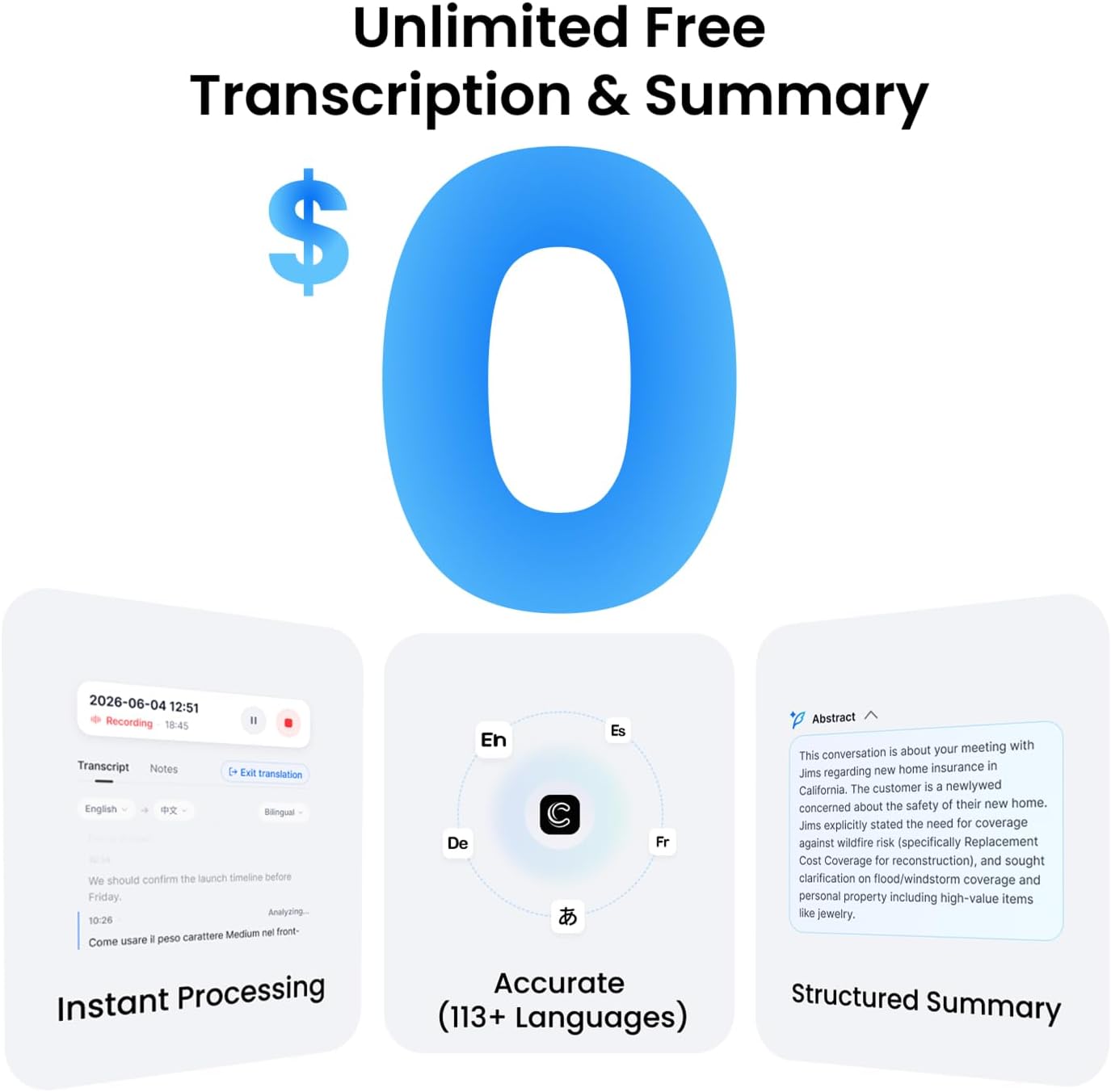
The product as photographed for Amazon — hero, angles, ports, detail.

As an Amazon Associate I earn from qualifying purchases.