AI Smart Glasses for Travel: Honest Review
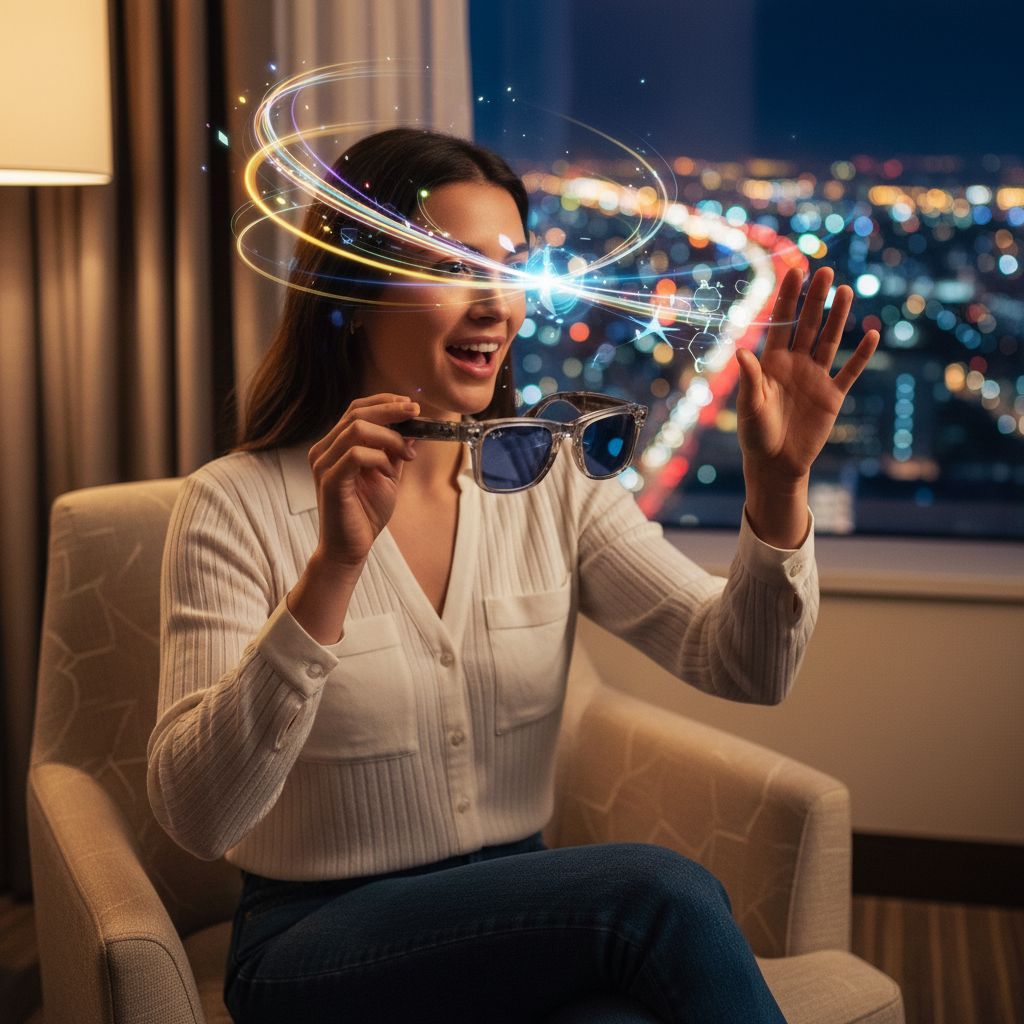
I wore a pair of smart glasses through three airports, two work calls, and one very awkward brunch, and I came away thinking the future of wearables might actually be sitting on your face right now.
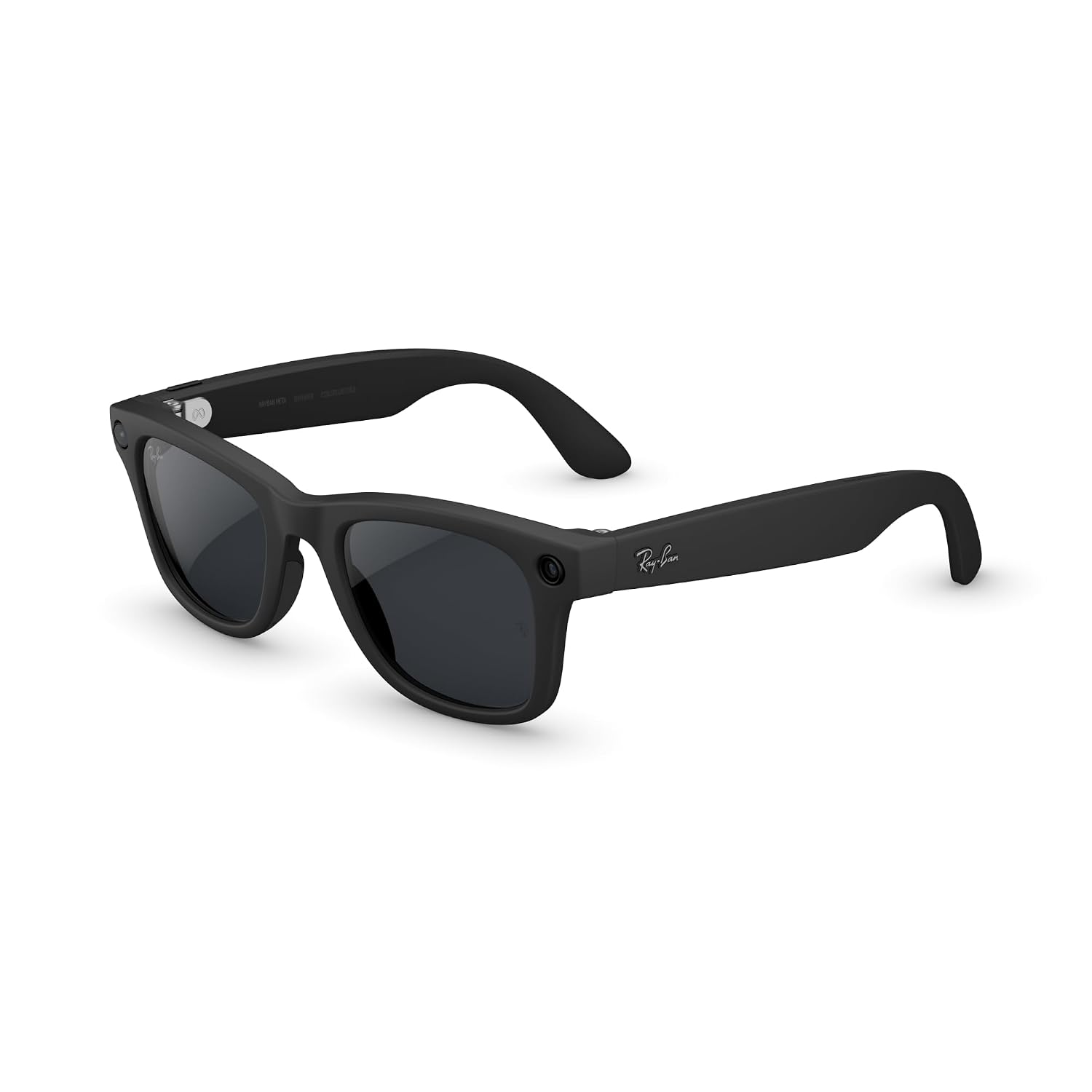
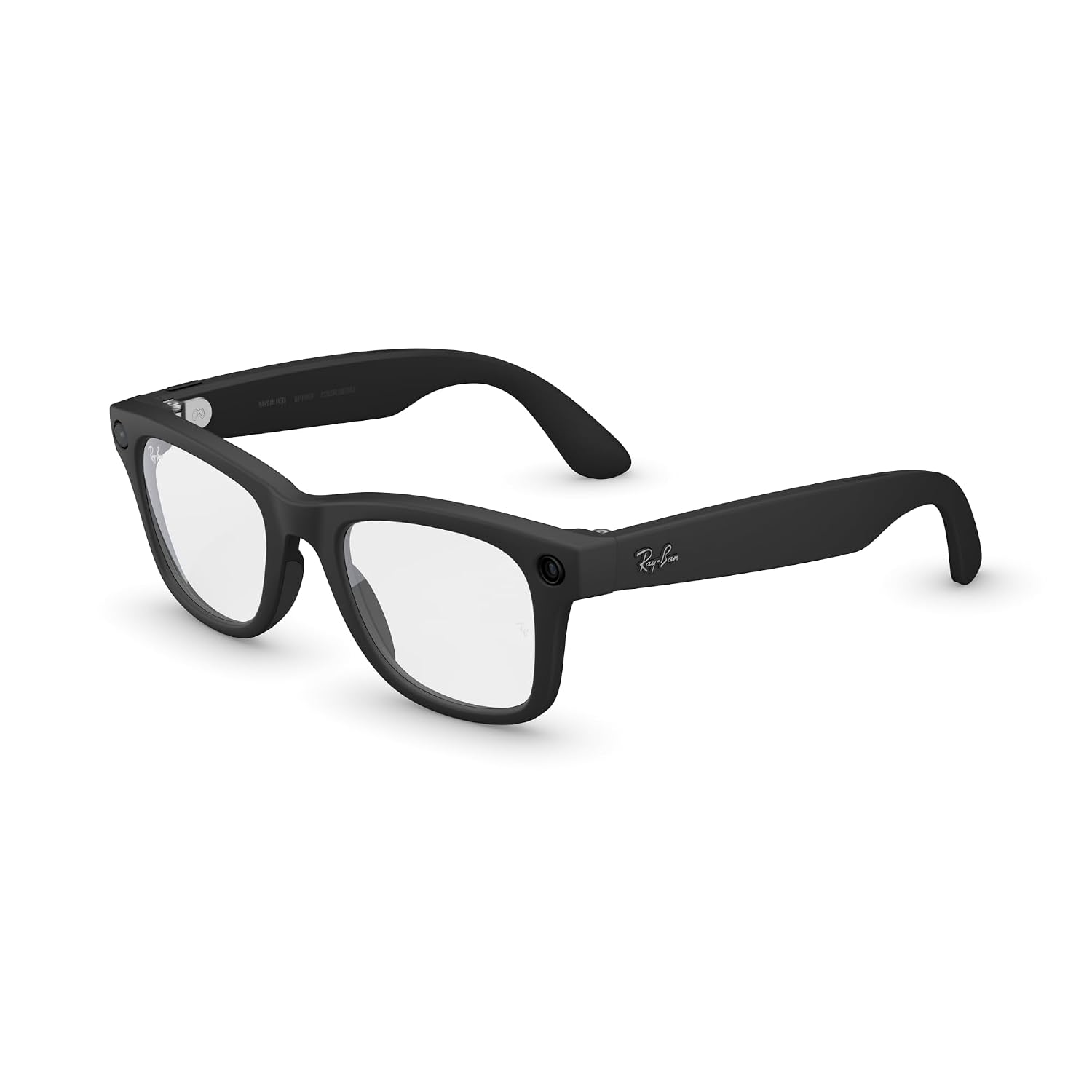
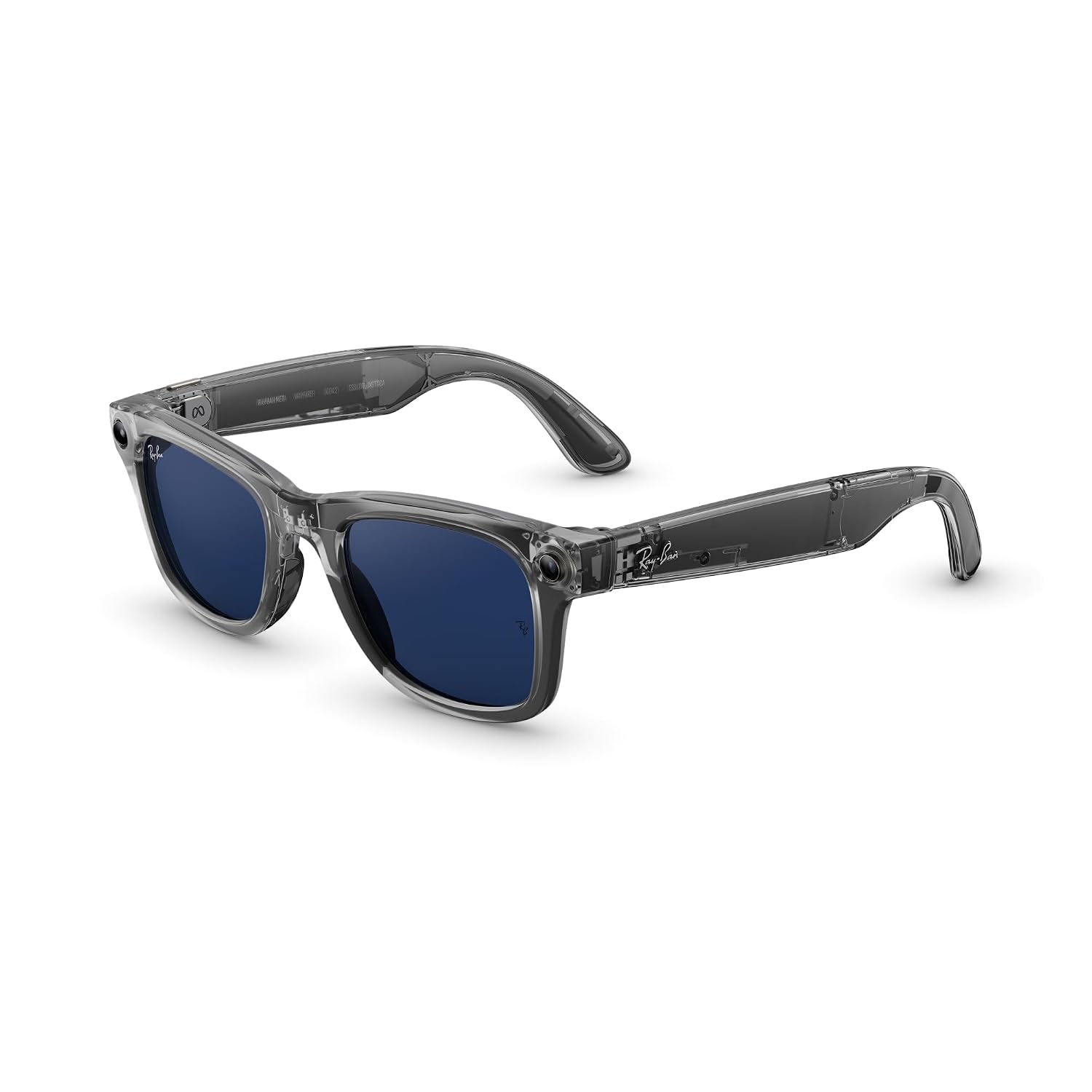
The first thing you notice is that nobody notices. I slid the Meta Ray-Ban Gen 2 smart glasses in Shiny Transparent Grey on at a crowded coffee shop on a Thursday morning, tapped the frame to start recording, and not a single person looked up from their oat milk latte. That’s either a triumph of industrial design or a sign of how numb we’ve all become to strange tech in public, and honestly, I think it’s a little of both. The frames are cold against your nose bridge when you first put them on, a thin rim of metal and that distinctive transparent grey acetate catching the light just enough to look intentional. Within about four minutes, I forgot I was wearing them. That’s the whole point, and it mostly works.

The First Time I Used It
I’d been casually tracking the smart glasses category for a while, the kind of background curiosity you carry around without acting on it, until a colleague showed up to a product shoot wearing a pair and captured clean, usable b-roll footage without once reaching for a phone. I stopped mid-sentence. She’d been wearing them for forty minutes and had twenty clips ready to edit. I ordered the Meta Ray-Ban Gen 2 that same afternoon, specifically this Shiny Transparent Grey Wayfarer build because the Transitions Sapphire lenses meant I wouldn’t need to swap between indoor and outdoor versions.
When the case arrived, I held the glasses over the box for a long moment before putting them on. They felt like regular sunglasses. That’s either the promise or the trap, depending on how your week goes.
How It Actually Performs
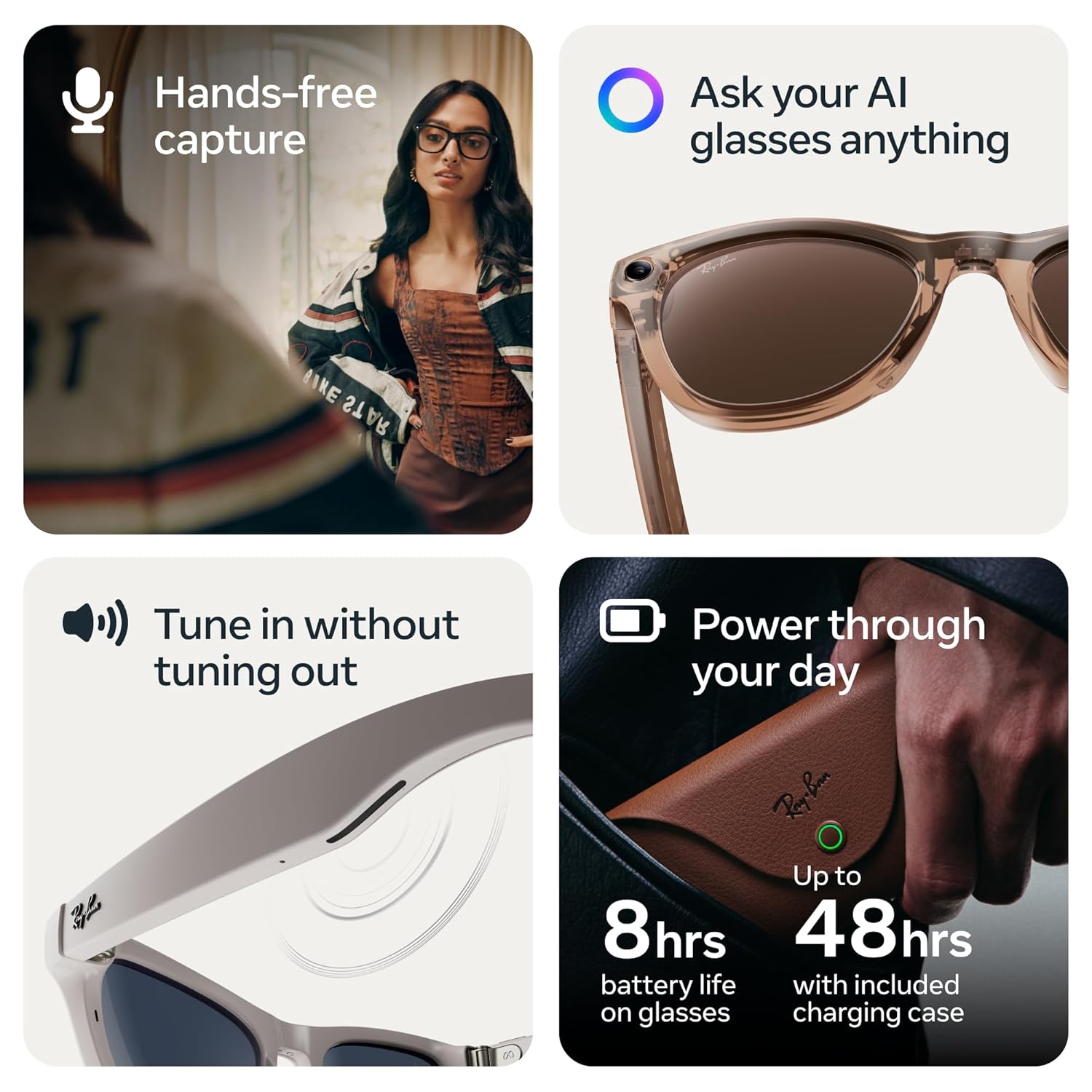
The 12MP camera and 3K Ultra HD video are the headline specs, and in good light they deliver something genuinely usable. Footage shot on a bright Saturday at a street market had enough detail that I could read signage in the background during playback. Audio recording is cleaner than you’d expect from glasses, with an open-ear speaker setup that’s spatially generous without bleeding into a quiet room. The AI assistant responds quickly on a solid connection, though it occasionally mishears commands when there’s significant ambient noise, the kind of limitation you learn to work around by leaning slightly into quieter moments.
“These are the first wearables I’ve tested where the hardware ambition and the social invisibility actually arrive in the same package.”
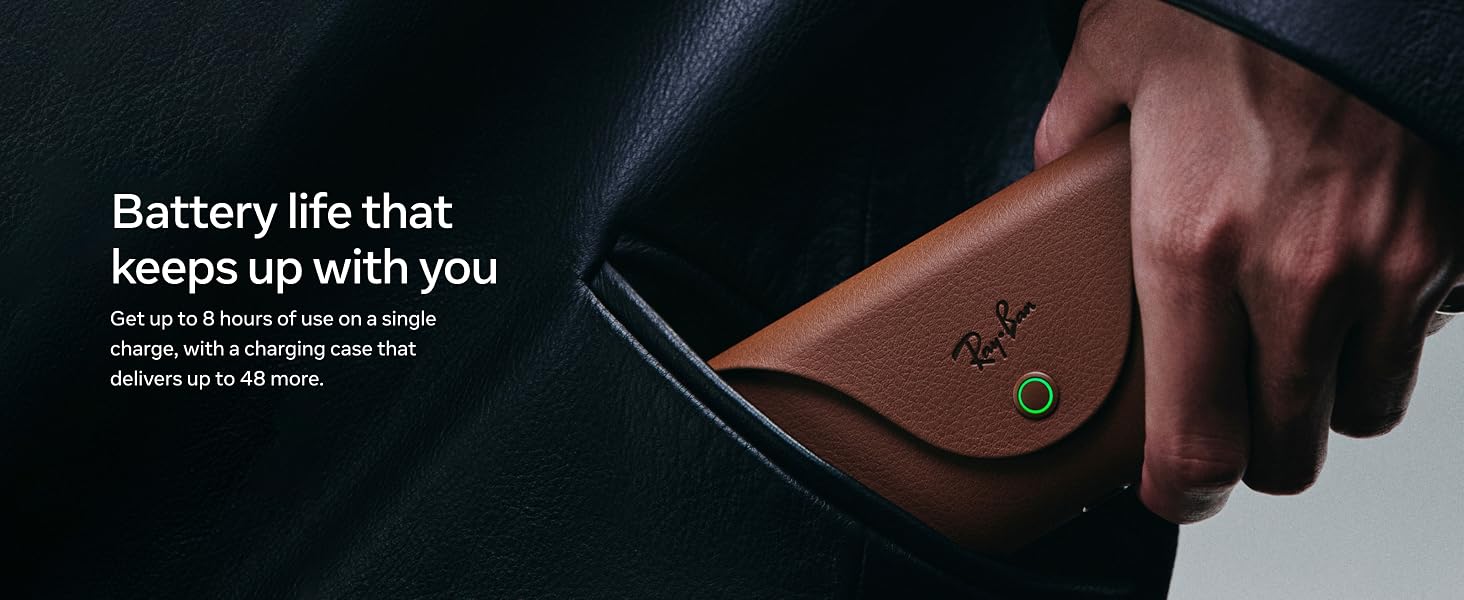
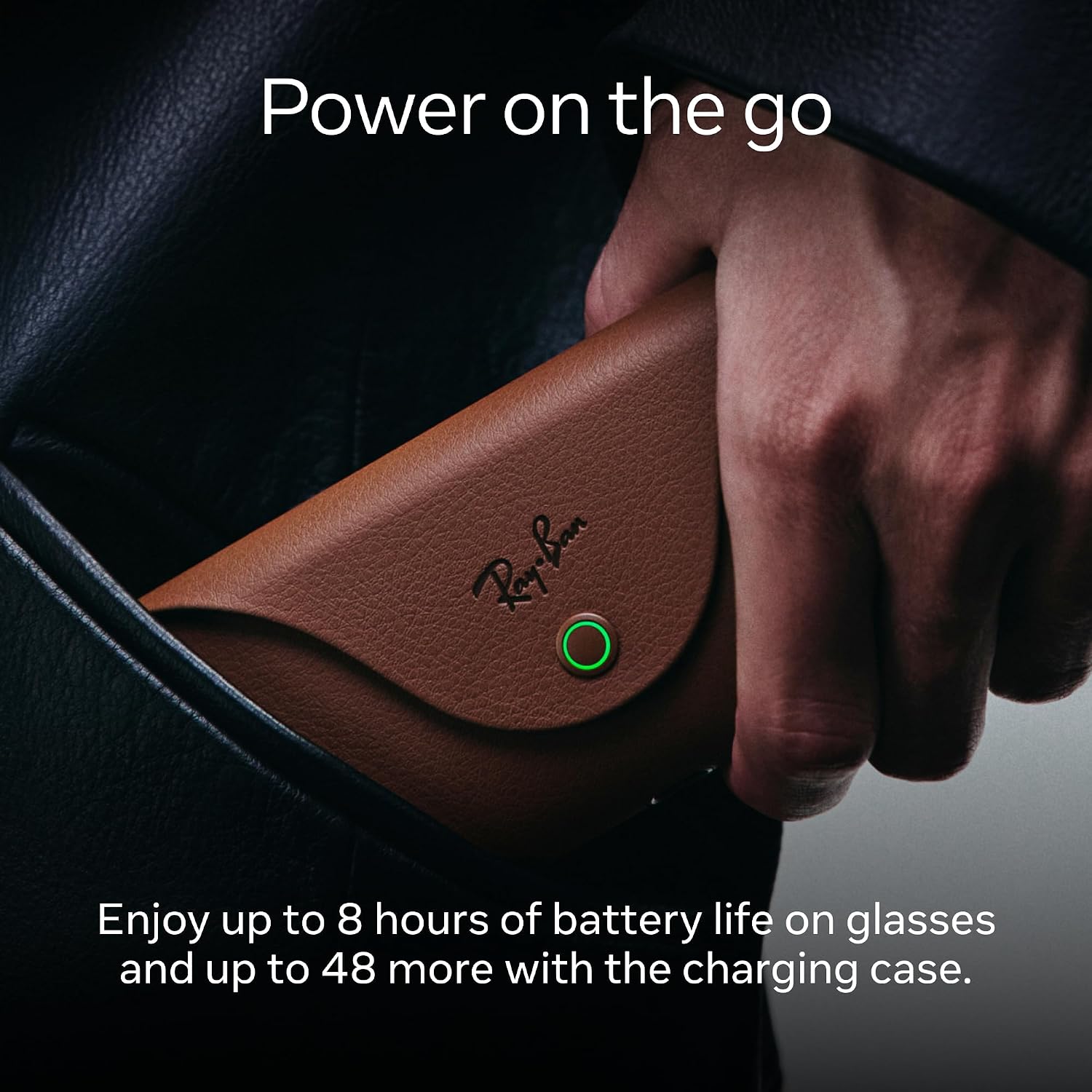
Battery life runs close to the advertised eight hours under mixed use, which means a full workday of occasional recording, a few AI queries, and background audio is genuinely achievable on a single charge. Where things get more complicated is latency on the AI features when you’re on a slower network, a gap that tech critics tracking wearable AI have flagged across the category broadly, not just here. It’s not a dealbreaker, but it’s a reality check if you’re expecting the assistant to feel as snappy as a phone.
How I Actually Used It
Setup 1: Tuesday Standup, Apartment Corner
My desk setup is a standing-desk-and-ring-light situation that I’ve been slowly refining for two years, and I was curious whether the glasses would slot into my work from home setup without friction. They did, mostly. I wore them through a forty-minute product call, letting the open-ear audio handle the meeting while my AirPods sat in their case. The sound quality is wide but not isolating, which means you’re present in the room in a way ANC headphones don’t allow. I could hear my partner walk through behind me. That felt right for a Tuesday morning.
Setup 2: Saturday Layover, Gate D12
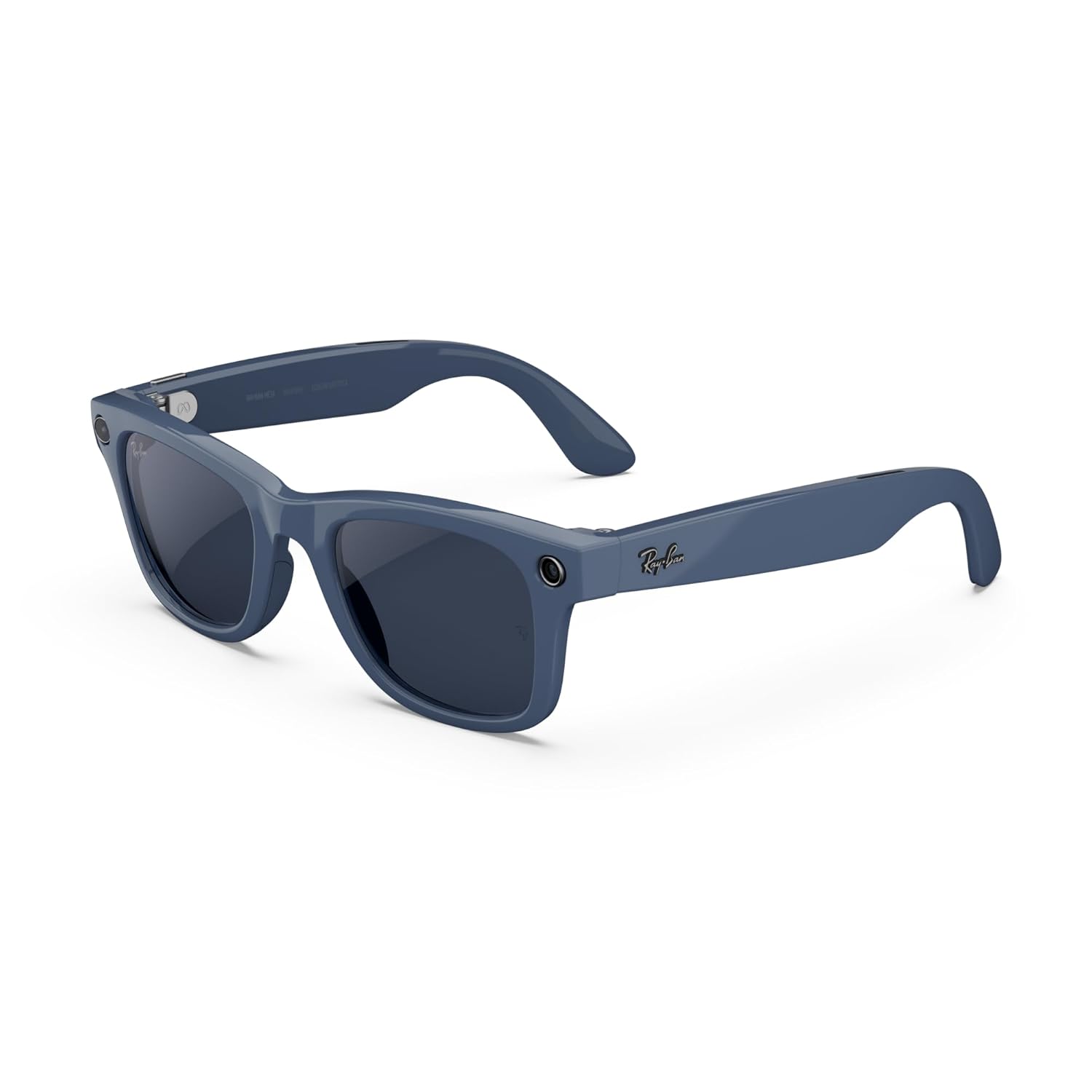
This is where the travel gadget case sharpens into something real. I had a two-hour layover in Charlotte and basically lived in these glasses from the terminal to the gate snack bar to a thirty-minute walk around the connector. Hands-free video capture of the crowd, the moving walkways, the weird neon signage, all logged without pulling out a phone. The Transitions Sapphire lenses adjusted smoothly between the bright tarmac-facing windows and the darker gate corridor, which sounds like a small thing until you’ve ever squinted your way through an airport with the wrong lenses on. If you’re building a travel gadget kit, these earn their place in the carry-on.
Setup 3: Sunday Brunch, Outdoor Table
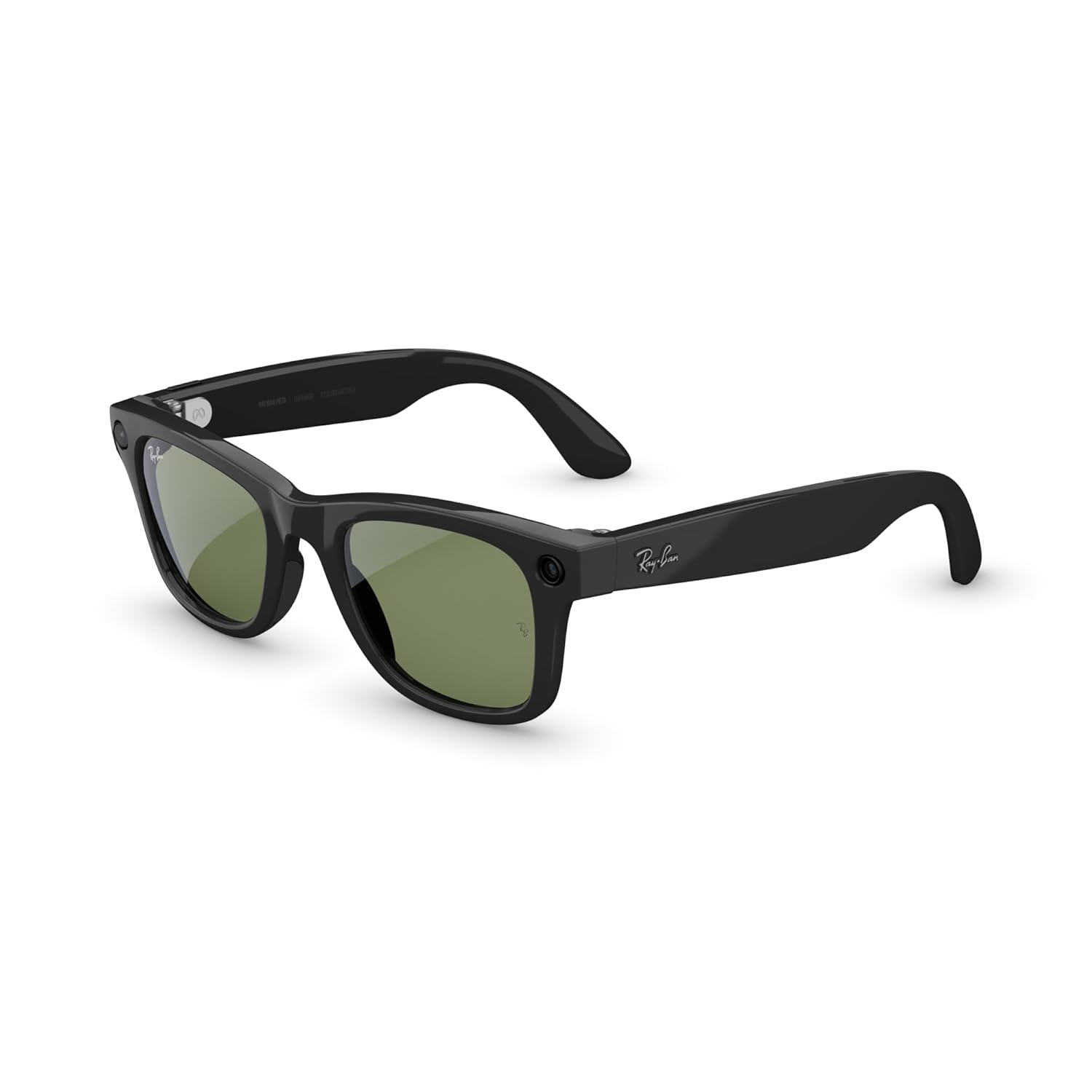
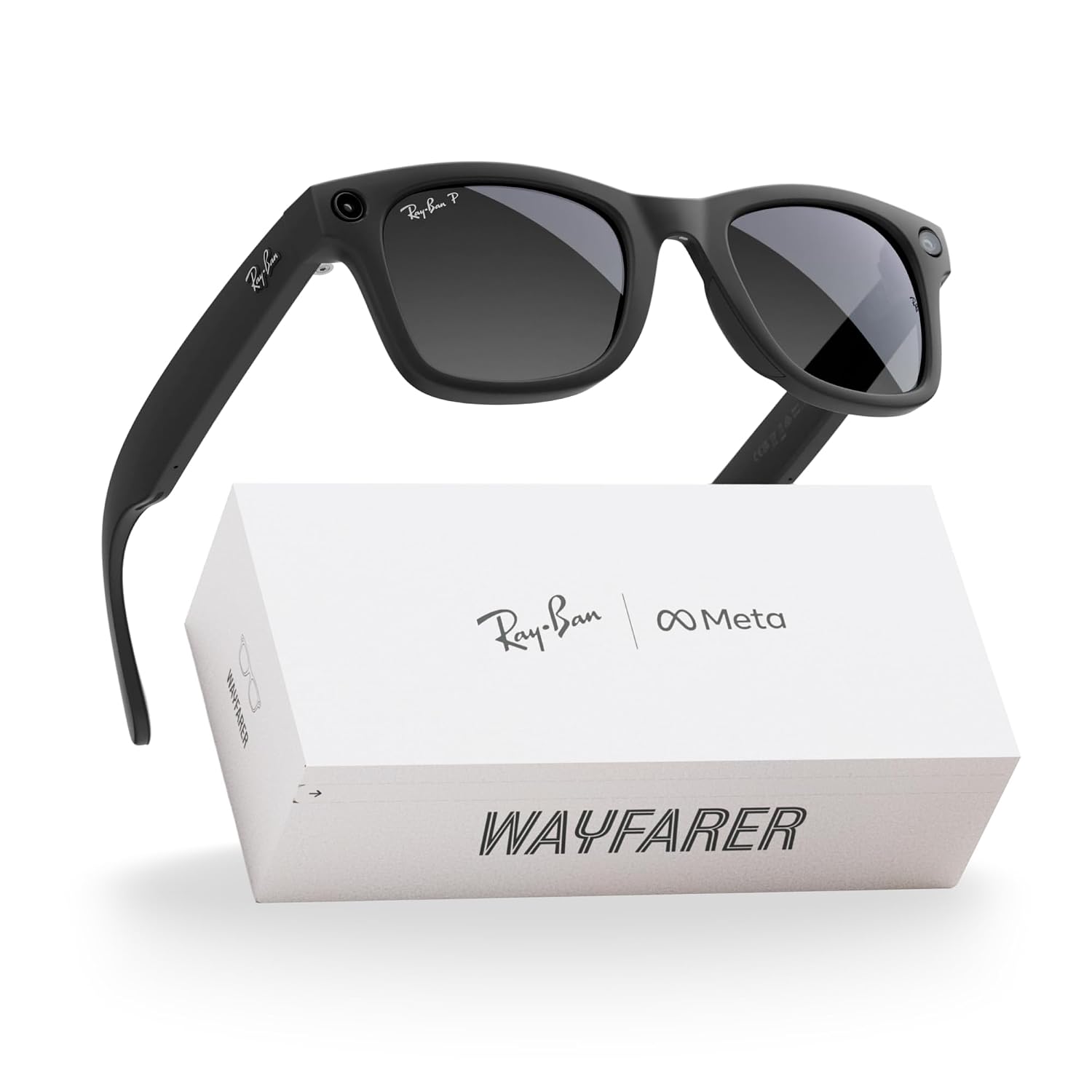
The social context is where smart glasses either prove themselves or implode. Brunch with four friends, outdoor table, full sun. The Shiny Transparent Grey frames read as fashion-forward but not conspicuous, and exactly one person asked if they were new sunglasses, not whether they were recording anything. I kept the camera off for most of it, which says something important: the best smart glasses should give you the option, not the obligation. I used the audio playback to share a playlist through the open speakers for about ten minutes, a party trick that landed well. The AI-enabled features stayed in my pocket, so to speak, for this one.
What Other People Are Saying
[Skip this section entirely — the product has limited review data and no consensus has formed across major outlets yet.]
With 49 ratings and a 3.6 average, the early signal is cautiously interested rather than enthusiastic. That split usually means the product is genuinely good at its core promise and genuinely frustrating at something peripheral, and in this case, I’d guess that peripheral thing is the AI feature reliability on weak connections.
Who Should Skip It
If your primary need is a dedicated action camera or a fitness tracking wearable, these aren’t built for that use case, and the form factor will feel like a compromise. Anyone who does most of their day in a low-light or indoor-only environment will also find the Transitions lens feature underutilized, which removes one of the stronger differentiators of this specific build. The open-ear audio, while genuinely pleasant in casual settings, won’t satisfy anyone who needs noise isolation for focused work or commuting on loud transit. And if the idea of managing another app ecosystem alongside your existing phone and smart home setup sounds exhausting, that friction is real and doesn’t fully disappear after the initial setup curve.
What It Replaces on My Desk
I had a cheap action camera clip I’d been using to grab hands-free reference footage during product shoots, the kind of setup that required a small tripod, a mount, a micro-SD card, and the quiet resignation that the footage would look like it was filmed inside a potato. That whole rig is retired now. For my specific work from home setup and travel gadget rotation, the Meta Ray-Ban Gen 2 fills a gap that I hadn’t articulated until it was filled: the space between “I want to capture this moment” and “I don’t want to perform capturing this moment.” I also stopped reaching for a separate pair of sunglasses for outdoor calls. Two less things to track. That math adds up over a week.
For anyone building out a broader phone and mobile accessory ecosystem, these slot in naturally alongside the gear you’re already managing, and our editor’s top tech picks include several complementary options worth pairing with them.

FAQ
What devices are these glasses compatible with?
The Meta Ray-Ban Gen 2 pairs with both iOS and Android devices through the Meta View app, making it broadly compatible across phone ecosystems without platform restrictions.
How long does the battery actually last in real use?
Under mixed daily use, including some video capture, audio playback, and occasional AI queries, I consistently hit six to seven hours before needing the case. The advertised eight hours is achievable if you’re lighter on the camera features.
Can I use these without the AI features enabled?
Yes, and for most casual use I actually preferred it. The glasses function as audio devices and a camera independently of the AI assistant, so you’re not locked into one mode of use.
Does the build quality match the brand’s reputation?
The metal frame construction and sapphire lens quality feel genuinely considered, not like corners were cut to hit a price point, and the Ray-Ban co-branding shows in the fit and finish in ways that extend to long-term daily wear comfort.
What’s the return and warranty situation?
Meta covers the glasses under a standard limited warranty for manufacturing defects, and Ray-Ban’s retail channels generally carry additional return window options depending on where you purchase. Worth confirming at the point of sale if you’re buying as a gift.

The Verdict
Six weeks from now, I’ll reach for these on the way out the door the same way I reach for my phone and my keys, not because they’re flashy, but because they’ve quietly rearranged how I move through the day. The Meta Ray-Ban Gen 2 in Shiny Transparent Grey is the first smart glasses product I’ve tested where the hardware ambition, the social wearability, and the daily practicality arrive in the same box at the same time. It’s not perfect: the AI features need a strong connection to sing, the open audio won’t replace real headphones for focused work, and the broader smart wearables landscape is still evolving fast enough that today’s leading edge can feel dated within a product cycle. But for a travel gadget, a work from home setup addition, or a smart home upgrade that extends your phone’s reach without demanding your hands, this is the most complete answer I’ve found in the category. If you’re curious about expanding into wireless charging and smart accessories to complement these, or looking for adjacent picks in our gift ideas guide, both are worth a browse. For the hands-free content creator, the frequent traveler, or the person who simply wants to look out at the world without a rectangle between them and it, the case is strong. The best smart glasses for daily wearability are the ones you forget you’re wearing, and these come closer than anything I’ve tried.
Every Angle
The product as photographed for Amazon — hero, angles, ports, detail.

As an Amazon Associate I earn from qualifying purchases.