AI Smart Glasses with 4K Video: Honest Review

Wearing a pair of AI-powered smart glasses through a crowded Tokyo transit hub, watching foreign signage translate itself in real time, I started to understand why wearable tech keeps trying to put a computer on your face.
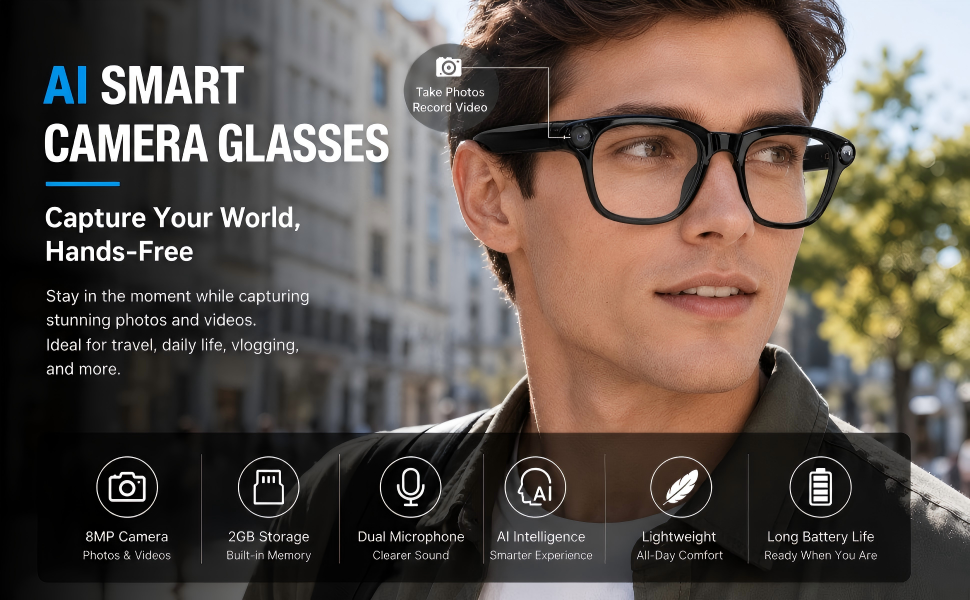
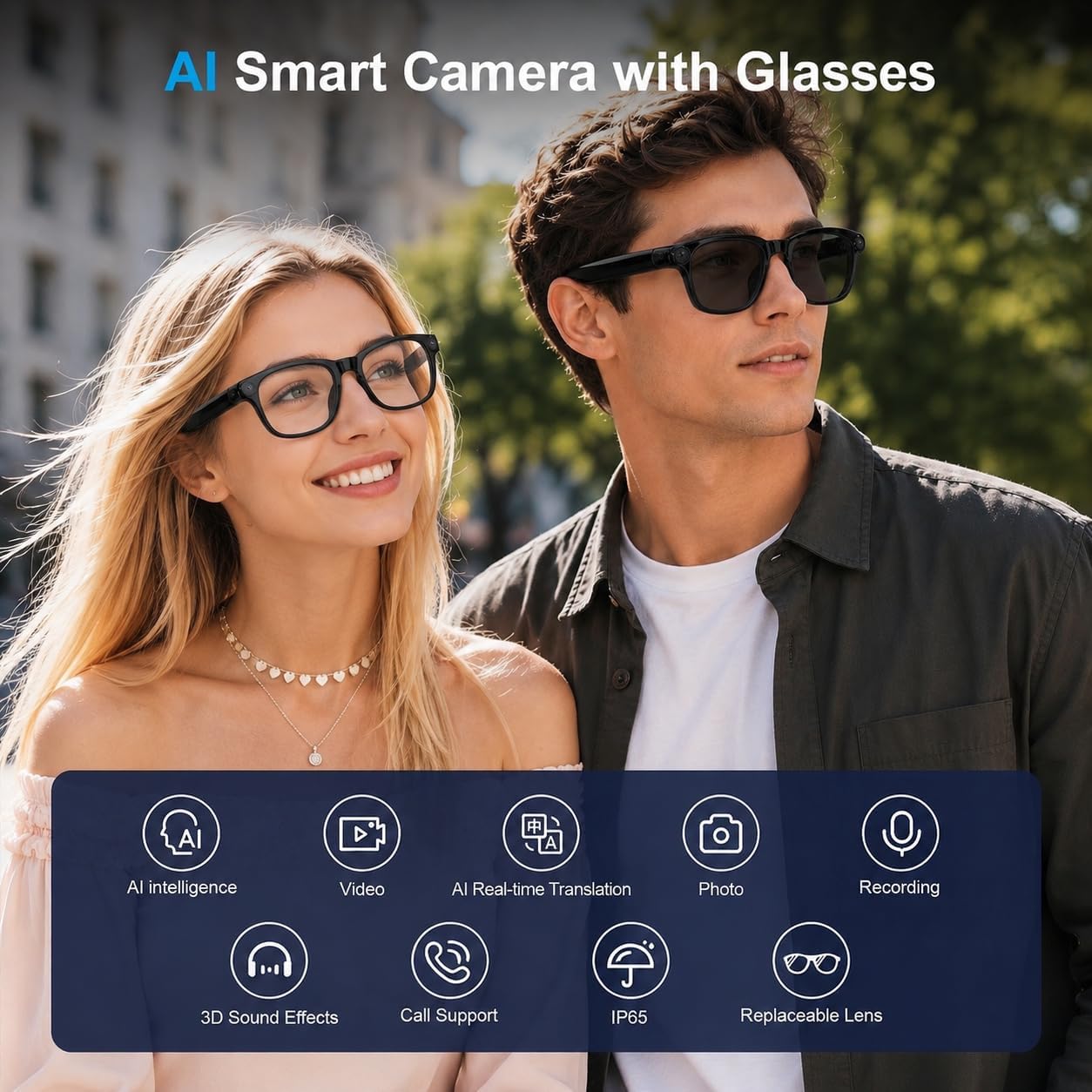
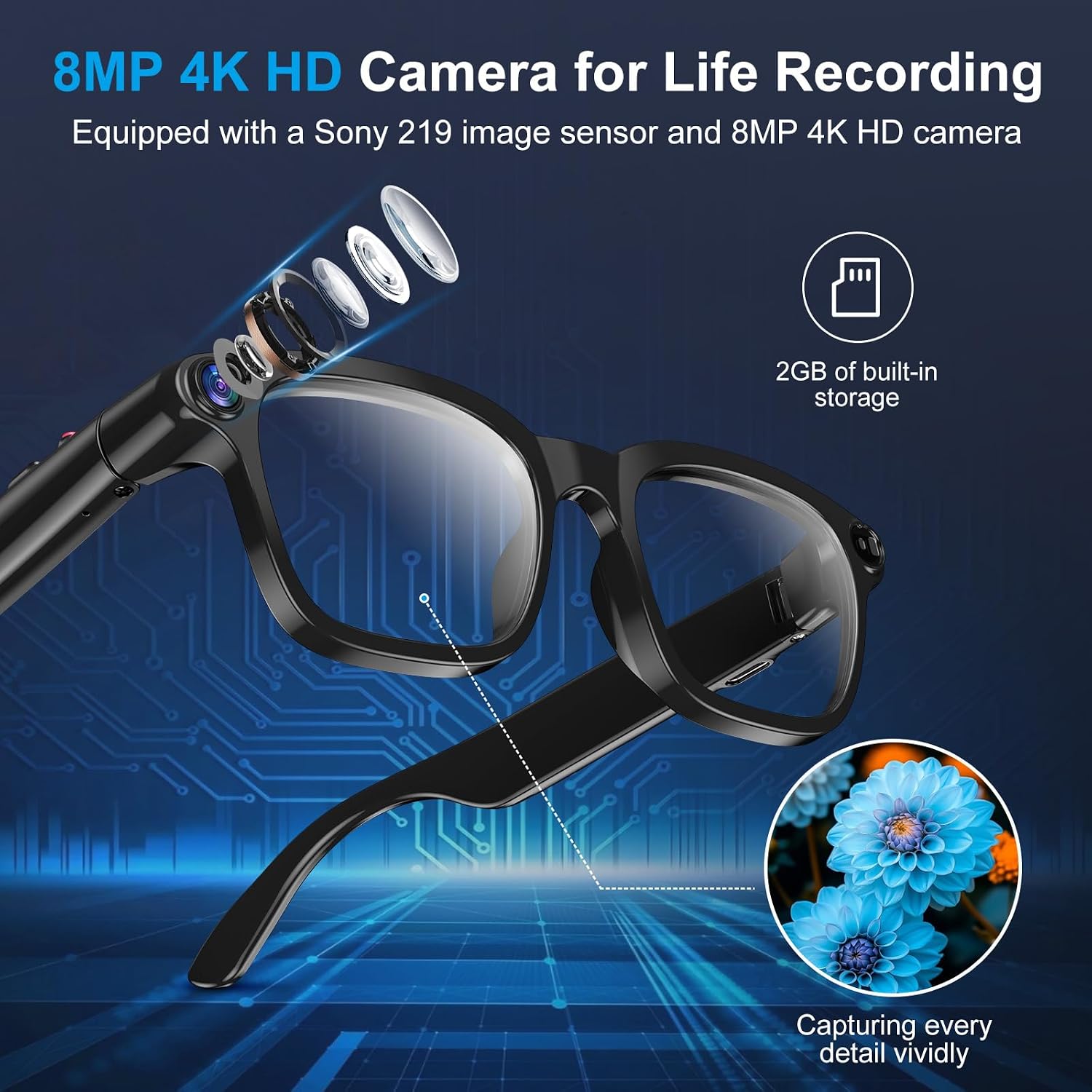
The morning I first wore the Plunthorn AI Smart Glasses out of the house, I felt equal parts self-conscious and genuinely curious. They look like a pair of respectable matte black frames, the kind you’d grab from a boutique eyewear rack without a second thought. The aluminum build sits confidently on the bridge of your nose, not that plasticky clip-on-gadget feeling you’d expect at this price point. But tucked into those temples is an 8MP camera, a Bluetooth radio, an AI assistant, and real-time translation software that I would spend the next several weeks leaning on harder than I ever expected to.

The First Time I Used It
I stumbled across these while browsing through a roundup of phone and mobile accessories worth actually wearing. The thumbnail looked almost too clean, like a render, and that skepticism made me stop scrolling longer than curiosity did. Smart glasses have a reputation. They show up at trade shows, generate a flurry of breathless coverage, and then sit in a drawer next to your fitness tracker from 2019. I wanted to see if the Plunthorn broke that pattern.
What kept me reading was the object recognition spec. Real-time translation is one thing. Pointing your face at something and having an AI describe or identify it felt like a genuinely different kind of utility. That detail pulled me in, and two days later a box was on my desk.
How It Actually Performs
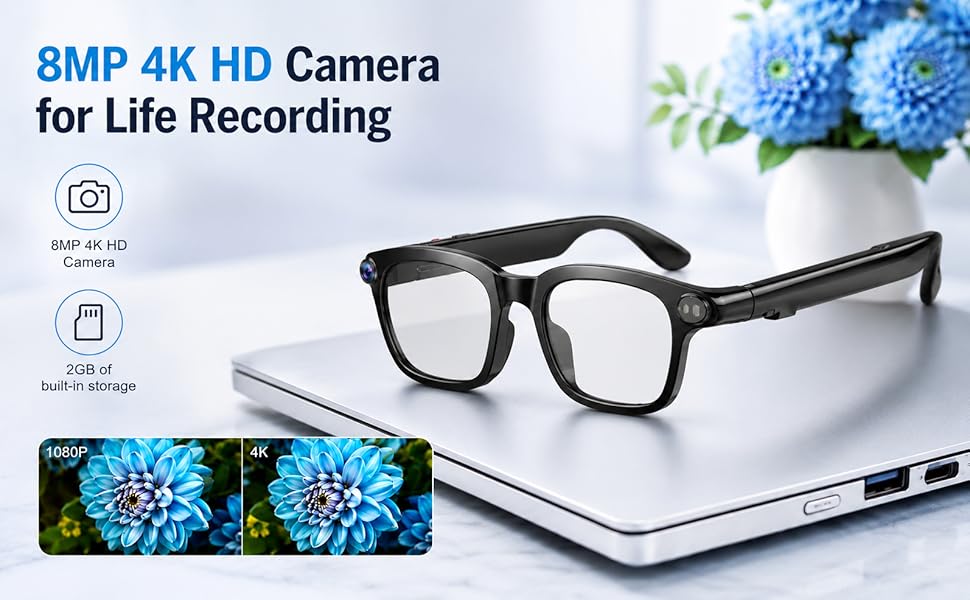
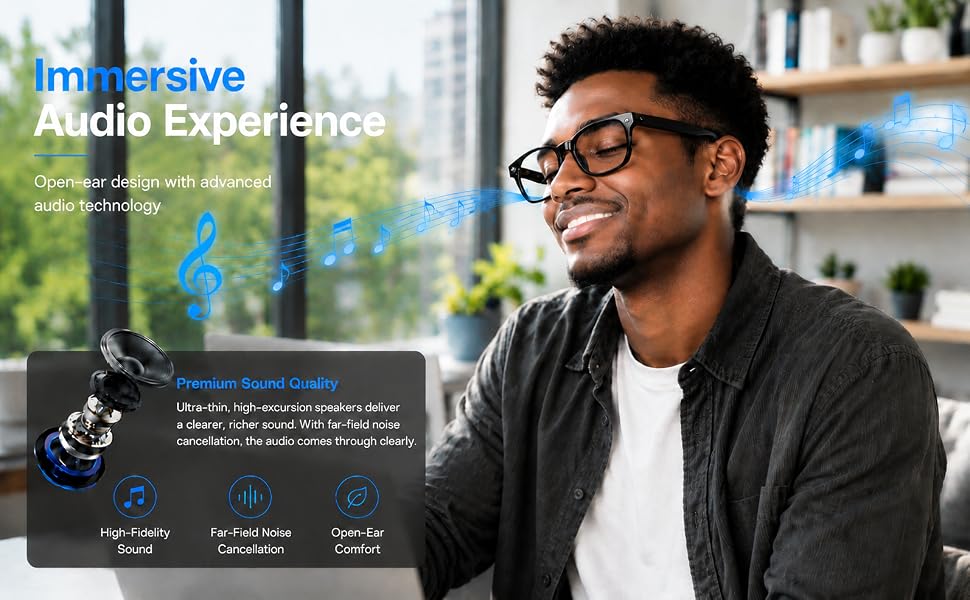
The camera output surprised me first. 4K video from a pair of glasses frames sounds like marketing copy, but the footage I captured walking through a street market had workable color and real detail, especially in good natural light. The open-ear audio is directional and reasonably present without isolating you from your environment, which is exactly the right call for a hands-free work from home setup or travel context where spatial awareness matters. Pairing via Bluetooth took under a minute on both iOS and Android.
“These are the first smart glasses I’ve worn that didn’t make me feel like I was beta-testing someone’s Kickstarter.”
The real-time translation feature operates with a beat of latency, maybe half a second, which in practice means you read the translation slightly after you’ve already scanned the source text visually. It never felt disruptive. It felt like having a patient travel companion whispering in your ear. The AI assistant responses occasionally repeated themselves when queries were ambiguous, which is worth noting, and the broader wearable AI category is still working through that consistency problem across devices at every tier.


How I Actually Used It
Setup 1: Morning Commute, Hands Completely Full
My standard Tuesday involves a coffee in one hand, a bag in the other, and a phone I can’t reach when a notification fires. Wearing the Plunthorn through a thirty-minute train ride and a six-block walk meant I could answer a voice prompt, capture a quick photo of a storefront I wanted to return to, and check audio notifications without once fumbling for my phone. For a hands-free work from home setup that extends into the commute window, this kind of passive utility adds up fast. By Wednesday I stopped thinking about them as a gadget and started thinking about them as part of the kit.
Setup 2: Airport Layover, Gate C11
This is where the travel smart glasses use case sharpened into something real. I had a four-hour layover in an airport where the food court signage was split across three languages, and the Plunthorn’s translation mode handled the overhead menu boards with enough accuracy to make a confident order. Object recognition in low-overhead airport lighting was shakier, occasionally misidentifying packaging graphics as unrelated items, but for text-heavy environments like transit hubs, it punched above what I’d expect for what you’re paying. I also shot a short walkthrough video of the terminal that I later used for a travel recap, and the stabilized 4K footage looked clean enough to actually post.
Setup 3: Work From Home, Deep Focus Hours
The open-ear audio design made these a legitimate option during long work sessions. I routed a playlist through the Bluetooth connection and wore them for a two-hour stretch of focused writing. The sound quality is not going to replace your over-ear headphones, but ambient audio without full isolation is a specific preference, especially in a home where you want to stay reachable. The AI assistant also fielded a few quick lookups, unit conversions, and one translation request for a foreign language document I was referencing. For a multi-use work from home setup, that versatility is the glasses’ quiet selling point.
What Other People Are Saying
With 222 reviews and a 4.3 rating, the consensus leans positive, with the most consistent praise landing on the camera quality and translation accuracy. Verified buyers who flagged issues mentioned the proprietary charging cradle as a friction point and occasional AI assistant inconsistencies in noisy environments, which matches my own experience almost exactly.
For a relatively new entry in the wearable AI product space covered widely by tech reviewers, that kind of early consensus is more useful than it looks. It tells you what holds up across different use patterns and what to manage expectations around before you commit.

Who Should Skip It
If you’re looking for audiophile-grade open-ear sound, these will disappoint. The audio is functional and surprisingly present for frames this slim, but the value reads above what you’d expect for the camera, not the speakers. Dedicated audio wearables in a comparable tier will serve you better if sound quality is the primary need. Similarly, if your use case is professional video capture, the 4K output is impressive for glasses but won’t replace a gimbal camera or action cam with optical stabilization. And if you’re expecting zero-latency AI responses in fast, chaotic environments, the half-second processing gap will occasionally frustrate you during real-time use. These are not disqualifying flaws for most buyers, but they are real ones.
What It Replaces on My Desk
Before the Plunthorn, my travel kit included a small action camera for captures, a separate earpiece for audio notifications, and a translation app I had to remember to open. That’s three things the Plunthorn folds into one frame. The action camera still lives in my bag for situations where dedicated optics matter, but for the everyday travel smart glasses role, I haven’t reached for the earpiece since. There’s also a desk-side notebook where I used to jot quick reference lookups. The AI assistant has quietly replaced that habit too. It’s a smaller shift than it sounds, and somehow more satisfying. See our other editor picks for streamlining a portable tech setup.
FAQ
What devices are these compatible with?
The Plunthorn AI Smart Glasses connect via Bluetooth and are listed as universally compatible with both iOS and Android smartphones. No proprietary app installation was required for basic functions during my testing, though some AI features benefit from a companion app connection.
How long does the battery last on a full charge?
Battery life varies by active feature use. With the camera and AI assistant running intermittently, I averaged around two to three hours of active session time before needing the magnetic charging cradle. Standby time is substantially longer if you’re only using audio passively.
Can you swap the lenses for prescription or different tinted options?
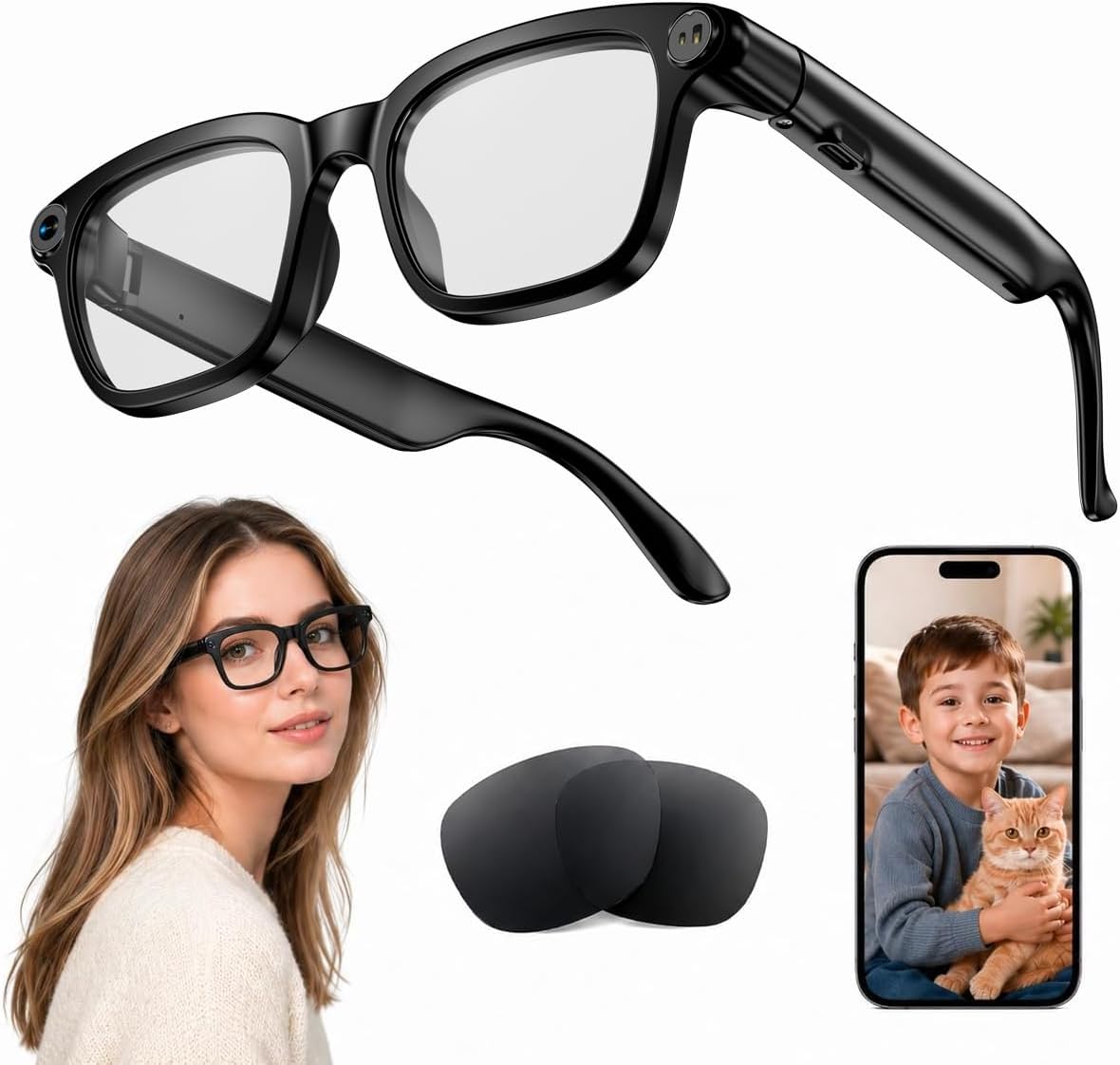
Yes, and this is one of the features that separates the Plunthorn from more rigid smart glasses designs. The replaceable sunglasses lenses allow you to adapt the frame to different lighting conditions or personal style preferences, which extends their practical range considerably. Browse our camera lens and optics accessories archive for complementary gear.
Does the build quality match the brand’s reputation over time?
The aluminum and ABS plastic construction feels more considered than the price point suggests, with a matte black finish that resisted fingerprints and minor scratches across several weeks of daily wear. The hinges have a solid pivot without any play, which is usually the first thing to degrade on frames at this tier.
What does the warranty or return process look like?
Plunthorn offers a standard manufacturer warranty, and the product is available through major retail channels with their respective return windows. I’d recommend purchasing through a platform with an extended return policy given that smart glasses are a form factor some buyers need a longer adjustment period with before committing.

The Verdict
Three weeks in, the Plunthorn AI Smart Glasses have a permanent spot in my travel and work from home kit, which is not a sentence I expected to write. They look like frames, work like a lightweight computer, and occupy a genuinely useful intersection between wearable audio, hands-free capture, and AI assistance that I kept reaching for across different contexts. The best travel gadgets for daily carry earn their place not by doing one thing brilliantly but by doing several things well enough that you stop carrying alternatives. These do that. They also read as one of the more interesting gift options for someone who’s already maxed out on phone cases and charging cables. The AI translation alone would justify packing them for any international trip. For what you’re paying, the value reads considerably above what the frame suggests. If you’re looking for a Plunthorn AI Smart Glasses review to push you off the fence, here’s mine: buy them before you take your next flight.
Every Angle
The product as photographed for Amazon — hero, angles, ports, detail.

As an Amazon Associate I earn from qualifying purchases.