Apple iPad Pro 13-inch M5: Honest Review After 2 Weeks

Three weeks after sliding the Apple iPad Pro 13-inch M5 out of its box at midnight, I stopped reaching for my laptop.
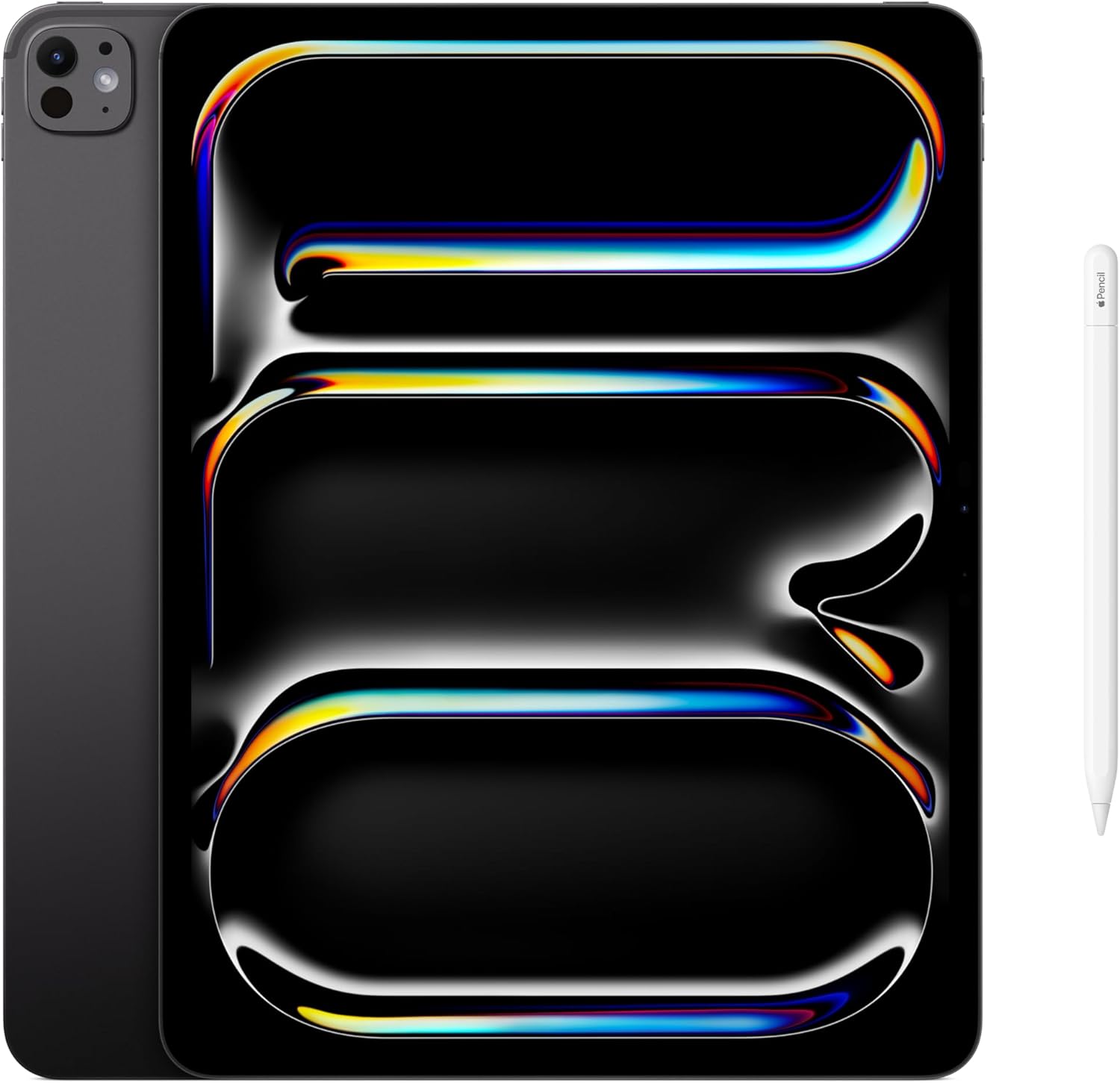
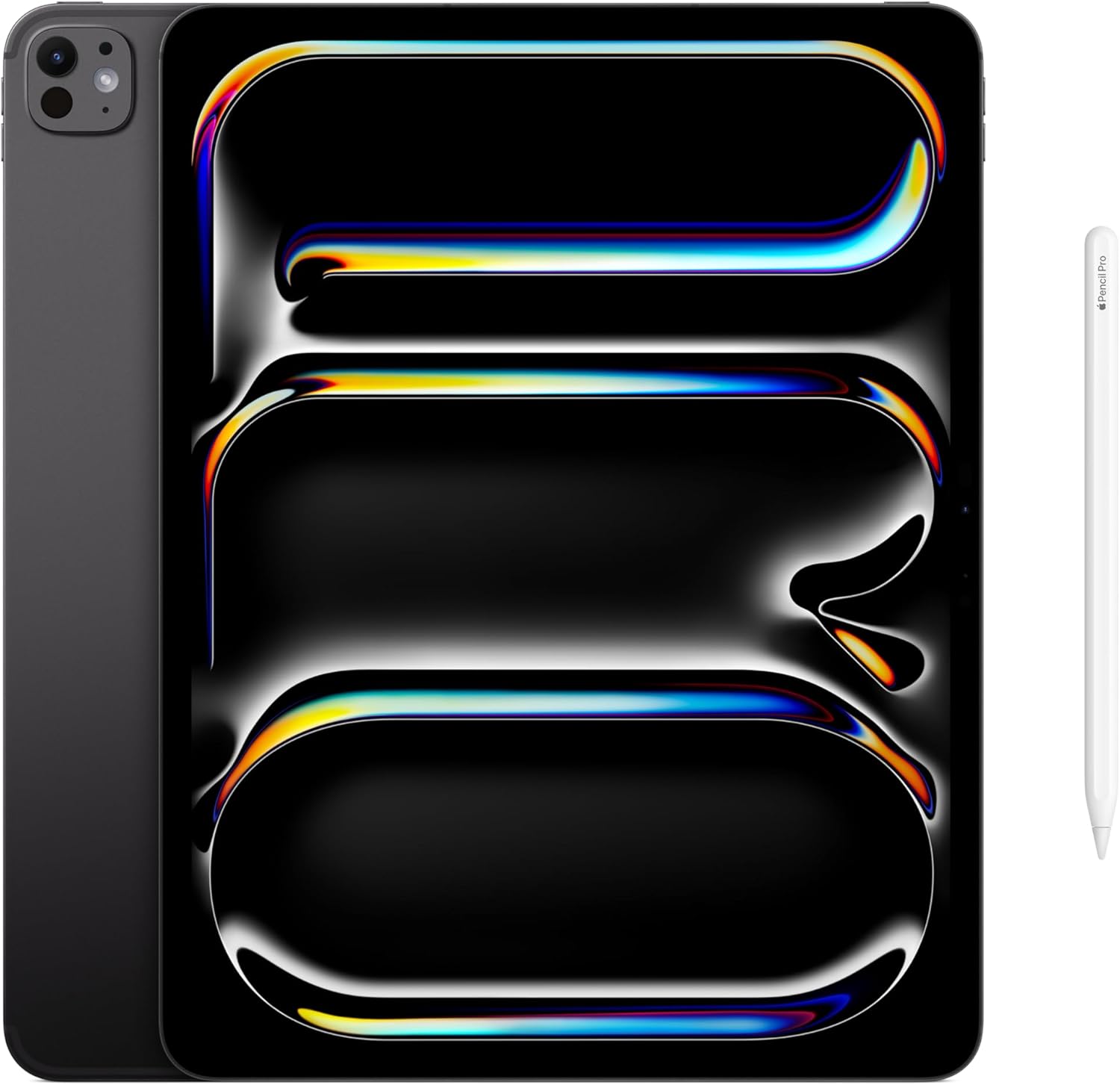
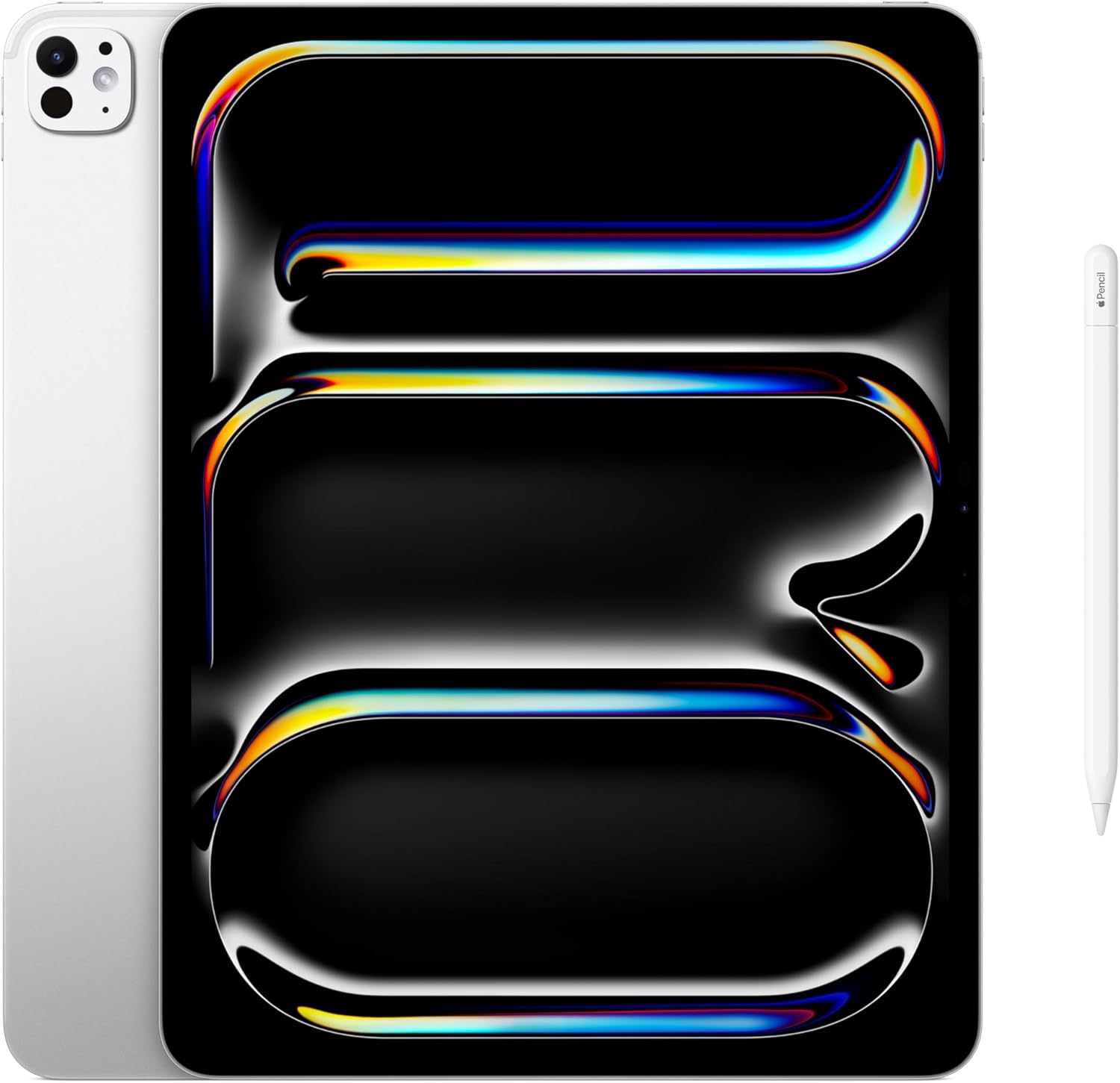
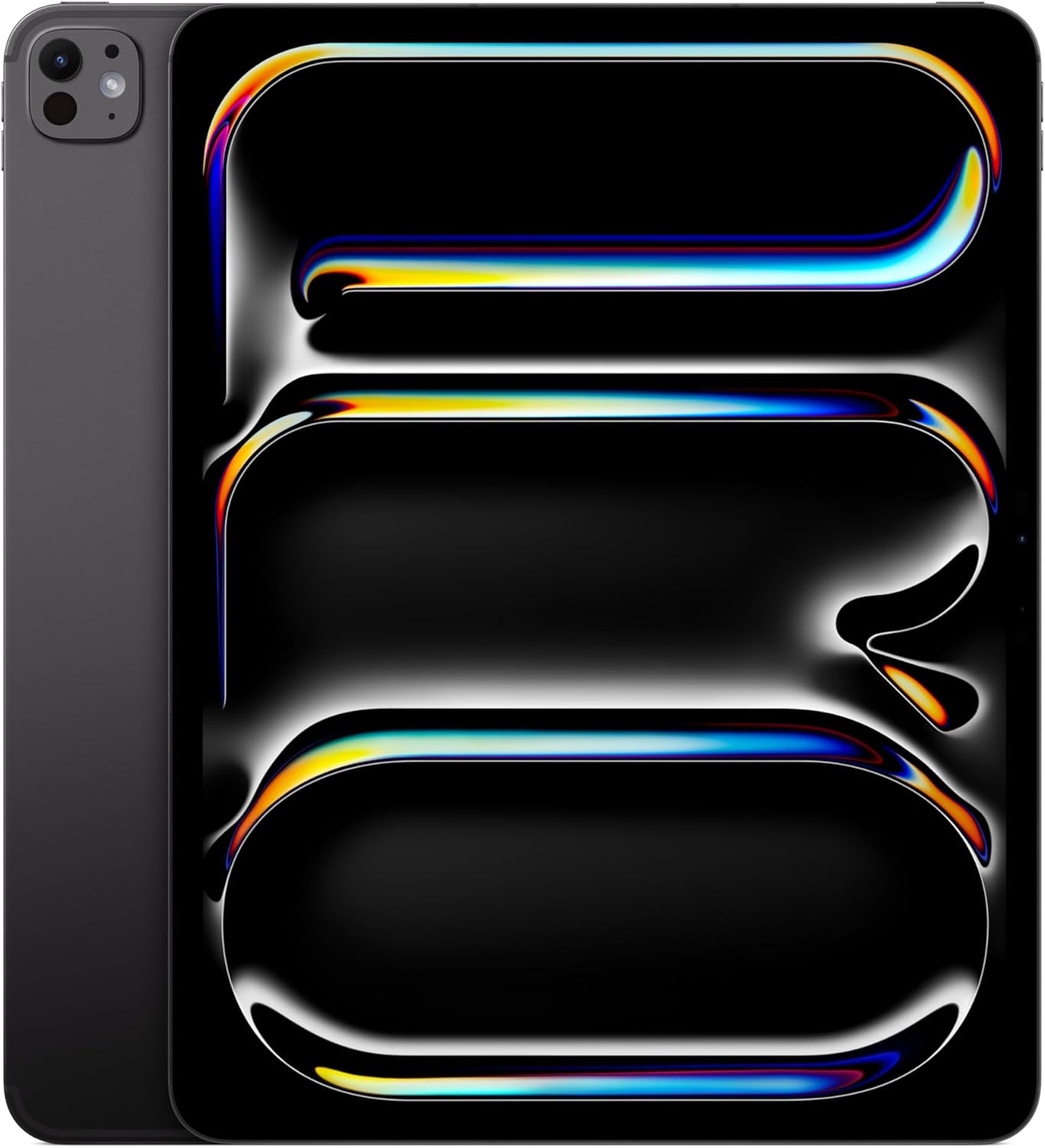
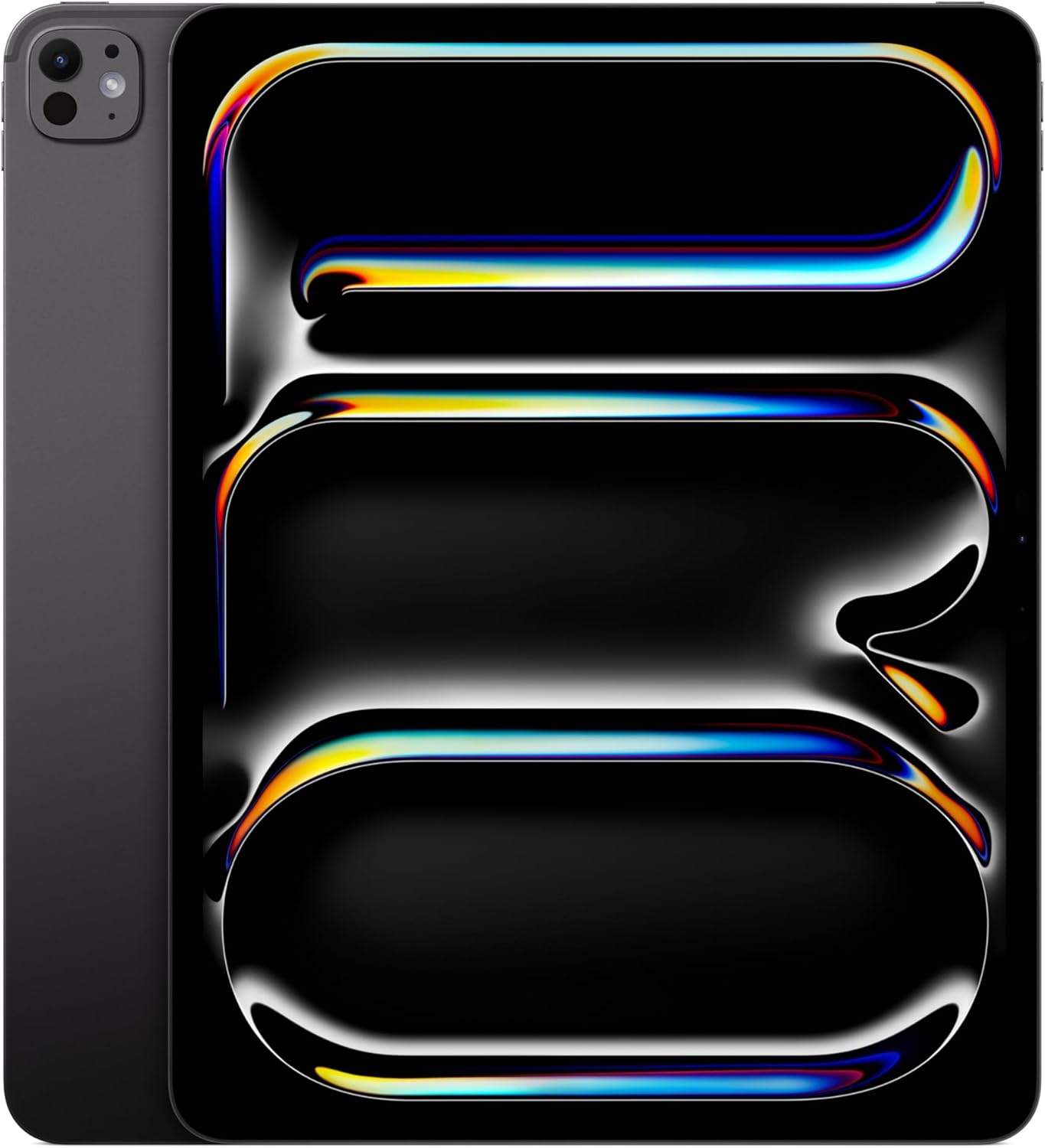
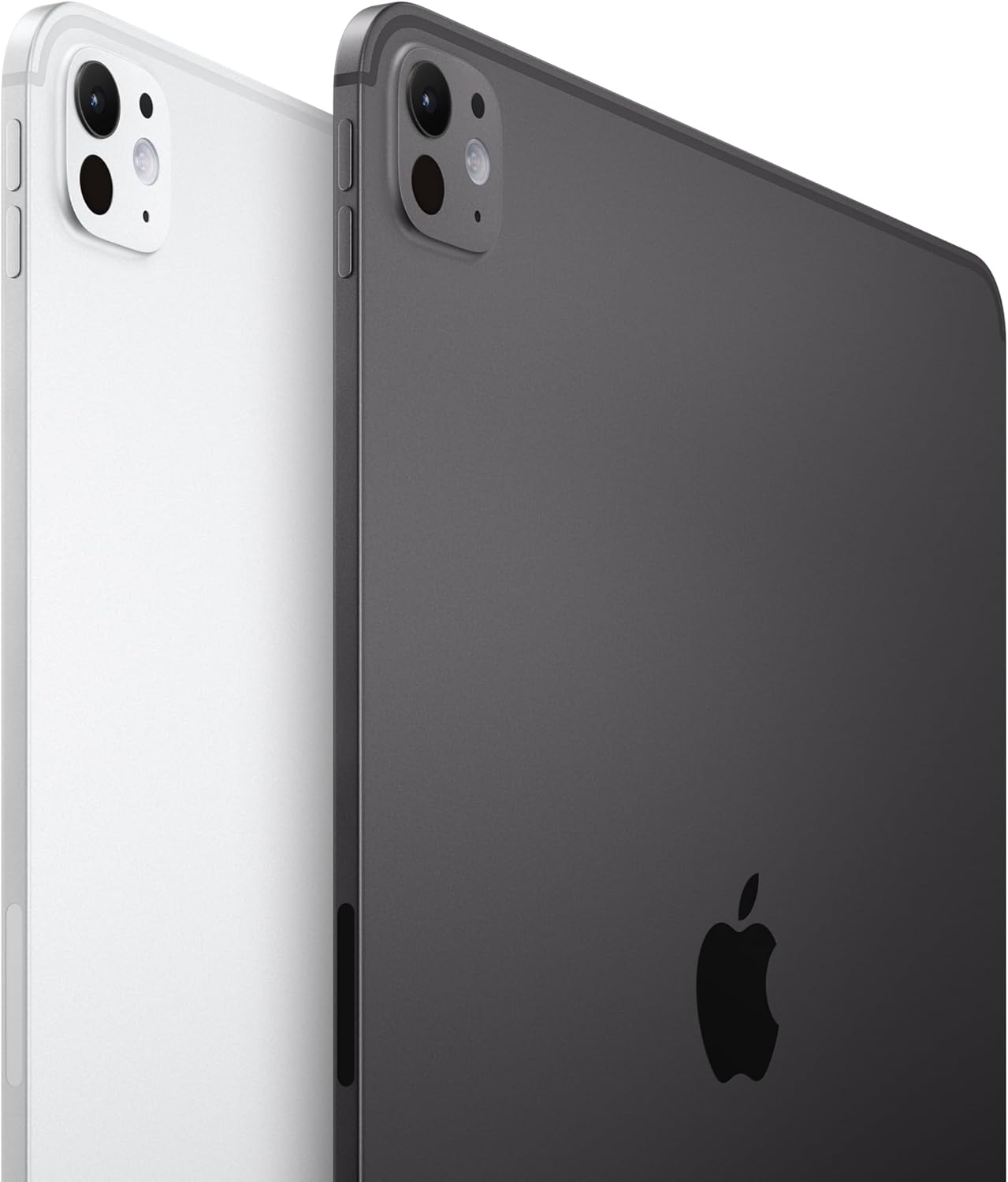
The Space Black aluminum frame is cold the first time you pick it up, noticeably heavy in that satisfying, considered way that makes cheap tablets feel like cutting boards by comparison. I’d propped it on my desk at around eleven on a Tuesday, the rest of my work from home setup glowing around it, and just stared for a moment. The Ultra Retina XDR display threw back my reflection before I even unlocked it, and then the screen came on and I sort of forgot what I’d been meaning to do. This is the Apple iPad Pro 13-inch with the M5 chip, and after living with it through back-to-back deadlines, a cross-country flight, and one very long hotel room edit session, I have opinions.

The First Time I Used It
I came to this tablet sideways, the way most people land on expensive hardware. My aging iPad had started stuttering through large Procreate files, and I’d spent an embarrassing amount of time reading tech coverage comparing thin-and-light tablets before I finally caved. The 13-inch M5 kept appearing at the top of every shortlist. I kept scrolling past it, convincing myself the screen size was overkill for someone who also owns a laptop.
It was not overkill. The moment I opened a 400-layer illustration file and watched it render without a single hiccup, I understood what the fuss was about. That’s the kind of first impression that rewires your expectations for everything else in your work from home setup.
How It Actually Performs
The M5 chip is the kind of processor you don’t notice, which is exactly the point. Video exports that used to give me time to refill my coffee now finish before I’ve stood up. The Ultra Retina XDR display pulls ProMotion refresh up to 120Hz, and scrolling through long documents feels frictionless in a way that sounds like marketing copy until you’ve actually experienced it side by side with something lesser. The aluminum build doesn’t flex, doesn’t creak, and the Space Black finish resists the greasy smear pattern that plagues lighter-colored devices after a few hours of palm contact.
“The M5 doesn’t just handle professional workloads, it makes them feel slightly embarrassing to attempt.”
Battery life genuinely holds up across a full day of mixed use, including extended video calls, document editing, and a few hours of streaming before bed. There is one honest friction point: iPadOS still imposes real constraints on power users who want a pure desktop workflow. Split view and Stage Manager are capable, but there are moments when you brush against the OS ceiling and feel the gap between “almost a laptop” and “actually a laptop.” The folks over at Engadget’s hands-on review desk have documented similar observations on iPad productivity limits, and they’re not wrong. For this Apple iPad Pro 13-inch M5 review, that caveat deserves to live near the top, not buried in footnotes.
How I Actually Used It
Setup 1: Tuesday Standup, Home Office Mode
My work from home setup runs a standing desk, a secondary monitor, and a mechanical keyboard, and I wanted to see how the iPad Pro fit into that ecosystem before committing to it as a daily driver. The Landscape 12MP front camera is placed horizontally along the longer edge, which means your face is centered on every video call instead of appearing in a corner like a nervous intern. I connected it to my keyboard over Bluetooth and ran three hours of back-to-back meetings without plugging in. The face recognition with Face ID unlocked without hesitation even at awkward angles. Check out our archive of work from home keyboard reviews if you’re building the full setup around this tablet, because the keyboard pairing experience is dramatically better than it was two generations ago.
Setup 2: Six-Hour Flight, Middle Seat Survival
This is where the 13-inch form factor either earns its keep or becomes a liability, and I’d argue it earns it on a flight with a tray table and reasonable seatmates. I had a feature draft open in one window, a reference PDF in the other via Split View, and a downloaded playlist running in the background. The all-day battery life claim held without a wall outlet in sight. The LiDAR Scanner didn’t factor much here, but on a previous trip I’d used it with a room-scanning app to map a venue layout, which is the kind of niche utility that makes you feel briefly like a film crew location scout.
Setup 3: Late-Night Hotel Room Edit Session
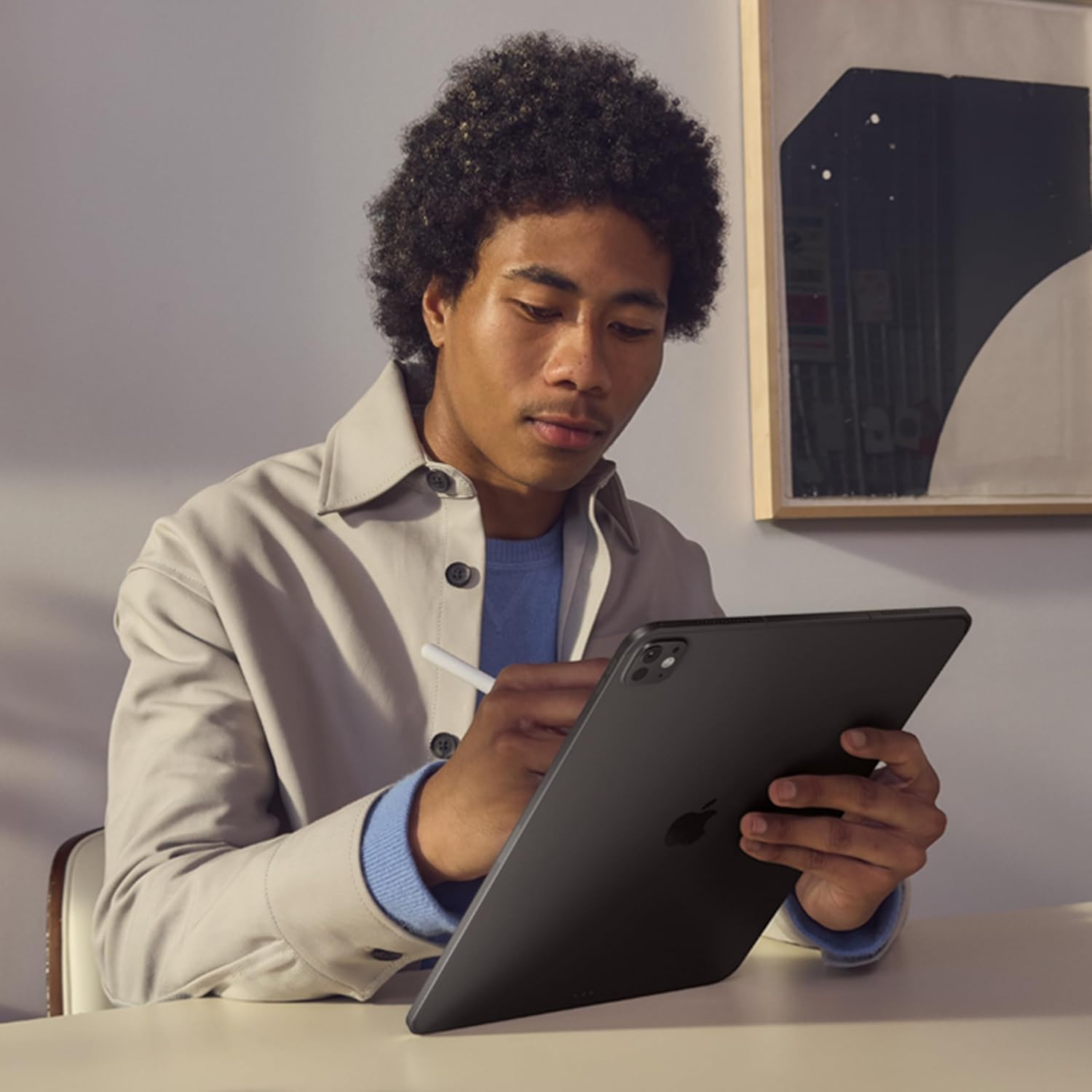
There’s a specific kind of exhaustion that comes with editing on a small screen at midnight in a hotel room, and this tablet’s display removes that from the equation almost entirely. The XDR panel handles deep blacks without the muddy gray wash that cheaper LCDs show at low brightness, which matters when you’re color-correcting photos at 1 a.m. I paired the iPad with a portable Bluetooth keyboard from a brand I already trusted, kept the Magic Apple Pencil docked magnetically on the side, and worked for two hours without once wishing I’d packed my MacBook instead. This is the use case the best work from home tablet for creative professionals argument is built on.
What Other People Are Saying
One buyer, describing the leap from a previous-generation iPad Air, captured it in a way that stuck with me: they described this as an upgrade they didn’t need but couldn’t regret. That particular kind of buyer remorse, the kind that isn’t actually remorse, shows up repeatedly in the review thread. Another reviewer called it “an amazing video editing device” that rewards professionals specifically, which aligns with everything I experienced across my own test period.
The rating consensus is about as clean as it gets for a premium device at this tier. The complaints that surface are largely iPadOS-level frustrations rather than hardware failures, which tells you something useful about where Apple still has room to grow. If you’re comparing options, our editor-curated tech recommendations include a few alternatives worth stacking against this one before committing.
Who Should Skip It
If your iPad use is primarily reading, casual streaming, and light email, the 13-inch M5 is a substantial overspend for your actual habits. The size alone is a real consideration, not just a preference: carrying this in a bag that wasn’t designed for it is mildly annoying every single day. If you need a device that doubles as a casual couch companion, a smaller iPad or a well-specced Android tablet at a lower tier will serve you without the weight and the financial commitment. And if you are deeply embedded in a Windows workflow and resist app-level workarounds, the iPadOS ecosystem ceiling will frustrate you faster than the hardware impresses you.
What It Replaces on My Desk
My previous setup included an 11-inch iPad from two generations back and a separate dedicated drawing tablet that I’d been ignoring for months because switching between devices mid-project broke my focus. The M5 13-inch replaced both. The drawing tablet is now in a storage drawer, genuinely unused since week one of testing this. I’ve also found myself reaching for my laptop less during travel, which is the kind of behavioral shift that’s hard to predict before you’ve lived with a device but completely obvious in retrospect. If you’re building out a larger work from home setup, you might also want to explore dedicated webcam upgrades and monitor mount solutions that complement a tablet-forward desk arrangement.
FAQ
Does the iPad Pro 13-inch M5 work with older Apple Pencil models?
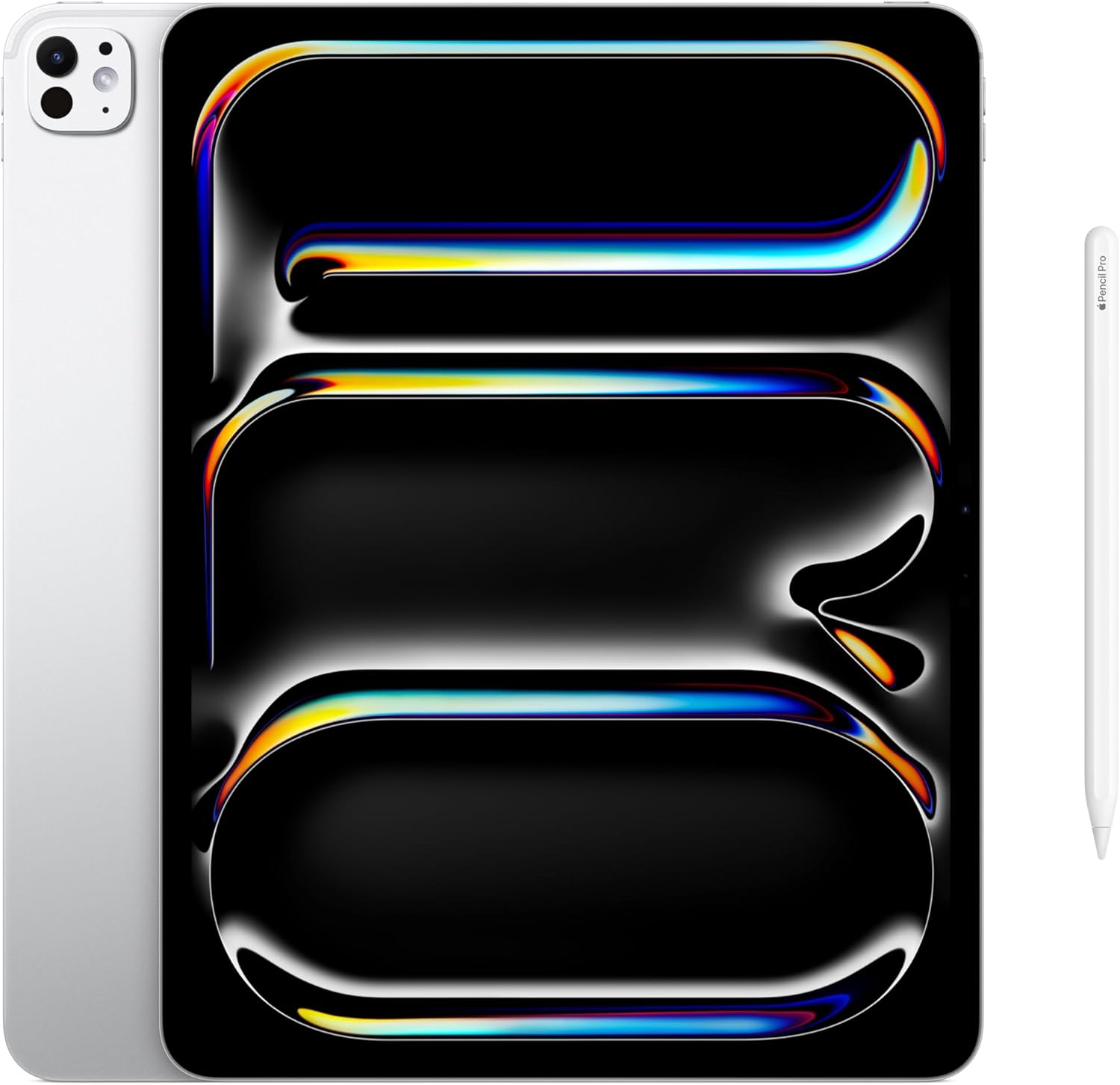
The M5 iPad Pro is compatible with the Apple Pencil Pro and Apple Pencil USB-C. Older first and second-generation Pencils are not supported on this model, so factor that into your accessory budget if you’re upgrading from an earlier iPad.
How does battery life hold up under heavy professional use?
Under genuinely heavy use, including sustained video export, multi-window editing, and active Wi-Fi, I consistently got eight to nine hours before needing a charge. Light use days stretched noticeably further, closer to the all-day claim Apple makes in their specs.
Can this replace a laptop for a full work from home setup?
For creative professionals, writers, and visual editors, yes, with caveats. iPadOS handles most workflows well, but if your work depends on specific desktop software that has no iPad equivalent, you’ll still want a laptop in the rotation.
Is the build quality consistent with Apple’s premium reputation?
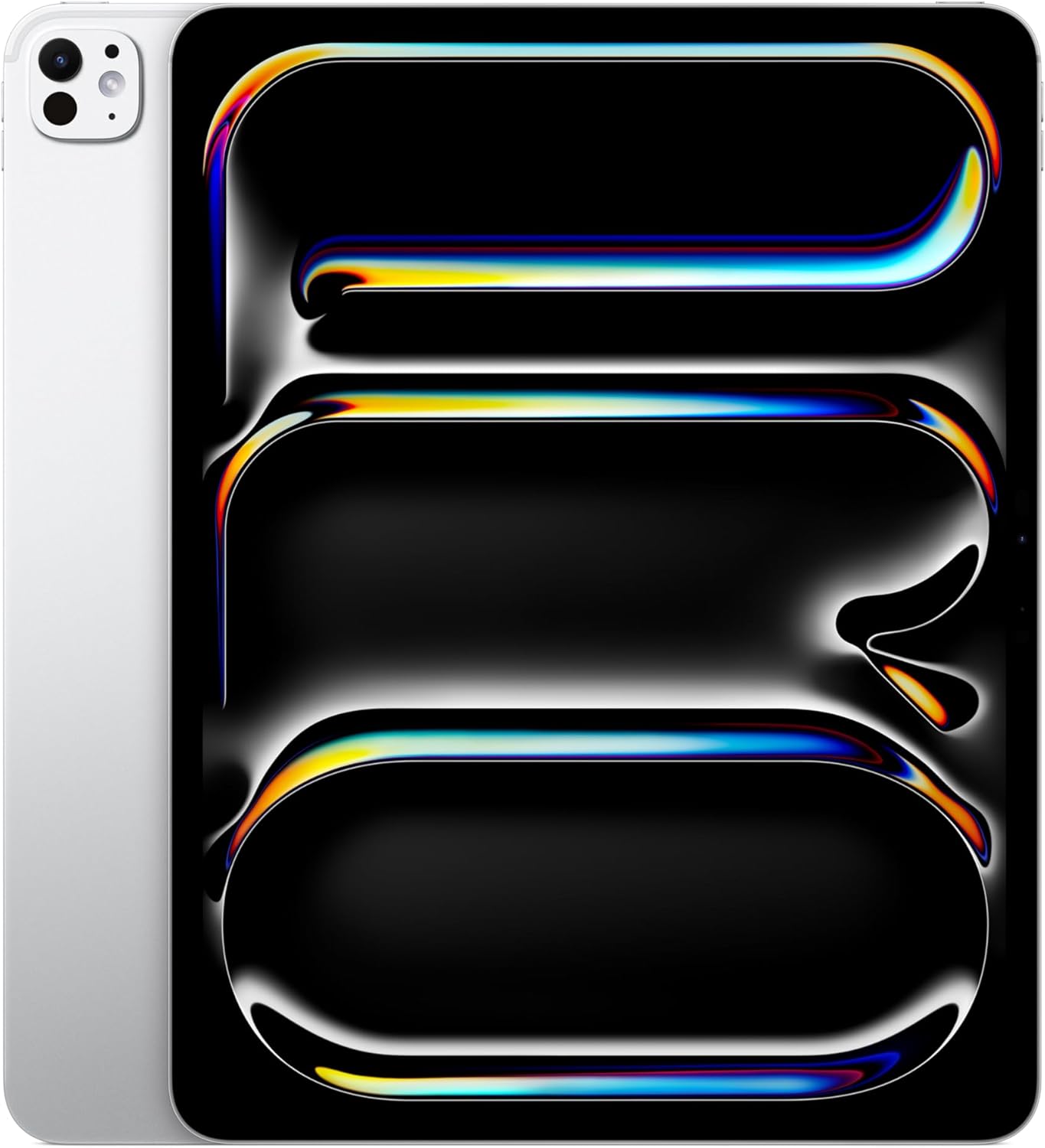
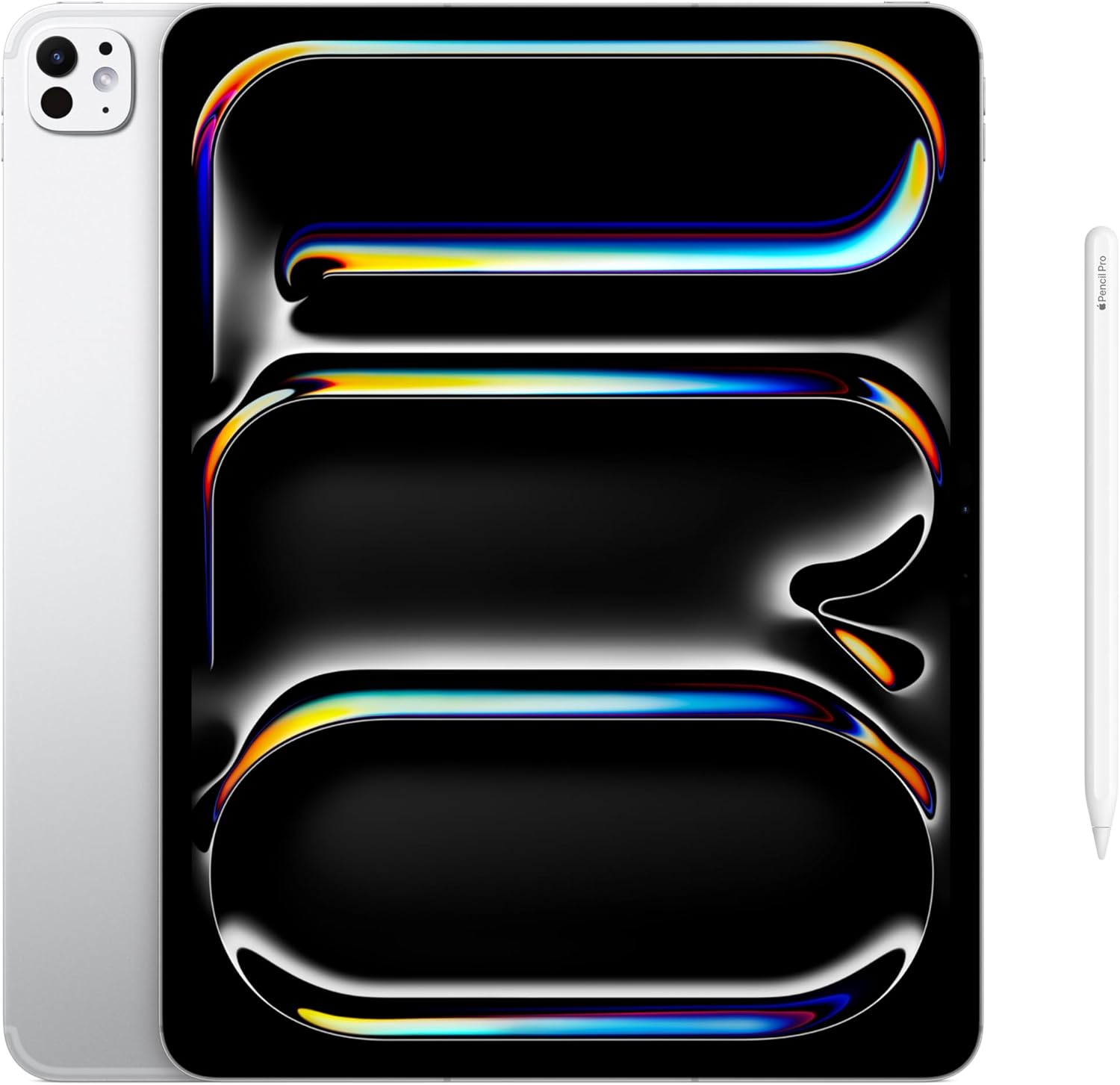
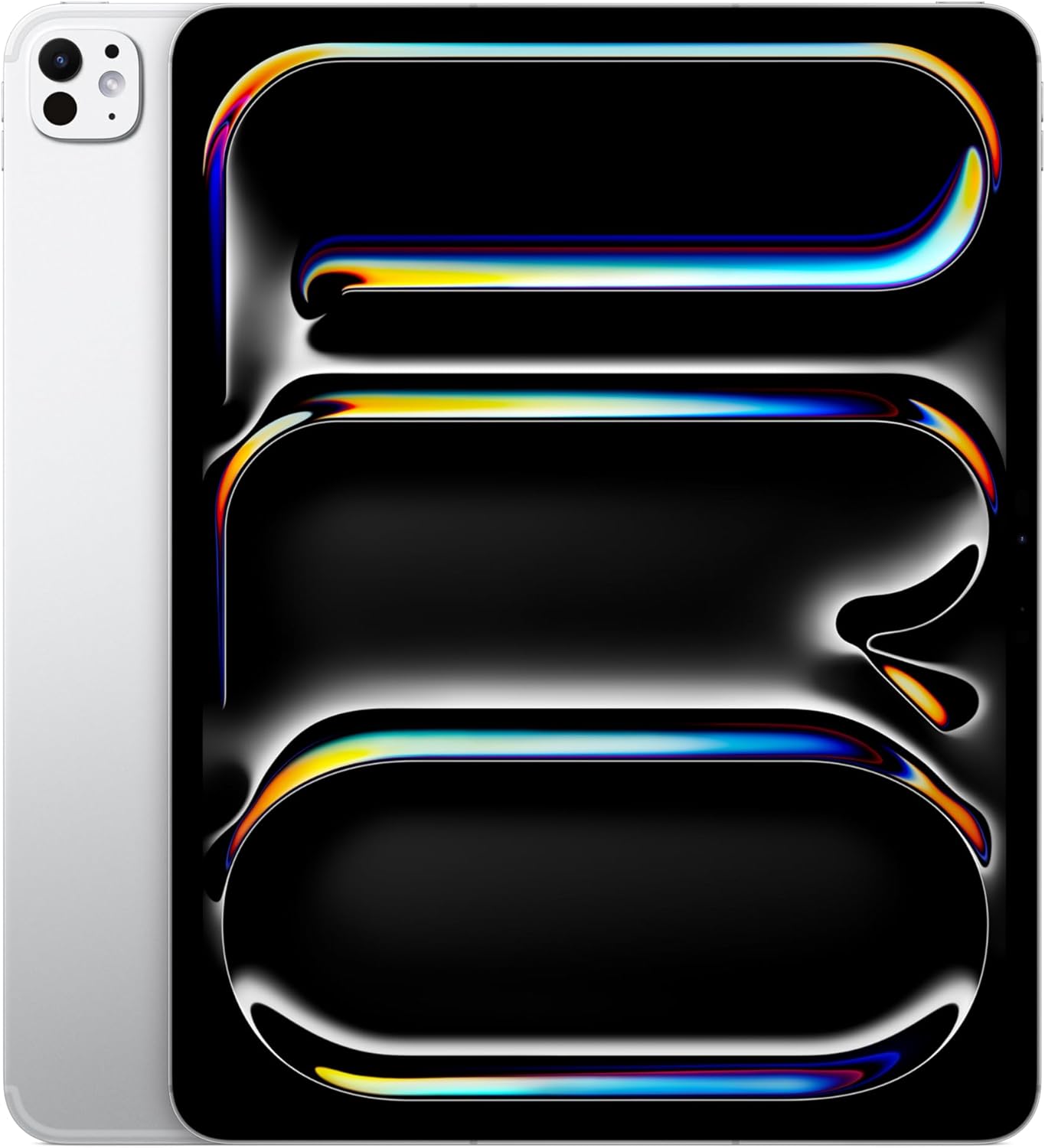
The Space Black aluminum construction is among the most refined hardware Apple has shipped in this category. The finish resists micro-scratches better than the silver variant in my experience, the tolerances feel precise, and nothing about the physical device suggests corners were cut. The value reads above what you’d expect at this price point when you hold it next to the competition.
What’s the return and warranty situation?
Apple covers the iPad Pro with a standard one-year limited warranty, and AppleCare+ extends that to two years with accidental damage protection for an additional fee. Returns purchased directly through Apple or major retailers typically follow a standard return window, but check the policy at point of purchase since third-party sellers vary.
The Verdict
Three weeks in, the Apple iPad Pro 13-inch M5 has quietly reorganized my workflow in ways I didn’t anticipate when I unboxed it. I reach for it first in the morning for news and email, use it through the bulk of my workday for writing and editing, and carry it on trips where I used to default to a laptop out of habit rather than genuine need. The Ultra Retina XDR display makes every other screen in my immediate vicinity look slightly provisional. The M5 chip has never once been the limiting factor in anything I’ve asked it to do, which is the honest measure of a processor worth paying for. If you’re in the work from home tech category and you do creative or professional work that taxes a display and demands responsive multitasking, this is the device the category has been building toward. Independent benchmarks from Tom’s Guide corroborate the performance story, and the real-world experience matches the specs in a way that doesn’t always happen with premium hardware. For what you’re paying, the Apple iPad Pro 13-inch M5 doesn’t overstate its case. It just delivers, consistently, and then lets you get back to work. This is the best work from home tablet Apple has ever made, and probably the best one anyone has made. If you’re shopping for a creative professional, stop scrolling. You’ve found it.
Every Angle
The product as photographed for Amazon — hero, angles, ports, detail.

As an Amazon Associate I earn from qualifying purchases.