AMOLED Smart Watch for WFH & Fitness: Honest Review
Six weeks on my wrist, three time zones, two half-marathons, and one very honest conversation about whether a smartwatch can actually change how you move through your day.
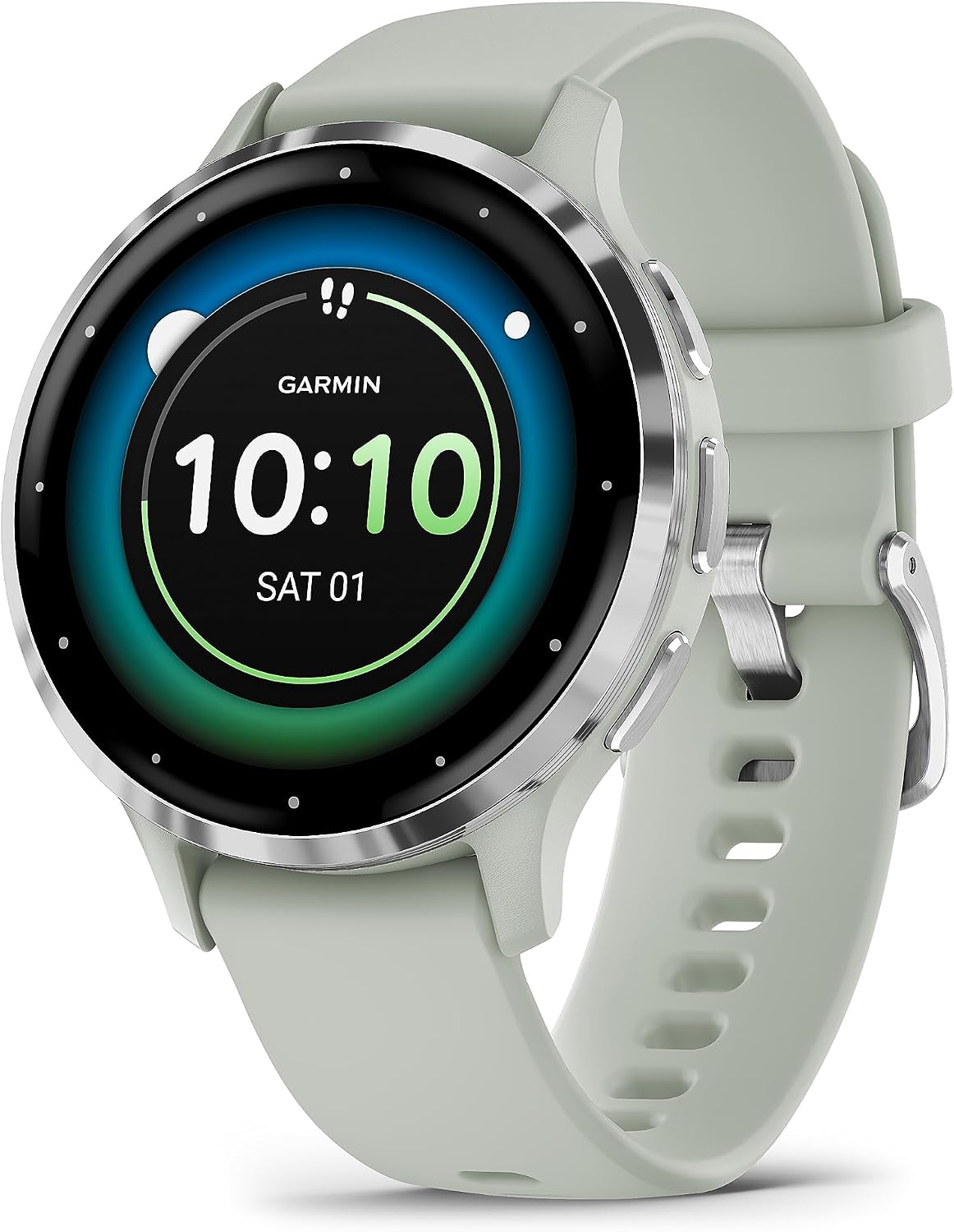
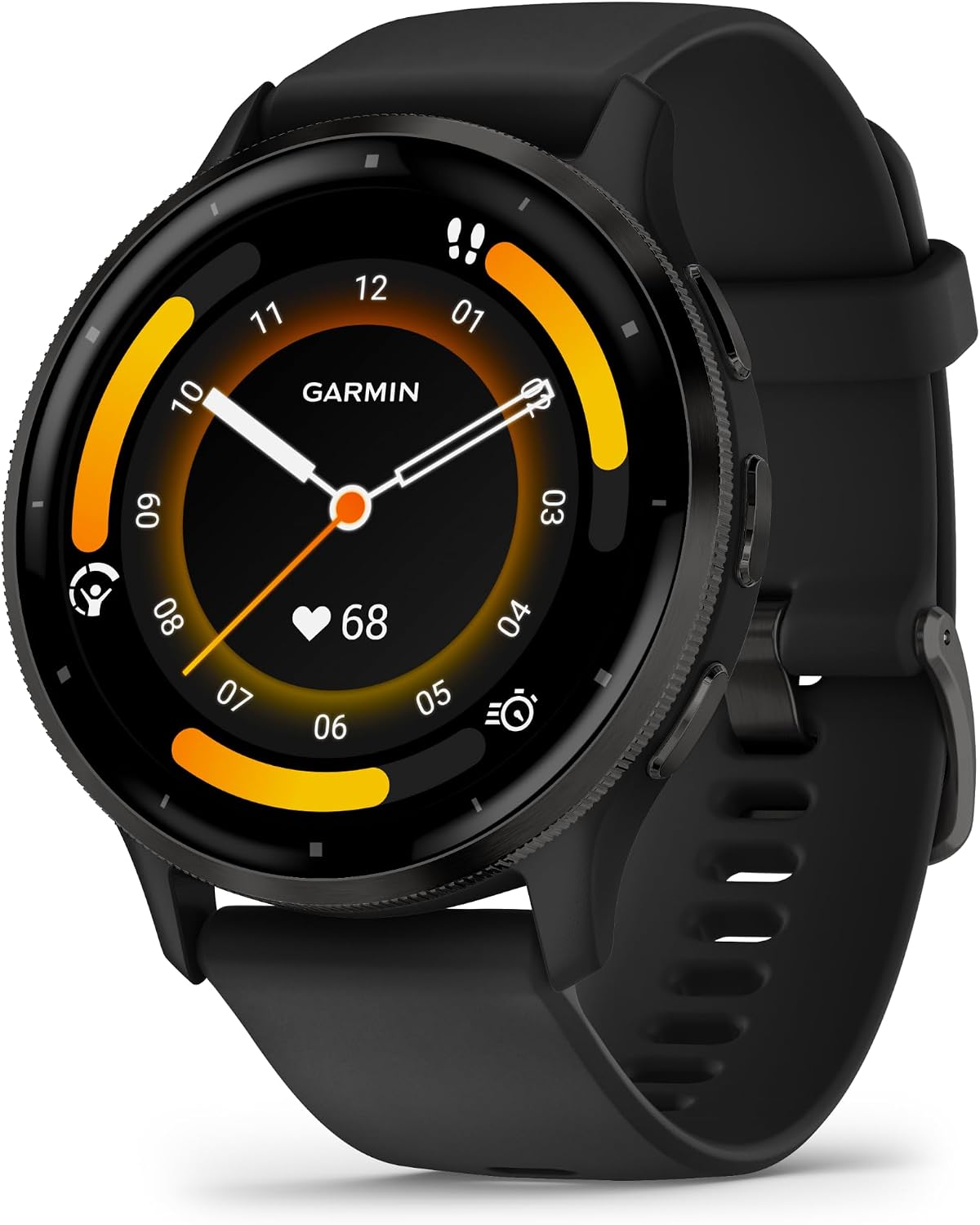
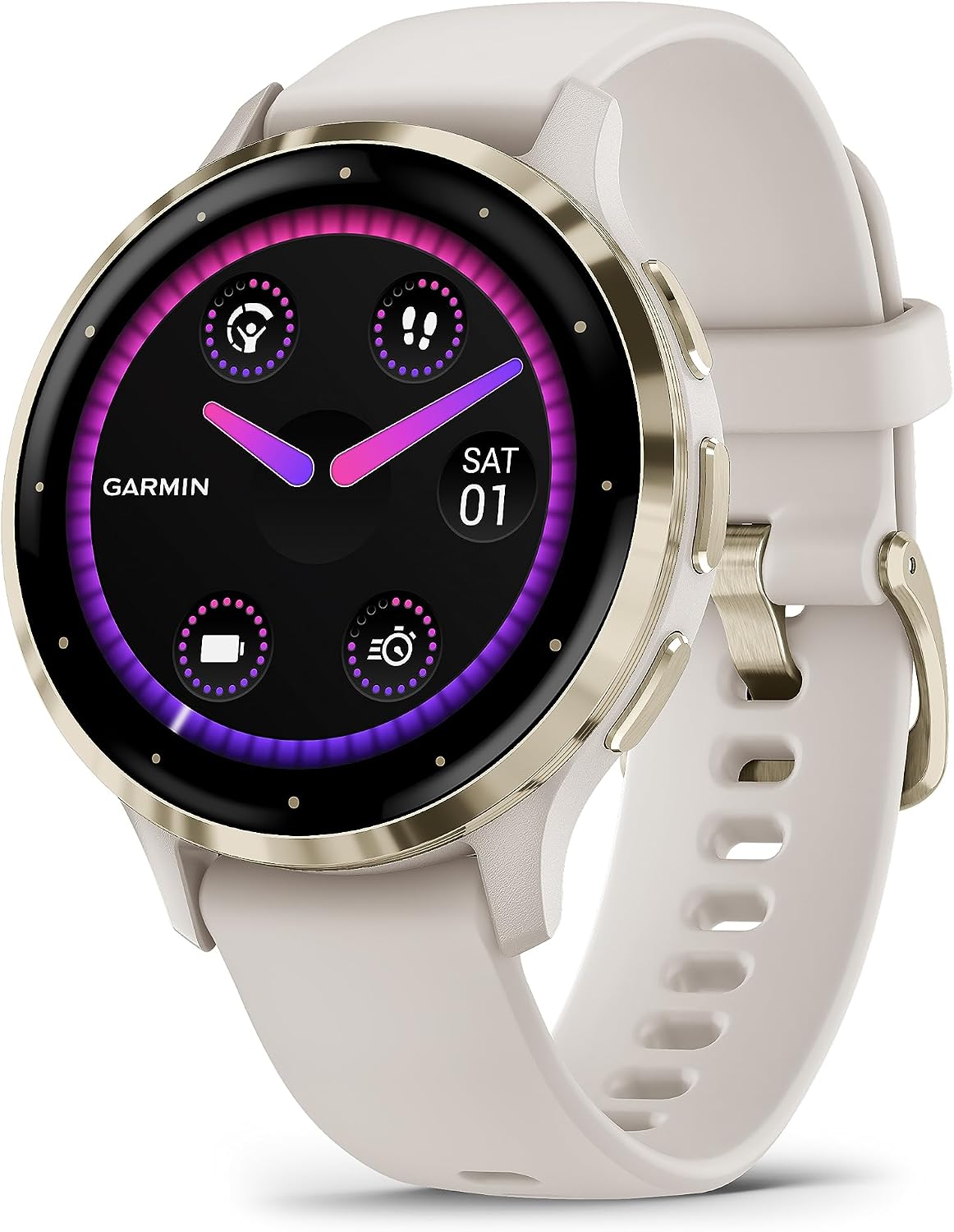
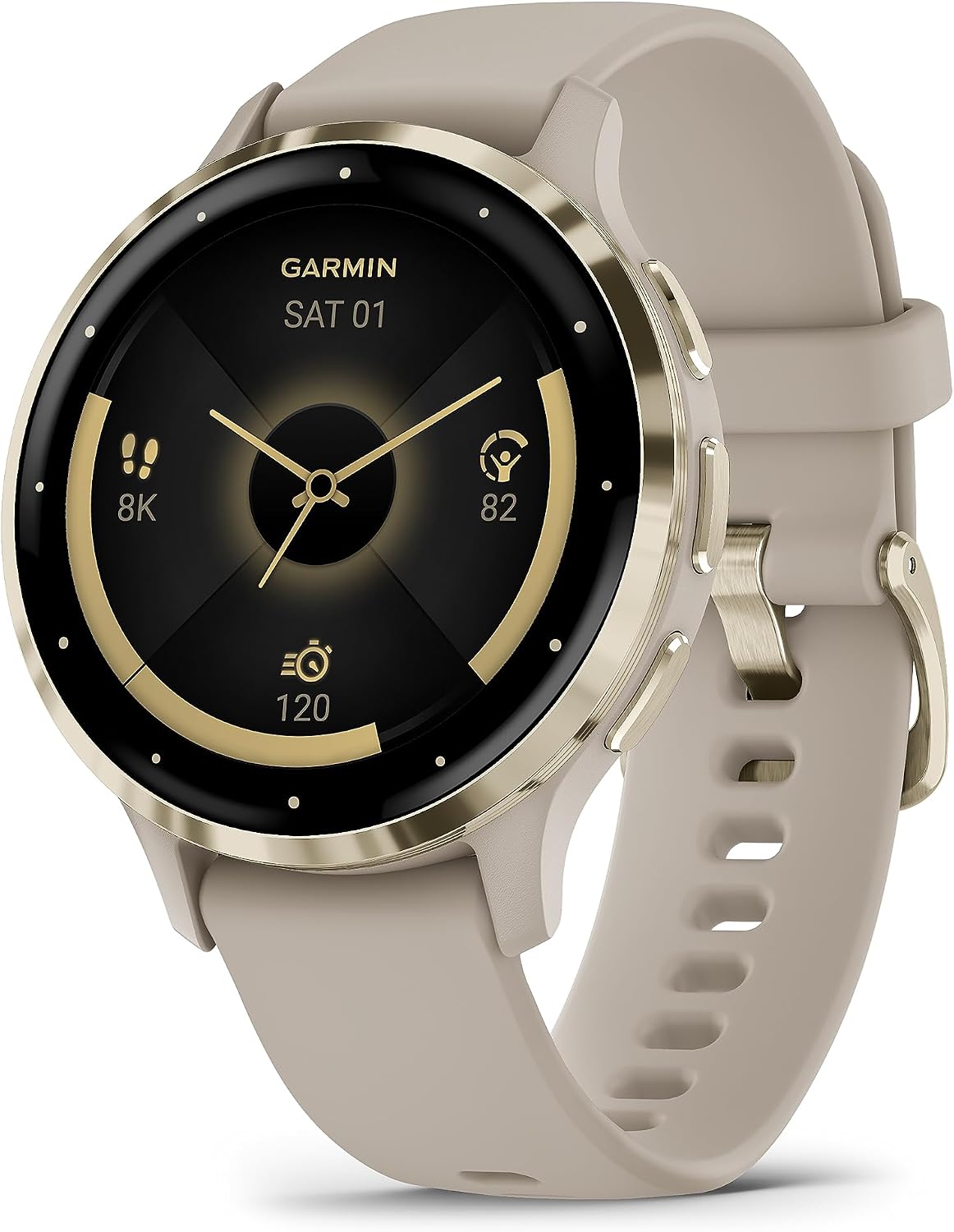
The Garmin Venu 3S arrived on a Wednesday, which felt appropriate. Not a Monday with its fresh-start optimism, not a Friday with its permission to slack. A Wednesday, mid-week, mid-morning, when I was already deep into my third video call of the day and my wrist still wore the ghost tan line from a fitness band I’d retired three months earlier. I slid the 41mm linen-finished watch onto my wrist between meetings. The AMOLED screen lit up, bright and almost offensively crisp, and I had that specific small feeling you get when a piece of hardware looks better in person than it did in any photo. It sat there, compact and quietly confident. I went back to my call and kept sneaking glances at it for the rest of the morning.
The First Time I Used It
I’d been circling the wearable smartwatch category for a while, skeptical of the usual pitches. Most watches promise everything and specialize in nothing, or they specialize in fitness but look like a medical device, or they look beautiful but die by Thursday afternoon. The Venu 3S kept showing up in my research feed, and what stopped my scrolling wasn’t the spec sheet. It was the finish. That linen colorway, soft and matte, the kind of neutral that reads as intentional rather than an afterthought.
I ordered it on a Sunday. By Wednesday it was on my wrist. By Thursday I’d already canceled my gym tracking app subscription, because the watch was doing everything it had been doing and a few things it hadn’t.
How It Actually Performs
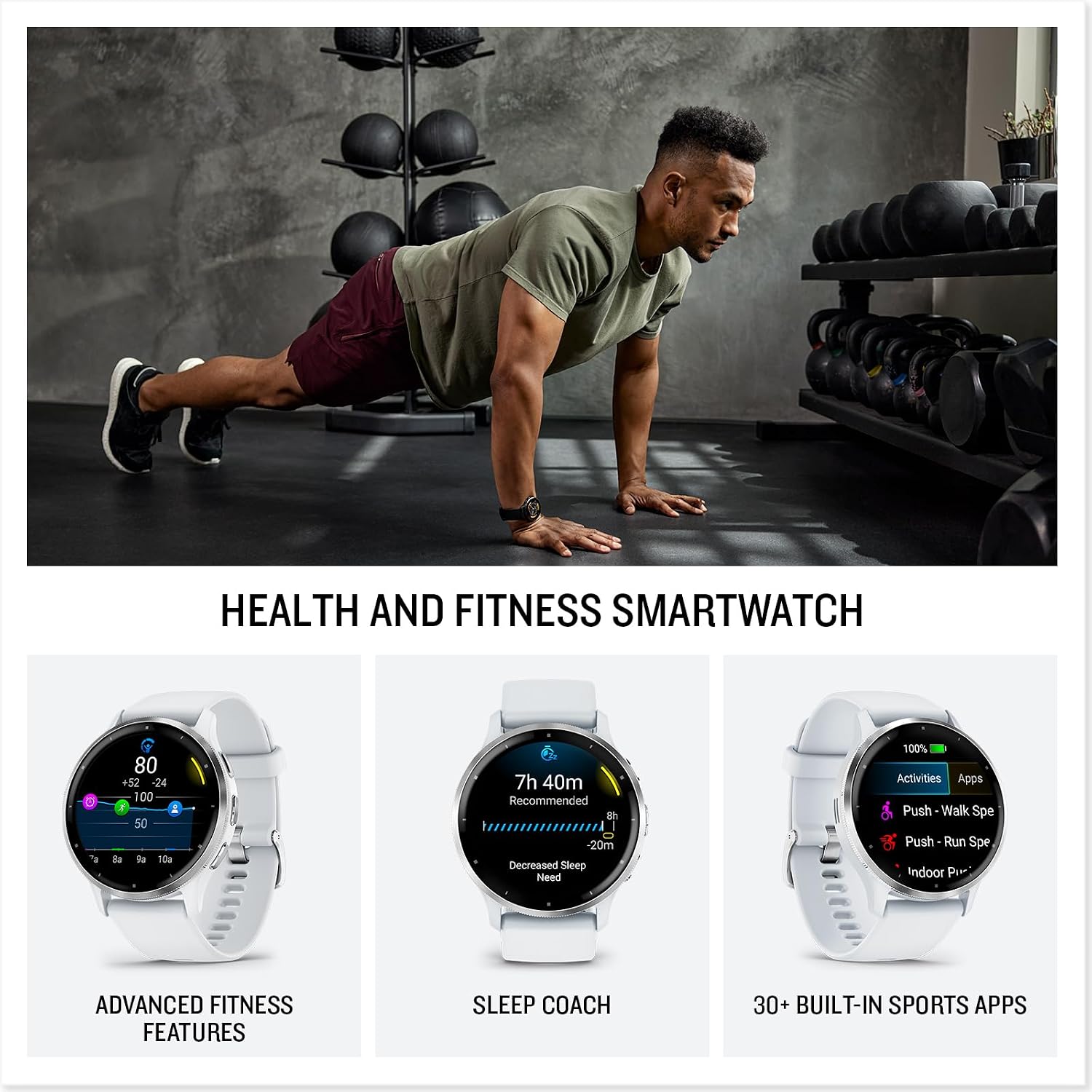
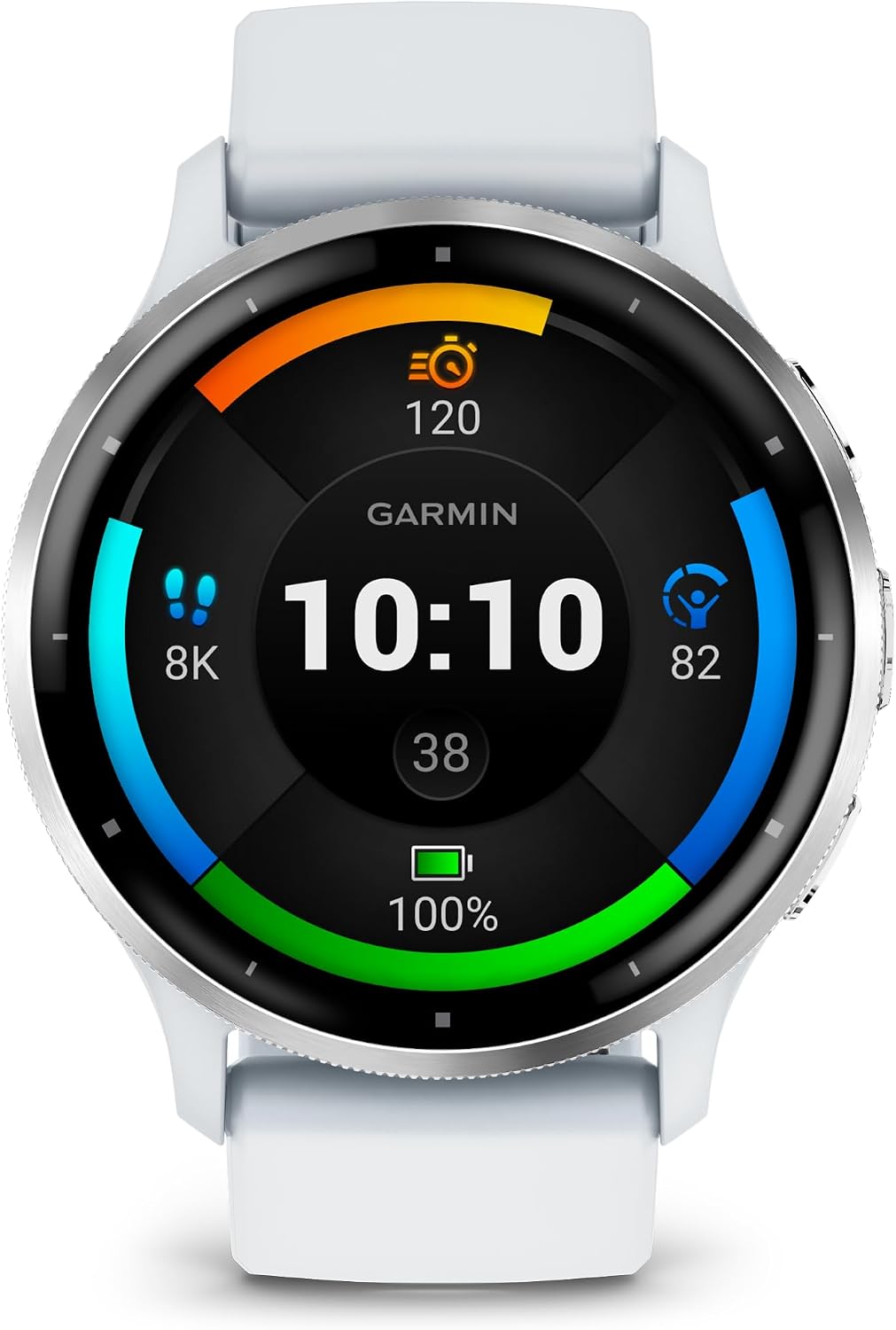
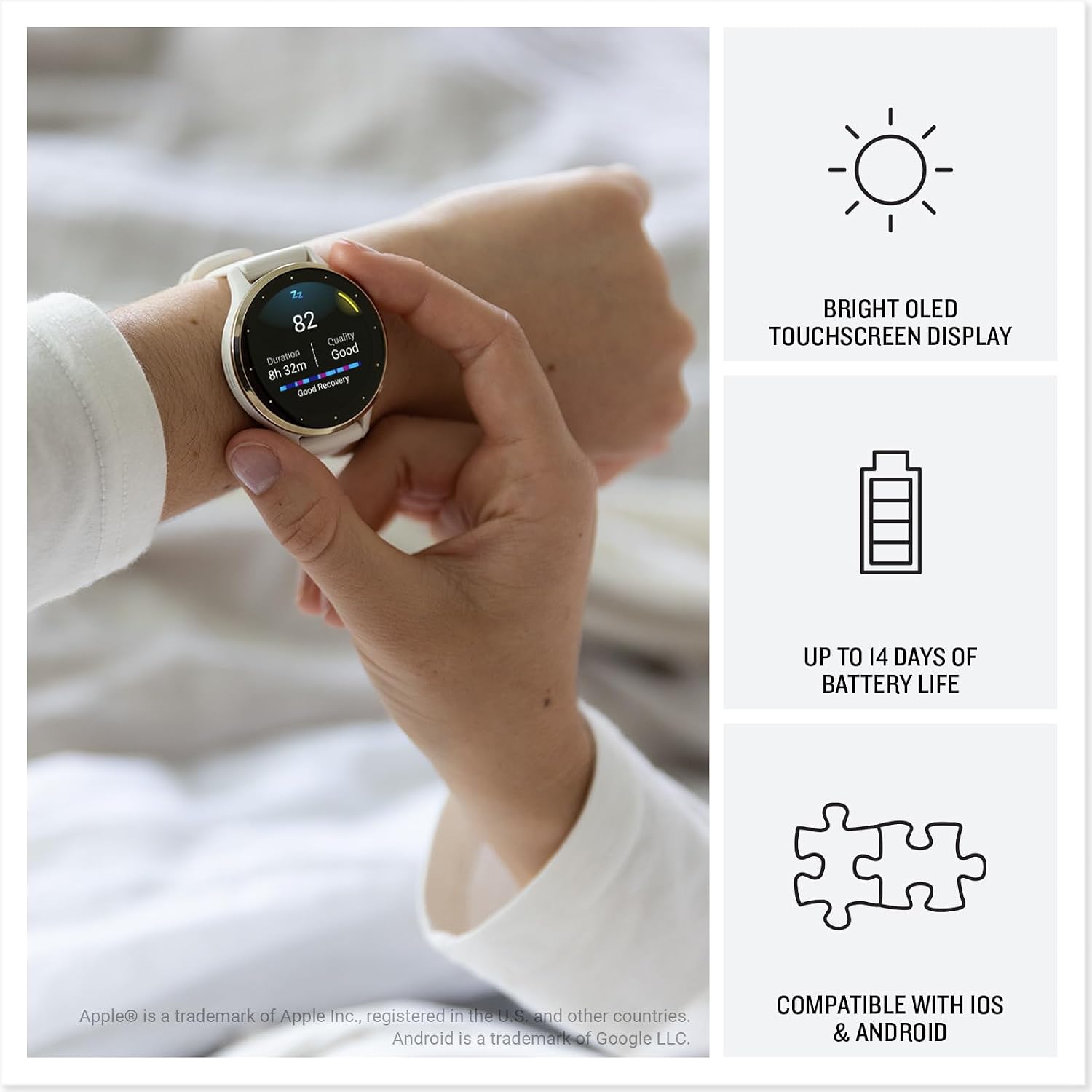
The AMOLED display is the first thing anyone nearby will notice, and that’s not a complaint. Outdoors in sharp afternoon light, it stays readable without much fuss. The 41mm case size hits a sweet spot that larger GPS watches miss entirely. It doesn’t disappear under a sleeve, but it doesn’t announce itself either. Battery life, under my actual daily pattern, which includes GPS tracking two or three runs a week, continuous heart rate monitoring, and sleep tracking every night, settled comfortably around nine days before I needed to charge. Garmin’s quoted eleven-day figure assumes lighter use, which is fair and worth knowing.
“This is the first watch I’ve worn that made me want to go outside instead of just telling me I should.”
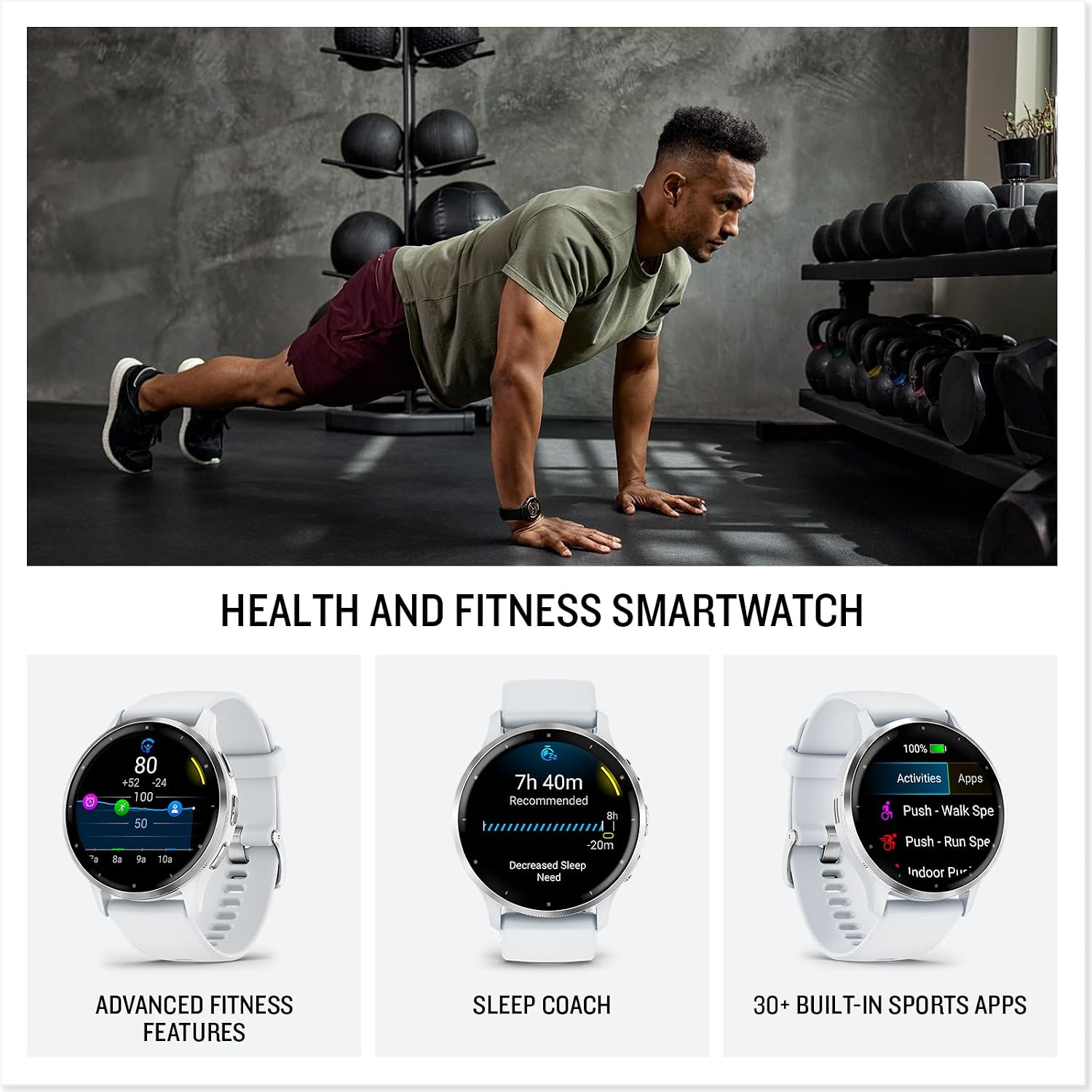
The GPS lock time is fast, consistently locking within fifteen to twenty seconds in open-sky conditions. In a dense urban environment, I noticed occasional drift on mapped runs, which is a known trade-off at this size class. The health tracking suite is genuinely comprehensive: body battery energy monitoring, stress tracking, sleep stage analysis, and a nap detection feature that, once, correctly identified me falling asleep at my desk at 2 p.m. on a Friday. According to reporting on wearable health tech, this kind of passive biometric feedback is becoming the real differentiator in premium smartwatches, and Garmin is ahead of most of the field here.
How I Actually Used It
Setup 1: The 9 a.m. Standup, WFH Edition
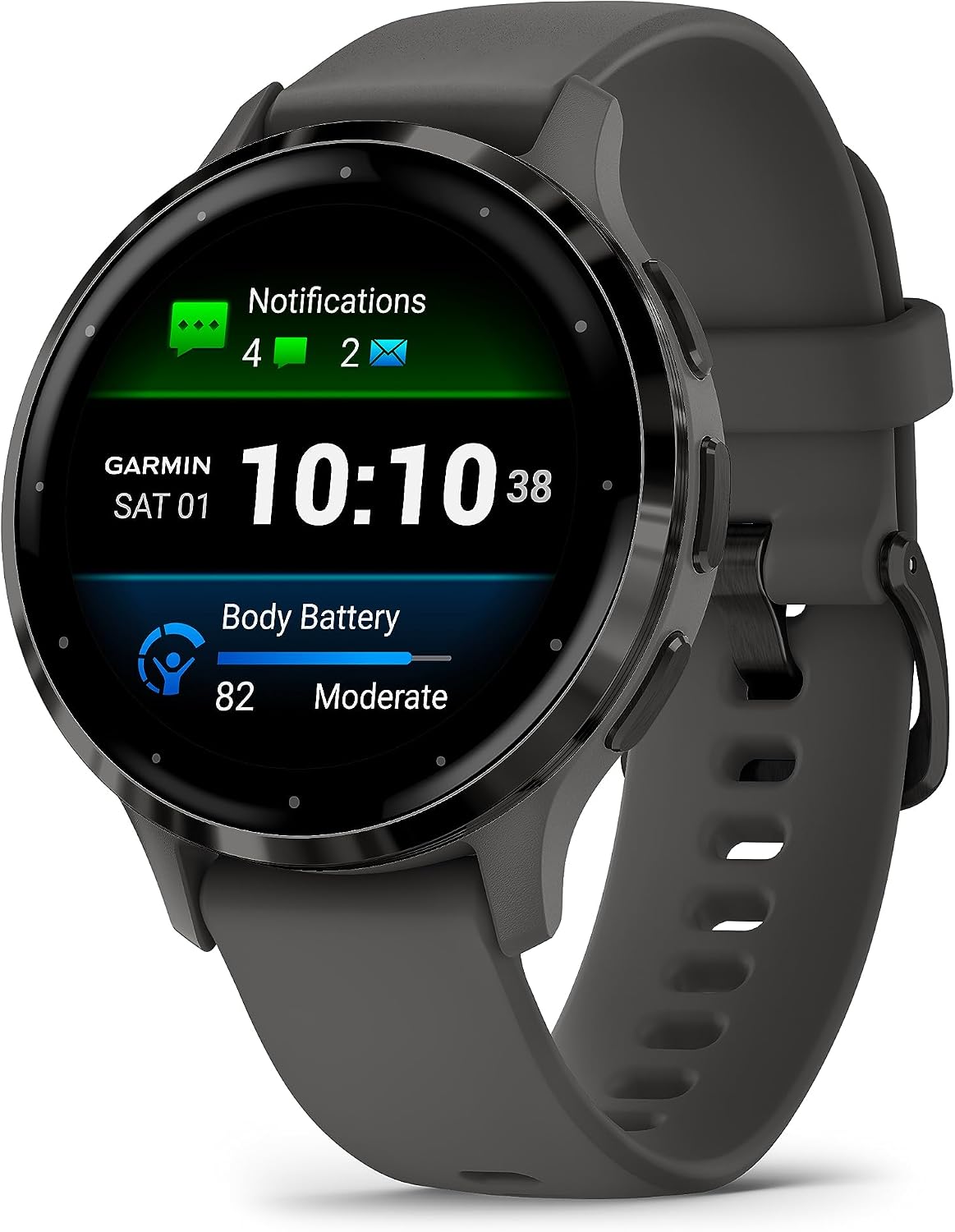
My work from home setup involves a standing desk, a second monitor, and about forty minutes of structured movement breaks I’ve been trying to bake into my mornings for roughly two years with mixed success. The Venu 3S has a Move IQ feature that detects activity automatically, which sounds gimmicky until it correctly logs the fifteen minutes of stretching you forgot to start manually. I started paying attention to my Body Battery score before each call block. On days it was below 40, I was noticeably more distracted. That kind of biofeedback loop, seeing the number and adjusting accordingly, became a quiet productivity tool I hadn’t anticipated. This is one of the legitimately useful surprises in a work from home technology upgrade.
Setup 2: Saturday Long Run, 6:30 a.m., No Phone
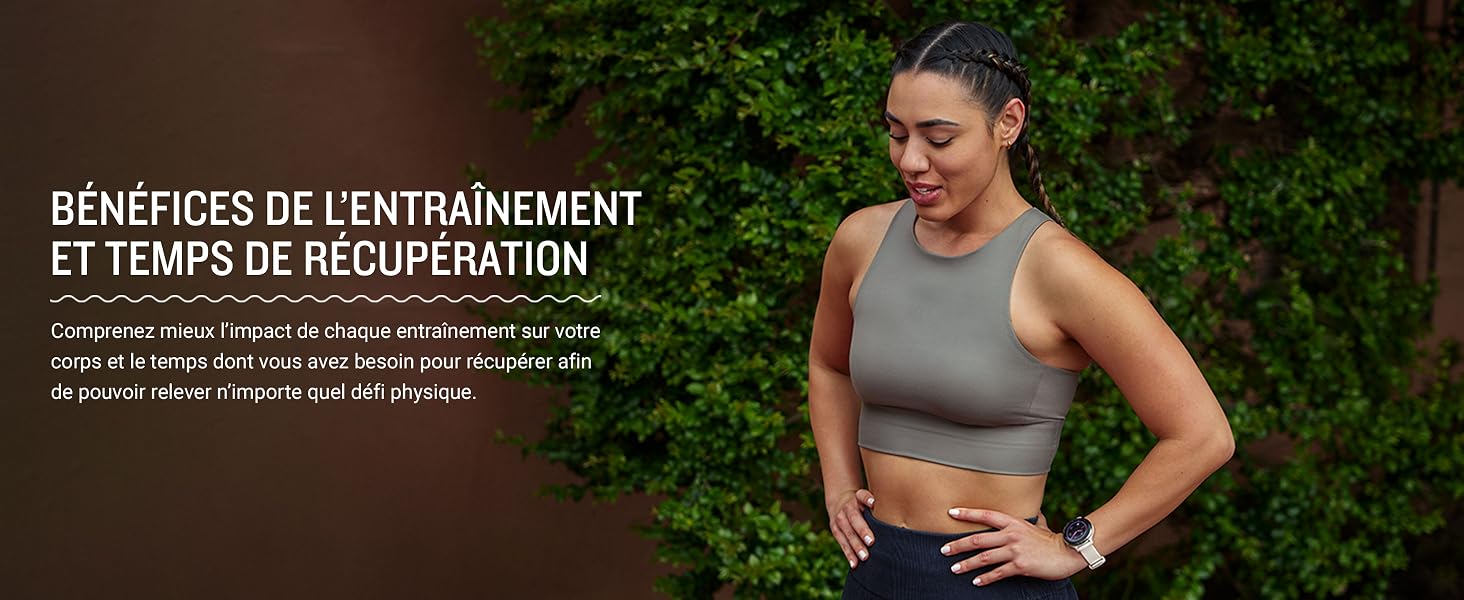
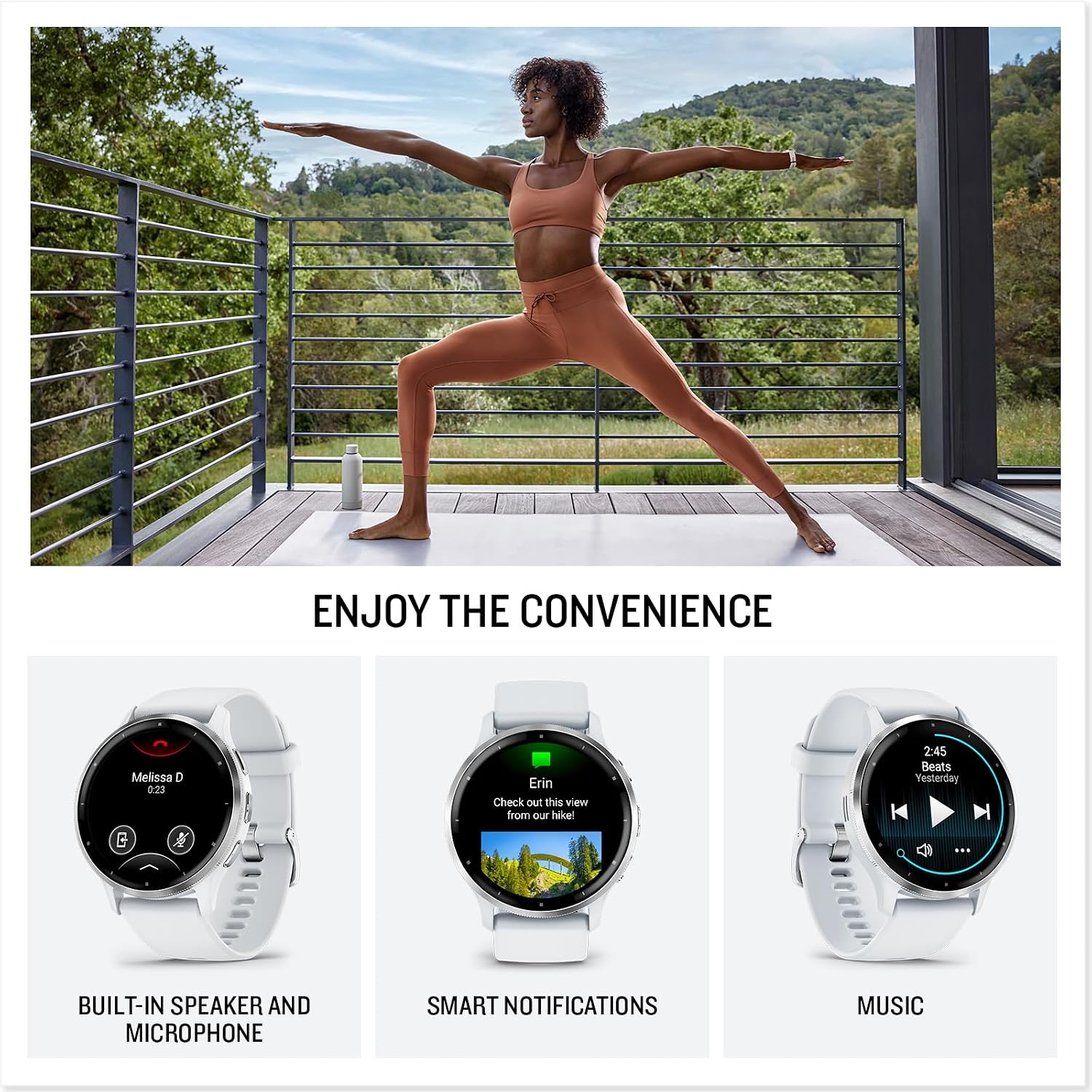
I left my phone at home deliberately. The Venu 3S held the route on its GPS, queued a Spotify playlist over Bluetooth to my earbuds, and tracked every mile split with a gentle wrist vibration. The pace alerts are subtle but precise, the kind of feedback that coaches you without pestering you. Post-run, the recovery time estimate told me I needed forty-eight hours of light activity. That estimate, checked against how my legs actually felt the next morning, was accurate enough to take seriously. For anyone looking at the best smartwatch for runners who hate carrying their phone, this is a strong answer.
Setup 3: Red-Eye Flight, Middle Seat, Amsterdam
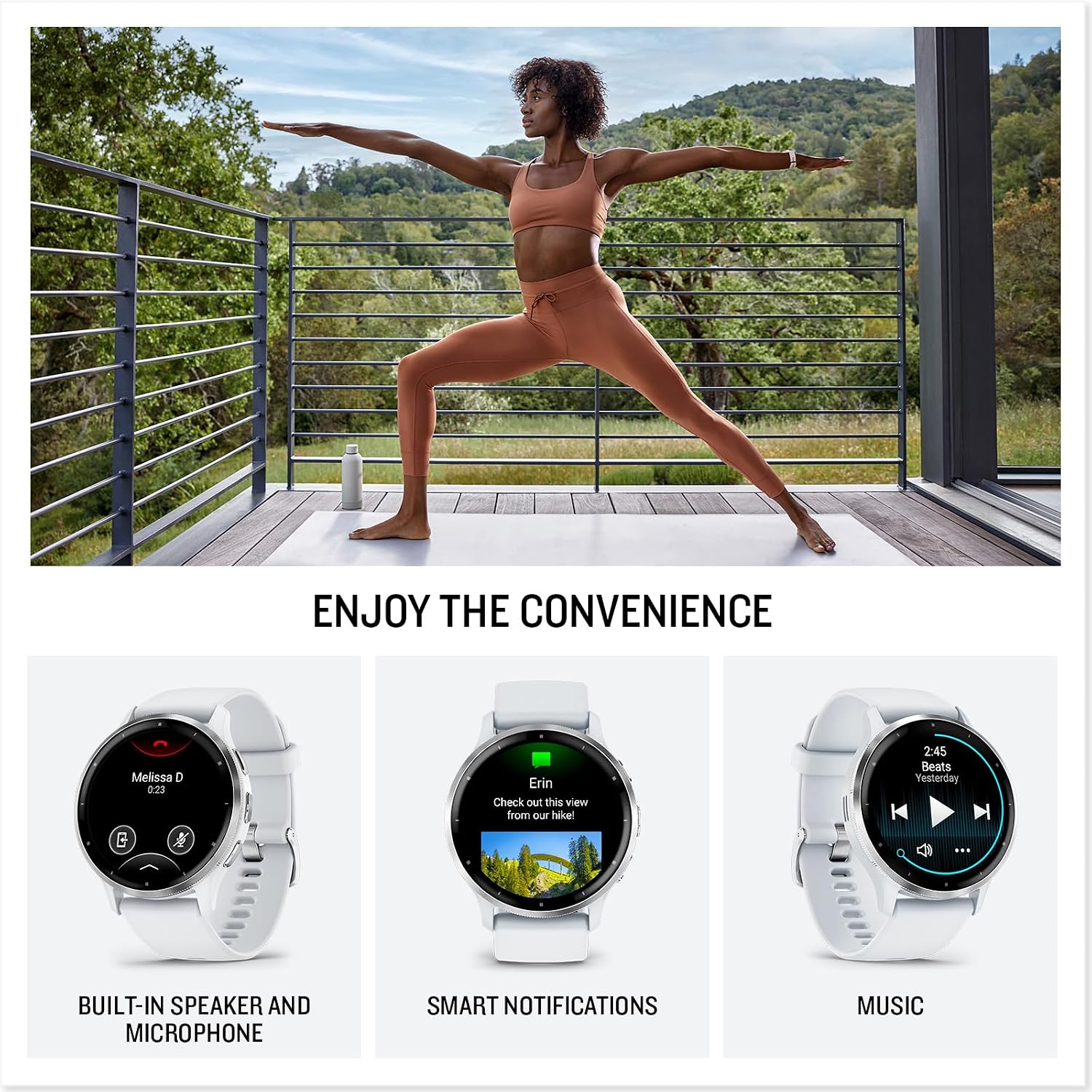
I wore the watch through a transatlantic overnight flight with the kind of optimism that always feels foolish by hour four. The sleep tracking was actually useful here. It logged my fitful ninety minutes of dozing accurately, tagged it as light sleep, and the next morning’s Body Battery score reflected exactly how demolished I felt. The watch adjusted to the new time zone without any intervention from me. Passport control, customs, a coffee, and a forty-minute walk to the hotel. The watch logged all of it, including 6,400 steps I had no intention of tracking. It’s the kind of ambient awareness that doesn’t demand your attention but rewards you when you check in.
What Other People Are Saying
This watch has accumulated a substantial number of verified ratings, and the pattern that emerges across them is consistent: users praise the display and the health tracking depth, and the most common friction point is the learning curve on Garmin Connect for people coming from simpler platforms.
That tracks with my experience. The app has more screens than you’ll ever use, but the core data, sleep, stress, recovery, is surfaced clearly once you’ve spent a week with it. The community around Garmin products is also notably helpful if you get into the custom watch face ecosystem.
Who Should Skip It
If you’re deeply embedded in the Apple ecosystem and rely on seamless iMessage replies, Apple Pay, and tight Siri integration, this watch will feel like moving to a foreign country. The Venu 3S does not run third-party apps the way an Apple Watch or a Wear OS device does, and its notification handling, while functional, is read-only. You can see the message, not reply to it. If smart home control from your wrist or app-switching flexibility matters to you, look elsewhere. And if you’re primarily a casual step-counter who doesn’t run, cycle, or care about sleep stages, the depth here is overkill and you’d be paying for features you’ll never open.
What It Replaces on My Desk
I’d been rotating between a basic fitness band and a bulkier GPS watch that I only wore on run days because it looked too aggressive for everything else. The Venu 3S replaced both. The fitness band went into a drawer. The larger GPS watch is still there for ultramarathon days when I want the bigger battery, but for everything else, for the daily grind, the travel, the desk hours and the morning runs, the Venu 3S is the one I reach for without thinking. That unconscious default is, I’ve come to believe, the clearest sign a wearable has earned its place.
For anyone building out a work from home health and productivity setup, this pairs well with a good WFH webcam for video calls and a keyboard that won’t wreck your wrists. The watch becomes part of a broader ecosystem of intentional tools rather than a single hero gadget.

FAQ
Does the Garmin Venu 3S work with both iPhone and Android?
Yes, it pairs with both iOS and Android via Bluetooth and the Garmin Connect app. Functionality is largely the same across platforms, though iPhone users get slightly more complete notification support.
Is eleven days of battery life realistic?
In my experience, nine to ten days is the practical figure under daily health tracking with two to three GPS workouts per week. Eleven days is achievable if you disable always-on display and limit GPS sessions.
How does the Venu 3S handle sleep tracking?
It tracks sleep stages automatically, including light, deep, and REM, and logs naps separately. The morning sleep score, combined with Body Battery, gives you a genuinely useful picture of how rested you actually are versus how rested you think you are.
Does the build quality match what you’d expect from a premium GPS watch brand?
The aluminum case and Gorilla Glass lens feel solid for a watch this light. The linen silicone band is comfortable for all-day wear and holds up to sweat and water without degrading, which earns it points for longevity. The value reads above what you’d expect once you spend a few weeks with it.
What’s the warranty and return situation?
Garmin covers the Venu 3S with a one-year limited warranty. Most major retailers offer standard return windows, so if the sizing or fit doesn’t work for you, there’s a reasonable path to exchange. Garmin’s customer support has a solid reputation in the wearables community for honoring warranty claims without excessive friction.

The Verdict
Three months from now I’ll be reaching for this watch the same way I reach for my keys, automatically, without debate. The Garmin Venu 3S is the best GPS smartwatch for people who live between the gym and the desk, the ones who want serious health data without sacrificing a watch that looks good in a meeting. It’s compact without being cute, premium without performing it, and the AMOLED display makes everything else in this category look a little dim by comparison. The honest caveats are real: no third-party apps, no native reply to notifications, and a proprietary charger that will annoy you at least once. But the things it does well, it does consistently, and consistency is what earns a place on your wrist long-term.
If you’re building a work from home setup that takes your health as seriously as your productivity, and you run, or cycle, or just want to stop guessing whether you slept enough, this is one of the most complete tools in the category. Independent hardware testing consistently puts Garmin near the top for accuracy in heart rate and GPS tracking, and after six weeks I have no reason to argue. Check out our full editor recommendations if you’re still comparing, and browse our tech gift ideas if you’re buying for someone else. You can also dig deeper into wearable tech reviews and hands-on smartwatch roundups for additional comparison points at this tier.
The Venu 3S doesn’t try to replace your phone. It tries to replace your excuses. It mostly succeeds.
Every Angle
The product as photographed for Amazon — hero, angles, ports, detail.
As an Amazon Associate I earn from qualifying purchases.