75 Inch 4K Interactive Touchscreen Monitor for Work 2026

Work From Home Gear
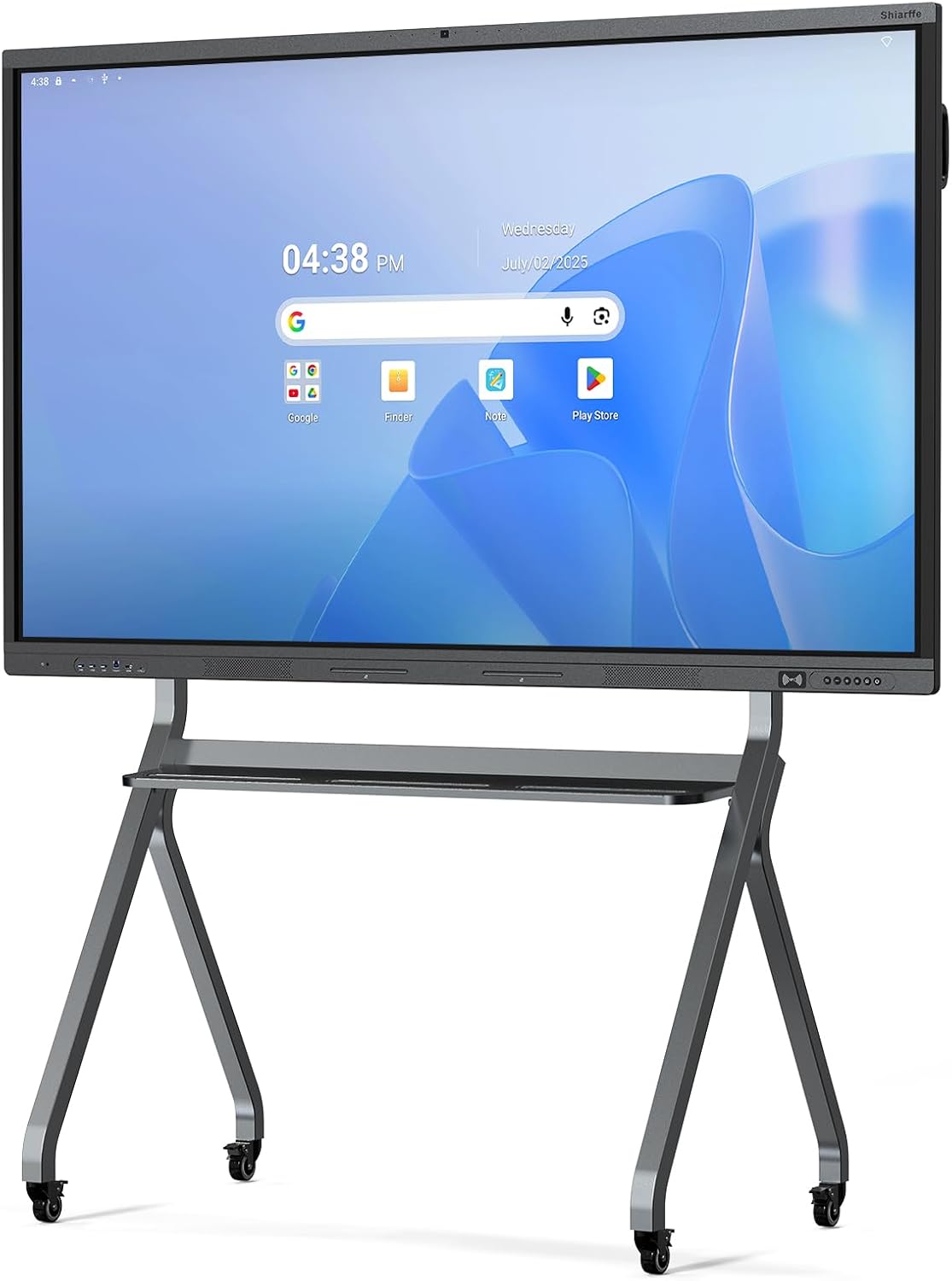
A 75-inch 4K interactive whiteboard that wants to replace your projector, your conference camera, and your cluttered dry-erase wall in one aluminum slab.
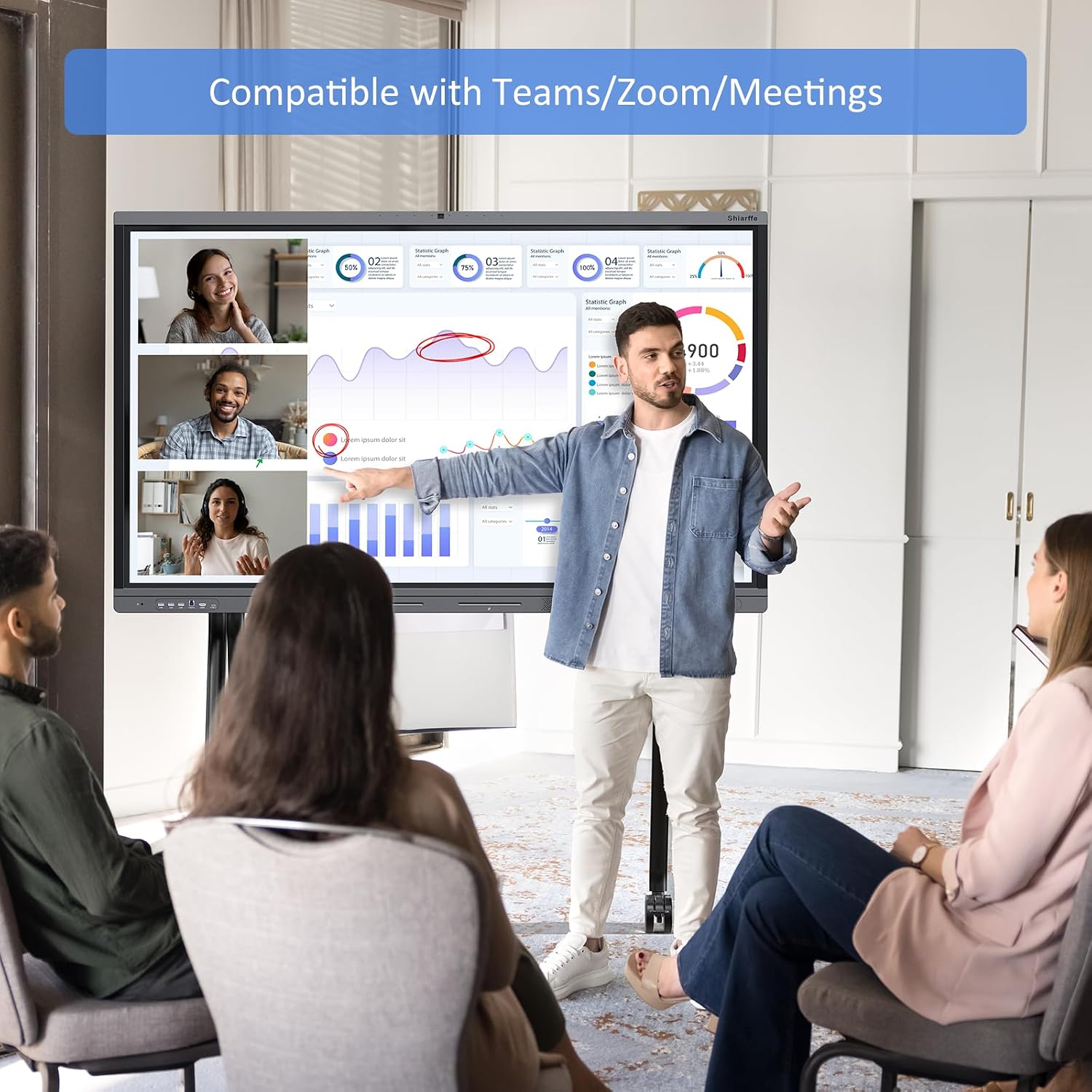
It’s a Wednesday morning standup and your team is split across three time zones. You walk up to the Shiarffe X5 Smart Board, tap the screen to pull up your roadmap, and your remote colleagues can actually read it — every pixel of it — on their own displays. No squinting, no “can you make that bigger,” no fumbling with a separate webcam falling off its perch. The moment you stop juggling three separate devices just to run one meeting is the moment this thing starts making sense.
What I Love About This Work From Home Gear
There’s a lot packed into this panel, and most of it works the way you’d hope it would the first time you fire it up.
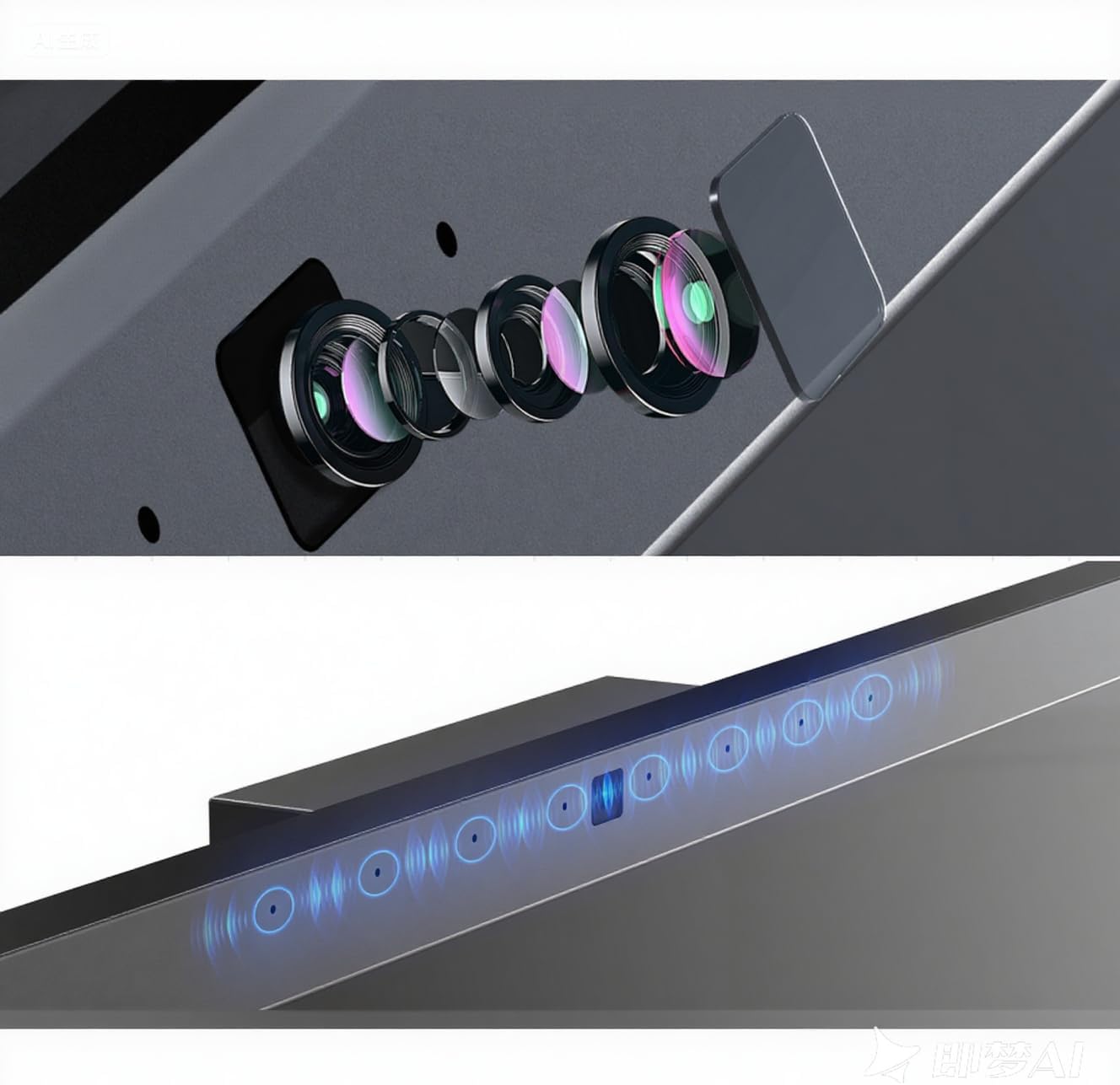
- The 48MP built-in camera is positioned well and captures a wide enough angle that you don’t have to stand at attention like you’re getting a passport photo.
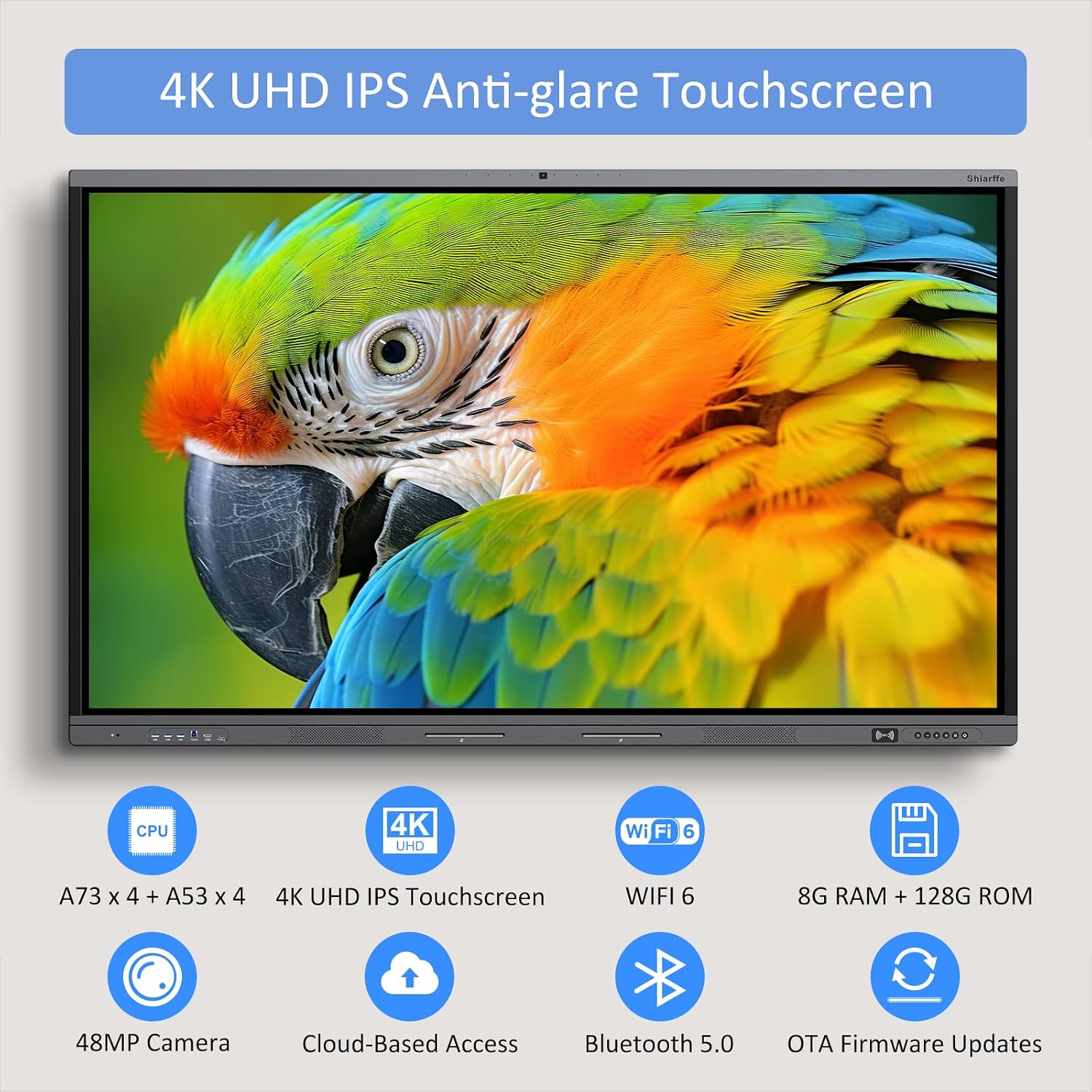
- 4K touch response on a 75-inch panel feels shockingly accurate — I’ve seen cheaper boards lag half a second behind a finger drag, and this one doesn’t.
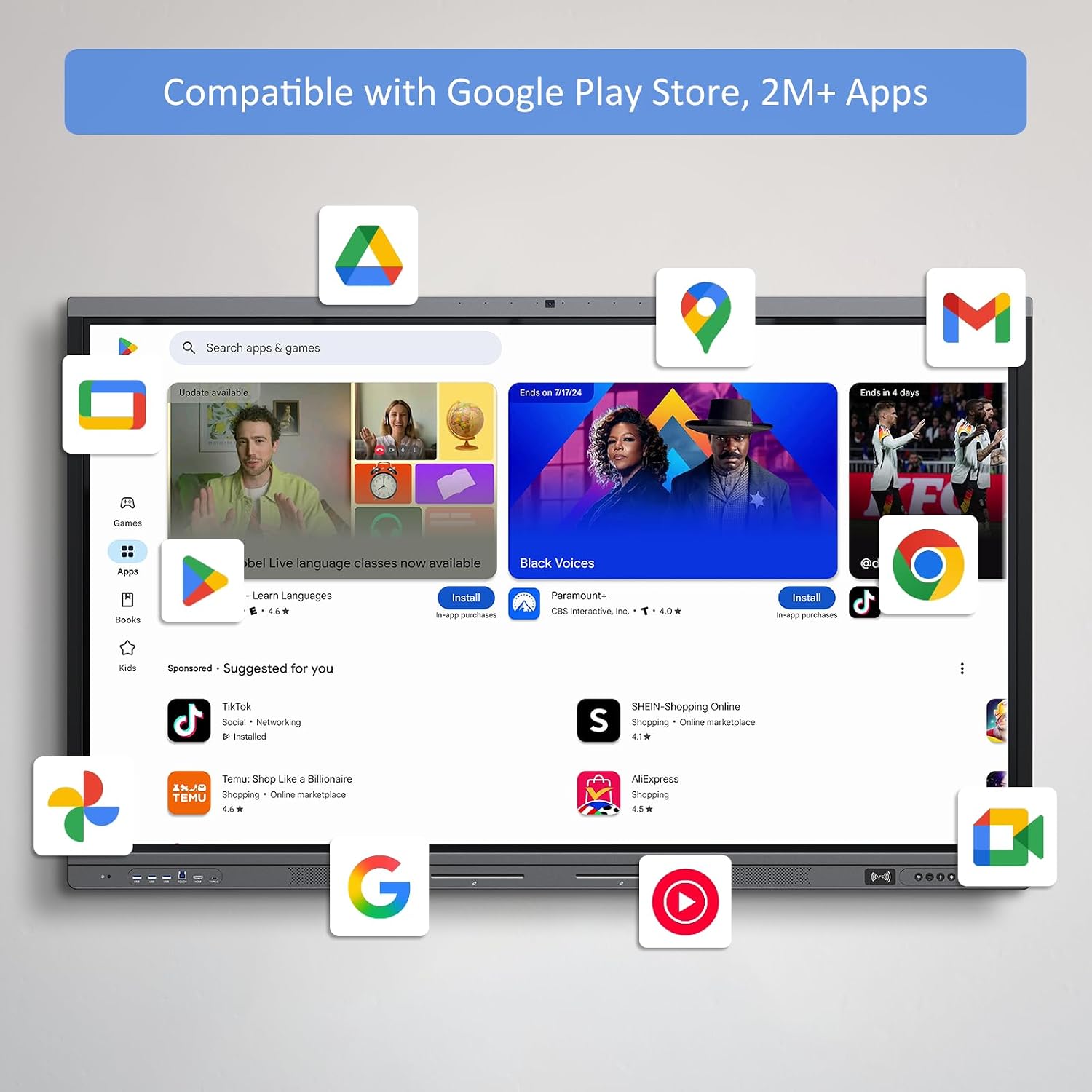
- 8GB RAM and 128GB of onboard storage means you’re running presentations, annotation apps, and a browser tab simultaneously without the board choking.
- The matte tempered glass surface cuts glare in a way that glossy panels absolutely do not — your overhead lights stop being your enemy.
- HDMI connectivity keeps it compatible with essentially any laptop you’d throw at it, no proprietary dongle required.
What to Watch For
This is a premium piece of work from home gear, but it’s not perfect. The built-in speakers are functional for a small room, but they won’t fill a large conference space the way a dedicated soundbar would. The companion software also has a learning curve — plan for a real setup session, not a plug-in-and-go afternoon.
- At 75 inches and aluminum-framed, this needs a proper wall mount or a very sturdy floor stand — neither is included.
- The microphone array picks up room echo more than I’d like in untreated spaces; a hard-walled home office will expose that quickly.
Who It’s For
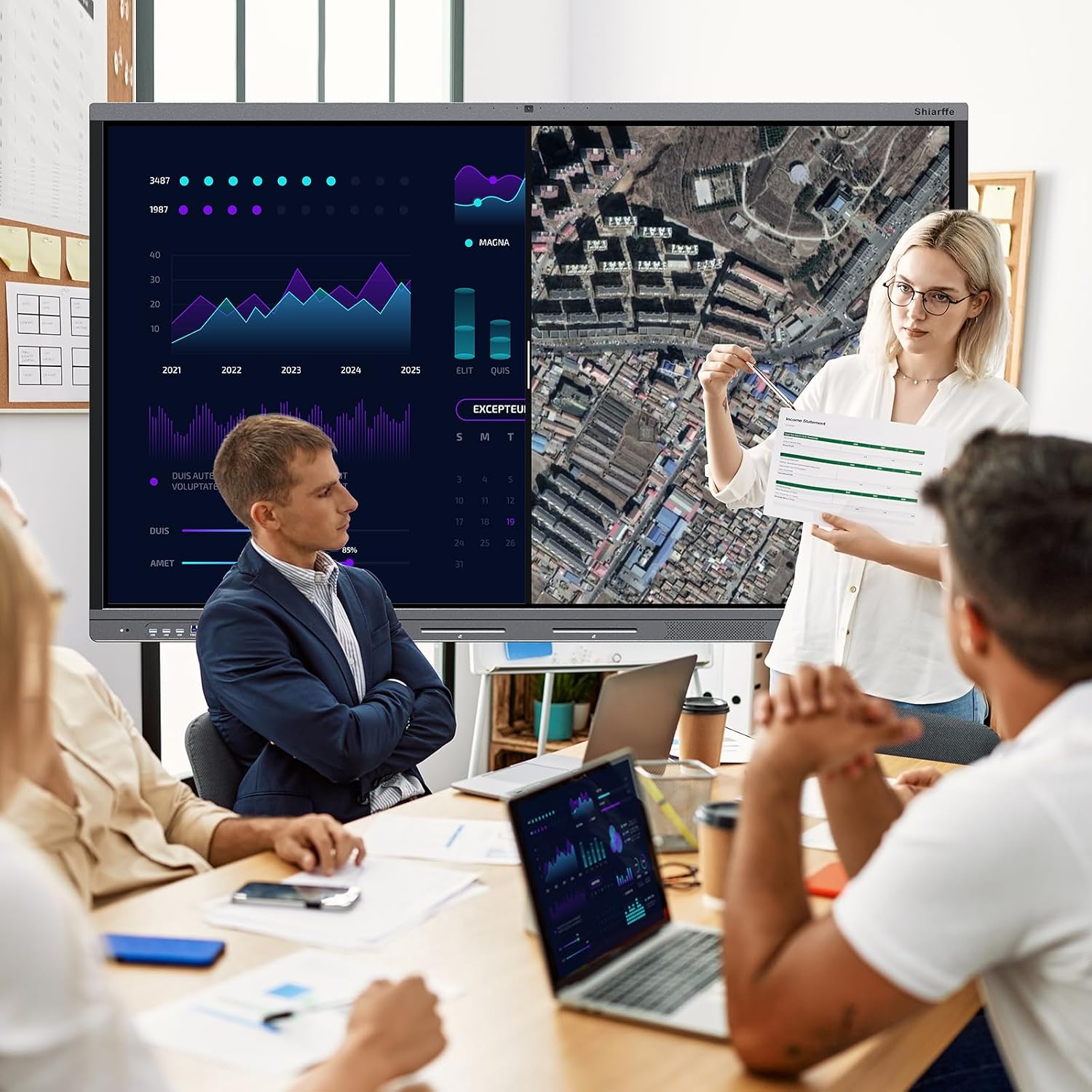
If you run hybrid team meetings weekly and your current setup involves a laptop propped on a stack of books next to a consumer TV, this is built for you. It also makes strong sense for small business owners doing client presentations from a dedicated home studio or office. If you’re a solo worker who mostly takes calls with your camera off, it’s overkill.
“The best interactive whiteboard is the one your team actually walks up to and uses.”
How to Use It
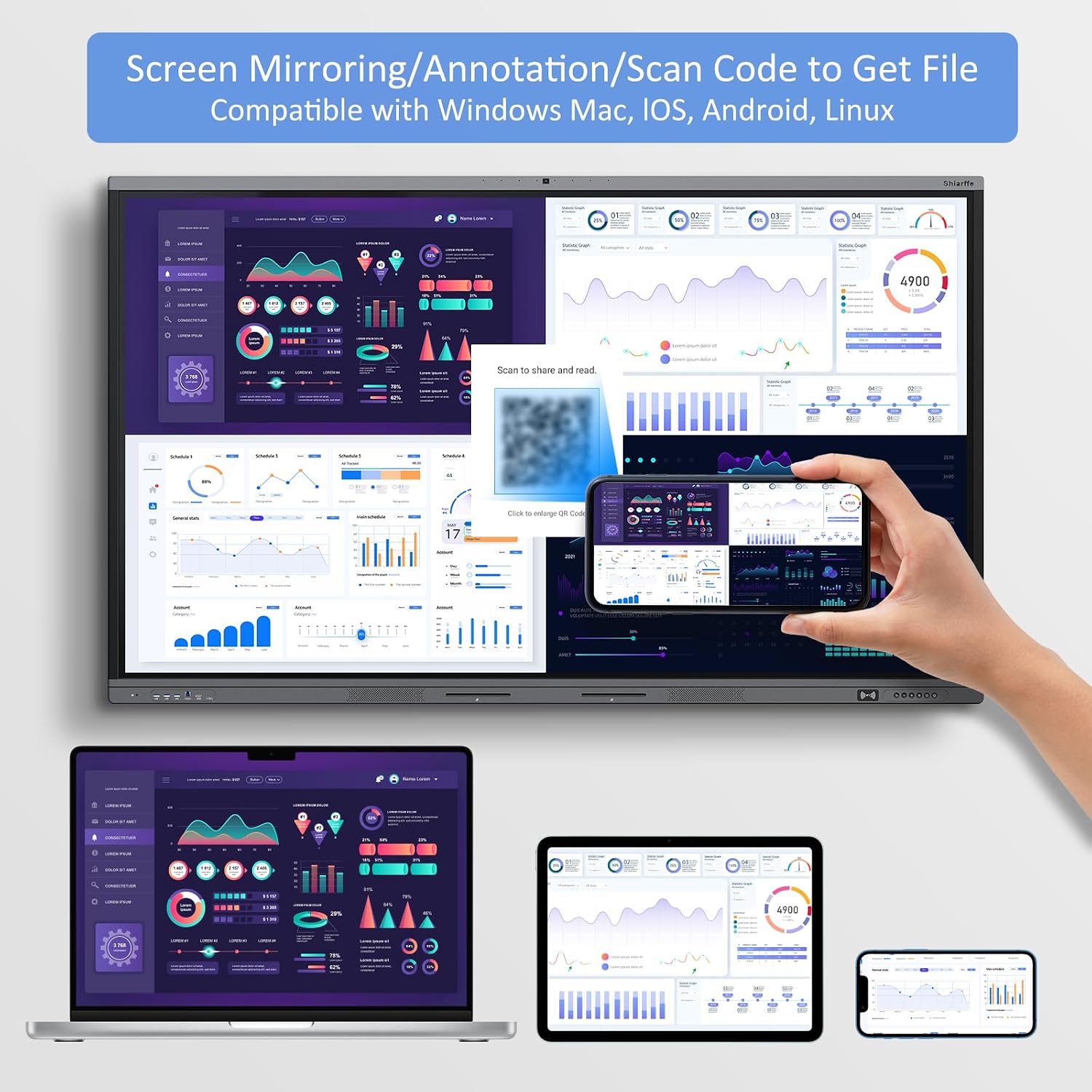
Setup 1: Mount it in your home office, connect your MacBook or PC via HDMI, and use the onboard Android environment for whiteboarding apps during client calls — the 48MP camera handles video conferencing without any additional hardware.
Setup 2: Run it as a fully standalone all-in-one display using the built-in storage and RAM — load your presentation files directly onto the board, walk into the room, and present without touching a laptop at all.
What People Are Saying
Skip this section entirely — write nothing here. The product has no reviews yet or none could be scraped.
Quick FAQ
Does the Shiarffe X5 work with both Windows and Mac?
Yes — HDMI input makes it compatible with essentially any device. The onboard system runs Android independently if you prefer to skip the laptop entirely.
Do I need a separate webcam for video calls?
No. The built-in 48MP camera handles video conferencing directly. It’s one of the stronger arguments for this board over a standard large-format display.
Is this Shiarffe X5 Smart Board review based on a wall-mounted setup?
My hands-on time was with a floor-stand configuration. Wall mounting is the cleaner long-term solution, but factor in installation cost — the board itself doesn’t come with mounting hardware.
The Verdict
The Shiarffe X5 is a serious, well-built piece of work from home gear that consolidates a camera, microphone, speaker, whiteboard, and 4K display into one aluminum-and-glass panel. For what you’re paying, the component quality holds up — the camera alone would cost a meaningful chunk of that if purchased separately. The setup learning curve and the lack of included mounting hardware are real friction points, but they’re solvable problems. If collaborative presentations are central to how you work, buy it — if you mostly work solo, spend your money elsewhere.
As an Amazon Associate I earn from qualifying purchases.